
bVNC Pro: Secure VNC Viewer

4.70

Information

Category:

Productivity

Price:

$ 9.99

Rank:

71

Rating:

4.70

Overview

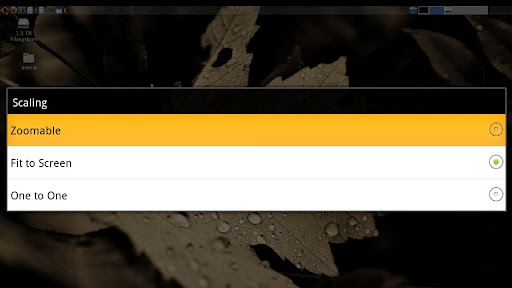
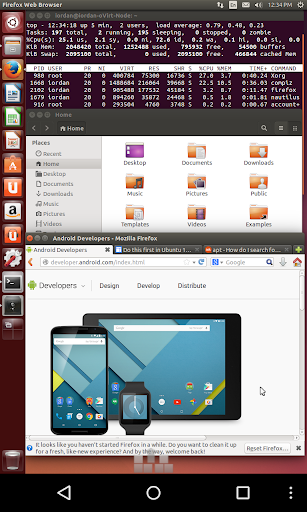
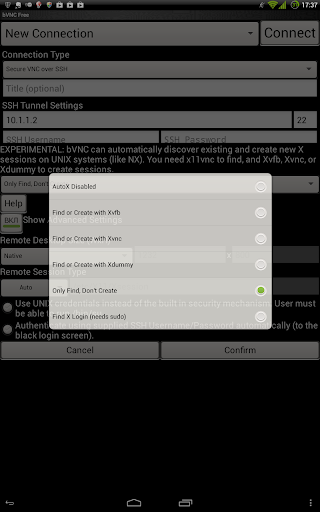
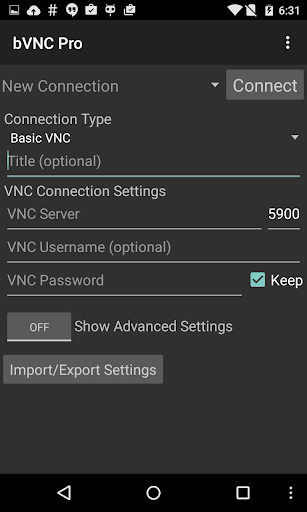
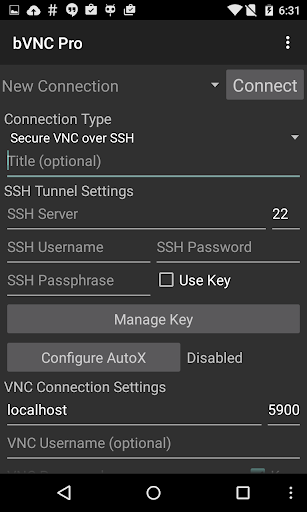
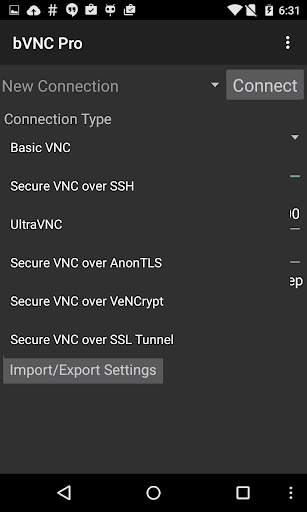
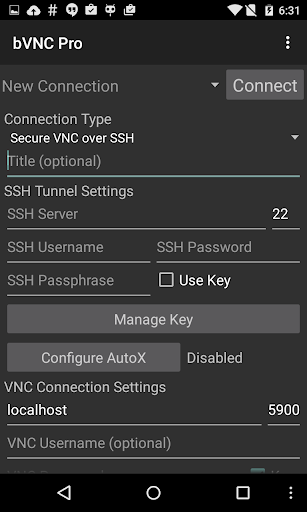
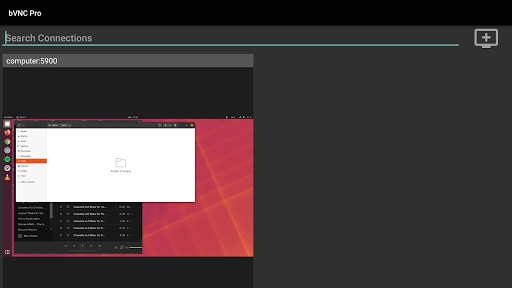
bVNC Pro is a secure, open-source VNC client designed for productivity-focused users. It allows seamless remote desktop connections to Windows, Mac, Linux, and other operating systems with VNC server support. The app offers advanced features such as multi-touch mouse control, pinch-zoom, dynamic resolution changes, and SSH tunneling for secure connections.

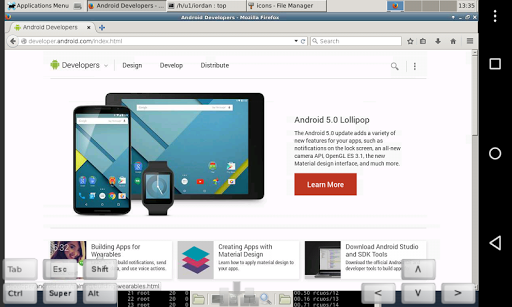
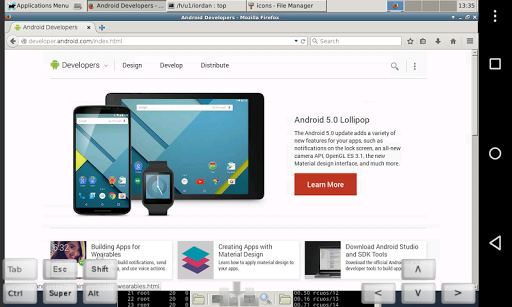
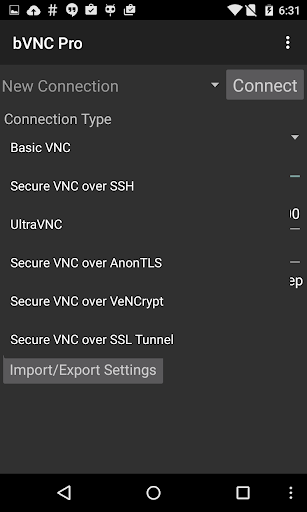
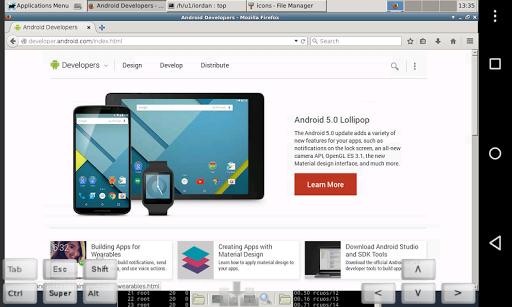
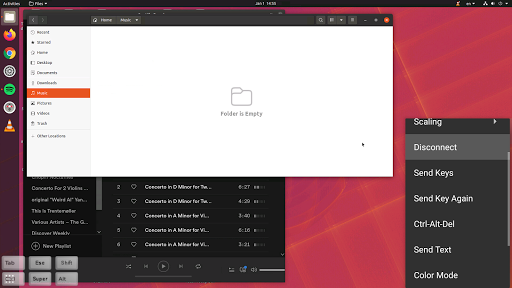
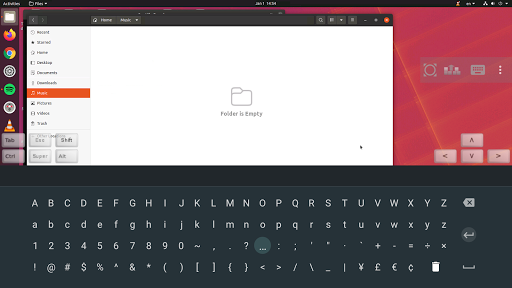
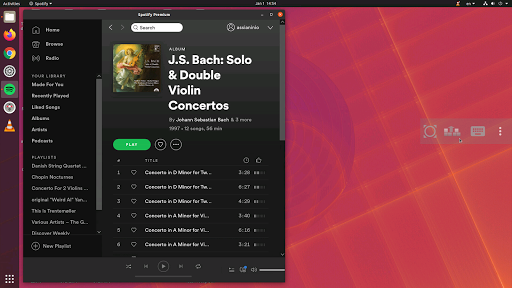
With its compatibility across multiple platforms and robust security protocols like VeNCrypt and SSH encryption, bVNC Pro ensures both accessibility and protection during remote sessions. Its intuitive interface supports full desktop visibility, even with the soft keyboard extended, making it ideal for managing virtual machines or performing BIOS-level configurations.

Features

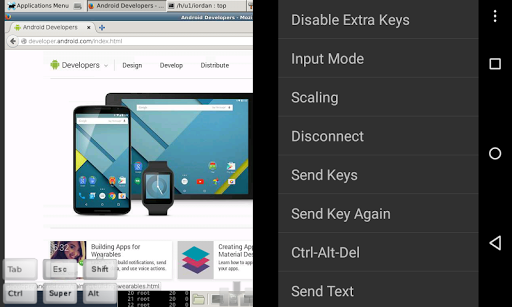
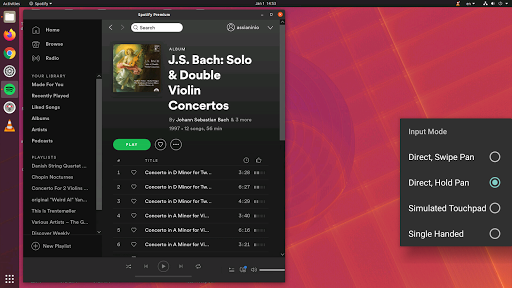
bVNC Pro stands out with its comprehensive feature set tailored for efficient remote desktop management. Key highlights include multi-factor SSH authentication, master password support, and compatibility with PiKVM for enhanced device control. The app also supports various input modes, including touchpad simulation and single-handed operation, ensuring flexibility in different usage scenarios.

Additional functionalities such as Tight and CopyRect encodings optimize screen updates, while pinch-zoom and scroll gestures enhance navigation. For secure connections, bVNC Pro leverages high-grade encryption methods superior to RDP, preventing man-in-the-middle attacks. These features collectively make bVNC Pro an indispensable tool for IT professionals and tech-savvy users.

Core task management

In the realm of productivity applications, core task management refers to the fundamental ability of an application to facilitate the organization, tracking, and completion of tasks efficiently. For bVNC Pro: Secure VNC Viewer, this translates into its robust feature set that enables users to manage remote desktop connections effectively. The app supports a wide array of VNC servers across different operating systems including Windows, Mac, Linux, and BSD, making it versatile for various computing environments. Its compatibility with PiKVM and support for dynamic resolution changes allow users to reconfigure their desktops on-the-fly, which is crucial for adapting to different work scenarios. Additionally, features like multi-touch control over the remote mouse, pinch-zoom, and scrolling with a two-finger drag enhance user interaction with remote systems. These capabilities ensure that users can perform complex operations such as controlling virtual machines from BIOS to OS seamlessly. Furthermore, options like SSH tunneling, AnonTLS, and VeNCrypt provide secure connections, safeguarding sensitive data during remote sessions. High-grade encryption using SSH and VeNCrypt prevents man-in-the-middle attacks, ensuring that users can focus on their tasks without compromising security. Overall, bVNC Pro's comprehensive task management features empower users to maintain productivity by providing reliable, secure, and flexible remote access solutions.

Cross-device synchronization reliability

Cross-device synchronization reliability is a critical aspect of productivity tools, ensuring that users can seamlessly transition between devices while maintaining consistent access to their tasks and data. In the case of bVNC Pro: Secure VNC Viewer, this reliability is demonstrated through its ability to offer uninterrupted remote desktop experiences across various platforms. The application supports multiple input modes, including Direct, Simulated Touchpad, and Single-handed input, catering to diverse user preferences and device capabilities. This flexibility ensures that whether users are operating on a smartphone, tablet, or other Android devices, they can expect uniform performance and responsiveness. Moreover, bVNC Pro includes advanced functionalities such as master password support and multi-factor SSH authentication in its Pro version, enhancing security measures when synchronizing sensitive information across devices. The app also provides extensive language support, making it accessible to a global audience and further solidifying its role as a dependable cross-device solution. With features like Tight and CopyRect encodings for quick updates and the ability to reduce color depth over slow links, bVNC Pro optimizes performance regardless of network conditions. Such attributes guarantee that users experience minimal latency and high-quality visuals, even when switching between devices. By prioritizing synchronization reliability, bVNC Pro ensures that professionals can depend on consistent and efficient remote desktop interactions, ultimately boosting productivity and enabling seamless workflow continuity across different devices.

Props

Secure remote access

Multi-platform support

Advanced encryption

Dynamic resolution changes

Intuitive touch controls

Cons

No RealVNC encryption

Complex setup required

Paid Pro version needed

Limited free features

Requires technical knowledge

Features and Functions

What is this app and what can I use it for?

A secure VNC client for remote desktop access.

How do I download and install this app on my device?

Download from Google Play Store and install on Android devices.

How do I get started after opening the app for the first time?

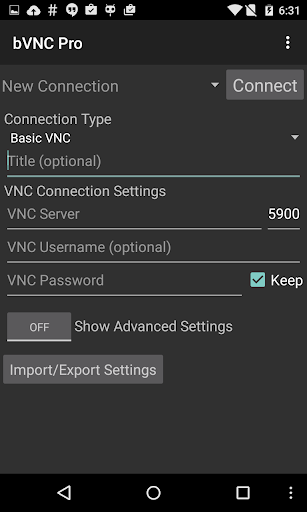
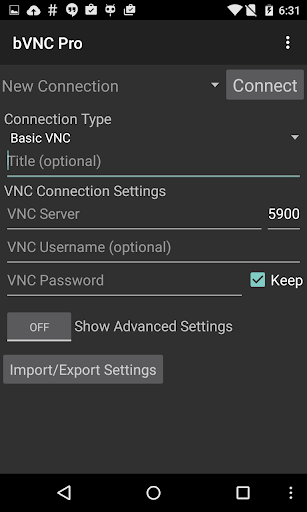
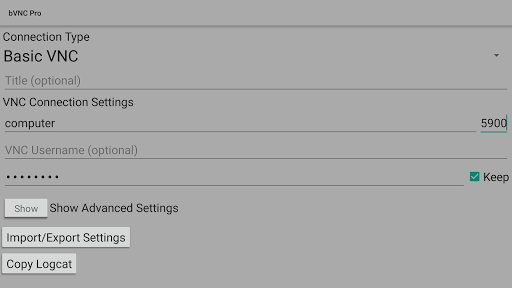
Set up a connection profile and enter server details to connect.

What are the main features and capabilities of this app?

Supports SSH tunneling, multi-touch, and dynamic resolution changes.

How can I customize my experience and adjust preferences?

Adjust preferences via settings menu for optimal experience.

How do I save or bookmark my favorite content for later access?

Save favorite servers under connection profiles for quick access.

How can I share content with friends or on social media?

Share connection details via text or email within the app.

How do I access detailed information and explore more content?

Access detailed help guides through the in-app menu.

What permissions does this app need and how do I manage them?

Needs network permissions; manage in app settings.

How do I check for updates and keep the app running smoothly?

Enable auto-updates in Google Play Store for latest version.
Show more

User Reveiws

{{ comment.reviewer_name }}
{{ comment.review_date_formatted}}
{{ comment.review_content }}
{{ tab.name }}
{{ comment.reviewer_name }}
{{ comment.review_date_formatted}}
{{ comment.review_content }}
No reviews with this rating

















