

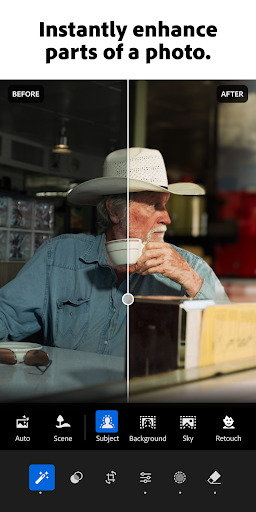
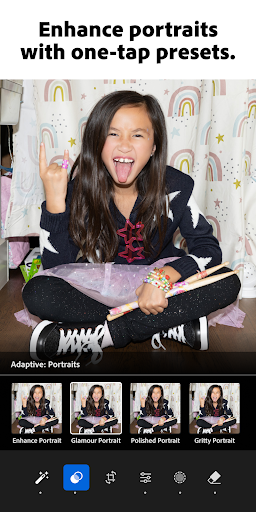


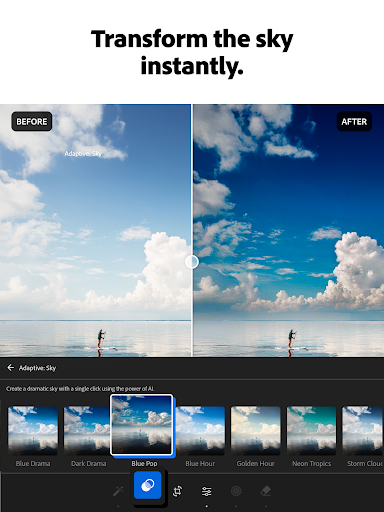

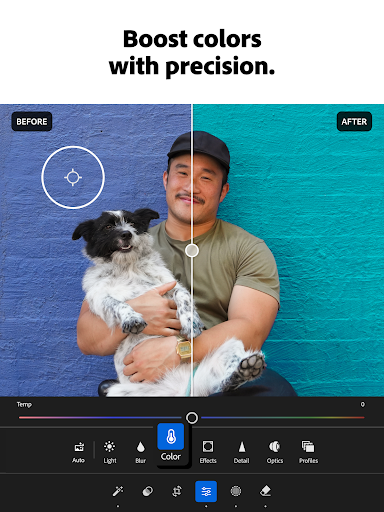
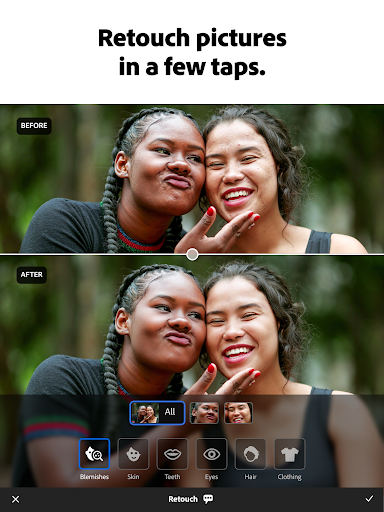

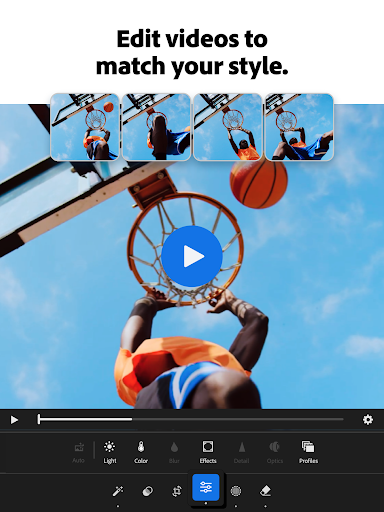
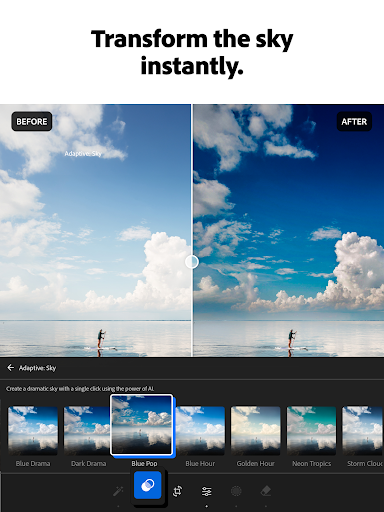
Adobe Lightroom is a sophisticated photo and video editor designed for both amateur photographers and professionals. This mobile application allows users to transform ordinary images into stunning works of art with minimal effort. The app's intuitive interface provides powerful editing tools that cater to all skill levels, ensuring every photo can reach its full potential.
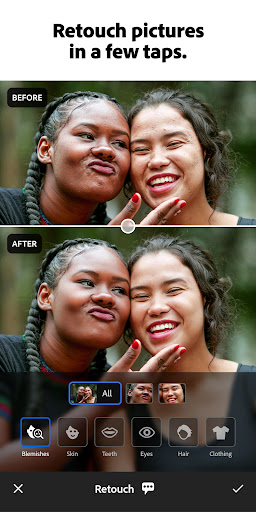
With features like one-tap enhancements, adaptive presets, and advanced retouching options, Lightroom makes photo editing accessible and efficient. Whether you're looking to enhance the lighting in your sunset photos or give your family portraits a professional touch, this app delivers the necessary tools directly to your fingertips.
The true value of Adobe Lightroom lies in its ability to produce shareworthy content swiftly. Its AI-driven suggestions and batch editing capabilities streamline the workflow, allowing users to focus on creativity rather than technicalities. Perfect for social media enthusiasts and professional photographers alike, Lightroom ensures your photos stand out in any feed.
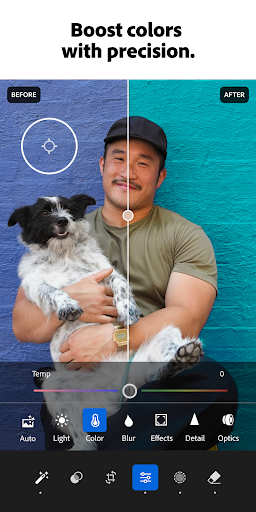
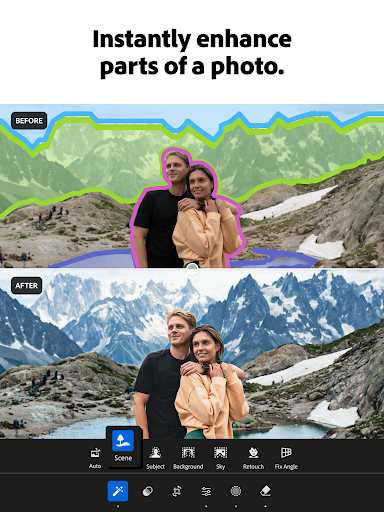
Adobe Lightroom offers an extensive suite of features that redefine mobile photo editing. At its core, the app provides state-of-the-art retouching tools that allow users to adjust exposure, highlights, shadows, and more with precision. These tools are complemented by AI-driven suggestions that recommend optimal edits, making professional-quality adjustments attainable for everyone.
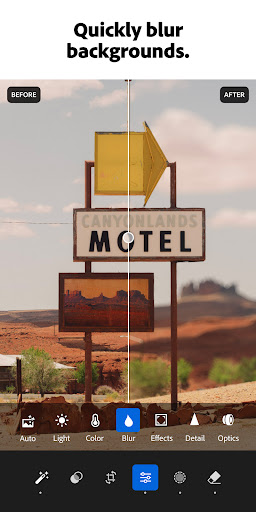
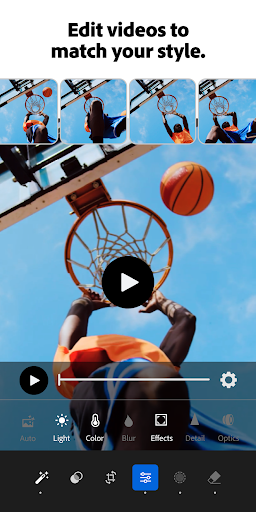
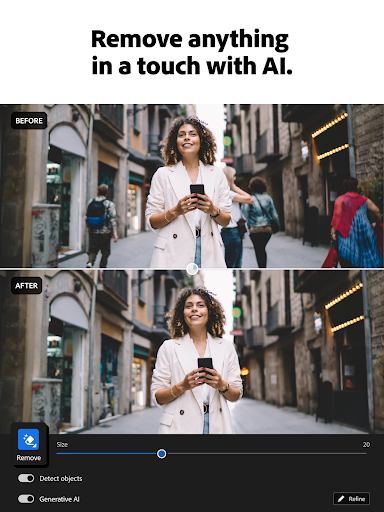
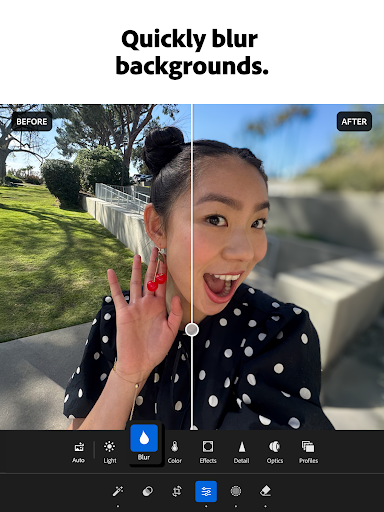
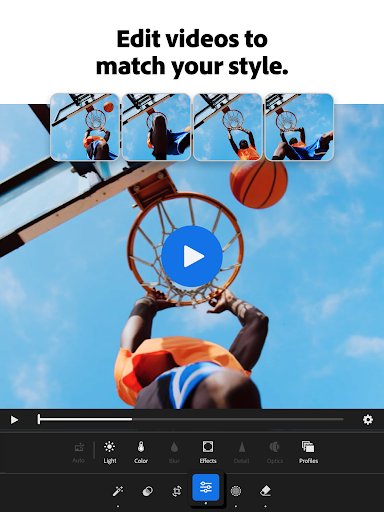
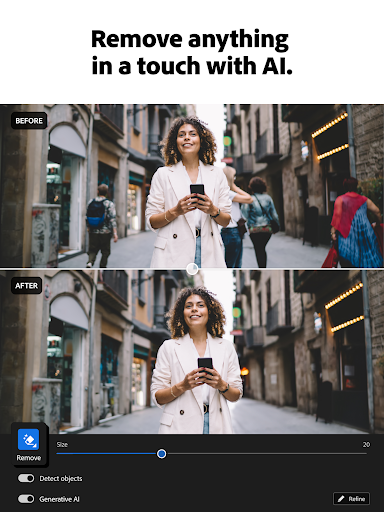
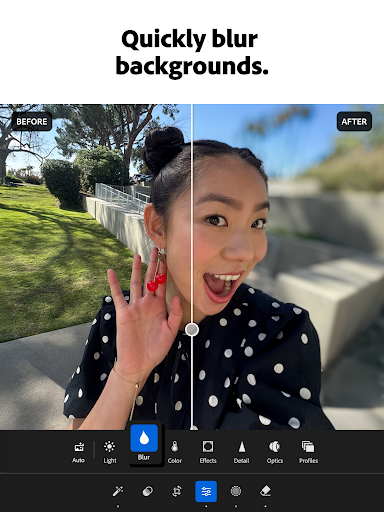
One of the standout features is the ability to remove distractions and blur backgrounds effortlessly. With just a few taps, users can erase unwanted objects or people from photos, resulting in clean, polished images. Additionally, the app supports video editing, enabling creators to apply the same level of detail and enhancement to their video projects as they do with photos.
Lightroom also fosters a creative community where users can browse and share presets and filters. This collaborative environment inspires users to experiment with different styles and find their unique aesthetic. Moreover, the batch editing functionality allows for consistent application of edits across multiple photos, saving time and maintaining a cohesive look throughout a collection.
User-friendly interface
Powerful AI suggestions
Extensive preset library
Professional-grade tools
Active creative community
Subscription fees apply
Steep learning curve
Limited free features
High system requirements
Occasional bugs
A collection of tools and reference tables for DPs, ACs, DITs and Operators.
 4.70
4.70
Gallery show photo, video, slideshow, is perfect 3D effect private photo albums.
4.80
Application for remote controlling DSLR
3.00
Pet Camera
3.70
A reflected light meter with spot metering and incident light metering.
4.40
Collage your moments in one tap: 1000+ layouts, filters, stickers, and texts.
4.90
Easily view, share, delete photos with Gallery.
4.70
Unblur, enhance & restore photos with powerful AI photo enhancer tools.
4.60
Enhance, upscale, and transform your images — on your device, without limits
4.70
A must-have app for landscape photographers
4.60
Create Business Headshots, Polaroid Filter, Retake Photos,Profile Pics,AI Photos
4.50
Transform photos into videos! Create realistic or anime-style images easily!
4.50
HD Camera Pro with HD Video shooting, Panorama, Photo editor , Beauty Camera.
4.50
Edit like a pro with Hypic. Apply filters, AI effects, & magic touch.
4.40
Luminar: Photo Editor - easy picture editing with AI
4.20
All-in-One Editor & AI Photo Enhancer, Collage, Cartoonify, Funny Stickers & BGS
4.10
Turn photos into cartoons & avatars! - Photo Editor, Cartoon Face!
3.90
Astrophotography with your smartphone, photo live stacking and much more!
3.90
USB Storage Access for Photos, Videos, Music and Documents
3.80


User Reveiws