
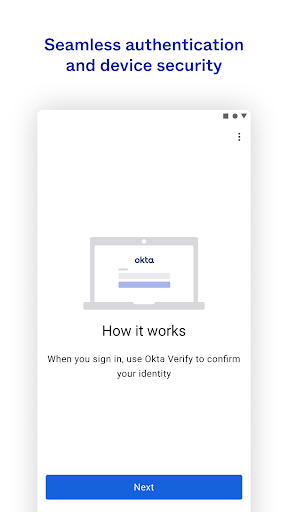
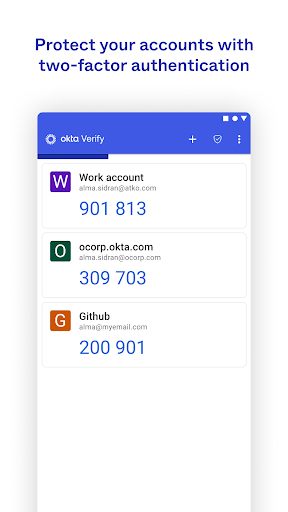
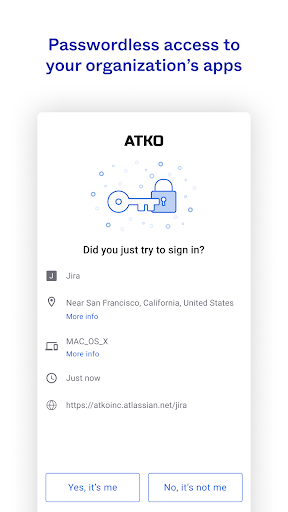
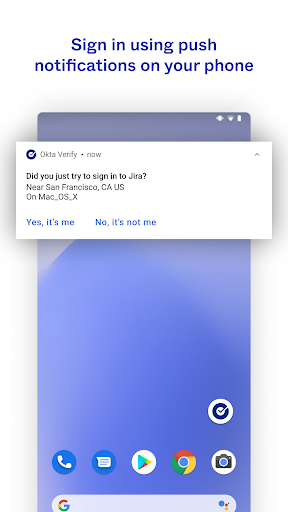
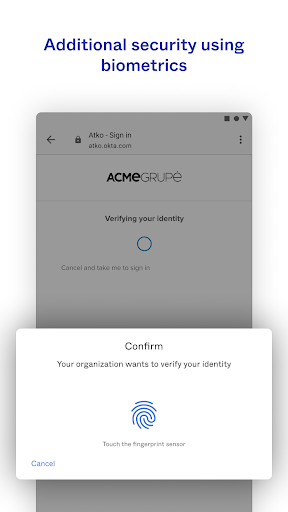
Okta Verify is a productivity-focused application designed to enhance security through two-step verification. This app ensures that only authorized users can access their accounts by providing multiple authentication methods. Users can choose between push notifications, temporary 6-digit codes, or biometric verification if enabled by their organization. The app also requires camera permissions for QR code scanning during the initial device enrollment process.
The primary value of Okta Verify lies in its ability to protect sensitive account information while maintaining ease of access. By integrating with organizational security protocols, it offers a seamless yet secure way to manage app access across devices. Whether you're working remotely or on-site, Okta Verify provides an essential layer of security for today's digital workspaces.
Okta Verify offers several key features that make it a robust security tool. First, it supports multiple verification methods including push notifications, which provide instant authentication requests directly to your device. Secondly, it generates time-based one-time passwords (TOTP) in the form of 6-digit codes that refresh periodically, ensuring continuous security.
Additionally, Okta Verify incorporates biometric authentication options such as fingerprint or facial recognition if enabled by the user's organization. This feature not only enhances security but also streamlines the login process. The app's requirement for camera access facilitates easy setup through QR code scanning, making the initial enrollment process straightforward and efficient.
Enhanced Security
User-Friendly Interface
Multiple Verification Methods
Seamless Integration
Biometric Support
Requires Camera Access
Dependent on Network
Organization Setup Needed
Limited Customization
Potential Delays

Ads Free App! Editor, Hide File, Copy, Move, Delete and Rename.. all facility av
 1.70
1.70
Mega cloud explorer plugin for Solid Explorer
3.80
A lightweight JSON & XML files creator, editor and viewer (Premium Version)
4.40
Pwnagotchi companion app
4.20
Simple and reliable communication between inmates, friends and family
3.20
Enjoy classic gameplay with customizable features and retro-style graphics.
4.30
A Pixel Art watchface inspired by other iconic 90s designs for Wear OS devices!
4.40
This small app MUST BE INSTALLED after purchase, else license won't work
4.40
AI Chatbot and AI writing assistant powered by ChatGPT.
4.60
Native client for Forgejo and Gitea
5.00
Best Tool for the professionals Electrician, Electrical contractors, etc.
4.90
Scientific calculator for Android - looks and operates like the real thing!
4.90
Mind Map and brainstorm, note taking and idea collection
4.80
Subscribe to Webcal & .ics calendars and keep them up-to-date!
4.50
Device's storage information in a simple and clear graphical form (infographics)
4.10
Customizable calendar widget for seamless event sync, planning & scheduling.
4.00
A Revolutionary All-in-One Artificial Intelligence Tools
3.80
Make your handwriting beautiful, even more than pen on paper.
3.60
Create study competitions, track your hours, and stay consistent with friends
4.4


User Reveiws