
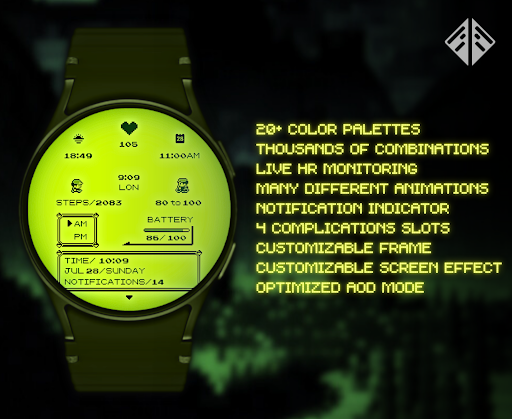
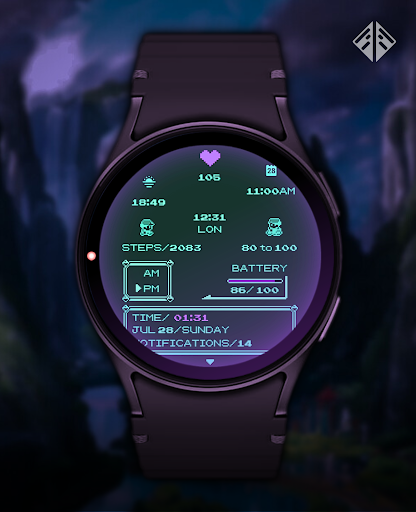
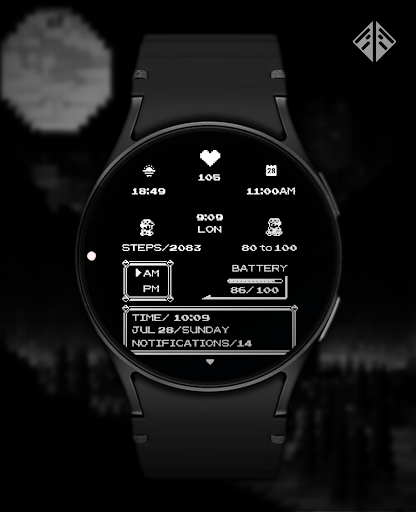
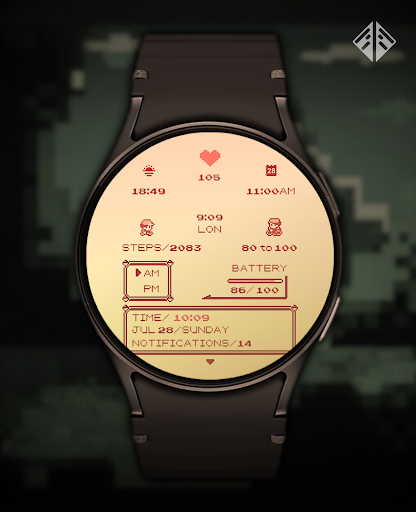
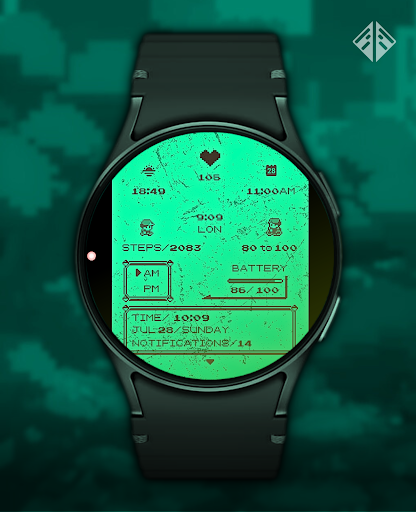
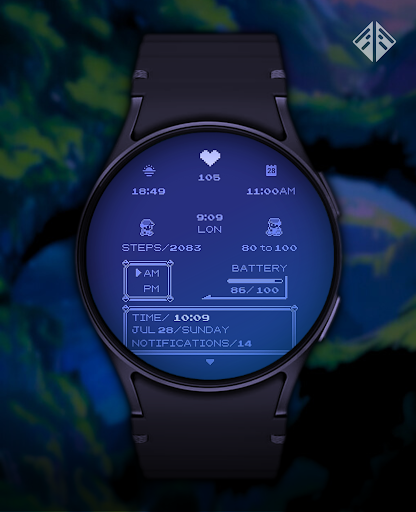
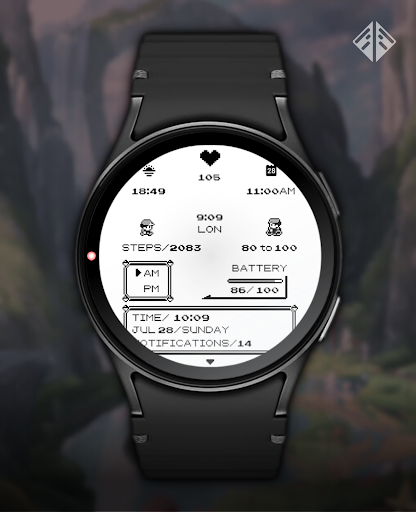
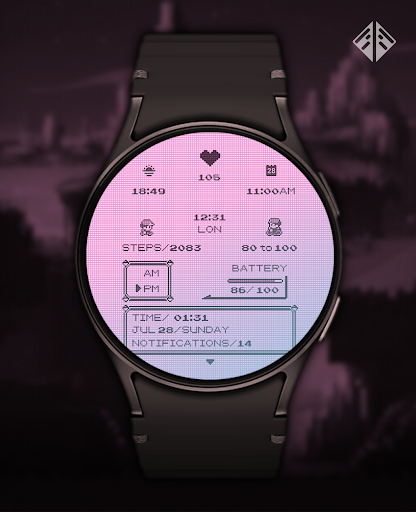

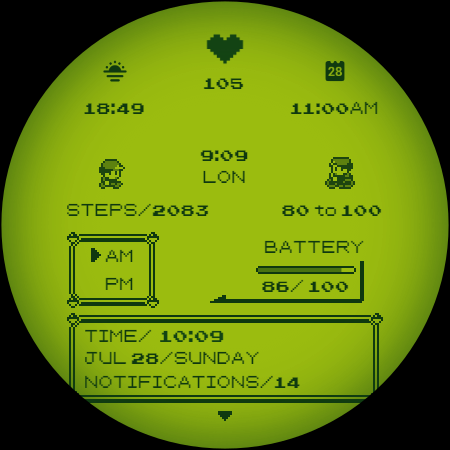
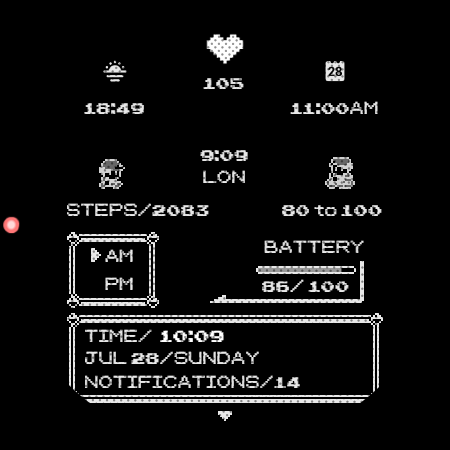
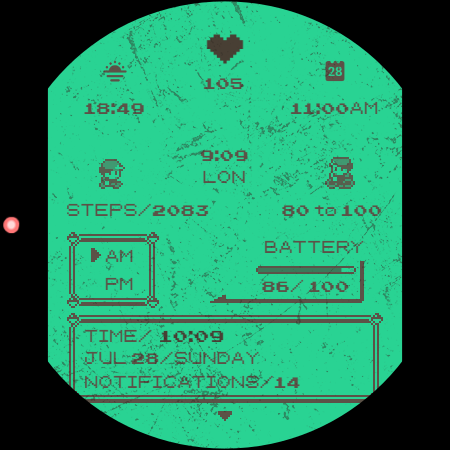
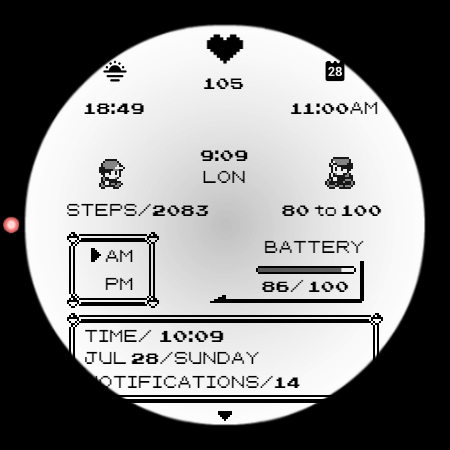
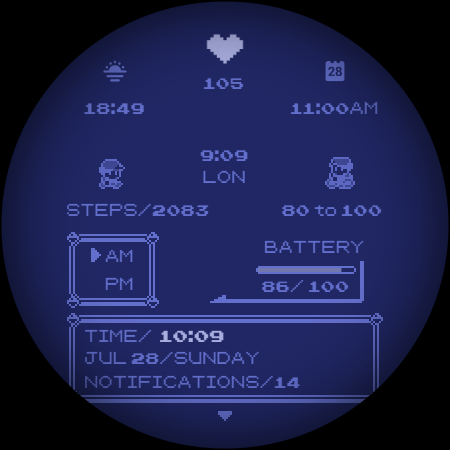
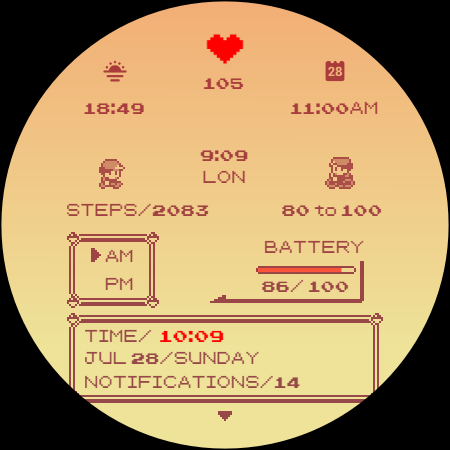
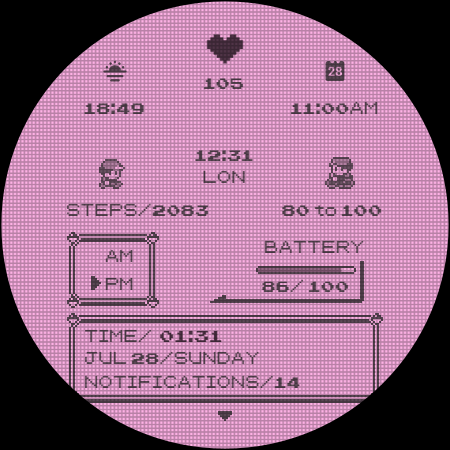
Poke Pixel Retro Watch Face is a pixel art themed watch face designed for Wear OS smartwatches. It offers a unique, handcrafted design with 30 color schemes and over 1000 customization combinations. The interface supports both 12/24 hour formats and provides essential information at a glance.
This highly customizable watch face features animated elements and a retro gaming console-inspired aesthetic. Users can adjust various display settings through an easy-to-use companion app that also allows for seamless installation across compatible devices.
Ideal for those who appreciate nostalgic design with modern functionality, this watch face brings personality to smartwatches while maintaining practical utility. Its detailed pixel art style and extensive customization options make it suitable for daily use across various Wear OS devices.
The Poke Pixel Retro Watch Face stands out with its comprehensive feature set tailored for customization enthusiasts. With 30 distinct color schemes and over a thousand possible combinations, users can create a truly personalized timepiece experience.
Each element of the watch face is carefully crafted to maintain a clean, pixel-perfect aesthetic while offering practical functionality. Features include working battery indicators, automatic date format adjustment, and support for both 12 and 24-hour time displays.
The companion app streamlines installation and customization processes, making it accessible even for less tech-savvy users. Regular updates and dedicated support ensure the watch face remains compatible with new devices and maintains optimal performance.
Highly customizable
Retro pixel art design
Easy installation process
Regular feature updates
Responsive developer support
Paid application
Wear OS only
Complex for beginners
Limited modern features
Occasional compatibility issues

A Revolutionary All-in-One Artificial Intelligence Tools
 3.80
3.80
Total remote control for your Android device, PC and cloud services (IFTTT)!
4.20
Mega cloud explorer plugin for Solid Explorer
3.80
Device's storage information in a simple and clear graphical form (infographics)
4.10
Functional QR scanner and barcode reader that requires little storage space.
4.60
Secure, open-source, SPICE and SSH Remote Desktop for QEMU KVM virtual machines
4.00
Okta MFA
4.70
Browse and view your photos and videos from the phone with photo & video hide.
4.10
Note taking, handwriting, record audio, PDF annotation, planner & journal
4.20
Best Tool for the professionals Electrician, Electrical contractors, etc.
4.90
Translate text/voice/photos in 150+ languages. Offline & fast translator app.
4.50
This small app MUST BE INSTALLED after purchase, else license won't work
4.40
Professional calendar app for Google Calendar, MS Outlook & Exchange
4.20
Intelligent AI Assistant
4.10
Experience real multitasking on your Android!
4.00
Access your phone's notifications, calls, apps, photos & texts on your PC
3.90
All in one sketching tool. Technical and General drawing. Online Maps support.
3.70
Auto-shutoff Alarm with Sunrise, Sunset & Fixed Options.
3.50
A simple, portable logger for POTA, SOTA, Field Day, and more
4.5


User Reveiws