
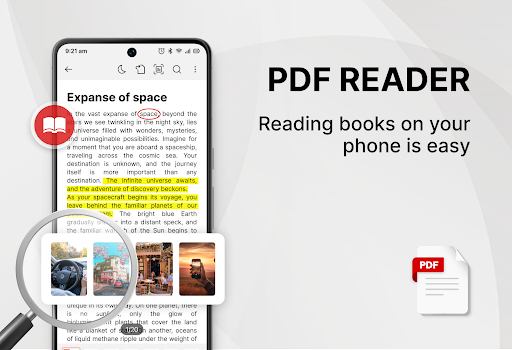
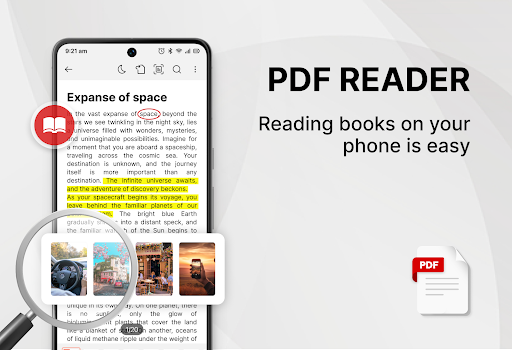

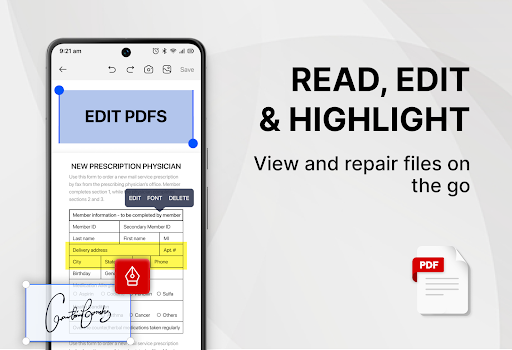

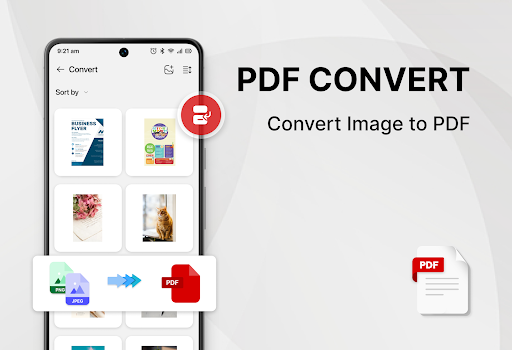
PDF Reader - Smart PDF Viewer is a comprehensive document management and reading application designed for Android users. This app allows you to read and manage all your PDF files effortlessly, providing a free and efficient solution for handling various document formats including PDFs, documents, receipts, and more.
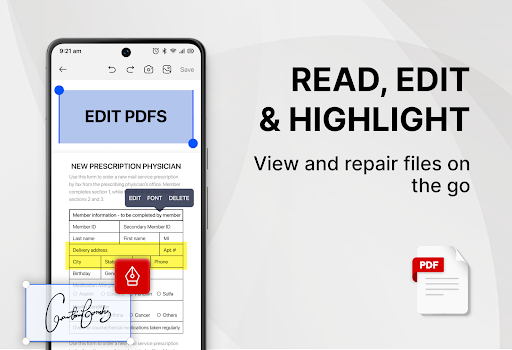
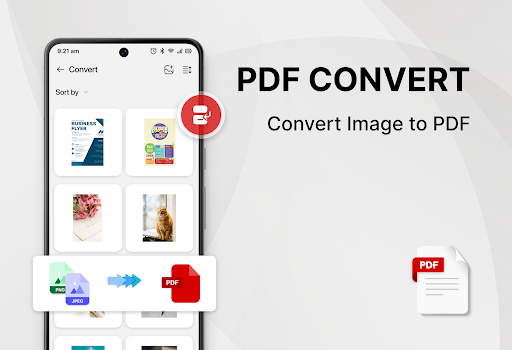
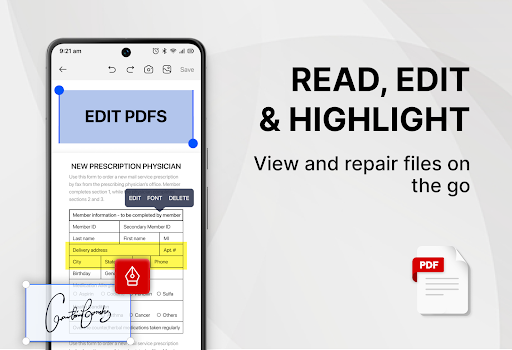
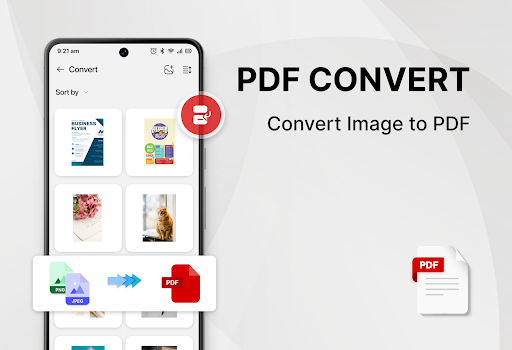
In addition to its primary function as a PDF reader, this app also serves as an ebook viewer and PDF editor. It supports advanced features such as adding e-signatures, converting PDFs to images, merging and splitting PDFs, and sharing PDF files with others. The inclusion of a PDF converter facilitates the transformation of images or scanned files into PDF format, enhancing its versatility.
The app requires the MANAGE_EXTERNAL_STORAGE permission to locate, access, and edit document files, ensuring seamless functionality. With its user-friendly interface and powerful tools, PDF Reader - Smart PDF Viewer is an essential tool for improving work or study efficiency.
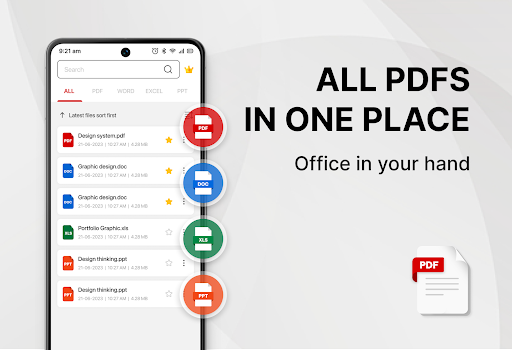
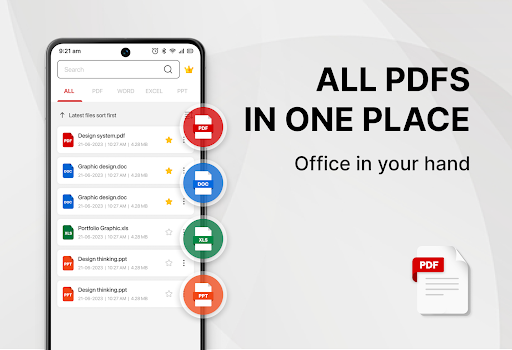
Smart PDF Reader App stands out due to its extensive support for various document formats and its powerful PDF tools. It can smartly search and display all document files such as PDF, Word, Excel, and PPT, making document management straightforward and efficient.
Among its notable features are the ability to add e-signatures easily, convert images to PDF, scan paper documents to PDF, convert Word to PDF, and search and copy any text within PDF files effortlessly. Users can also merge and split their PDF files, set passwords to protect their documents, and switch between light and dark modes with a single click.
Furthermore, the app provides a simple list of recently opened files for quick viewing, ensuring that users can access their most important documents swiftly. All these features are offered for free, maintaining simplicity and ease of use while delivering robust functionality.
User-friendly interface
Free to use
Comprehensive PDF tools
Supports multiple formats
Efficient document management
Requires storage permission
Limited to Android
Interface may feel cluttered
Some features need internet
Occasional ads in free version

QuickBooks Workforce lets teams view pay info and track time in one place.
 4.70
4.70
Customizable calendar widget for seamless event sync, planning & scheduling.
4.00
Fill, sign & send docs, forms, agreements & contracts via electronic signature.
4.50
Simple and reliable communication between inmates, friends and family
3.20
Cloud storage, automatic phone backup, and more.
4.10
The AI assistant that thinks with you - write, code, and solve complex tasks
4.60
Secure, open-source, SPICE and SSH Remote Desktop for QEMU KVM virtual machines
4.00
* block pre-roll ads, pop-up and forced redirect ads * Samsung certification app
4.00
Browse and view your photos and videos from the phone with photo & video hide.
4.10
Multilingual translator for text, voice, and image translation!
4.90
We're working to become the best machining app on the market! www.cncdirt.com
4.80
Quickly and easily keep track of your work shifts
4.70
Stay on top of your to-dos with Google Tasks, part of Google Workspace.
4.60
To do list widget with a notebook organizer, checklist, simple shopping list
4.60
Professional calendar app for Google Calendar, MS Outlook & Exchange
4.20
The ultimate file manager for rooted devices. The original and still the best.
4.00
Remotely view listen control and record cameras.
3.70
Experience and share your SolidWorks designs on your Android® phone and tablet.
2.50
Easiest event planning, volunteer signups & parent teacher conference scheduling
2.20


User Reveiws