eDrawings

2.50

Information

Category:

Productivity

Price:

$ 1.99

Rank:

23

Rating:

2.50

Overview

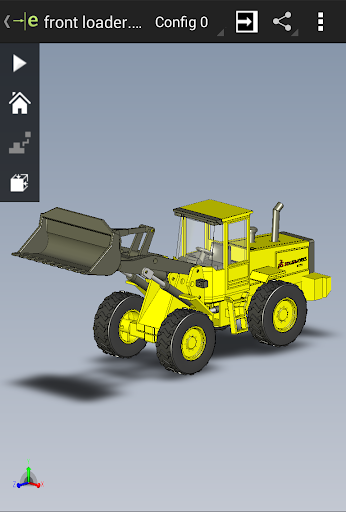
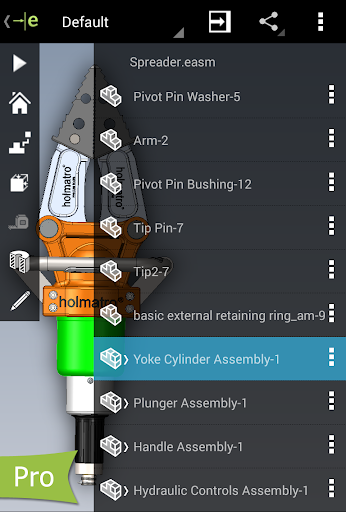
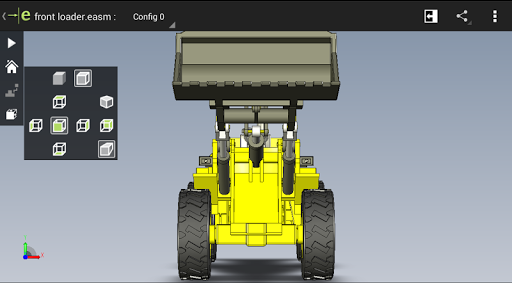
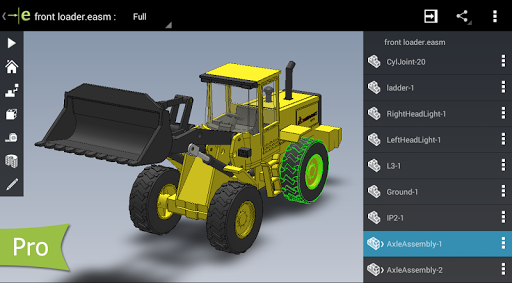
eDrawings is a powerful CAD viewer designed for Android devices, enabling users to view native eDrawings files as well as SolidWorks parts, assemblies, and drawings. This app revolutionizes the way product design information is shared by allowing users to easily load and send files via email, facilitating collaboration among all stakeholders in product development.

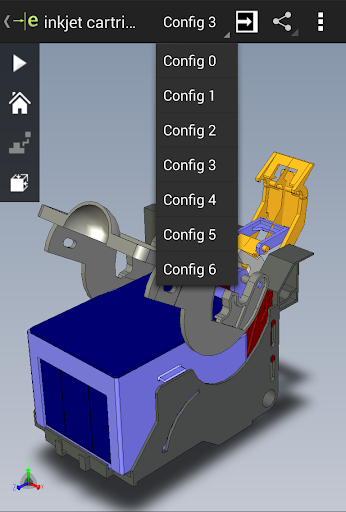
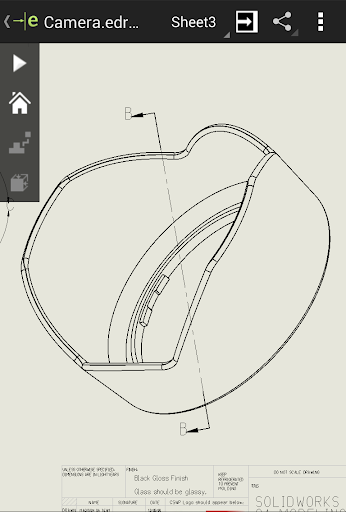
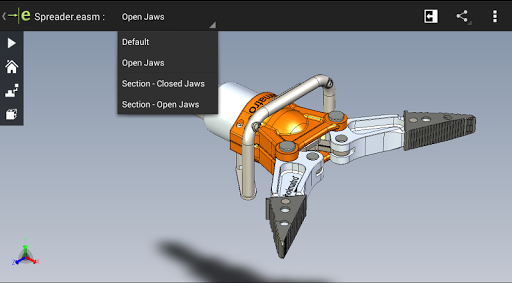
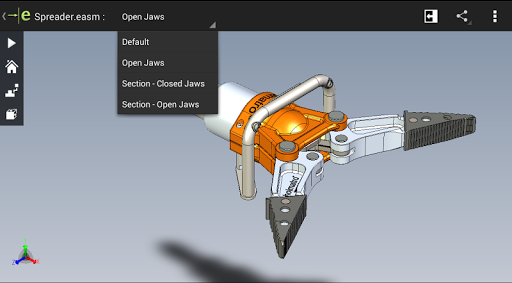
With multi-touch gestures, users can effortlessly pan, zoom, and rotate models. The app supports drawing sheets and exploded views for files published from SolidWorks, making it an essential tool for anyone involved in CAD design or manufacturing processes.

Features

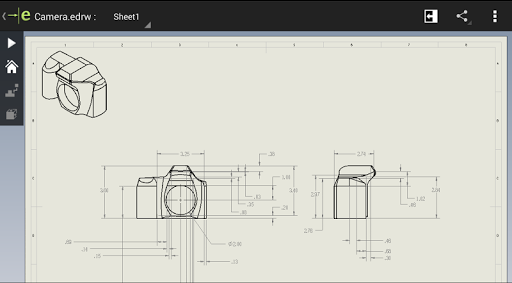
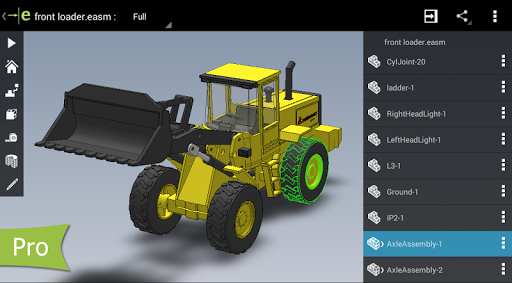
eDrawings offers an intuitive and user-friendly interface that supports a wide range of file formats including 3D (EASM, EPRT, SLDASM, SLDPRT, IGES, IGS, JT, STEP, STP, IFC) and 2D (EDRW, SLDDRW, DWG, DXF) files. Users can access these files from various sources such as email attachments, cloud storage services, web and FTP sites, and network folders.

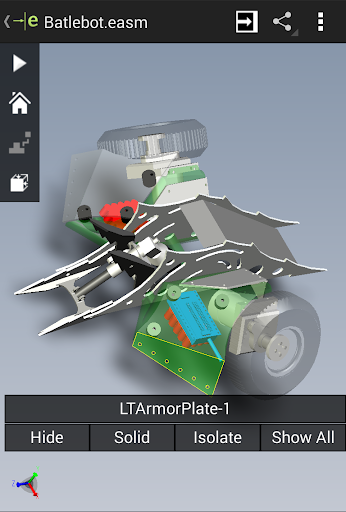
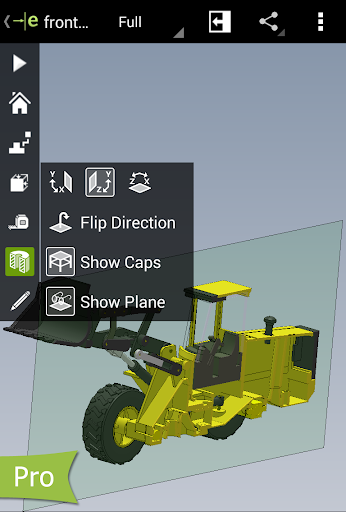
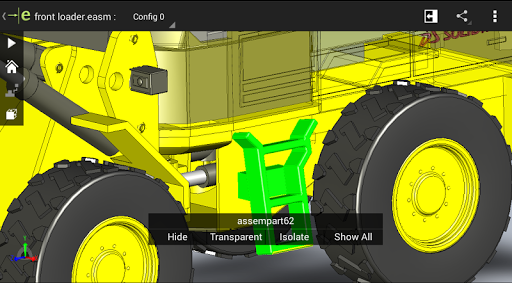
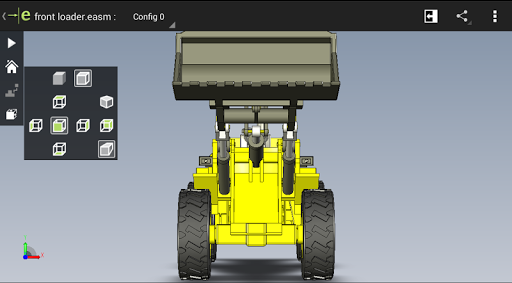
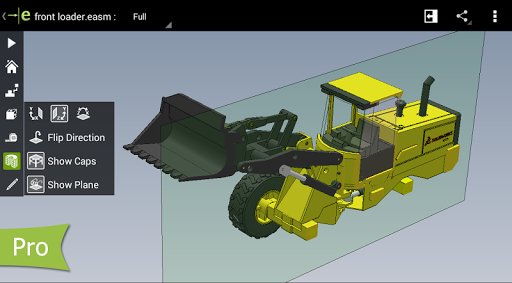
The app allows users to animate 3D standard views, browse 2D drawing sheets, and view designs in full screen. With the Pro version available through in-app purchase, users can measure designs, dynamically view cross sections, create markups, and share marked-up files with others for review.

Core task management

Task management in eDrawings centers around the efficient handling and organization of CAD files and related design data making it an essential tool for professionals working with SolidWorks and other CAD formats The app allows users to open a wide variety of 2D and 3D file types including EASM EPRT SLDASM SLDPRT IGES IGS JT STEP STP IFC EDRW SLDDRW DWG and DXF This extensive compatibility ensures that users can manage tasks involving different file formats without needing multiple applications By supporting cloud storage services like Dropbox SkyDrive Google Drive and Hightail eDrawings facilitates seamless access to files from various sources streamlining task workflows Users benefit from multi-touch gestures which allow them to pan zoom and rotate models easily enhancing their ability to review and collaborate on designs The animation of 3D standard views and browsing through 2D drawing sheets further augment task management by providing dynamic ways to interact with CAD data Additionally the full-screen viewing mode helps in focusing on intricate design details ensuring that users can effectively interpret and understand complex models With these capabilities eDrawings not only simplifies task management but also improves collaboration among team members involved in product development regardless of their regular use of CAD software

Cross-device synchronization reliability

Cross-device synchronization is a critical feature in eDrawings ensuring that users have reliable and consistent access to their CAD files across different devices such as Android phones and tablets This synchronization capability supports real-time updates allowing users to start a task on one device and continue it on another without any loss of data or functionality For instance users can load CAD files via email attachments cloud storage or web and FTP sites and expect these files to be accessible across all their devices with the same level of detail and functionality The app maintains high standards of data integrity during synchronization so users can trust that their 2D and 3D designs are accurately represented whether they are viewed on a phone or tablet Furthermore eDrawings Pro offers advanced features like measurement tools cross-section views and markups which remain consistent across devices ensuring that professional workflows are not disrupted by device changes The ability to share marked-up eDrawings files with others for review and comments while preserving all markups and history within the file enhances collaborative efforts and decision-making processes By providing dependable cross-device synchronization eDrawings empowers users to work flexibly and efficiently maintaining productivity and coherence in their design and development tasks

Props

Intuitive UI

Wide format support

Multi-touch navigation

Collaboration features

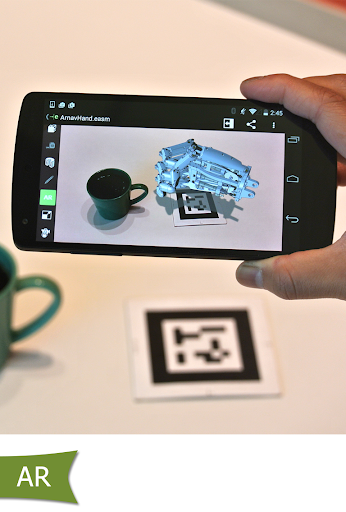
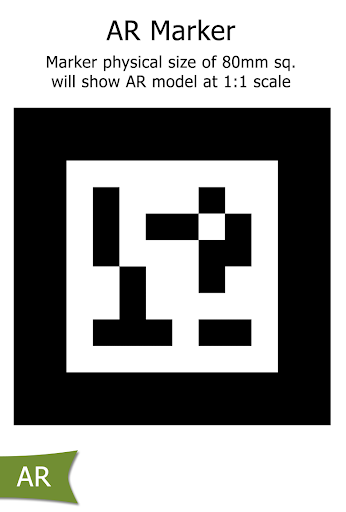
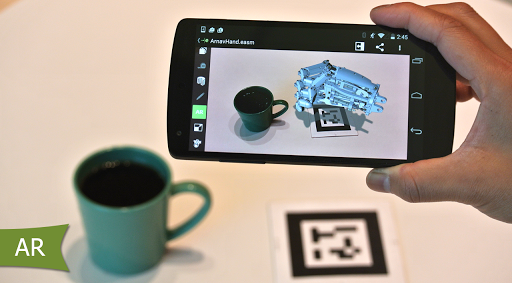
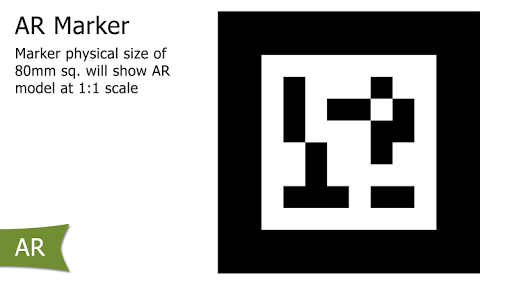
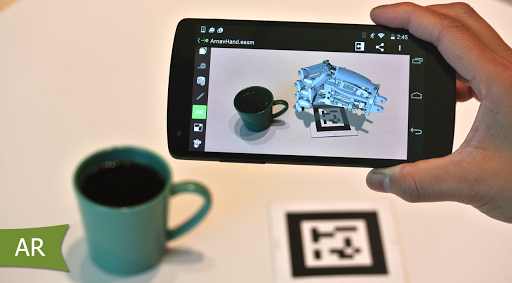
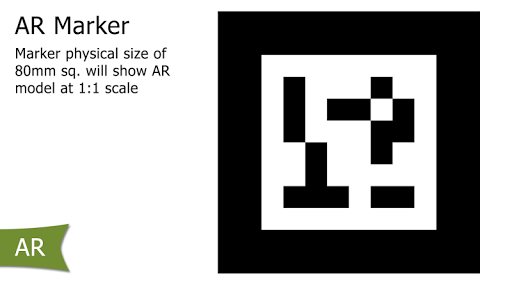
Augmented reality

Cons

Paid Pro version

Limited AR functionality

Complex for beginners

Occasional bugs

High system requirements

Features and Functions

What is this app and what can I use it for?

eDrawings is a CAD viewer for Android, used to view and share 3D and 2D design files.

How do I download and install this app on my device?

Download eDrawings from Google Play Store and install it on your Android device.

How do I get started after opening the app for the first time?

Open the app, explore sample files, and learn basic navigation through tutorials.

What are the main features and capabilities of this app?

Key features include multi-touch gestures, file compatibility, and collaboration tools.

How can I customize my experience and adjust preferences?

Customize settings in the app menu to adjust display preferences and units.

How do I save or bookmark my favorite content for later access?

Save favorite content by downloading files to local storage for offline access.

How can I share content with friends or on social media?

Share designs directly via email or export files to cloud storage platforms.

How do I access detailed information and explore more content?

Access detailed info through model properties and explore more via markup tools.

What permissions does this app need and how do I manage them?

The app requires storage and camera permissions managed in device settings.

How do I check for updates and keep the app running smoothly?

Check for updates in the app store and clear cache regularly for smooth performance.
Show more

User Reveiws

{{ comment.reviewer_name }}
{{ comment.review_date_formatted}}
{{ comment.review_content }}
{{ tab.name }}
{{ comment.reviewer_name }}
{{ comment.review_date_formatted}}
{{ comment.review_content }}
No reviews with this rating