
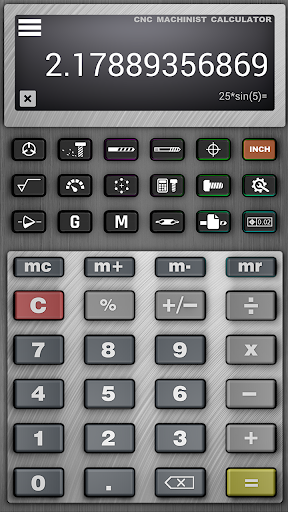
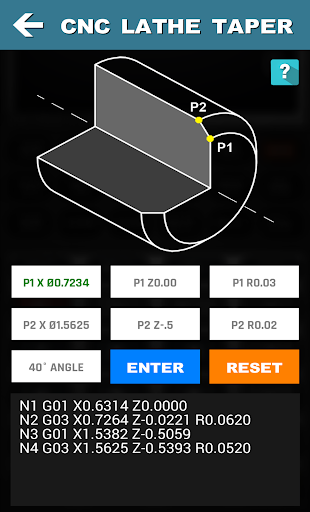
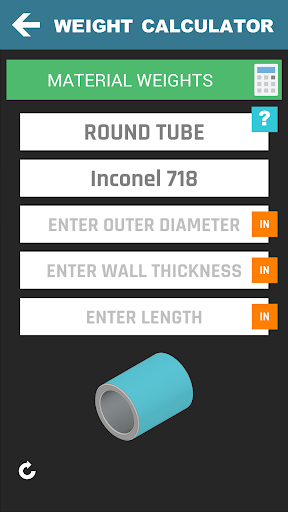

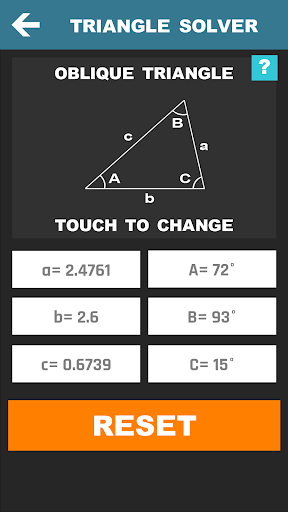
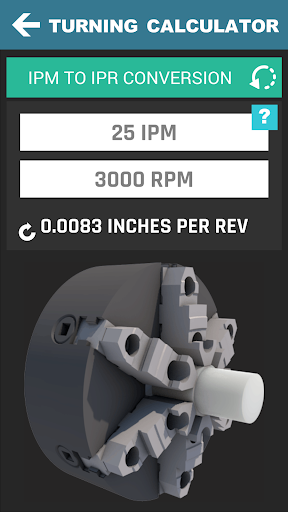
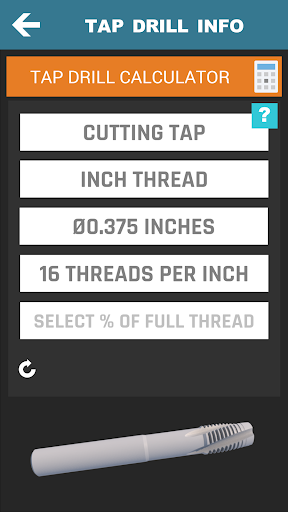







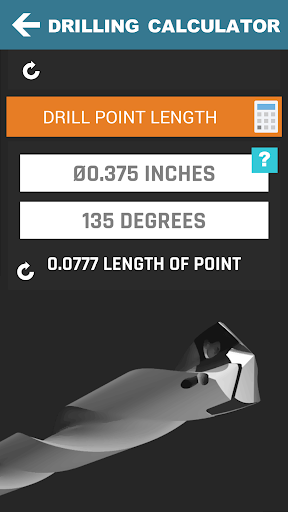
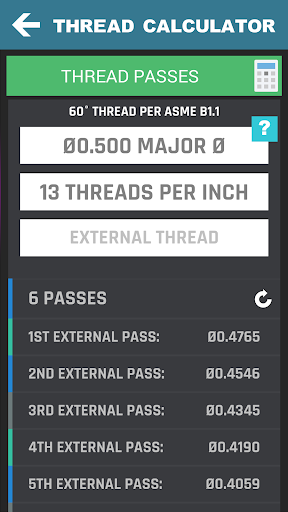
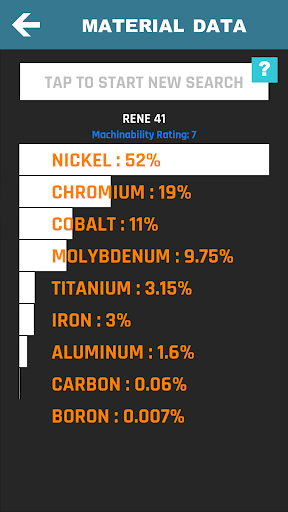
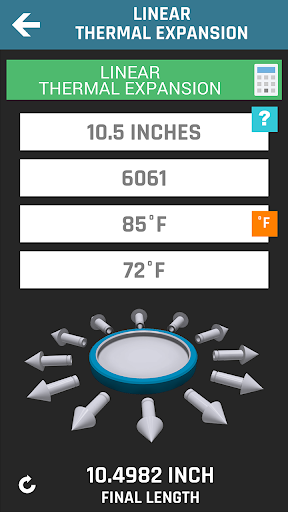
CNC Machinist Calculator Pro is a comprehensive productivity tool designed specifically for professionals in the manufacturing and machining industry. This application serves as an essential companion for CNC programmers, machinists, and manufacturing engineers who require quick and accurate calculations on the job.
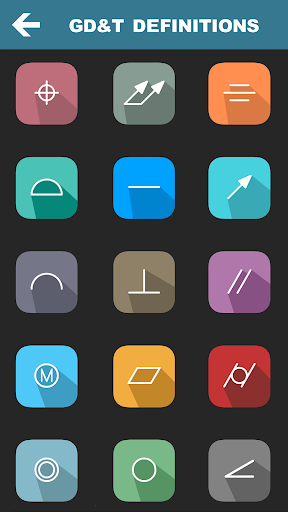
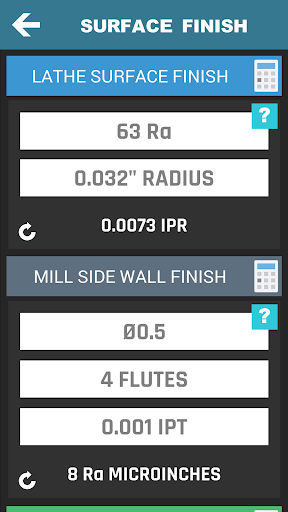
The app features a wide array of specialized calculators including turning, milling, drilling, and thread calculators, which cater to various machining operations. It also includes advanced functionalities such as true position calculators, surface finish calculators, and geometric tolerance descriptors, making it invaluable for precision work.
Whether you're working on-site or remotely, this app provides the flexibility to perform critical calculations instantly, thus enhancing efficiency and accuracy in your projects. Its utility in quoting new work adds further value by streamlining workflow processes.
This productivity app stands out due to its extensive range of features tailored for the machining sector. It offers over 35 distinct calculators and tools that cover everything from cutting speed calculations to grinding wheel velocity assessments.
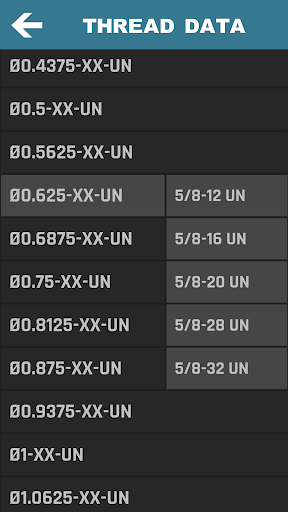
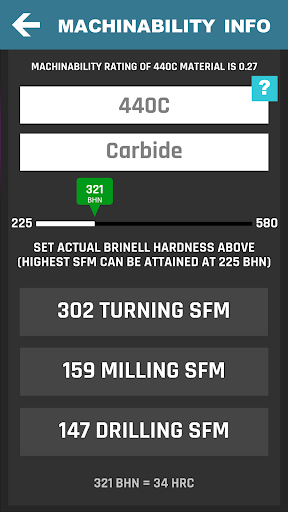
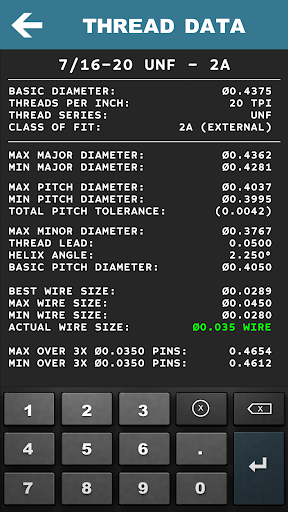
One of the key highlights is the inclusion of material-specific calculations, allowing users to adjust parameters based on the type of material they are working with. Additionally, the app provides access to thread data, hardness conversions, and G/M-codes, which are crucial for programming and operating CNC machines.
Moreover, the integrated scientific calculator and various geometric calculators ensure that users have all mathematical tools at their disposal. With regular updates and a growing list of features, CNC Machinist Calculator Pro continues to be an indispensable tool for improving productivity in the machining industry.
Comprehensive feature set
User-friendly interface
Regular updates
Wide user base
Highly specialized
Premium price point
Steep learning curve
Limited aesthetic appeal
No offline support
Heavy on resources

A Revolutionary All-in-One Artificial Intelligence Tools
 3.80
3.80
Native client for Forgejo and Gitea
5.00
Remotely view listen control and record cameras.
3.70
Create and edit presentations with Google Slides, part of Google Workspace.
4.00
Secure, open-source, SPICE and SSH Remote Desktop for QEMU KVM virtual machines
4.00
Code on-the-go with VScode for Android. Edit,debug and collaborate from mobile!!
3.10
To do list widget with a notebook organizer, checklist, simple shopping list
4.60
Secure your apps with lock screens, use custom themes and different features.
4.40
Simple notepad & memo. Take notes, to-do list, shopping list with reminders.
4.80
The AI assistant that thinks with you - write, code, and solve complex tasks
4.60
Secure, fast, open-source, Remote Desktop Client for Windows and Linux with SSH
4.60
Fill, sign & send docs, forms, agreements & contracts via electronic signature.
4.50
Translate text/voice/photos in 150+ languages. Offline & fast translator app.
4.50
When you Focus, so will your Bean in this cozy focus timer
4.30
Access, manage and transfer files on Android, PC, Mac, NAS and cloud storages.
4.30
Total remote control for your Android device, PC and cloud services (IFTTT)!
4.20
Experience real multitasking on your Android!
4.00
The ultimate file manager for rooted devices. The original and still the best.
4.00
ID.me Authenticator is a simple and free Two Factor Authentication solution
3.50


User Reveiws