Screen Mirroring Pro App

4.20

Information

Category:

Tools

Price:

$ 4.99

Rank:

13

Rating:

4.20

Overview

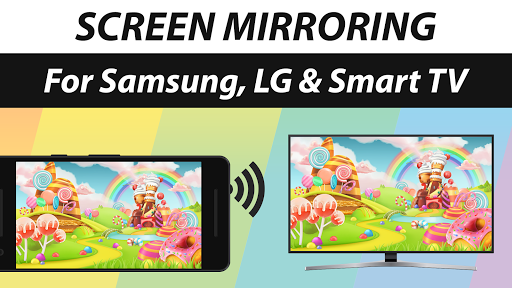
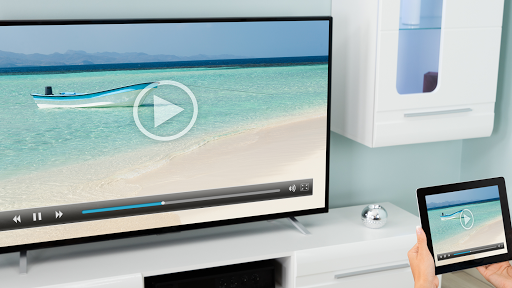
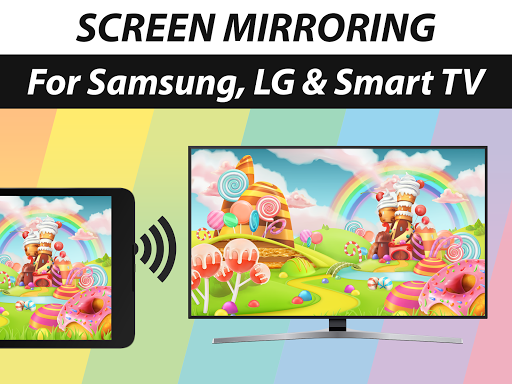
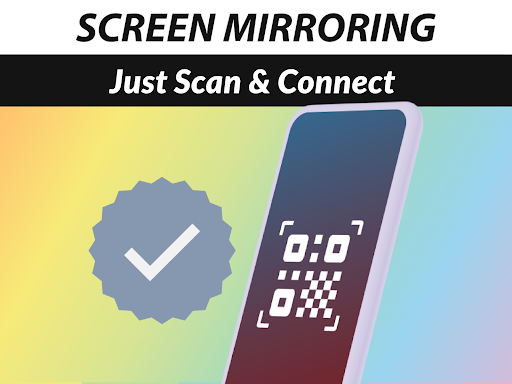
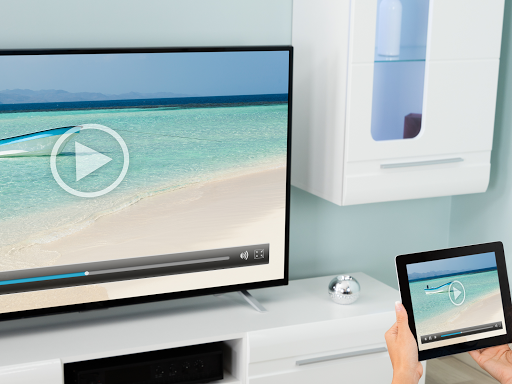
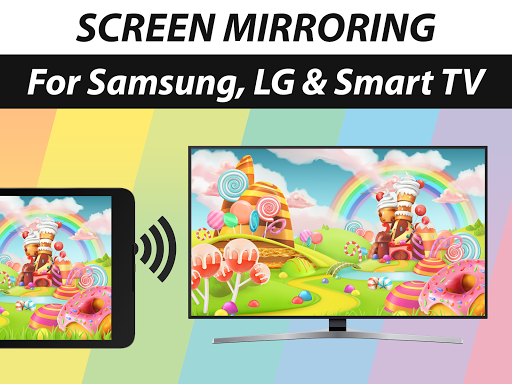
Screen Mirroring Pro App is a powerful tool designed to mirror your screen with sound to various devices including Samsung TV, LG TV, Sony TV, Smart TV, and more. It allows users to share photos, videos, games, websites, apps, presentations, and documents effortlessly over Wi-Fi and the Internet.

The app stands out for its compatibility with any device that has an integrated web browser, making it versatile for both personal and professional use. With support for HD quality streaming and sound on Android 10+, it ensures a high-quality mirroring experience. Whether you're looking to share content with friends or conduct business presentations, Screen Mirroring Pro App delivers a seamless solution.

Features

Screen Mirroring Pro App offers a range of features that enhance user experience. Firstly, it supports a wide array of devices such as Samsung TV, LG TV, Panasonic TV, Hisense TV, and others without the need for a companion app on the receiving device. This ease of connectivity simplifies the process significantly.

Performance-wise, the app excels when used under good Wi-Fi network conditions, recommending 5GHz Wi-Fi for optimal results. Additionally, it provides sound support on Android 10+ devices, depending on the receiver device's capabilities. The developers' reputation, known for VIDEO & TV CAST, assures reliability and quality, backed by extensive downloads worldwide.

Core function accuracy & effectiveness

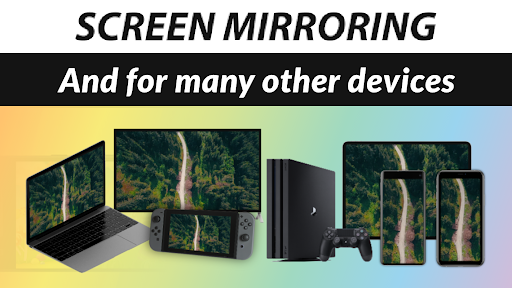
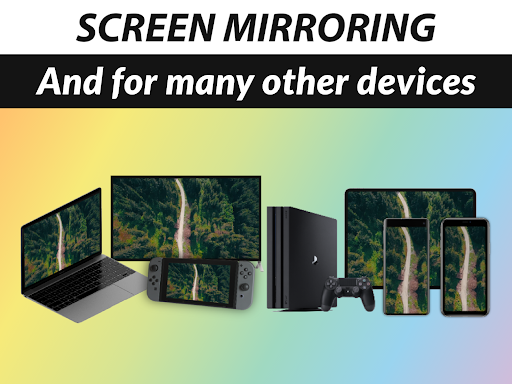
Screen Mirroring Pro App delivers exceptional core function accuracy and effectiveness by enabling users to mirror their screens with sound to a wide range of devices including Samsung TV LG TV Sony TV Smart TV Smart Fridge Gaming Console PC Laptop Mobile Phone and Tablet. The app ensures high-definition quality streaming over Wi-Fi and internet connections such as DSL Cable and Fibre without the need for wires. This seamless mirroring solution supports sharing of photos videos games websites apps presentations and documents making it an ideal tool for both personal and professional use. The performance is optimized under good Wi-Fi network conditions with a recommendation for 5GHz Wi-Fi for the best experience. Notably the Screen Mirroring App stands out by not requiring any companion app on the receiving device thus simplifying the user experience. With support for sound on Android 10+ and compatibility contingent upon the receiver device's capabilities this app provides a comprehensive screen mirroring solution that is fast easy and user-friendly ensuring users can share content effortlessly with friends family and co-workers while maintaining the highest standards of accuracy and effectiveness in its primary functions.

Interface simplicity & intuitiveness

The Screen Mirroring Pro App excels in providing an interface that is both simple and intuitive enhancing the overall user experience. Designed to be user-friendly the app allows individuals to mirror their screens easily to various devices such as Samsung TV LG TV Sony TV and more without the hassle of complex setups or configurations. By integrating an easy setup process users can quickly connect their devices over Wi-Fi and internet including DSL Cable and Fibre connections experiencing live HD quality screen mirroring almost instantaneously. The app's design emphasizes clarity and ease of navigation ensuring that users of all technical backgrounds can utilize its features without a steep learning curve. Its intuitive control scheme enables seamless sharing of photos videos games websites apps presentations and documents with minimal effort. Furthermore the absence of a required companion app on the receiving device underscores the app's commitment to reducing complexity thereby offering an unintimidating platform for users seeking efficient ways to share digital content across different platforms effortlessly. This dedication to interface simplicity and intuitiveness makes Screen Mirroring Pro App a top choice for those looking to enhance their connectivity options without sacrificing ease of use.

Props

User-friendly interface

Wide device compatibility

HD quality streaming

No companion app required

Sound support on Android 10+

Cons

Dependent on Wi-Fi quality

Sound support limited to newer devices

Not all devices may be compatible

Requires stable internet connection

Premium version costs extra

Features and Functions

What is this app and what can I use it for?

A tool to mirror screens with sound to TVs and other devices

How do I download and install this app on my device?

Visit Google Play Store, search for the app, and install it on your device

How do I get started after opening the app for the first time?

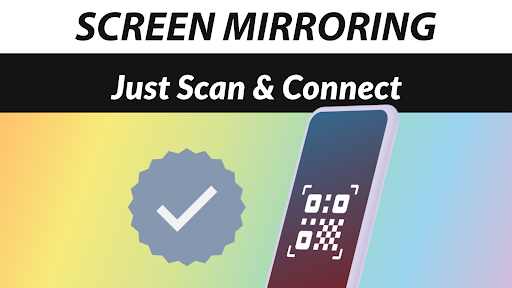
Open the app, select your device, and follow the on-screen instructions to connect

What are the main features and capabilities of this app?

Supports screen mirroring to various devices in HD quality with sound

How can I customize my experience and adjust preferences?

Adjust settings within the app to customize your mirroring preferences

How do I save or bookmark my favorite content for later access?

Use the app's interface to save favorite connections for easy access later

How can I share content with friends or on social media?

Share mirrored content directly through supported apps or devices

How do I access detailed information and explore more content?

Explore detailed guides and FAQs available on the app's official site

What permissions does this app need and how do I manage them?

The app needs Wi-Fi access; manage permissions in your device settings

How do I check for updates and keep the app running smoothly?

Check for updates in the app store to ensure smooth performance
Show more

User Reveiws

{{ comment.reviewer_name }}
{{ comment.review_date_formatted}}
{{ comment.review_content }}
{{ tab.name }}
{{ comment.reviewer_name }}
{{ comment.review_date_formatted}}
{{ comment.review_content }}
No reviews with this rating