
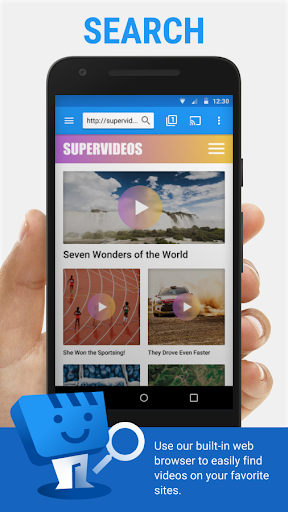
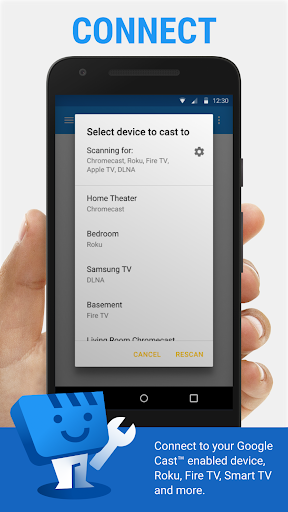
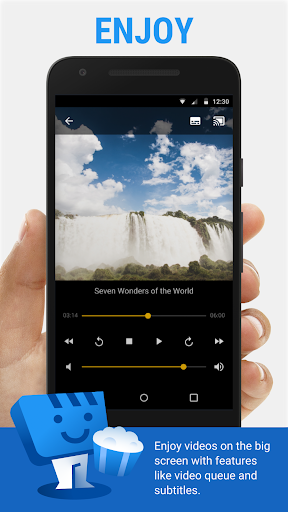
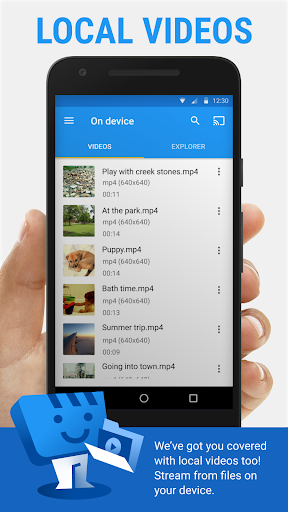
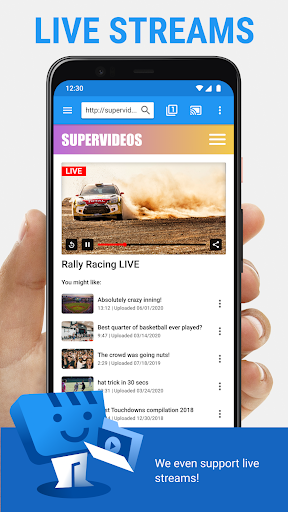
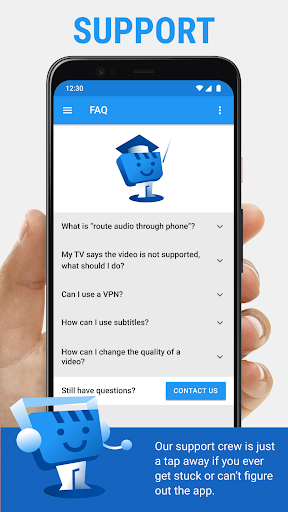
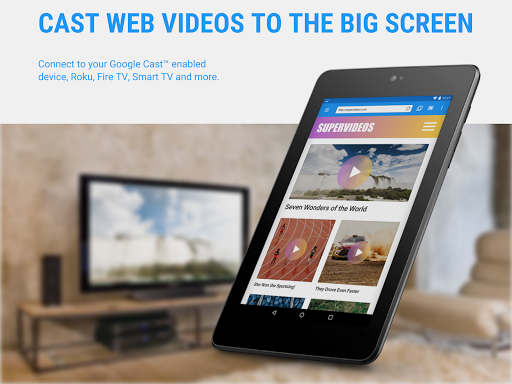
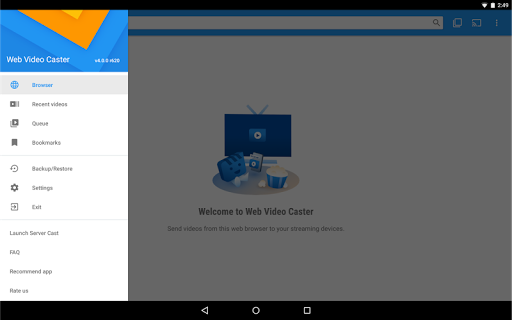
Web Video Cast is a versatile streaming application that enables users to cast videos, photos, and audio files from their mobile devices to various streaming devices. The app supports popular platforms like Chromecast, Roku, Amazon Fire TV, and Smart TVs from major manufacturers. It allows users to stream content directly from websites or local storage, including movies, live streams, and music.
The application's key strength lies in its ability to detect subtitles on web pages and provide integrated subtitle search through OpenSubtitles.org. This feature enhances the viewing experience for users who require subtitles. Additionally, Web Video Cast offers premium features such as ad-free browsing, bookmarks, and video history, making it a comprehensive solution for media streaming needs.
Whether you want to watch your favorite online content on a bigger screen or share personal media with friends and family, Web Video Cast provides a seamless casting experience across multiple devices. Its intuitive interface and broad device compatibility make it an essential tool for modern digital entertainment.
Web Video Cast stands out with its extensive device compatibility and diverse media support. The app works with most major streaming devices, including Chromecast, Roku, DLNA receivers, and various Smart TVs. This wide-ranging support ensures users can stream content to practically any modern television or streaming device they own.
The application's media handling capabilities are equally impressive. It supports HLS live streams in M3U8 format, MP4 videos, HTML5 content, photos, and audio files. The built-in subtitle detection and search functionality add significant value for users who need this feature. Moreover, the premium version offers enhanced features like customizable home pages, video history tracking, and bookmark management.
What makes Web Video Cast particularly user-friendly is its straightforward three-step process for streaming content. Users simply need to find their desired media, play it within the app, and connect to their streaming device. This simplicity, combined with advanced features like automatic video pausing during phone calls and background streaming for live content, demonstrates the app's thoughtful design and technical sophistication.
User-friendly interface
Wide device compatibility
Subtitle support
Premium features available
Local and web content casting
No tab casting support
Limited server control
Premium features cost extra
Device-specific limitations
Requires stable internet

Stream high quality video from your camera over NDI protocol
 4.5
4.5
High-Quality USB Camera Viewer & HDMI Display
4.70
Cast to Smart TV, Fire TV. Cast video, photo - Fast & Stable!
3.90
Find, download, and play torrents with the official BitTorrent® Pro app
4.70
Manage your IPTV live channels and VOD playlists (no playlist included)
3.80
Watch IPTV on your Android device
4.60
A Simple app to download Video & Music from the Internet.
4.70
Screen recorder with audio to take live videos & Screenshot in high quality!
4.70
Viddo: Generate Action Figure, AI Anime, AI kiss, AI hug Video from image & text
4.40
Flud is a simple and beautiful BitTorrent client for Android.
4.80
A Quick and Pro Video Editor
4.70
HD Video player all format, HD Videos, Cast & Subtitle. No annoying ads.
4.60
IPTV Loader, loads your own Playlist. DOES NOT CONTAIN ANY LIST OR CHANNELS
4.60
Browser + Remote for Roku to stream webvideos, online movies and livestreams
4.60
Auto video maker with music & exclusive filters. Video editing made simple.
4.50
Full HD Video mp3 Player, MP4 player play 1080p, File manager, Video Downloader
4.40
Turn your phone into a wireless camera!
4.20
Your media, on your terms.
4.10
Client application for NextPVR software
3.00


User Reveiws