

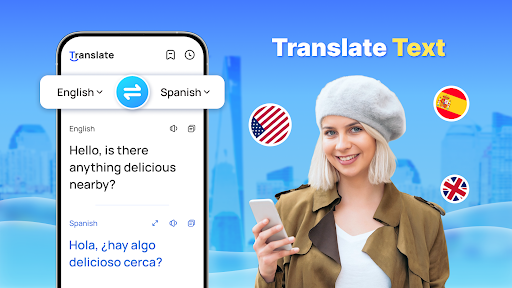


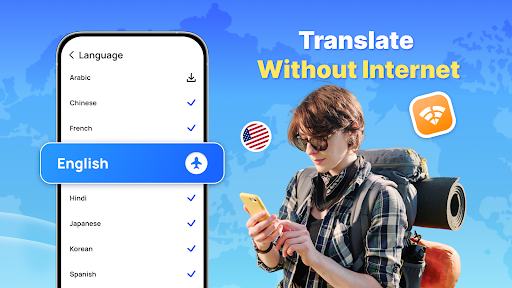
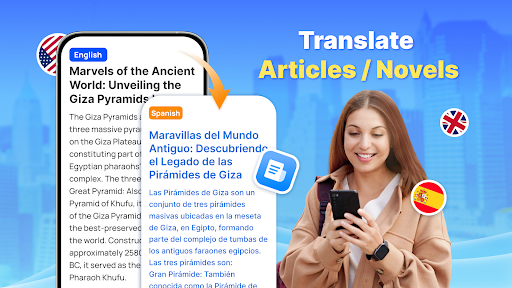
Translate - Translator is a versatile productivity app designed to break language barriers through its comprehensive translation capabilities. This free translator app supports text, voice, and photo translation across 150+ languages, making it an essential tool for travelers, students, and professionals alike. The app's standout feature is its offline functionality, allowing users to translate languages without an internet connection.
In addition to basic text translation, the app offers advanced features like real-time voice translation using intelligent speech recognition technology, AI-powered photo translation for capturing foreign language materials, and a floating ball for quick full-screen translations. These features ensure smooth communication in various scenarios, from business negotiations to casual conversations with foreign friends. With its user-friendly interface and reliable performance, Translate - Translator has become a go-to solution for cross-cultural interactions.
The Translate - Translator app distinguishes itself through its diverse range of innovative features. Its instant text translation function supports over 150 languages, catering to various needs including travel, business, and academic studies. Users can simply input text to receive quick and accurate translations, while the auto-detect feature identifies the source language automatically.
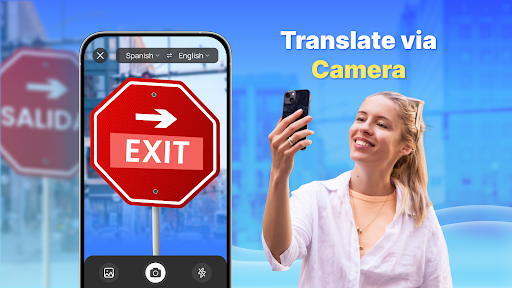
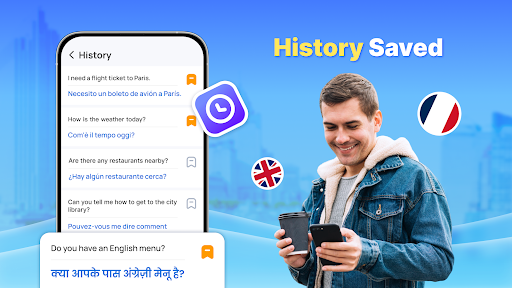
For more dynamic communication, the app provides real-time voice translation capabilities. This talking translator uses advanced speech recognition technology to facilitate smooth conversations between speakers of different languages. Additionally, the AI-powered photo translation feature allows users to capture images of foreign language materials, menus, or signs, extracting both original text and translated content for easy sharing. The app also includes practical tools such as translation history saving, favorite collections creation, and reverse translation for verification purposes.
All these features are accessible through an intuitive interface that works seamlessly across different Android devices, including Samsung, Redmi, and Infinix models. The app requires minimal permissions, primarily "Accessibility" and "Display over other apps" to enable its floating ball functionality for full-screen translations.
User-friendly interface
Offline functionality
Multi-language support
Real-time translation
AI-powered features
Limited UI customization
Occasional accuracy issues
Ads in free version
Large app size
Resource-intensive

aCalendar+ makes your day, week and month
 4.70
4.70
App lock - lock apps with fingerprint, password, pin or pattern, protect privacy
4.70
Make apps & sites with natural language prompts
4.10
Multilingual translator for text, voice, and image translation!
4.90
Tally and goal counter for Wear OS & mobile
4.50
* block pre-roll ads, pop-up and forced redirect ads * Samsung certification app
4.00
A beautiful digital clock with autostart and many other functions
4.70
To do list widget with a notebook organizer, checklist, simple shopping list
4.60
Lightweight PDF, Word, Excel reader.
4.60
Best Tool for the professionals Electrician, Electrical contractors, etc.
4.90
Mind Map and brainstorm, note taking and idea collection
4.80
Quickly and easily keep track of your work shifts
4.70
Scan paperwork into PDF/JPG, generate your own e-signature and send fax or email
4.70
Functional QR scanner and barcode reader that requires little storage space.
4.60
Planet Free VPN - The best Fast Unlimited and Secure VPN Without Logs
4.50
Fill, sign & send docs, forms, agreements & contracts via electronic signature.
4.50
PDF scanner & converter for files, photos, lottery, QR codes. One swipe away!
4.50
Docker, Kubernetes management over Portainer Mobile
4.40
A comprehensive suite of tools designed specifically for Lactation Consultants
4.0


User Reveiws