
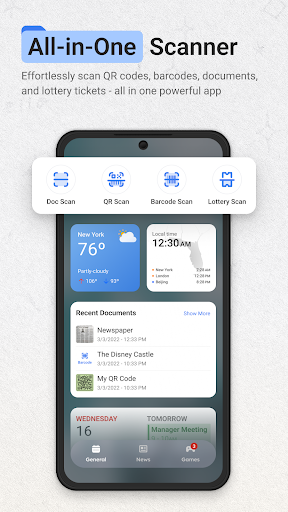
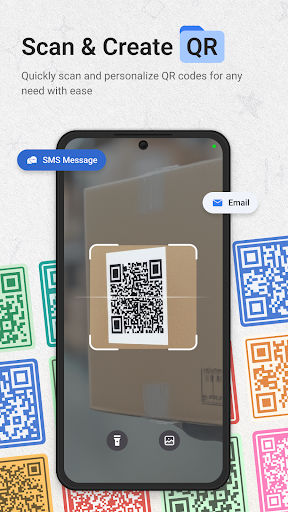
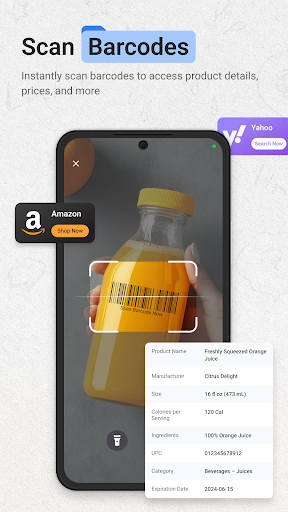

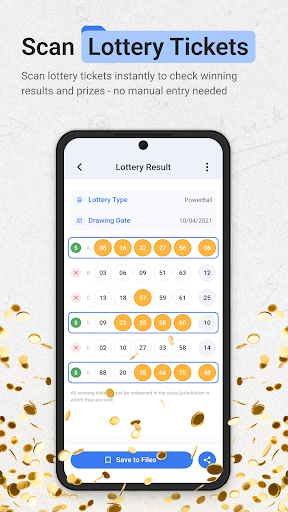
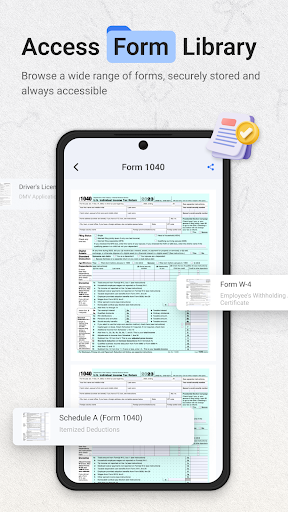
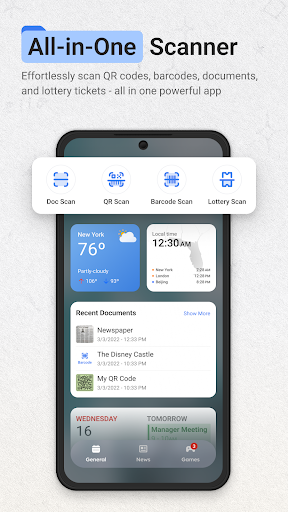
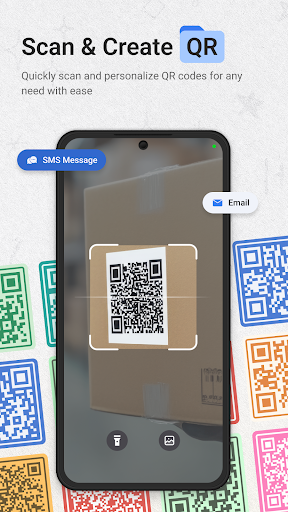
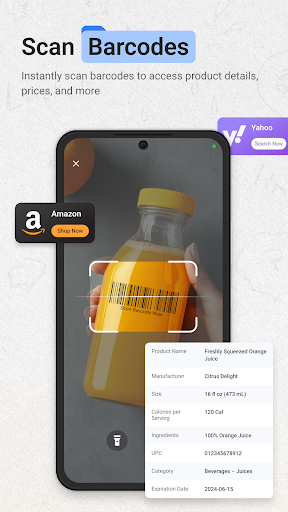
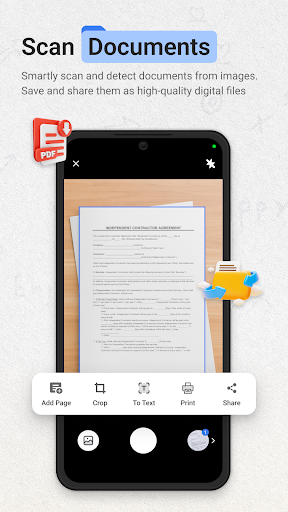
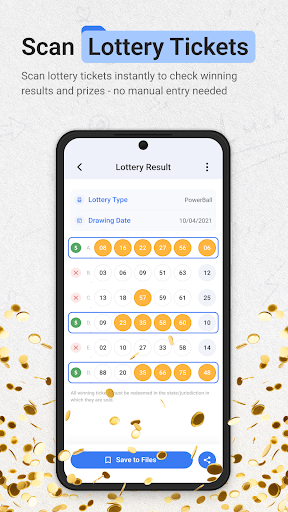
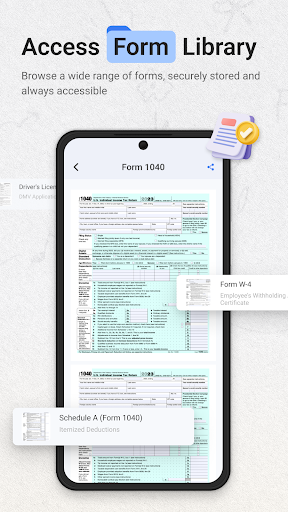
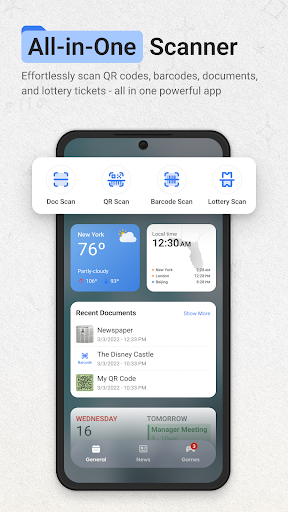
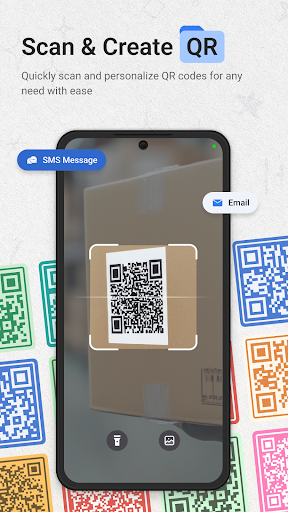


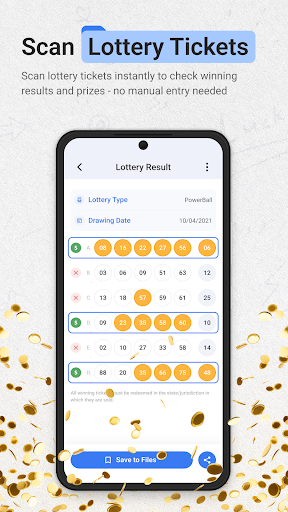
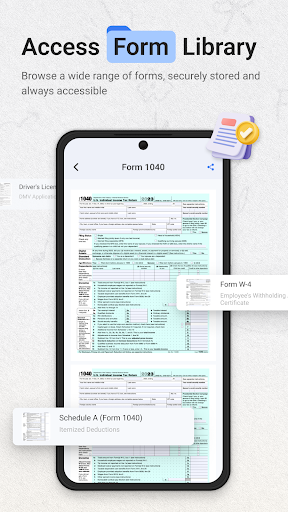
ScanNow Home revolutionizes productivity by integrating advanced scanning tools directly into your home screen experience. This innovative app combines a powerful document scanner, barcode and QR code reader, and lottery ticket validator with a customizable launcher interface. The document scanner offers auto-edge detection, perspective correction, and multi-page support, while the barcode scanner provides instant price comparisons and scan history. Its unique lottery validation feature helps users check results and track winnings.
The app's launcher component features smart app categorization, adaptive icon support, and dark mode compatibility. ScanNow Home optimizes workflow efficiency by providing instant access to essential scanning functions without needing to switch between multiple applications. Particularly valuable for professionals who regularly handle documents and data capture, this app streamlines daily tasks while maintaining a clean, user-friendly interface.
ScanNow Home distinguishes itself through its comprehensive feature set that maximizes productivity. The document scanner implements advanced algorithms for edge detection and perspective correction, ensuring professional-quality scans every time. Users can export their scans in multiple formats including PDF, JPG, and searchable text, while the batch scanning capability handles multi-page documents efficiently.
The integrated barcode and QR scanner demonstrates exceptional speed and accuracy across all major formats. Its price comparison feature empowers consumers to make informed purchasing decisions, while the scan history function maintains a comprehensive record of all scanned items. The app's lottery validation system supports various game types and provides automated result checking against the latest drawings. Additional notable features include Yahoo-powered search functionality, optimized low-light performance, and battery-efficient operation.
Instant access to scanning tools
Multi-functional productivity suite
Professional-grade document processing
Comprehensive barcode compatibility
User-friendly interface design
Some features require in-app purchases
Relatively high storage requirements
Occasional scanning inaccuracies
Limited customization options
Battery consumption concerns

Ads Free App! Editor, Hide File, Copy, Move, Delete and Rename.. all facility av
 1.70
1.70
The Pro Version of Android's tiniest Notepad app. Just 0.3MB but feature-packed!
4.60
A simple, portable logger for POTA, SOTA, Field Day, and more
4.3
Multilingual translator for text, voice, and image translation!
4.90
Translate text/voice/photos in 150+ languages. Offline & fast translator app.
4.50
A comprehensive suite of tools designed specifically for Lactation Consultants
4.4
Scan paperwork into PDF/JPG, generate your own e-signature and send fax or email
4.70
Simple notepad & memo. Take notes, to-do list, shopping list with reminders.
4.80
Browse and view your photos and videos from the phone with photo & video hide.
4.10
Protect and view your important info on your phone and tablet with eWallet®
4.80
The long-awaited modern gallery app for your Nextcloud server
4.70
Absolutely the best CNC machinist speed and feed calculator around. fswizard.com
4.60
Fill, sign & send docs, forms, agreements & contracts via electronic signature.
4.50
Secure your apps with lock screens, use custom themes and different features.
4.40
Professional calendar app for Google Calendar, MS Outlook & Exchange
4.20
Easily read and manage all your PDF files
4.10
Intelligent AI Assistant
4.10
Experience real multitasking on your Android!
4.00
⏰ Finally a timer app which can run multiple timers simultaneously on your watch
3.90


User Reveiws