



Ultimate IPTV Loader PRO

4.60

Information

Category:

Video Players & Editors

Price:

$ 3.99

Rank:

34

Rating:

4.60

Overview

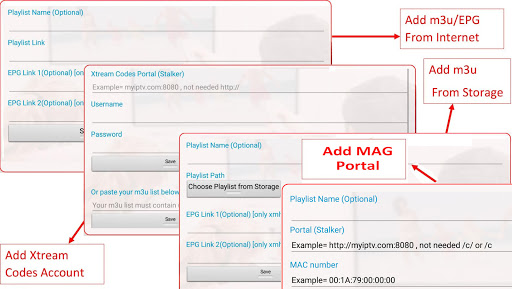
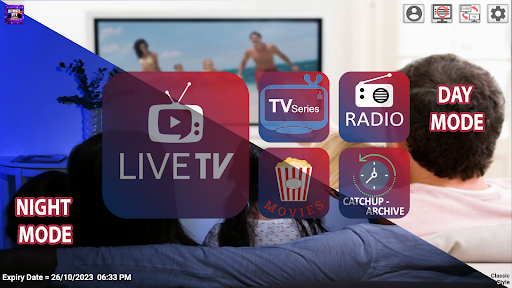
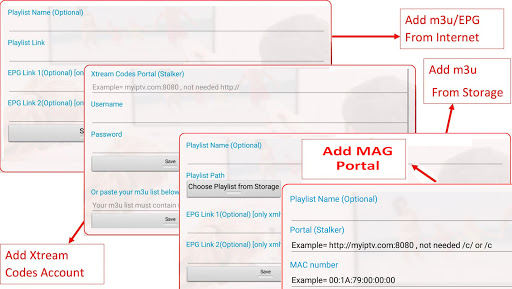
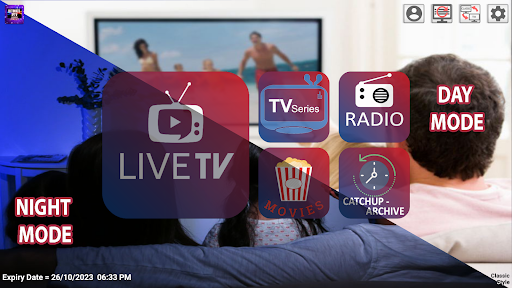
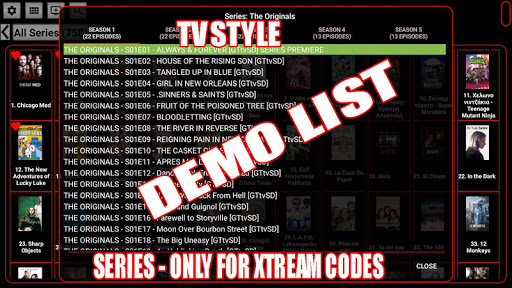
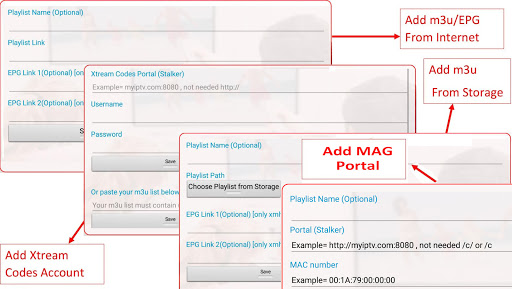
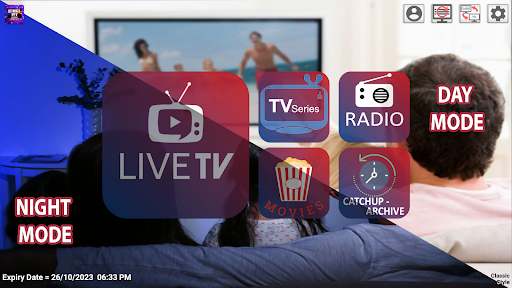
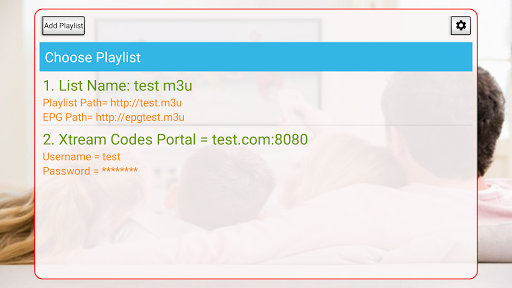
Ultimate IPTV Loader PRO is a versatile video player designed for users who want to manage and stream their personal IPTV playlists. The app supports various playlist formats including m3u, MAG Portal, and Xtream accounts, offering flexibility in content management.

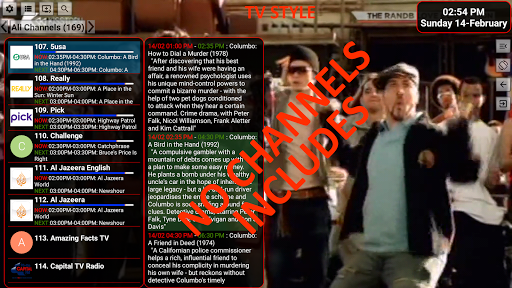
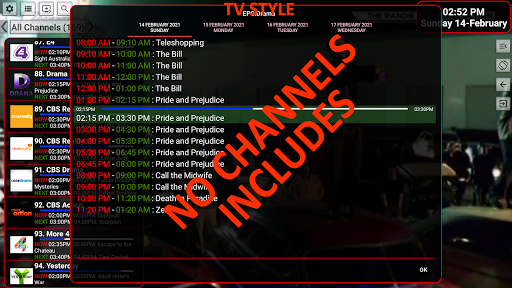
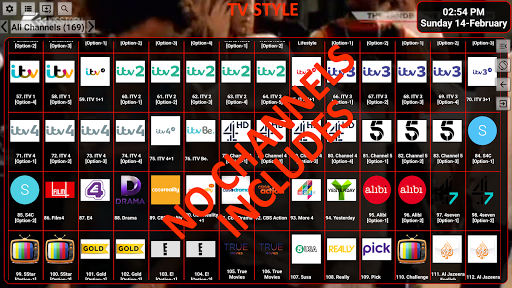
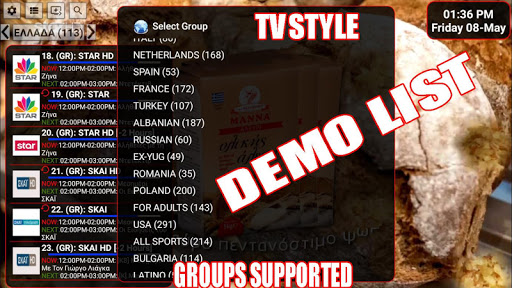
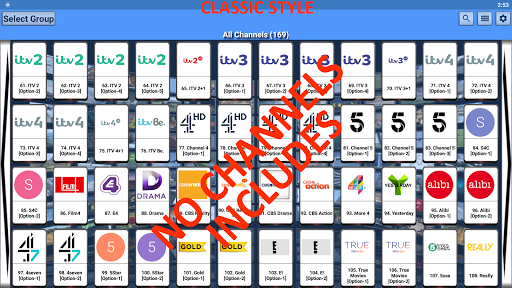
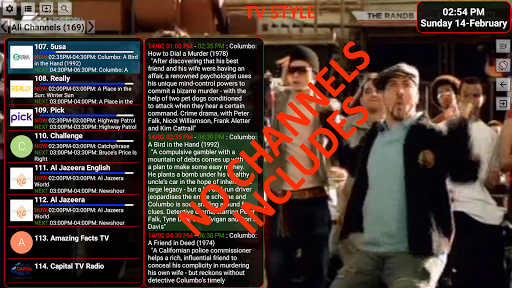
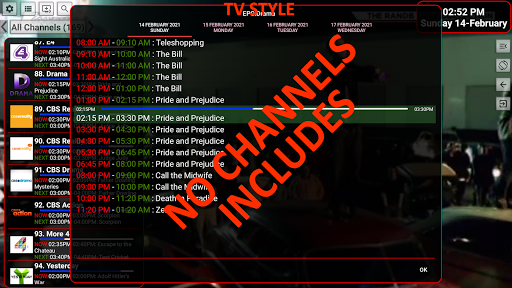
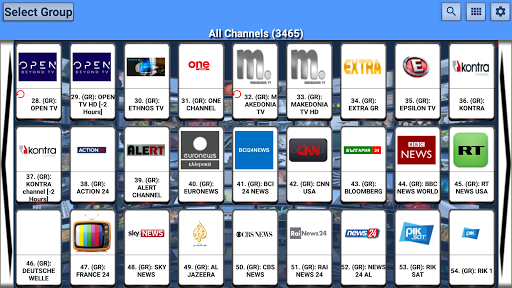
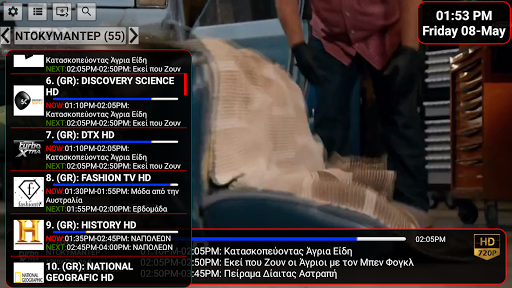
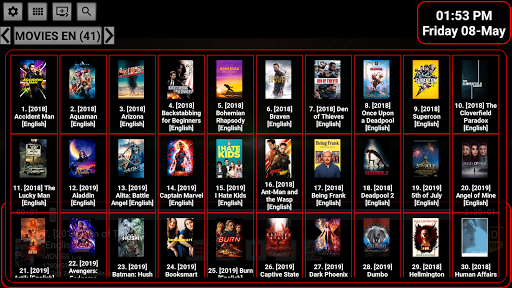
One of the key features is its EPG (Electronic Program Guide) support, which requires xmltv format files. This allows users to have a comprehensive TV guide experience. The app also provides multiple viewing options such as grid, list, or tile views with logos, enhancing user interface customization.

The application is suitable for users who already possess IPTV playlists and are looking for a robust platform to manage and watch their content efficiently on Android devices.

Features

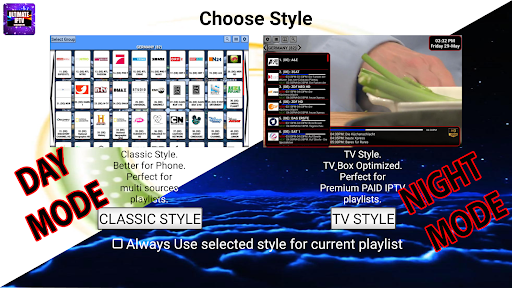
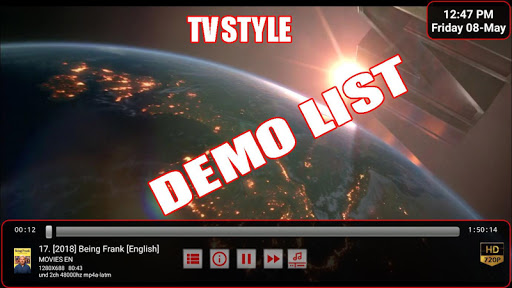
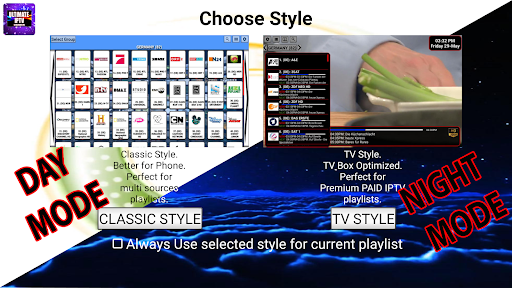
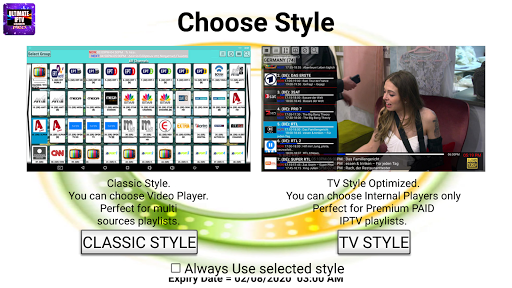
Ultimate IPTV Loader PRO stands out with its two distinct viewing styles: Classic and TVStyle. Users can choose between these styles to suit their preferences, making the viewing experience more personalized.

The app includes advanced functionalities like three internal players capable of handling numerous video formats without needing an external player. It also supports recording while watching, sleep mode in TV style, and full compatibility with TV box remote controls.

Additionally, users can organize their favorite channels into folders within the favorites section, providing a streamlined way to access preferred content. These features collectively offer a sophisticated solution for managing extensive IPTV playlists.

Video format compatibility

Video format compatibility refers to the range of video file types and codecs an application can process and play without requiring additional software or conversions. For Ultimate IPTV Loader PRO this aspect is crucial as it determines the app's ability to deliver a seamless viewing experience across various content sources. The application supports m3u playlists both from online sources and local storage which means it can handle multimedia content from diverse origins. Additionally its MAG Portal Support and Xtream Passwords Accounts integration ensure that users can access live TV movies series radio and catchup services without compatibility issues. The app boasts three internal players capable of playing many formats natively thus reducing the need for external players. Formats supported include those commonly used in EPG data such as xmltv in uncompressed compressed .gz or .xz formats. This comprehensive compatibility ensures that users with different types of playlists and content sources can enjoy their media without worrying about format support. Furthermore the app's ability to integrate with external players like MXPlayer and Vlc enhances its versatility making it adaptable to the specific needs and preferences of each user. In practical terms this broad video format compatibility allows users to focus on enjoying their content rather than troubleshooting playback issues. It also future-proofs the application against changes in video encoding standards ensuring that Ultimate IPTV Loader PRO remains a viable option as new formats emerge. For users who rely on their own playlists and content libraries this level of compatibility provides peace of mind knowing that their investment in personal media collections will be accessible through the app.

AI-powered editing features

AI-powered editing features represent the integration of artificial intelligence technologies into the video editing process enabling smarter faster and more intuitive content creation. While Ultimate IPTV Loader PRO is primarily designed as a media player rather than a traditional video editor it incorporates several AI-driven functionalities that enhance the user experience. One notable feature is the app's ability to organize and display channels and videos in grid list or tile formats complete with logos when available. This automatic organization is powered by AI algorithms that categorize content based on predefined parameters such as genre popularity or user preferences. Additionally the app offers EPG (Electronic Program Guide) support which utilizes AI to parse and present scheduling information in a user-friendly manner. Another significant AI-powered feature is the recording functionality which allows users to record content while watching. This capability employs intelligent buffering and storage optimization techniques to ensure smooth recording without excessive resource consumption. Moreover the app's support for creating and managing favorite channels and videos including the ability to create folders within favorites demonstrates AI-driven personalization. These features learn from user behavior to suggest relevant content and streamline navigation. The incorporation of AI extends to the app's player selection mechanism which automatically chooses the most suitable internal player based on the content being viewed. This intelligent player selection enhances playback performance by matching the video format with the optimal decoding method. For users these AI-powered features translate into a more engaging and personalized viewing experience. They reduce the complexity traditionally associated with managing and enjoying IPTV content while offering advanced capabilities that cater to both casual viewers and power users. By leveraging AI Ultimate IPTV Loader PRO not only simplifies content management but also anticipates user needs providing a sophisticated yet accessible platform for enjoying personalized media streams.

Props

User-friendly interface

Multiple player options

Customizable layouts

EPG support

Remote control compatibility

Cons

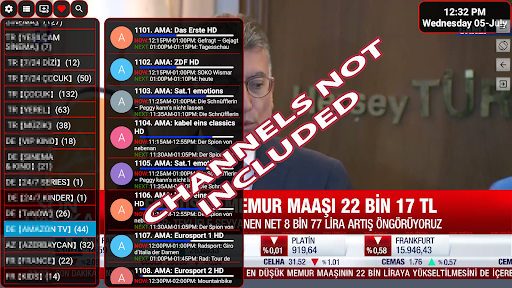
No built-in playlists

Firestick incompatible

Requires technical knowledge

External EPG needed

Paid version only

Features and Functions

What is this app and what can I use it for?

A customizable IPTV player for managing personal playlists.

How do I download and install this app on my device?

Search 'Ultimate IPTV Loader PRO' on Google Play Store and install it.

How do I get started after opening the app for the first time?

Import your m3u playlist and adjust settings as needed.

What are the main features and capabilities of this app?

Supports m3u playlists, EPG, multiple viewing styles, and recording.

How can I customize my experience and adjust preferences?

Adjust settings to change viewing styles and manage favorites.

How do I save or bookmark my favorite content for later access?

Add channels to favorites and organize them into folders.

How can I share content with friends or on social media?

Use the share option to send links via social media or messaging apps.

How do I access detailed information and explore more content?

Browse through categorized groups or check detailed EPG info.

What permissions does this app need and how do I manage them?

Needs storage and network permissions; manage in settings.

How do I check for updates and keep the app running smoothly?

Enable auto-update in Google Play Store settings for latest version.
Show more

User Reveiws

{{ comment.reviewer_name }}
{{ comment.review_date_formatted}}
{{ comment.review_content }}
{{ tab.name }}
{{ comment.reviewer_name }}
{{ comment.review_date_formatted}}
{{ comment.review_content }}
No reviews with this rating