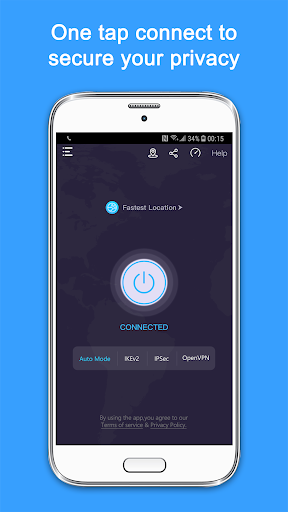
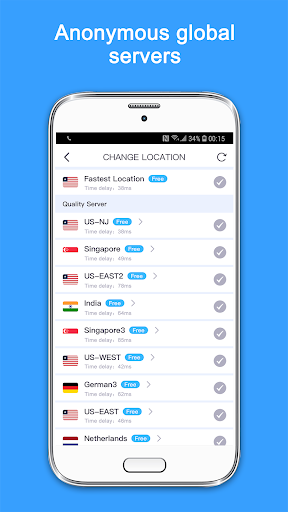

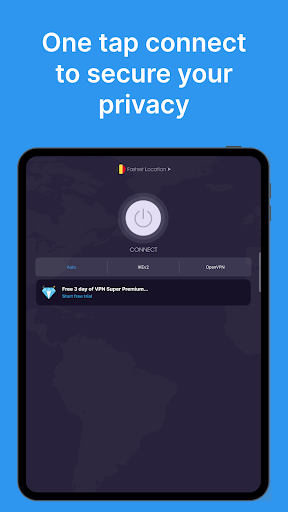
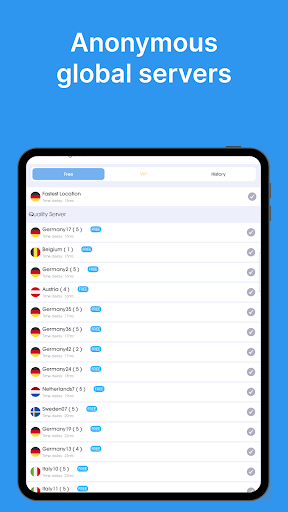
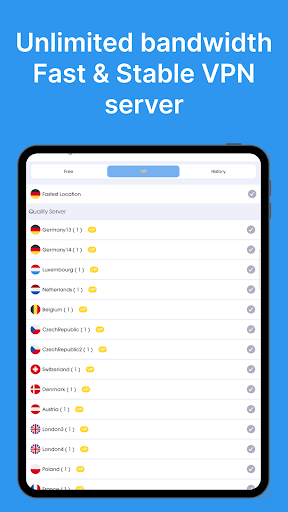
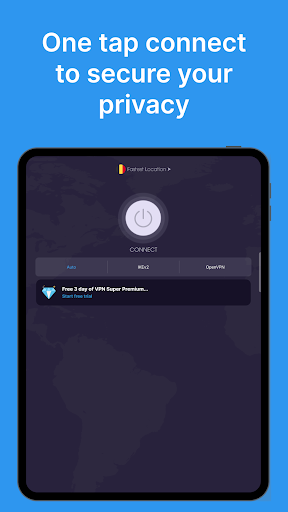
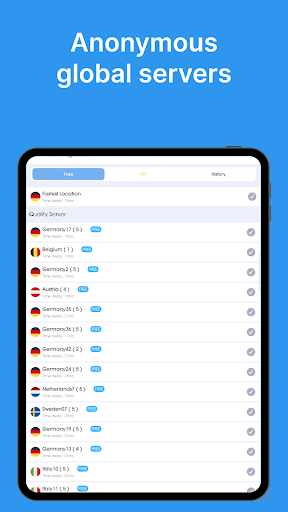

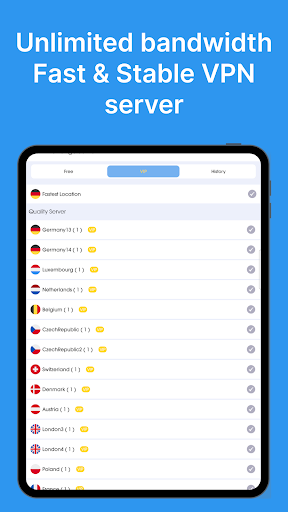
VPN - Super Unlimited Proxy is a robust and user-friendly virtual private network (VPN) application designed to provide secure internet access for Android users. The app offers unlimited bandwidth, turbo-fast speeds, and connections to over 5,000 servers across 55+ countries without requiring registration or login. With its military-grade encryption and strict no-logs policy, it ensures maximum privacy and security for users.
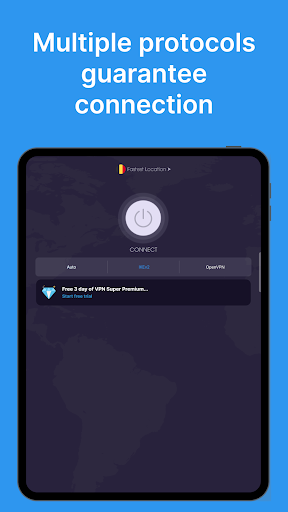
The app's core functionality includes protecting users' online activities by encrypting their internet connection and hiding IP addresses. Whether on public Wi-Fi, streaming content, gaming, or browsing privately, this VPN safeguards your data. It supports multiple protocols like OpenVPN, IKEv2, and V2Ray, with an Auto Mode for optimal performance. Additionally, the premium version offers enhanced features such as ultra-fast 10 Gbps servers and expanded server locations.
This tool is particularly useful for individuals seeking secure connections in public spaces, unblocking geo-restricted content, or accessing messaging apps and social platforms safely. Its ease of use and comprehensive privacy measures make it an essential utility for maintaining digital privacy and unrestricted internet access.
VPN - Super Unlimited Proxy stands out with its rich feature set tailored to meet diverse user needs. One of its primary characteristics is the provision of completely free services, including unlimited speed, bandwidth, and usage without ads, time limits, or speed caps. This makes it highly accessible for users who require consistent and reliable VPN services without financial commitment.
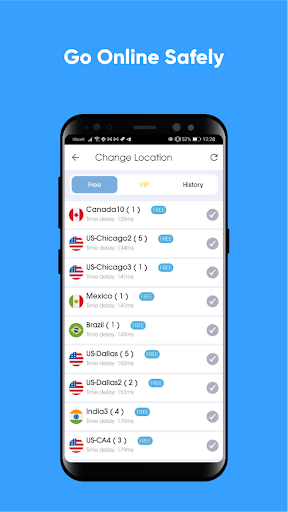
The app provides access to 25+ server locations, including 10+ U.S. cities, ensuring users can connect to servers closest to their geographic location for optimal performance. It employs military-grade encryption and maintains a strict no activity logs policy, reinforcing its commitment to user privacy. The smart server selection feature automatically chooses the best server based on current network conditions, enhancing user experience through seamless connectivity.
For those seeking advanced capabilities, the premium version offers additional benefits such as 10 Gbps ultra-fast servers, ad-free browsing, and access to all 55+ countries with city-level granularity within the U.S. These features collectively ensure that users receive not only basic security but also high-speed, flexible, and comprehensive VPN protection across multiple devices.
Free unlimited usage
No activity logs stored
Wide server coverage
Military-grade encryption
Instant connection
Limited free protocol options
Premium features costly
Occasional connection drops
Basic UI design
Ads in free version

Change your GPS location instantly. Simulate routes anywhere in the world.
 4.90
4.90
Complete kernel toolbox with features to manage and tweak your rooted device
4.30
FV File Manager Pro, Fast and powerful file manager for Android
4.60
An open-source APK explorer for Android!
4.10
Navigate with Ease and Style
4.90
Monitor car performance in real time and troubleshoot malfunctions.
4.80
Mirror your screen to Fire TV - Super fast and simple
4.40
The ultimate tool for network analysis, wifi scanning and problem detection.
4.90
A clean app.
4.50
Learn the vast amount of system information about device and monitor it's state
4.70
The one-and-only remote control for PC, Mac, and Linux
4.70 4.50
4.50 4.50
4.50
Button mapper, mouse toggle, sleep timer and a lot of another features
4.50
Effortlessly run ADB commands directly on your device without a PC.
4.20
1-Click close all background apps on Android TV
3.90
Create your own custom widget with endless possibilities
3.90
PDF Reader - Document Viewer: Read, Manage & Organize Your Documents
3.10
Unlock your Essential Key. Create custom shortcuts to your favorite apps!
4.3


User Reveiws