
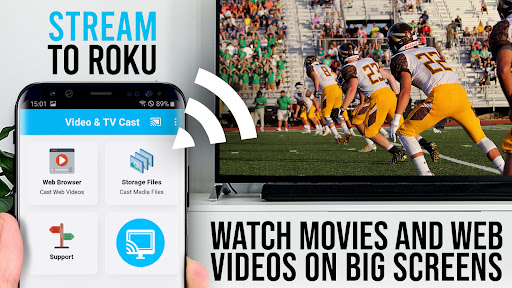
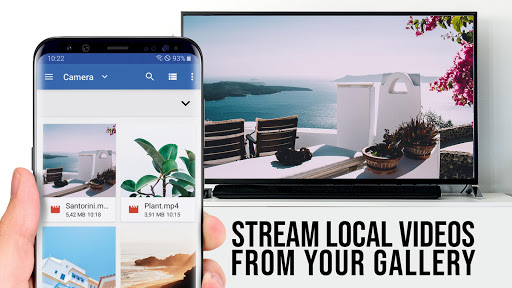
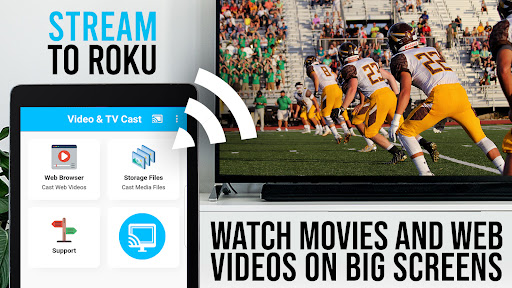
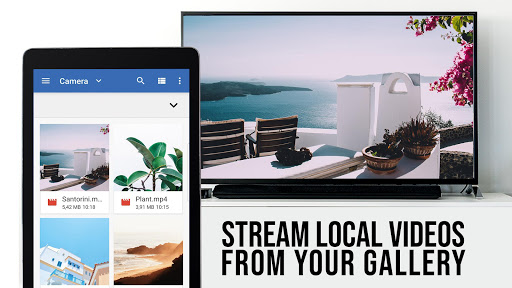


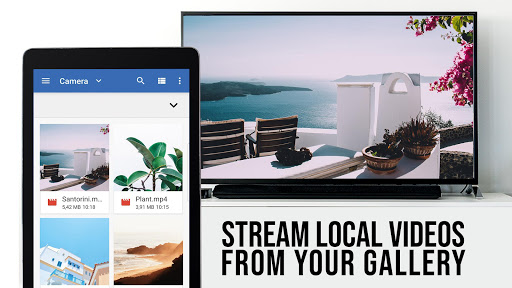
TV Cast Pro for Roku is a premier application designed to enhance your streaming experience by enabling you to cast web videos, online movies, livestreams, and live TV shows directly to your Roku devices. This includes Roku Stick, Roku Box, and Roku TV, supporting formats like mp4, m3u8, hls livestreams, and Full HD video over https. The app also features an integrated Roku Remote, allowing users to control their Roku devices seamlessly.
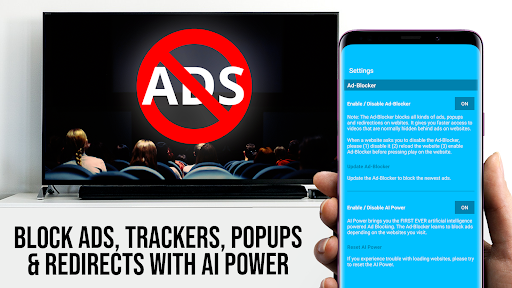
This PRO edition unlocks all premium features, offering advanced functionalities such as ad-blocking, bookmarks, desktop mode, and the ability to change the homepage. It's important to note that this app is only compatible with specific Roku models running firmware 5.1 or later and does not support DRM-protected content from platforms like Netflix and Amazon.
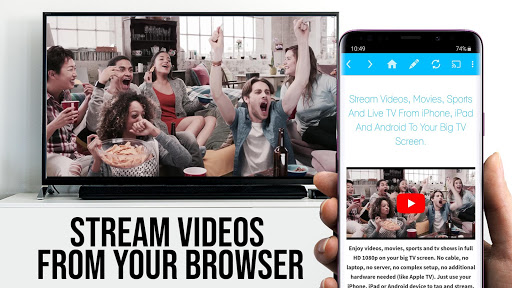
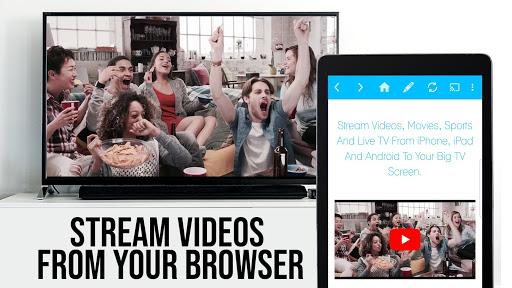
TV Cast Pro for Roku stands out with its comprehensive feature set tailored for seamless media streaming. One of its key features is the ability to browse the web and cast any video with a single tap, making it incredibly user-friendly. The app supports various video formats including mp4, m3u8, and Full HD, ensuring high-quality playback on your Roku device.
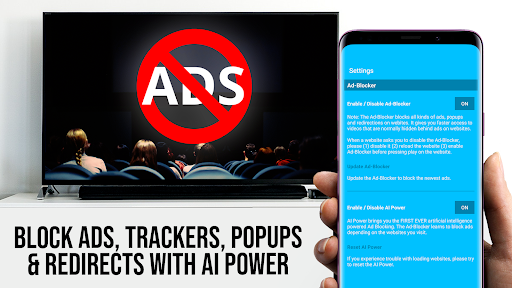
In addition to casting capabilities, the app includes a built-in Roku Remote, providing complete control over video playback. Users can forward, rewind, pause, and switch between Roku channels effortlessly. The PRO version further enhances the experience with an Ad-Blocker that removes ads and popups on most websites, customizable bookmarks, a desktop mode for accessing full desktop sites, and the option to set a personal homepage. These features collectively offer a versatile and enriched streaming experience.
User-friendly interface
Wide format compatibility
Integrated Roku Remote
Ad-free browsing
Customizable settings
Limited Roku model support
No DRM content casting
Requires specific firmware
Occasional connectivity issues
Desktop mode limitations

Connect 2 UVC devices for recording and broadcast video/audio stream
 3.90
3.90
Create photo video with music & template. AI video maker for stunning slideshow.
4.60
Live TV, anywhere in your home
3.80
AirMirror Receiver - Screen mirroring/cast web videos to Android TV by AirPlay.
4.40
Explore the largest library of free GIFs, Stickers & Memes - or create your own!
3.90
Download website videos fast&privacy
4.40
All in one multi protocols stream receiver for AirPlay, Cast and DLNA.
3.60
Enjoy your favorite videos and channels with the official YouTube app.
3.90
Photo editor & video maker with music and slideshows.
4.10
Video Trimmer, Video to MP3 Converter. Extract music from video, Easy & Fast.
4.80
GENRAL PRO - General Pro is the best video player that fully supports all formats.
4.70
?100% FREE! Download & save videos? safely in this app. All formats supported.
4.60
Video Downloader, Multiple Resolution Options, Video Player
4.50
Full HD Video mp3 Player, MP4 player play 1080p, File manager, Video Downloader
4.40
Video player with 4K & 1080P support, popup play, background play and subtitle.
4.20
All format media Player, no need video converter any more!
4.00
1)AirPlay/DLNA Mirroring/Streaming, up to 4 connections; 2)Samba/NAS/DMS Player.
4.00
Kodi media center, a free and open source cross-platform entertainment hub
3.60
Watch full episodes of your favorite Cartoon Network and Cartoonito shows!
3.50


User Reveiws