
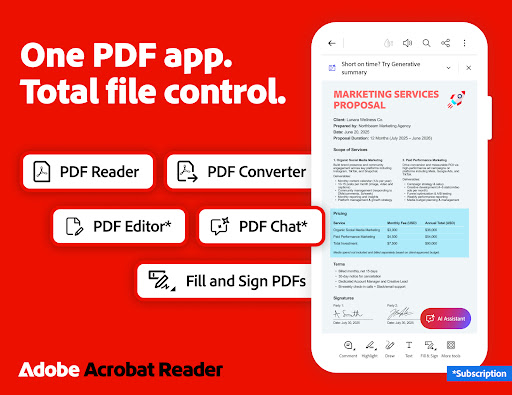
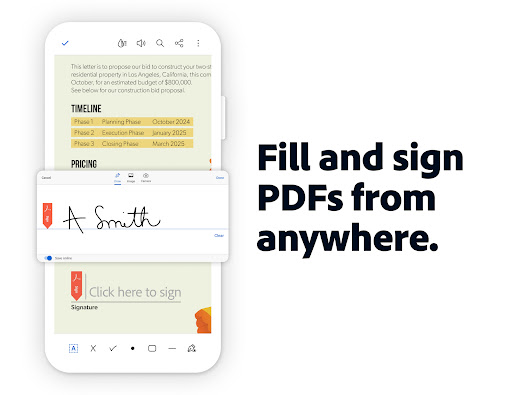

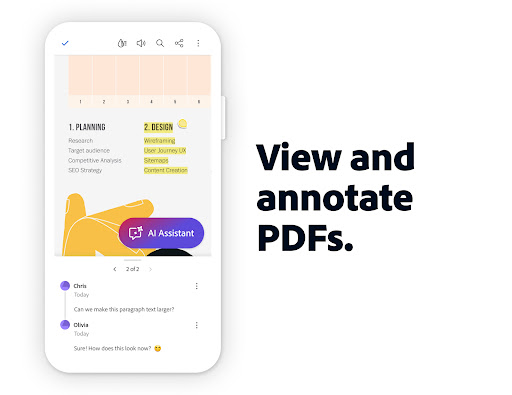


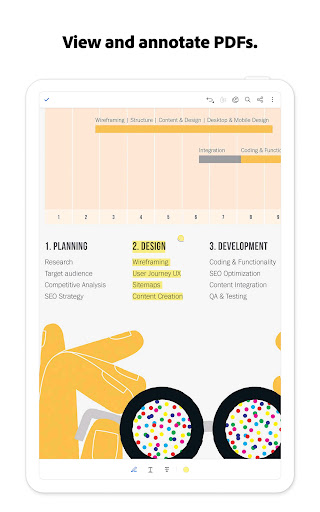
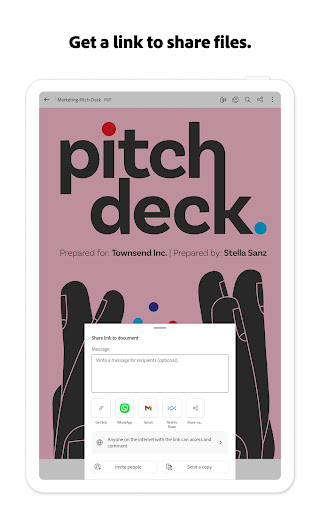
Adobe Acrobat Reader is a comprehensive productivity tool that redefines PDF management. As the world's most trusted PDF reader, editor, and maker, it boasts over 635 million installs. The application enables users to view, share, annotate, add comments, and sign documents seamlessly in one place. Its recent update introduces the Adobe Acrobat AI Assistant, which allows users to work across multiple files using PDF Spaces, collaborate efficiently, and utilize AI-powered features like voice support and instant PDF summaries.
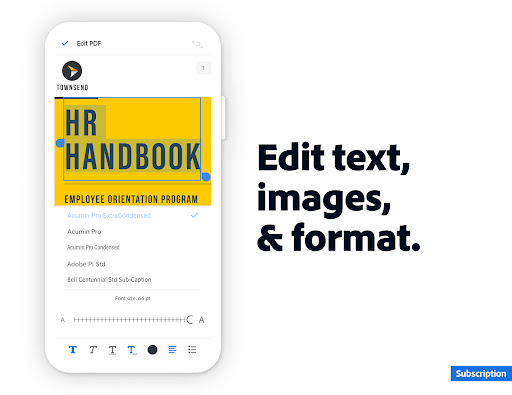
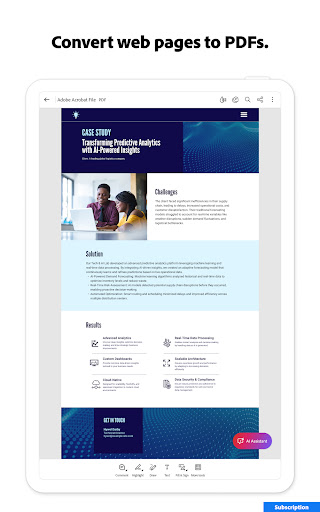
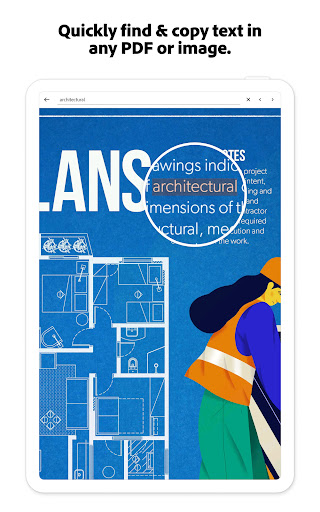
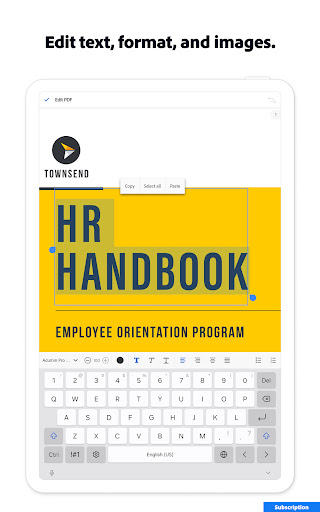
The app's functionality extends beyond basic PDF viewing. With professional tools for editing text and images, Optical Character Recognition (OCR), and advanced file conversion capabilities, it caters to diverse document management needs. Users can compress files, protect documents with passwords, and even have their PDFs read aloud. These features make it particularly valuable for professionals who need to manage complex documents on the go while maintaining high security and accessibility standards.
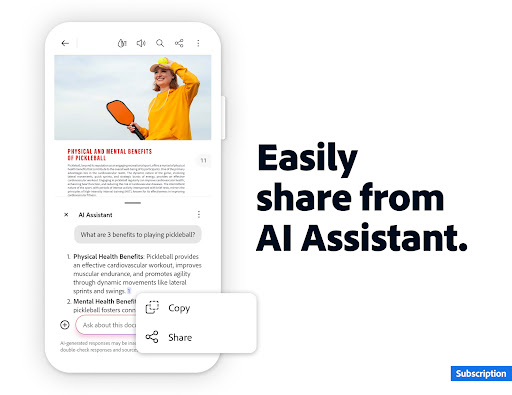
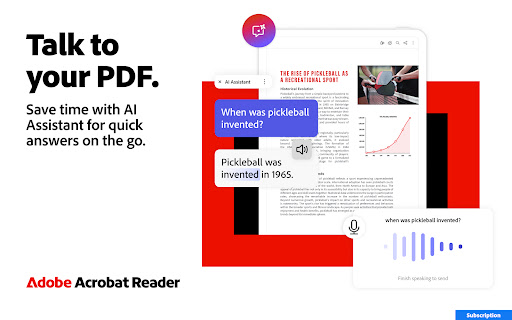
Adobe Acrobat Reader stands out through its innovative AI-powered features and extensive editing capabilities. The new Adobe Acrobat AI Assistant revolutionizes PDF interaction by enabling users to ask questions about document details, including charts and graphs, and receive cited answers. The AI chatbot supports both voice and text prompts, making document analysis more accessible than ever. Additionally, the Generative AI Summaries feature instantly creates concise document summaries, saving users valuable time.
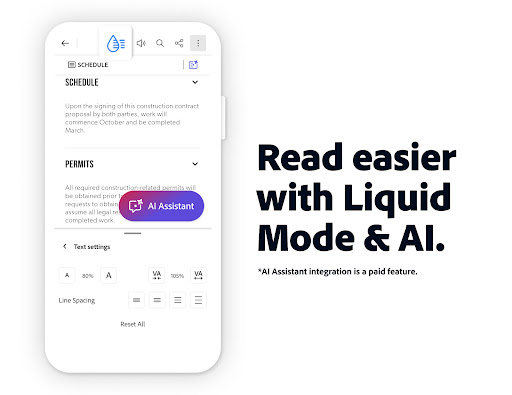
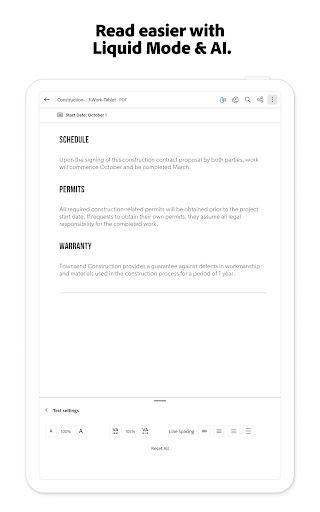
The application provides robust tools for document manipulation. Users can edit text and images directly within PDFs, split or merge multiple files, and convert various file types to and from PDF format. Advanced security features include password protection and file compression options. The Liquid Mode offers an optimized reading experience by allowing users to adjust font sizes and spacing. These comprehensive features create a versatile environment for all PDF-related tasks, whether for personal or professional use.
User-friendly interface
Extensive editing tools
Advanced AI features
Robust security options
Cross-platform functionality
Paid AI features
Large file size
Occasional slow performance
Limited free storage
Subscription required for full access

A lightweight JSON & XML files creator, editor and viewer (Premium Version)
 4.40
4.40
A simple, portable logger for POTA, SOTA, Field Day, and more
4.4
Protect and view your important info on your phone and tablet with eWallet®
4.80
IP Camera Viewer - Android TV : RTSP Surveillance camera viewer for Android TV
4.2
PDF scanner & converter for files, photos, lottery, QR codes. One swipe away!
4.50
Create and edit presentations with Google Slides, part of Google Workspace.
4.00
Code on-the-go with VScode for Android. Edit,debug and collaborate from mobile!!
3.10
Docker, Kubernetes management over Portainer Mobile
4.40
Simple notepad & memo. Take notes, to-do list, shopping list with reminders.
4.80
Android Wallet Password Manager
4.80
Absolutely the best CNC machinist speed and feed calculator around. fswizard.com
4.60
Calendar 2023 widget for Android. Appointment scheduler, planner, and reminder
4.60
Experience Reading - Night Mode for Documents
4.40
This small app MUST BE INSTALLED after purchase, else license won't work
4.40
Cloud storage, automatic phone backup, and more.
4.10
Experience real multitasking on your Android!
4.00
Access your phone's notifications, calls, apps, photos & texts on your PC
3.90
A Revolutionary All-in-One Artificial Intelligence Tools
3.80
A comprehensive suite of tools designed specifically for Lactation Consultants
4.3


User Reveiws