

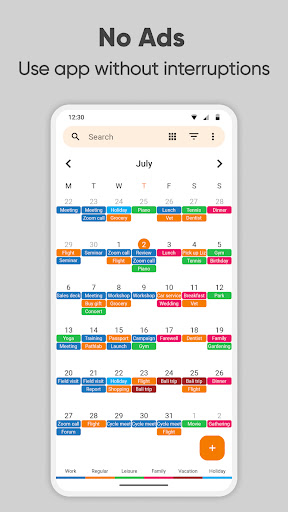
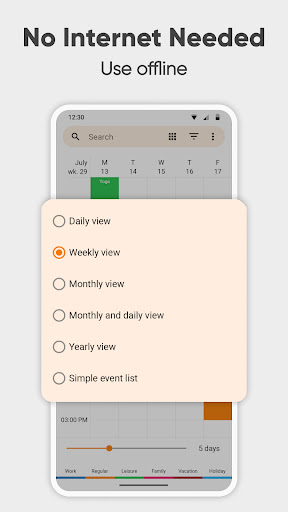
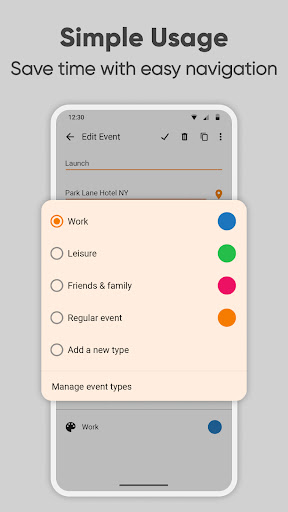
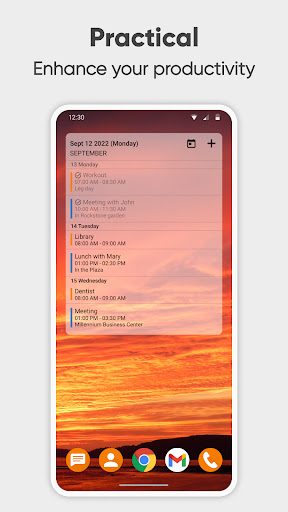
Simple Calendar Pro is a premium productivity application designed for Android users who need an efficient offline calendar solution. This app serves as a personal schedule planner, enabling users to organize their daily, weekly, and monthly events with ease. With support for syncing through Google Calendar or CalDAV protocols, it ensures seamless integration with existing calendars while maintaining user privacy.
The app's strength lies in its simplicity and customization options. Users can personalize event reminders, notification styles, and the overall appearance of the calendar widget. Whether planning business meetings, scheduling appointments, or managing family events, Simple Calendar Pro provides the tools necessary to stay organized and informed without unnecessary complexities.
For professionals and families alike, this app offers a comprehensive suite of features including flexible event creation, powerful repetition rules, and multi-view options. The ability to export settings and events ensures data portability across devices, making it an ideal choice for those seeking a reliable, ad-free calendar experience in 2023.
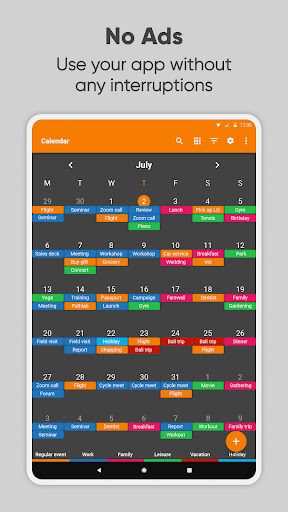
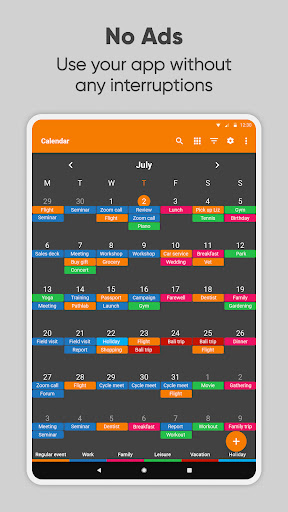
Simple Calendar Pro stands out with its rich feature set tailored for productivity enthusiasts. The app provides an exceptional user experience by eliminating ads and ensuring all functionalities work offline, thus prioritizing user privacy and data security. Its material design and optional dark theme make navigation intuitive and visually appealing.
One of the key highlights is its flexibility in managing events. Users can create single or recurring events with customizable reminders and repetition rules. The app supports importing and exporting events via .ics files and settings through .txt files, allowing effortless data transfer between devices. Additionally, CalDAV support enables synchronization with various calendar services like Google Calendar and Microsoft Outlook.
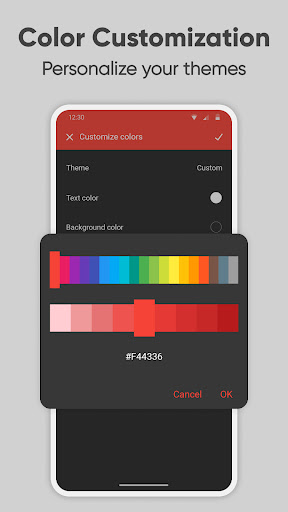
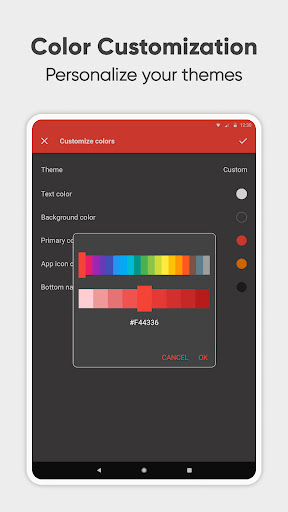
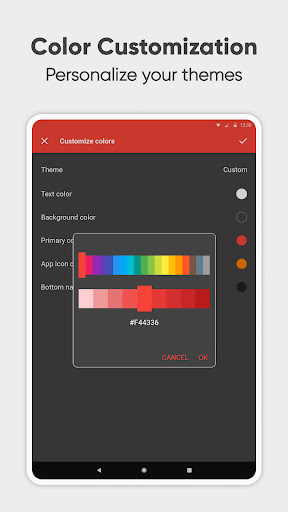
Customization is at the heart of Simple Calendar Pro. The app offers colorful themes, personalized sound settings for reminders, and a variety of widget customization options. It also includes practical features such as map integration for event locations, quick switching between different calendar views, and easy sharing of events on social media or via email. These features collectively enhance both personal and professional time management.
Userfriendly interface
Offline functionality
Highly customizable
No ads or popups
Open source
Limited to Android
No iOS version
Advanced features may overwhelm new users
Requires manual sync setup
Some features need technical knowledge

QuickBooks Workforce lets teams view pay info and track time in one place.
 4.70
4.70
Total remote control for your Android device, PC and cloud services (IFTTT)!
4.20
Device's storage information in a simple and clear graphical form (infographics)
4.10
aCalendar+ makes your day, week and month
4.70
App Lock with fingerprint, password: Lock apps & hide photos with lock screens
4.60
Font maker keyboard with your own handwriting
4.10
A beautiful digital clock with autostart and many other functions
4.70
Daily processing of PDF documents.
4.40
Seamlessly read, manage, and organize all your PDF files solution in one place
4.40
Great calculator for Android named one of USA TODAY's "25 Essential Apps".
4.90
Direct Chat without saving contacts & Dual WA Account on Single Device
4.70
CalenGoo is a very flexible and feature-rich calendar app
4.40
Enjoy classic gameplay with customizable features and retro-style graphics.
4.30
Professional calendar app for Google Calendar, MS Outlook & Exchange
4.20
⏰ Finally a timer app which can run multiple timers simultaneously on your watch
3.90
Remotely view listen control and record cameras.
3.70
Experience and share your SolidWorks designs on your Android® phone and tablet.
2.50
Ads Free App! Editor, Hide File, Copy, Move, Delete and Rename.. all facility av
1.70
Create study competitions, track your hours, and stay consistent with friends
4.2


User Reveiws