
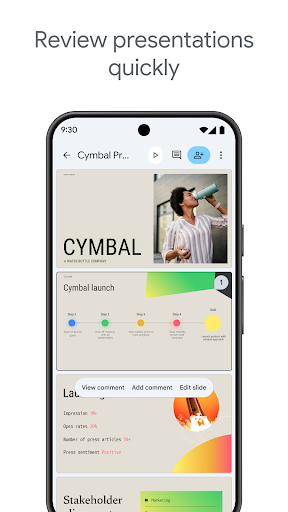
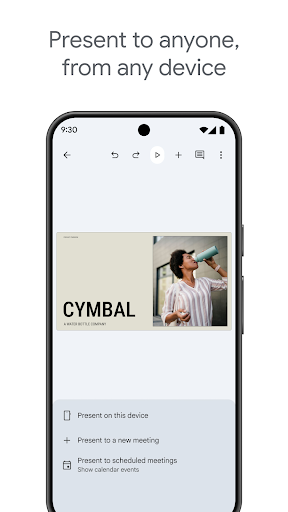
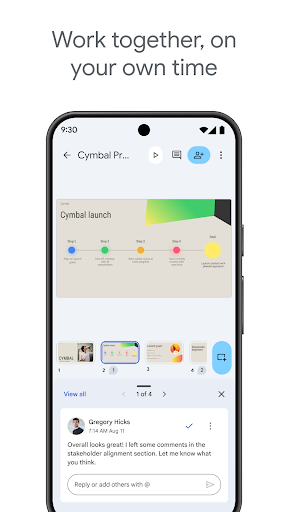
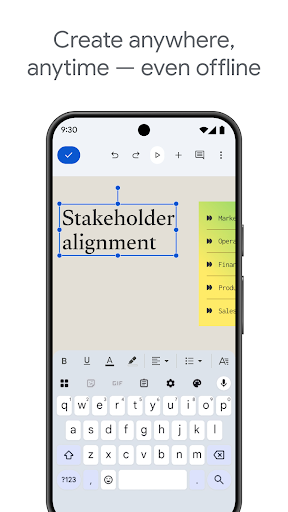
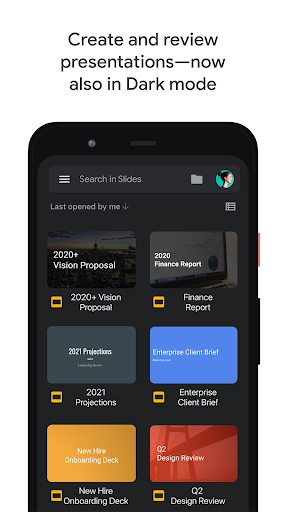
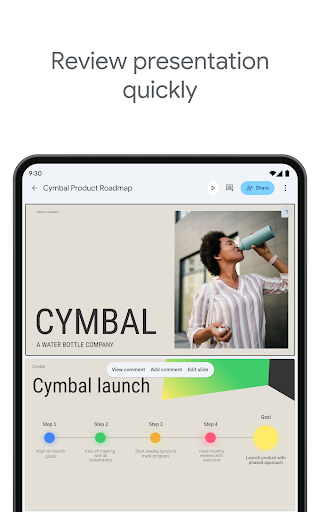
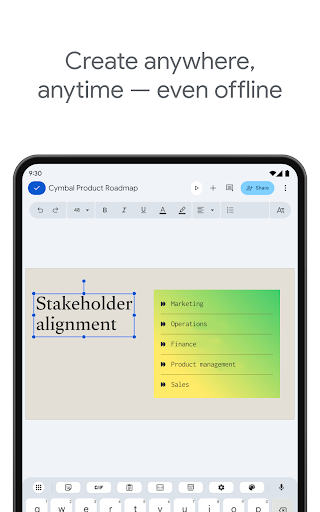
Google Slides is a powerful productivity application that allows users to create, edit, and collaborate on presentations directly from their Android devices. The app offers a comprehensive set of features including real-time collaboration, offline editing, and automatic saving. Whether you need to build a new presentation from scratch or modify an existing one, Google Slides provides all the necessary tools to make your work efficient and seamless.
One of the standout features of Google Slides is its ability to facilitate teamwork. Multiple users can work on the same presentation simultaneously, making it ideal for group projects or business meetings. Additionally, the app supports integration with other Google Workspace services, enhancing its functionality for professional environments. With smart suggestions and beautiful design templates, users can create stunning slides instantly, even when presenting during video calls.
Google Slides stands out due to its rich feature set tailored for productivity. Users can create new presentations or edit existing ones with ease, thanks to an intuitive interface and robust editing tools. The app supports real-time collaboration, allowing multiple users to work together seamlessly, regardless of their location. This makes it perfect for remote teams or classroom settings where collaboration is key.
Another notable feature is the ability to work offline, ensuring productivity is not hindered by lack of internet access. Users can also add and respond to comments, rearrange slides, format text and shapes, and present directly from their mobile devices. For those subscribed to Google Workspace, additional features such as enhanced collaboration options and advanced templates are available, providing even more value and flexibility in creating professional presentations.
User-friendly interface
Real-time collaboration
Offline access
Automatic saving
Integration with Google Workspace
Limited offline features
Fewer templates than competitors
Basic design tools
No advanced animations
Dependent on Google ecosystem

A Revolutionary All-in-One Artificial Intelligence Tools
 3.80
3.80
When you Focus, so will your Bean in this cozy focus timer
4.30
Experience real multitasking on your Android!
4.00
Mega cloud explorer plugin for Solid Explorer
3.80
A lightweight JSON & XML files creator, editor and viewer (Premium Version)
4.40
Activate Two Factor Authentication (2FA or Multi OTP), Password manager and more
4.10
A comprehensive suite of tools designed specifically for Lactation Consultants
4.0
This small app MUST BE INSTALLED after purchase, else license won't work
4.40
Seamlessly read, manage, and organize all your PDF files solution in one place
4.40
Great calculator for Android named one of USA TODAY's "25 Essential Apps".
4.90
App Lock with fingerprint, password: Lock apps & hide photos with lock screens
4.60
All document reader, all in one file viewer read PDF, DOCX, XLS, PPT, TXT files.
4.60
PDF scanner & converter for files, photos, lottery, QR codes. One swipe away!
4.50
Send files, sync SMS, notifications & clipboard across devices via local network
4.40
CalenGoo is a very flexible and feature-rich calendar app
4.40
Make apps & sites with natural language prompts
4.10
The ultimate file manager for rooted devices. The original and still the best.
4.00
Auto-shutoff Alarm with Sunrise, Sunset & Fixed Options.
3.50
Create study competitions, track your hours, and stay consistent with friends
4.3


User Reveiws