

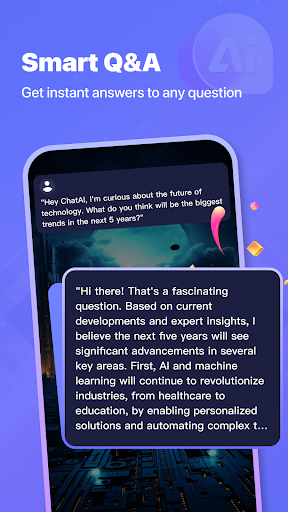

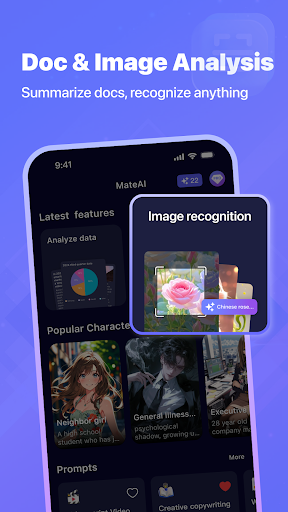



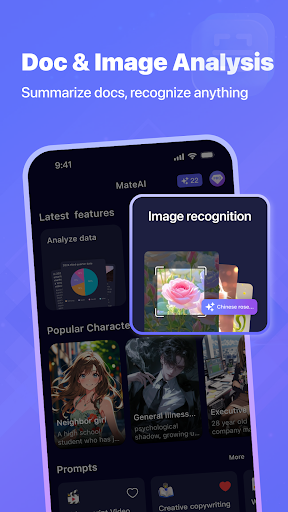

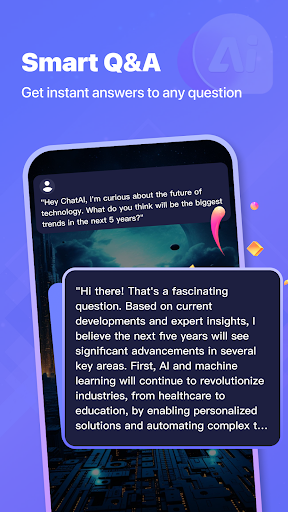


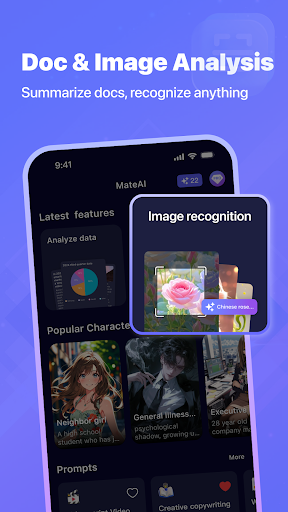

MateAI is an innovative productivity app that combines intelligent chatbot capabilities with advanced content creation tools. At its core, the app features a sophisticated AI chatbot designed for engaging conversations and personalized dialogue based on user preferences. The chatbot supports various conversation styles, roleplay scenarios, and maintains conversation history for continuity.
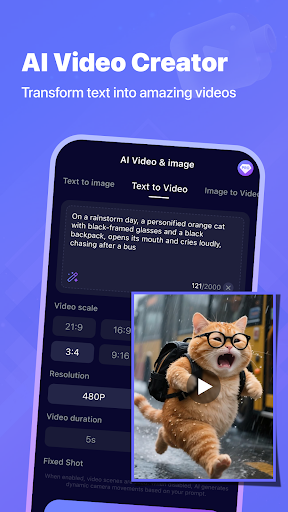
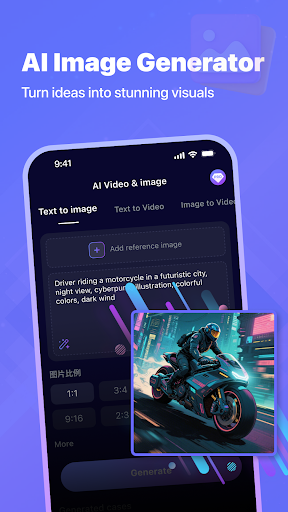
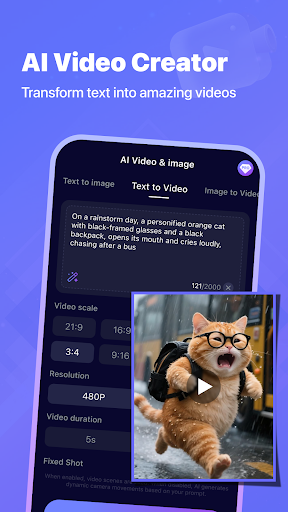
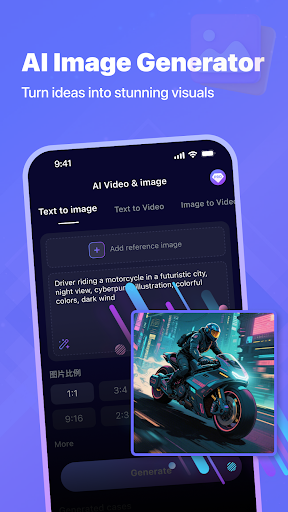
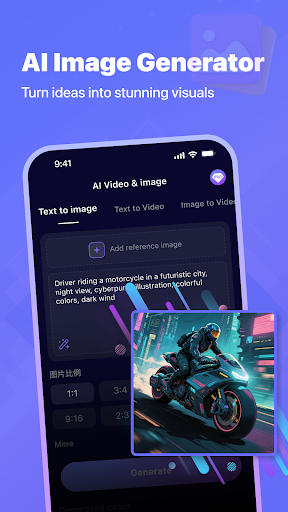
Beyond its conversational capabilities, MateAI serves as a comprehensive creative suite. Users can leverage AI-powered video generation tools for creating professional-quality videos, perfect for social media content and creative projects. The app also includes an advanced image generator that creates unique artwork and designs using neural network technology. These creative tools are complemented by features like face swap and morphing effects, making it a versatile platform for digital content creation.
The app's standout feature is its integration of multiple AI-powered tools into one seamless platform. The AI chatbot offers extensive messaging capabilities with intelligent responses, voice-based chat support, and customizable interaction styles. Users can maintain continuous conversations with their AI companion, which adapts its responses based on conversation history and user preferences.
MateAI's content creation features include professional-grade tools for video and image generation. The AI video generator simplifies the process of creating engaging video content, while the image generator produces unique artistic images and custom artwork. Additional features like face swap and morphing effects provide creative possibilities for users. Premium users benefit from an ad-free experience and enhanced features, including faster content generation and advanced customization options.
Advanced AI chatbot
Video generation tools
Image creation features
Face swap effects
Voice-based support
Premium features locked
Complex interface
High resource usage
Limited free options
Occasional bugs

Experience Reading - Night Mode for Documents
 4.40
4.40
All in One PDF Reader: Manage, Read and Edit your Documents
4.20
Translate text/voice/photos in 150+ languages. Offline & fast translator app.
4.50
Code on-the-go with VScode for Android. Edit,debug and collaborate from mobile!!
3.10
Access, manage and transfer files on Android, PC, Mac, NAS and cloud storages.
4.30
Experience and share your SolidWorks designs on your Android® phone and tablet.
2.50
Simple notepad & memo. Take notes, to-do list, shopping list with reminders.
4.80
Browse and view your photos and videos from the phone with photo & video hide.
4.10
QuickEdit is a fast, stable and full featured text and code editor.
4.20
Native client for Forgejo and Gitea
5.00
Quickly and easily keep track of your work shifts
4.70
Functional QR scanner and barcode reader that requires little storage space.
4.60
Secure your apps with lock screens, use custom themes and different features.
4.40
A customizable calendar for your Wear OS watch
4.20
Activate Two Factor Authentication (2FA or Multi OTP), Password manager and more
4.10
Customizable calendar widget for seamless event sync, planning & scheduling.
4.00
* block pre-roll ads, pop-up and forced redirect ads * Samsung certification app
4.00
Find and delete junk files & block unwanted notifications & manage files
3.70
A comprehensive suite of tools designed specifically for Lactation Consultants
4.5


User Reveiws