Cleaner Toolbox

4.50

Information

Category:

Tools

Price:

Free

Rank:

17

Rating:

4.50

Overview

Cleaner Toolbox is a comprehensive Android device optimization tool designed to enhance your phone's performance. The app focuses on cleaning junk files, managing battery usage, and optimizing system resources.

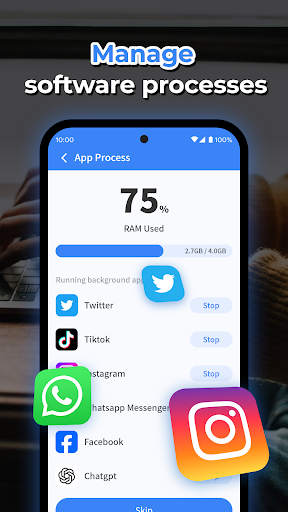
Key features include junk file removal, detailed battery information display, app uninstallation, and background process management. These tools work together to ensure your device runs smoothly and efficiently.

Ideal for users who want to maintain optimal device performance, Cleaner Toolbox provides an all-in-one solution for Android maintenance. Whether you're dealing with storage issues or battery concerns, this app offers practical solutions.

Features

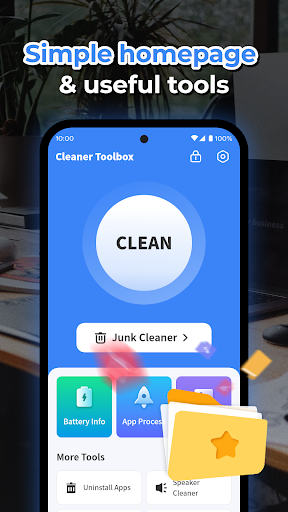
The app's standout feature is its multi-functional cleaning capability. The junk cleaner removes cache files, temporary files, and residual files that accumulate during regular phone usage.

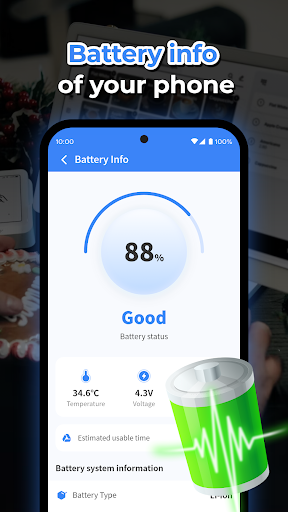
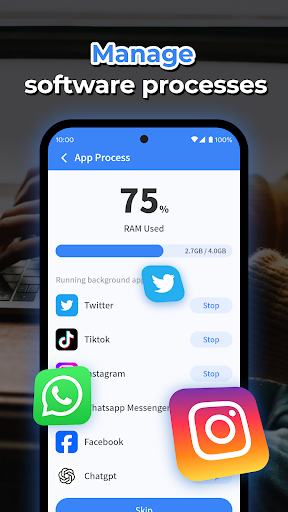
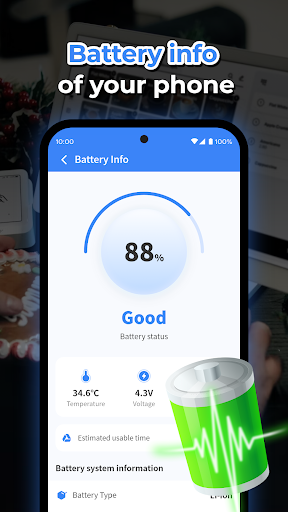
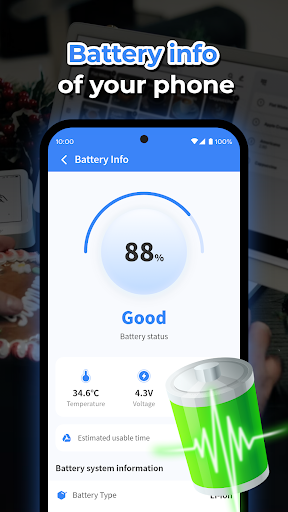
Battery monitoring provides detailed information about your device's power consumption. The app also includes an intuitive app manager for uninstalling unnecessary applications and managing background processes.

These features are implemented through a user-friendly interface that makes device maintenance accessible to all users. Each tool is designed to address common Android performance issues effectively.

Core function accuracy & effectiveness

The core function accuracy and effectiveness of Cleaner Toolbox are crucial for users seeking a reliable Android cleaning tool. This application provides multiple features that ensure the device is maintained at an optimal performance level. The Junk Cleaner functionality precisely identifies and removes unnecessary files such as cache, temporary, and residual files which can accumulate and slow down a phone's operation. By accurately targeting these files without affecting the system or other apps' essential data, it delivers a safer clean. Battery Information adds another layer of effectiveness by providing users with critical insights into their battery health, allowing them to manage power consumption better. The app also facilitates the uninstallation of unwanted applications, ensuring that users can reclaim valuable storage space effectively. Additionally, the Background Processes feature allows users to take control of apps running in the background, which is vital for conserving system resources. These functions combined offer a comprehensive suite of tools that not only promise efficiency but also empower users with knowledge about their devices, leading to smarter maintenance decisions and ultimately extending the life and performance of their smartphones.

Interface simplicity & intuitiveness

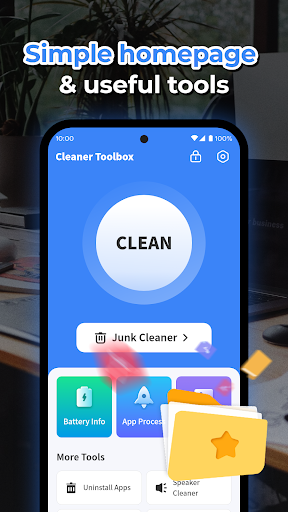
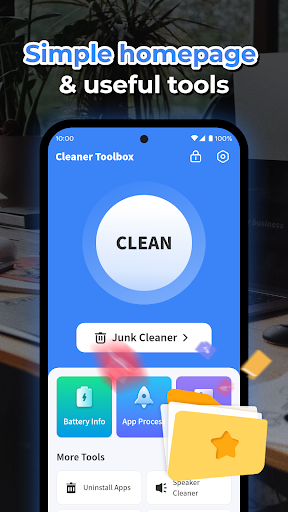
Cleaner Toolbox excels in delivering an interface that emphasizes simplicity and intuitiveness, making it accessible for users of all technical backgrounds. Upon launching the app, users are greeted with a straightforward layout where each tool is represented by clear icons and labels, eliminating any learning curve associated with more complex applications. The Junk Cleaner process is streamlined into a single click operation, offering a hassle-free way to free up space. Similarly, the Battery Information section presents data in an easily digestible format, allowing users to quickly grasp their battery's status without needing to interpret complicated statistics. When it comes to managing installed applications, Cleaner Toolbox provides an intuitive selection process for uninstalling apps, accompanied by relevant app details to assist decision-making. Moreover, controlling Background Processes is made simple through an uncomplicated interface that lets users enable or disable apps from running behind the scenes effortlessly. This focus on user-friendly design ensures that regular maintenance tasks do not become a chore but rather a quick routine check-up that keeps the device running smoothly without demanding too much time or technical know-how from the user.

Props

Effective junk cleaning

Comprehensive battery info

Easy app management

Process optimization

User-friendly design

Cons

Limited iOS support

Few advanced options

Basic UI design

Occasional bugs

Ads in free version

Features and Functions

What is this app and what can I use it for?

A versatile Android cleaning and optimization tool

How do I download and install this app on my device?

Visit Google Play Store and search for Cleaner Toolbox

How do I get started after opening the app for the first time?

Follow the setup wizard and grant necessary permissions

What are the main features and capabilities of this app?

Junk cleaning, battery monitoring, app management, process handling

How can I customize my experience and adjust preferences?

Adjust settings through the preferences menu

How do I save or bookmark my favorite content for later access?

Use the bookmark feature in the app's main section

How can I share content with friends or on social media?

Share content via social media links in the sharing section

How do I access detailed information and explore more content?

Access details through the information tab in each section

What permissions does this app need and how do I manage them?

Manage permissions in the app settings and device settings

How do I check for updates and keep the app running smoothly?

Check updates automatically through the app's update feature
Show more

User Reveiws

{{ comment.reviewer_name }}
{{ comment.review_date_formatted}}
{{ comment.review_content }}
{{ tab.name }}
{{ comment.reviewer_name }}
{{ comment.review_date_formatted}}
{{ comment.review_content }}
No reviews with this rating
















