Document Reader & PDF Editor

4.60

Information

Category:

Productivity

Price:

Free

Rank:

54

Rating:

4.60

Overview

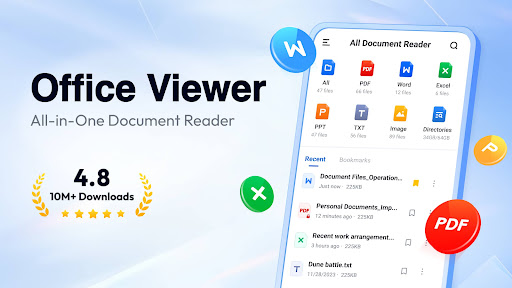
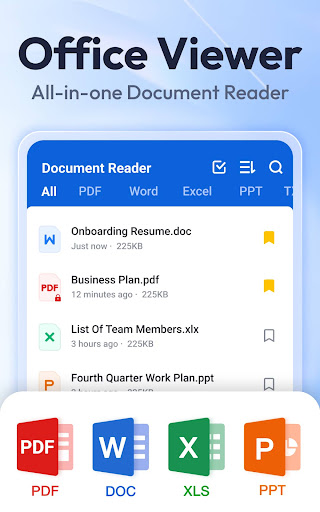
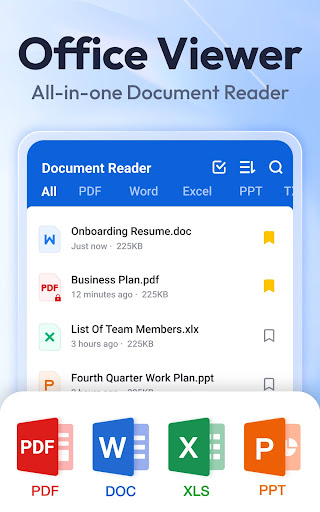
Document Reader & PDF Editor is a versatile productivity tool designed to streamline document management across multiple formats. This all-in-one solution supports PDF, Word, Excel, PowerPoint, and TXT files, making it an essential app for both personal and professional use.

The application's core strength lies in its comprehensive format compatibility and user-friendly interface. Users can view, organize, and manage documents through an intuitive folder system with quick search functionality. Key features include offline reading capabilities, bookmarking for easy access, and seamless switching between landscape and portrait modes.

Ideal for mobile professionals and students, Document Reader enables efficient document handling on-the-go. Its ability to handle complex file types like PPT and XLSX while maintaining high performance makes it particularly valuable for business presentations and data analysis tasks.

Features

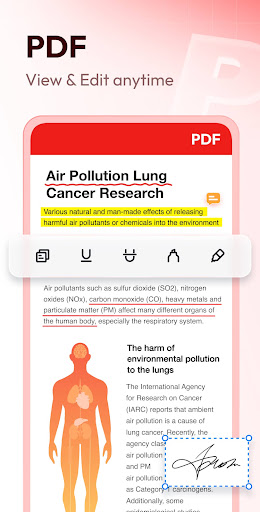
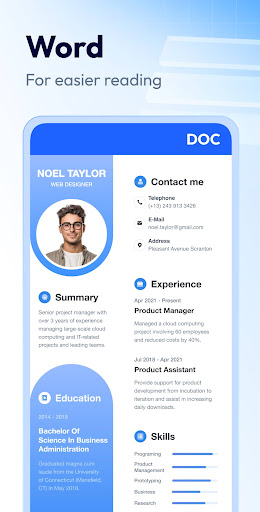
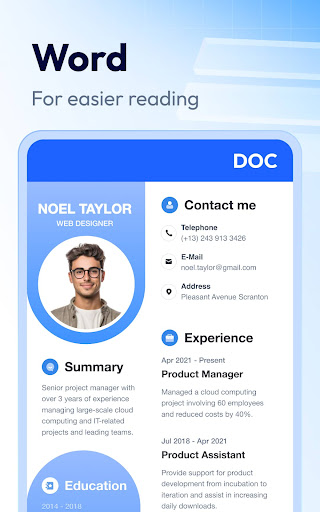
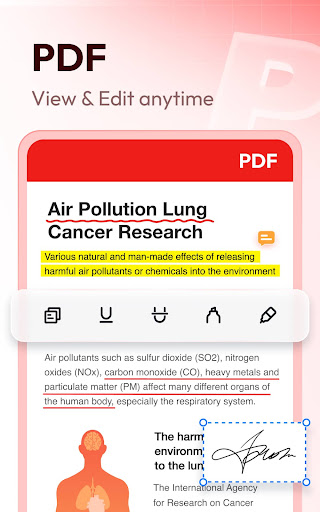
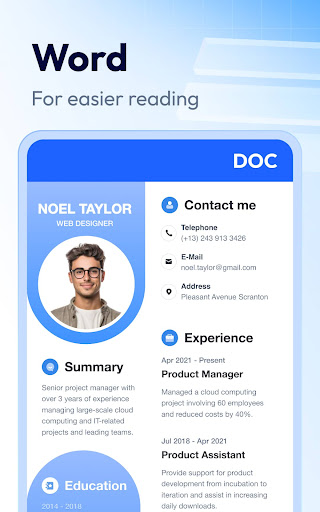
This productivity application distinguishes itself through several innovative features. The PDF Reader functionality offers advanced navigation tools including page jumping, zoom controls, and printing capabilities. The Word Reader component provides sophisticated document management with multiple sorting options based on file attributes.

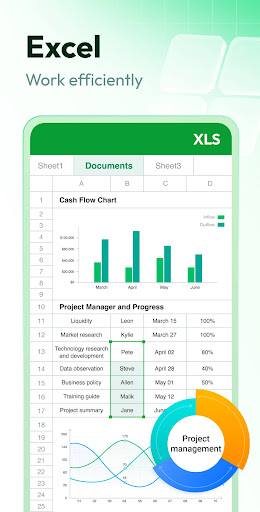
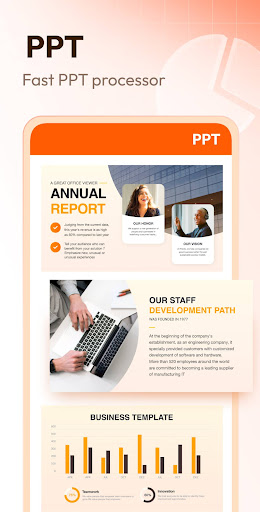
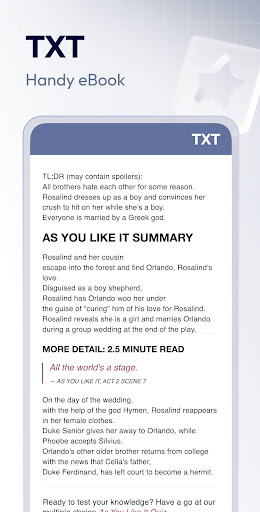
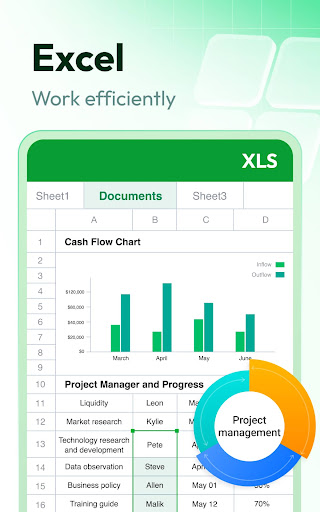
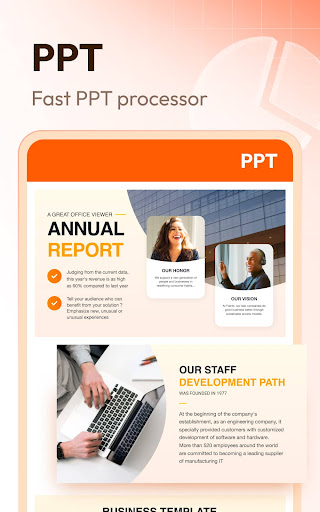
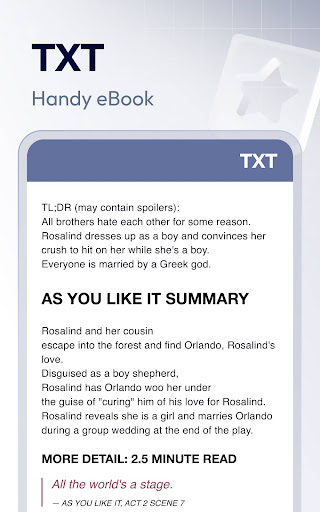
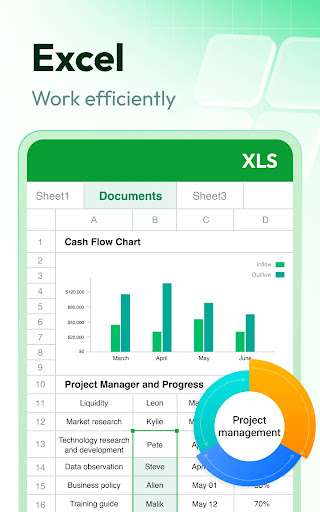
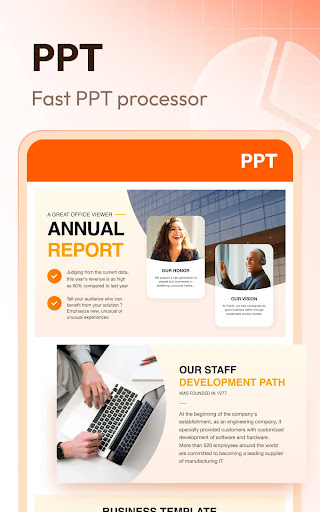
Excel and Text viewing capabilities are enhanced by rapid search functions and spreadsheet optimization for mobile devices. Presentation files are handled with care through the PPT Viewer, ensuring high-definition quality and stable performance during viewing sessions.

Additional notable features include planned support for image-to-PDF conversion, document editing capabilities, and expanded format compatibility. The application also implements necessary permissions responsibly, requiring MANAGE_EXTERNAL_STORAGE only for essential file operations on Android 11 and above.

Core task management

Task management in Document Reader & PDF Editor refers to the app's ability to efficiently organize and handle various document-related tasks within a unified interface. This functionality is crucial for users who need to manage multiple file formats and perform different operations such as reading viewing editing and converting documents. The app supports an extensive range of file types including PDF DOC XLS PPT and TXT which ensures that users can work with virtually any document they encounter. One of the standout features is its simple and clear file list organization that allows users to quickly search and manage their files. Users can sort documents by file path size name or last edit date making it easy to locate specific files. Additionally the app provides options to bookmark documents for quick access which enhances productivity by saving time when revisiting frequently used files. The ability to read and manage documents offline adds another layer of convenience especially for users who need access to their files without an internet connection. Document Reader & PDF Editor also offers specialized viewers for different file types each with tailored functionalities. For instance the PDF reader allows users to zoom in and out jump to specific pages switch between landscape and portrait modes and easily print or share PDFs. Similarly the Word Excel and PowerPoint viewers provide intuitive interfaces and efficient navigation tools. These dedicated viewers ensure that users can interact with their documents in the most effective way possible. Overall the core task management capabilities of Document Reader & PDF Editor significantly enhance user productivity by providing a comprehensive set of tools that streamline document handling and improve workflow efficiency.

Cross-device synchronization reliability

Cross-device synchronization reliability in Document Reader & PDF Editor pertains to the app's capacity to maintain consistent and up-to-date document information across multiple devices. This feature is essential for users who rely on accessing their documents from different locations or devices ensuring that their data remains synchronized and accessible at all times. Although the current description does not explicitly mention cloud-based synchronization Document Reader & PDF Editor lays a solid foundation for potential future enhancements in this area through its robust local file management system. The app's ability to organize and manage documents locally with features like bookmarking sorting and quick searching establishes a reliable framework that could be extended to support cross-device synchronization. When implemented this functionality would enable users to seamlessly transition between devices without losing track of their document progress or organizational structure. For example if a user starts reading a PDF on their tablet and later switches to their smartphone the app could automatically sync the last viewed page bookmarks and any annotations made. This level of synchronization would greatly enhance user experience by providing continuity and flexibility in how and where documents are accessed. Furthermore the app's offline capabilities suggest that even without constant internet connectivity users can still rely on having access to their most recent document states once they reconnect. In summary while Document Reader & PDF Editor may currently focus more on local document management its existing infrastructure shows promise for developing reliable cross-device synchronization in the future. Such advancements would further bolster its position as a versatile and indispensable tool for productivity-oriented users seeking seamless document access across various devices.

Props

User-friendly interface

Wide format support

Offline functionality

Quick search feature

Bookmarking system

Cons

Limited editing tools

No cloud integration

Premium features locked

Occasional bugs

Heavy storage use

Features and Functions

What is this app and what can I use it for?

A versatile document viewer supporting PDF Word Excel PPT TXT formats

How do I download and install this app on my device?

Search Document Reader in Google Play download and install from store page

How do I get started after opening the app for the first time?

Open app grant permissions browse files start viewing documents

What are the main features and capabilities of this app?

Supports multiple formats offline reading bookmarking quick search

How can I customize my experience and adjust preferences?

Adjust settings customize views set default file opening options

How do I save or bookmark my favorite content for later access?

Use bookmark feature save favorite documents for later access

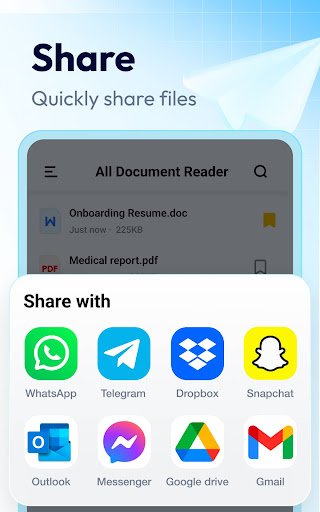
How can I share content with friends or on social media?

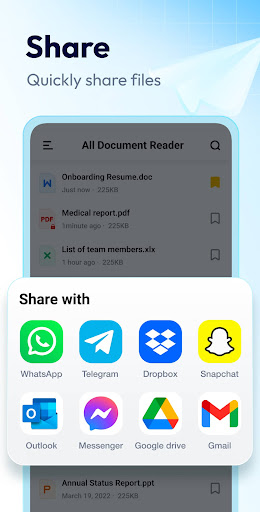
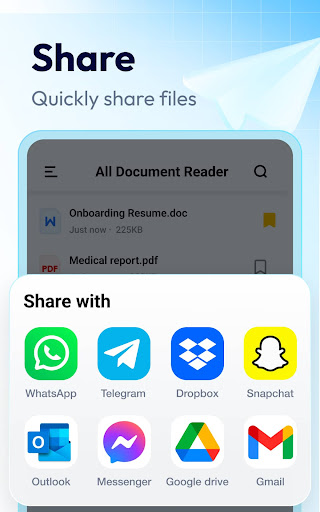
Share documents via email social media or other installed apps

How do I access detailed information and explore more content?

Access detailed information through file properties metadata

What permissions does this app need and how do I manage them?

Needs storage permission for file access manages in settings

How do I check for updates and keep the app running smoothly?

Check updates in Google Play settings enable auto-update option
Show more

User Reveiws

{{ comment.reviewer_name }}
{{ comment.review_date_formatted}}
{{ comment.review_content }}
{{ tab.name }}
{{ comment.reviewer_name }}
{{ comment.review_date_formatted}}
{{ comment.review_content }}
No reviews with this rating














