


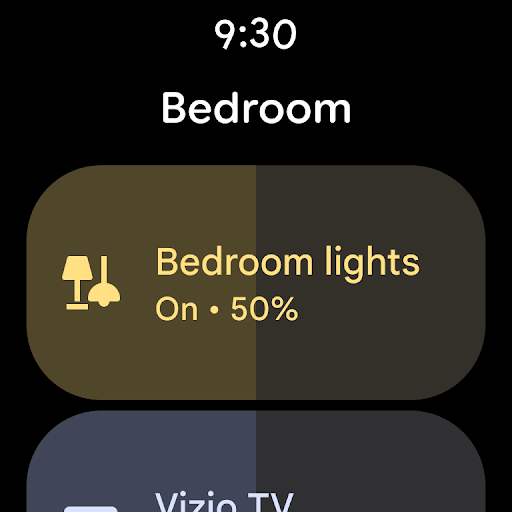
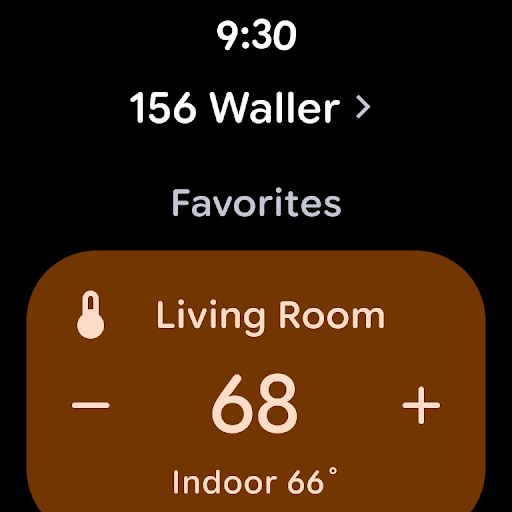

Google Home is a comprehensive smart home management application designed specifically for Android devices. This app allows users to control and monitor their smart home devices from a single interface, providing real-time updates and status checks of the entire home environment.
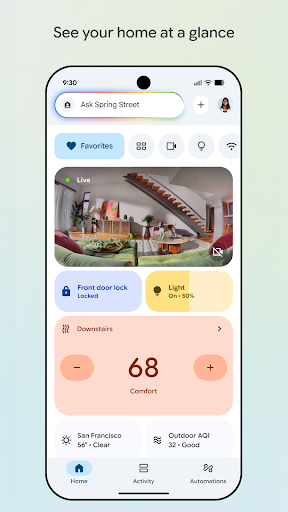
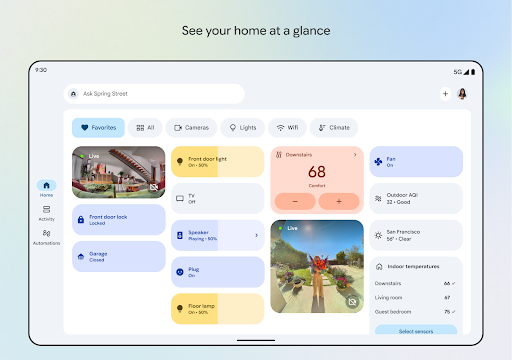
The app features an intuitive dashboard that organizes devices into easily navigable sections, enabling users to quickly access important settings and information. With its updated design, Google Home ensures you stay informed about your home's status, whether you're checking in remotely or reviewing recent camera events.
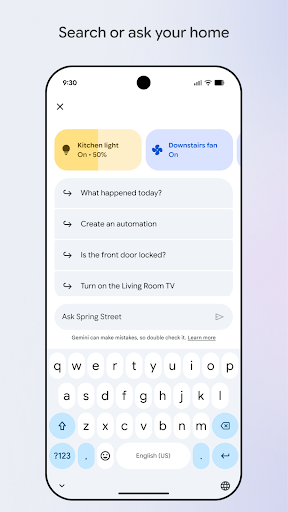
One of the standout functionalities is the seamless integration with Gemini for Home, allowing voice commands to manage connected devices effortlessly. This feature enhances user convenience by simplifying device interactions through natural language processing.
Google Home offers a variety of advanced features tailored for smart home enthusiasts. One prominent feature is the ability to view your home's status at a glance, thanks to the well-organized dashboard that categorizes devices for easy monitoring.
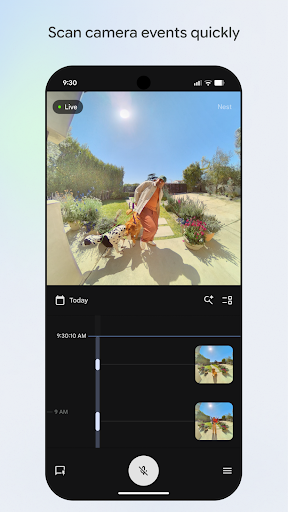
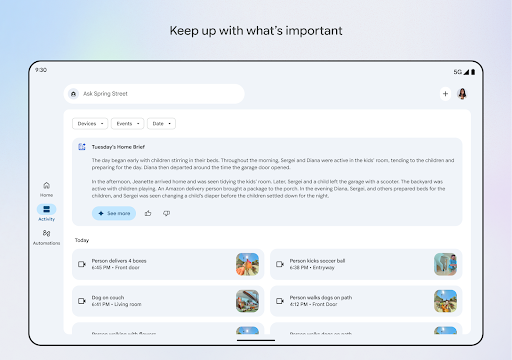
Another significant aspect is the enhanced camera event interface, which provides quick access to live views and historical footage. This functionality ensures users can efficiently scan through past events and keep track of activities within their homes.
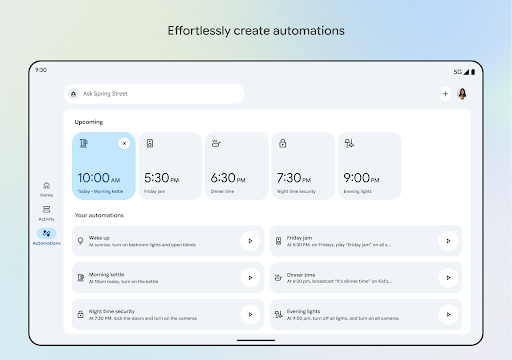
Additionally, the app supports voice commands via Gemini for Home, revolutionizing how users interact with their smart devices. By simply stating requests, users can adjust settings, activate scenes, or retrieve information without needing to manually navigate through menus.
User-friendly interface
Comprehensive device support
Voice command integration
Real-time updates
Remote home monitoring
Limited regional availability
Device compatibility issues
Occasional connectivity problems
Privacy concerns
Dependent on internet connection

Christmas is near, let's count together the days left until Santa comes
 4.5
4.5
Deck out your Wear OS Watch face with a beautifully decorated pine wreath!
4.50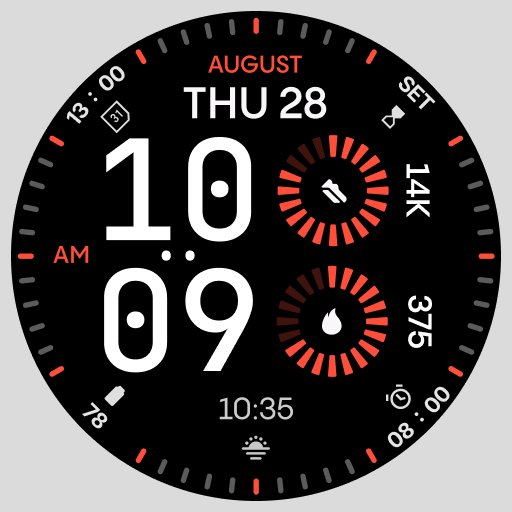
Stunning modern digital watch face with 7 complications and strong contrast
4.5
Digital watch face with big numbers and many customization for Wear OS devices
4.40
Digital watch face. For Wear OS devices.
4.40
Hyper-Realistic Airplane Dashboard Watch Face With 10 Skins and Custom AOD
4.00
A digital watch face that celebrates Christmas.
4.00
Fast and smart typing with Emojis, GIFs, and more
4.50
Your local weather forecast, storm tracker, radar maps & live weather news
3.40
The Chevron App allows you to pay for fuel from the comfort of your car!
4.80
Walking app for weight loss: walk & step tracker, pedometer, indoor treadmill
4.60
To-Do List: daily schedule planner, task organizer, to do reminder app, calendar
4.60
Current temperature, weather hourly, weather radar by the weather forecast app
4.40
Bold weather Digital watchface with forecast & optional animated background
4.40
A white realistic classic analog watch face with many customization options.
4.40
Locate your family members by GPS phone location tracker everywhere and anytime
4.30
Viewer for Wyze/Yi/Eufy/Arlo/ONVIF/RTSP/P2P IP cams w/ adv. features & DIY DVR
4.00
Watch the sharpness of the sky on your wrist..
3.70
an Analog Watch Face for winter season with freeze winter background for Wear OS
4.4


User Reveiws