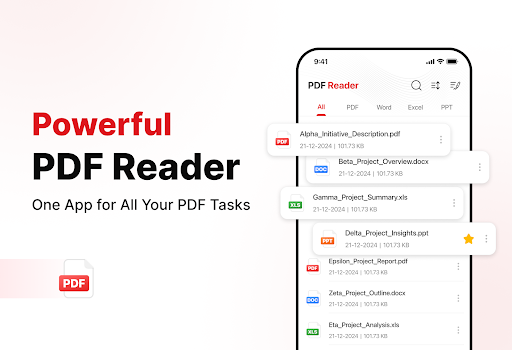
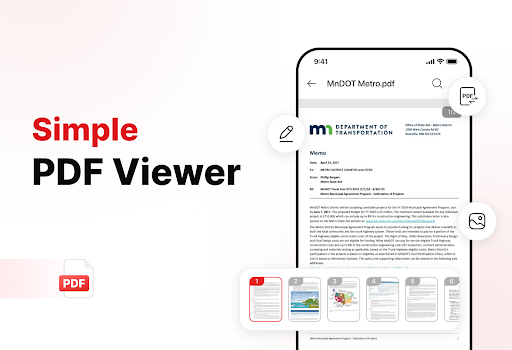
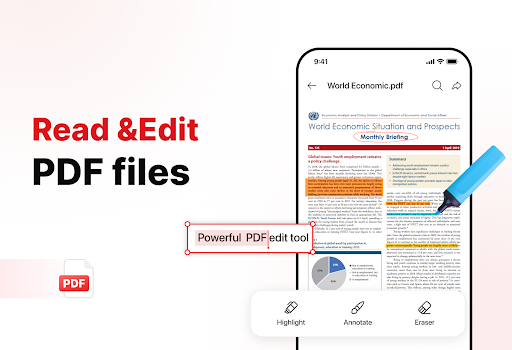
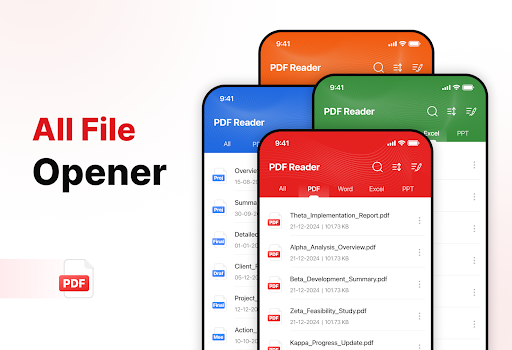
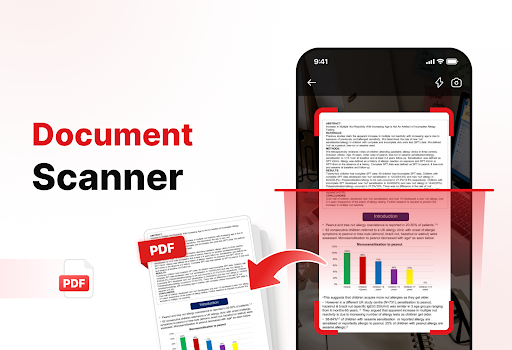
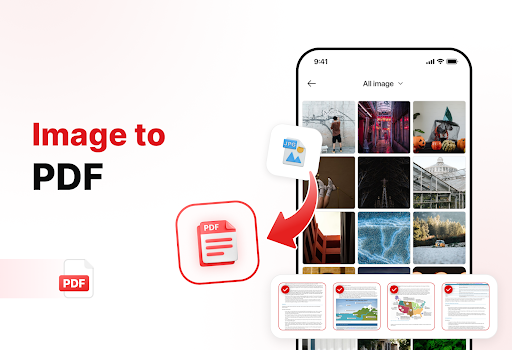
PDF Reader - Edit & View is a comprehensive document management solution designed to simplify how you handle, organize, and convert files. This productivity app offers versatile PDF reading capabilities, allowing users to open and read PDFs of any size without lag while providing easy navigation and zoom features for detailed viewing. The app supports multiple file formats including XLS, DOCX, and PPT, making it an essential tool for students, professionals, and anyone who frequently works with documents.
The application stands out with its powerful document converter that transforms scanned documents and images into high-quality PDFs. Its enhanced productivity tools help users manage their storage efficiently through advanced sorting options, bookmarking, and effortless sharing features. With the ability to add signatures directly to PDFs and quickly search for specific files, this app streamlines document handling while boosting overall productivity.
PDF Reader - Edit & View distinguishes itself through its rich feature set tailored for efficient document management. The app's versatile PDF reader allows seamless navigation through documents with smooth zoom functionality and text highlighting options. It supports various file formats like XLS, DOCX, and PPT, ensuring compatibility across different document types.
One of the standout features is its powerful document converter. Users can scan physical documents and convert them into digital PDFs with remarkable clarity. The Image to PDF conversion tool enables transforming screenshots and graphics into professional-grade PDFs within seconds. These capabilities make document digitization both convenient and accessible.
The app also provides enhanced productivity tools that help users stay organized. The file management system allows sorting by name, date, or size while enabling quick access through bookmarks. Sharing documents becomes effortless with direct integration options. Additionally, the ability to add electronic signatures and perform rapid file searches significantly improves workflow efficiency for professionals and casual users alike.
User-friendly interface
Multi-format support
Powerful conversion tools
Advanced organization features
Effortless sharing options
Limited free features
Occasional performance lags
Subscription costs
Ads in free version
Complex settings for beginners

 4.20
4.20
All in one sketching tool. Technical and General drawing. Online Maps support.
3.70
Mind Map and brainstorm, note taking and idea collection
4.80
⏰ Finally a timer app which can run multiple timers simultaneously on your watch
3.90
Pwnagotchi companion app
4.20
CalenGoo is a very flexible and feature-rich calendar app
4.40
A beautiful digital clock with autostart and many other functions
4.70
A Pixel Art watchface inspired by other iconic 90s designs for Wear OS devices!
4.40
Note taking, handwriting, record audio, PDF annotation, planner & journal
4.20
Use powerful, industry-leading AI tools to generate visual charts from any data
4.80
The long-awaited modern gallery app for your Nextcloud server
4.70
aCalendar+ makes your day, week and month
4.70
Stay on top of your to-dos with Google Tasks, part of Google Workspace.
4.60
Secure your apps with lock screens, use custom themes and different features.
4.40
Share files & memories safely. Keep your photos and videos secure.
4.40
When you Focus, so will your Bean in this cozy focus timer
4.30
All in One PDF Reader: Manage, Read and Edit your Documents
4.20
Experience real multitasking on your Android!
4.00
Find and delete junk files & block unwanted notifications & manage files
3.70


User Reveiws