

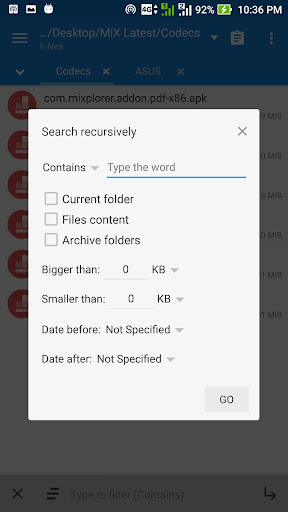
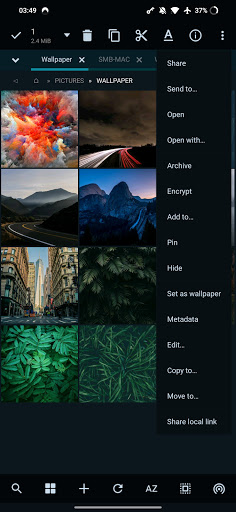
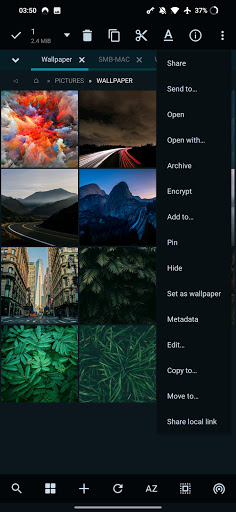
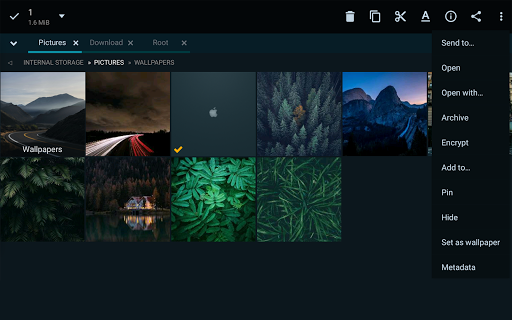
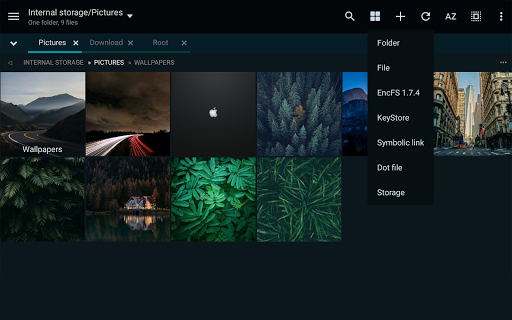

MiXplorer Silver is a comprehensive file management solution that combines the powerful MiXplorer file manager with essential add-ons including Archiver, Image viewer, Tagger, and PDF reader. Designed to support the ongoing development of MiXplorer, this premium app offers an extensive suite of productivity tools for both casual users and power users alike.
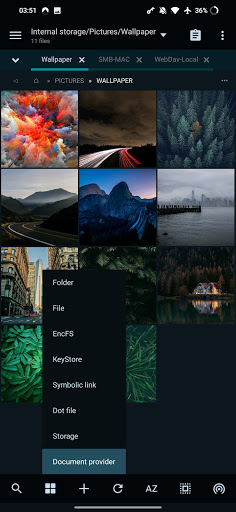
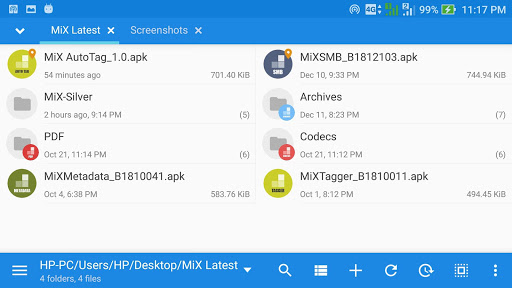
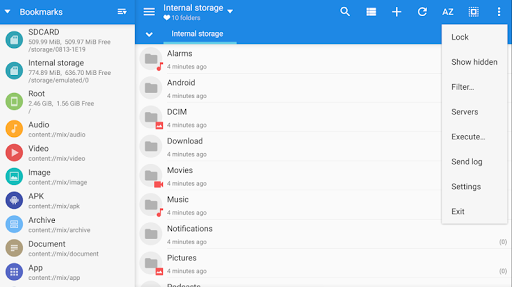
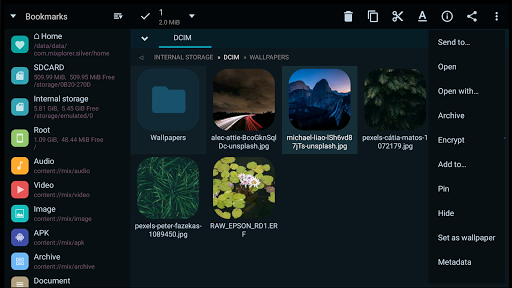
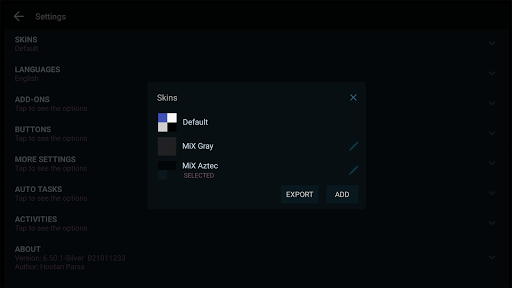
The application stands out with its highly customizable interface, allowing users to modify skin colors, sort or disable menu options, and manage action buttons according to their preferences. Its robust feature set includes unlimited tabbed browsing, dual-panel mode for landscape orientation, and drag-and-drop functionality between panels. Whether you're managing local files or accessing cloud storage services, MiXplorer Silver provides a unified platform for all your file management needs.
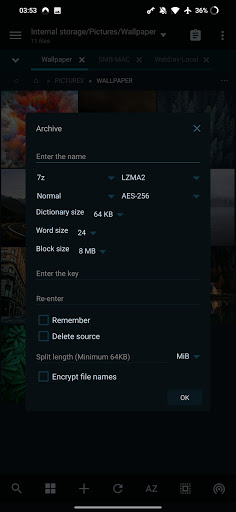
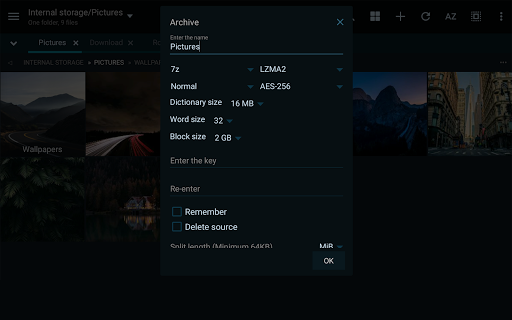
MiXplorer Silver boasts an impressive array of features designed to enhance productivity and streamline file management tasks. The app supports a wide range of archive formats for packing and unpacking, including 7z, Zip, TAR, and many others. It also allows users to unpack only specific formats like RAR, ARJ, and DMG, making it an versatile tool for handling compressed files.
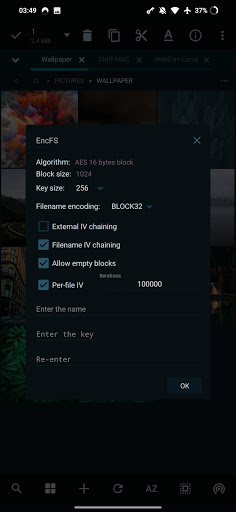
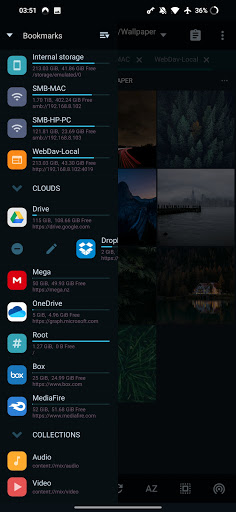
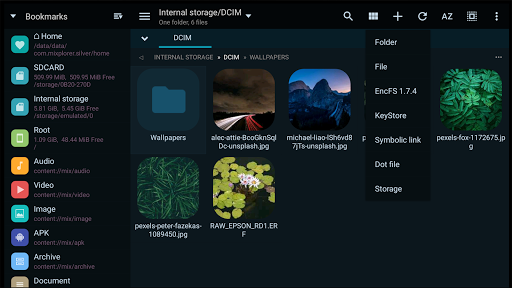
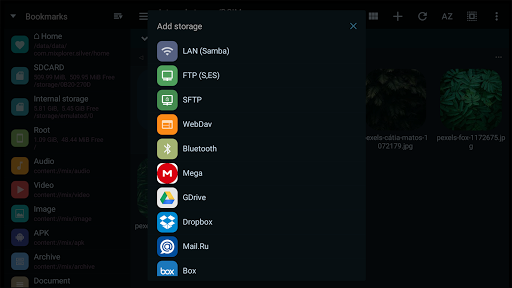
One of the standout features is its cloud storage integration, offering seamless access to popular services such as Google Drive, Dropbox, and OneDrive. The built-in media capabilities are equally impressive, with support for various image formats, video codecs, and document types. Advanced users will appreciate the root access functionality, FTP server capabilities, and EncFS volume support, which enable complex operations and secure data management.
The customization options extend beyond just visual themes. Users can create custom tasks for multitasking operations, set up bookmarks for frequently accessed locations, and even export/import preferences across devices. With its comprehensive feature set and intuitive interface, MiXplorer Silver establishes itself as a complete productivity solution for Android users.
Highly customizable interface
Extensive format support
Robust cloud integration
Advanced security features
Comprehensive multitasking tools
Paid application only
Steeper learning curve
Resource-intensive operation
Limited free support
No iOS version available

Planet Free VPN - The best Fast Unlimited and Secure VPN Without Logs
 4.50
4.50
Android Wallet Password Manager
4.80
Todo reminder
4.10
App lock - lock apps with fingerprint, password, pin or pattern, protect privacy
4.70
App Lock with fingerprint, password: Lock apps & hide photos with lock screens
4.60
Access, manage and transfer files on Android, PC, Mac, NAS and cloud storages.
4.30
Great calculator for Android named one of USA TODAY's "25 Essential Apps".
4.90
Intelligent AI Assistant
4.10
Daily processing of PDF documents.
4.40
Seamlessly integrate data and reports to build your presentation to impress
4.80
Understand anything with a personalized AI research assistant
4.80
To do list widget with a notebook organizer, checklist, simple shopping list
4.60
Lightweight PDF, Word, Excel reader.
4.60
Fill, sign & send docs, forms, agreements & contracts via electronic signature.
4.50
Secure your apps with lock screens, use custom themes and different features.
4.40
Share files & memories safely. Keep your photos and videos secure.
4.40
* block pre-roll ads, pop-up and forced redirect ads * Samsung certification app
4.00
Smart PDF reader & editor to view, organize and manage PDF documents easily.
3.70
ID.me Authenticator is a simple and free Two Factor Authentication solution
3.50


User Reveiws