
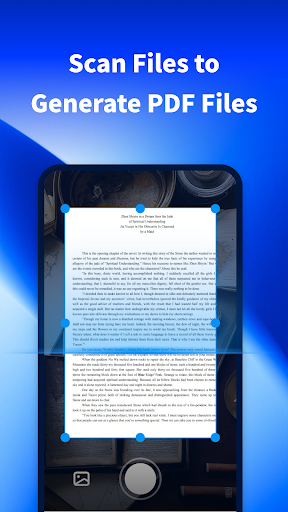

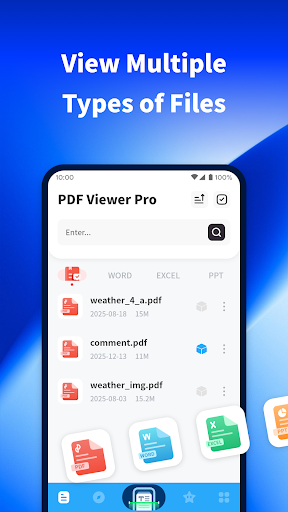
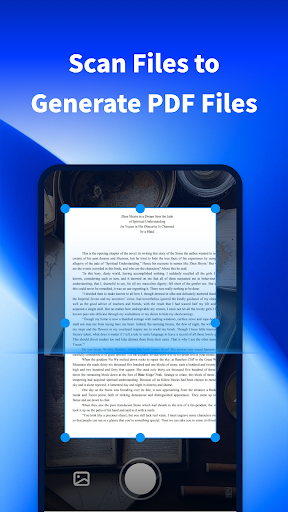
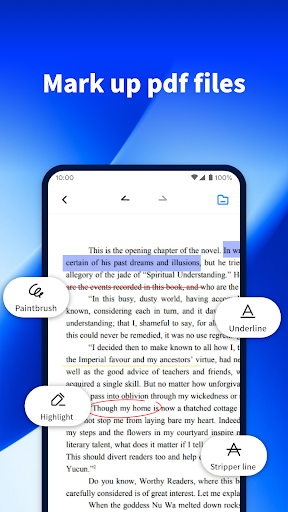
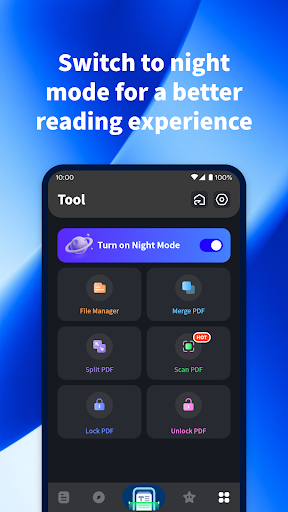
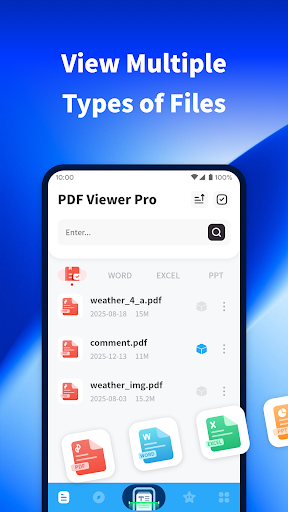
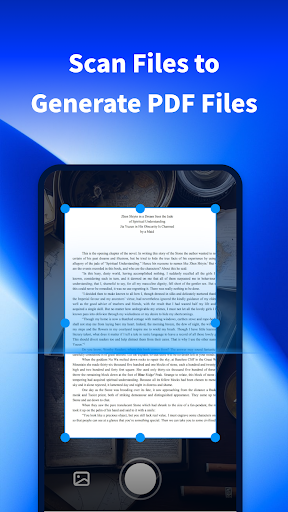
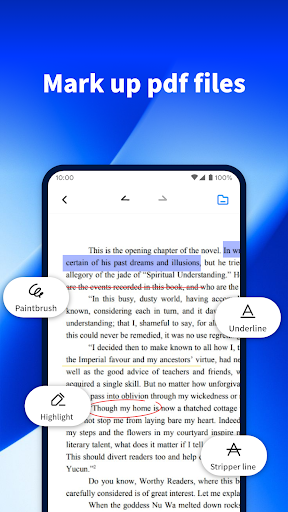
PDF Viewer Pro is a versatile productivity application designed to enhance document management and reading experiences. This app allows users to open files in various formats, making it an essential tool for both study and daily use. Its core functionality revolves around PDF handling - from scanning physical documents to generating digital PDFs, marking up files, and optimizing readability through features like night mode.
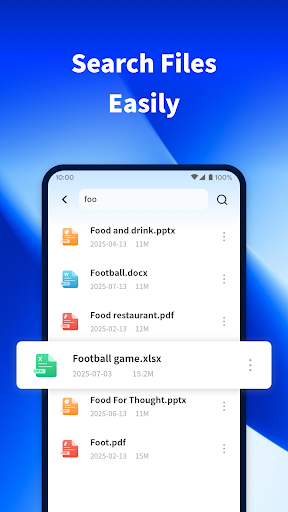
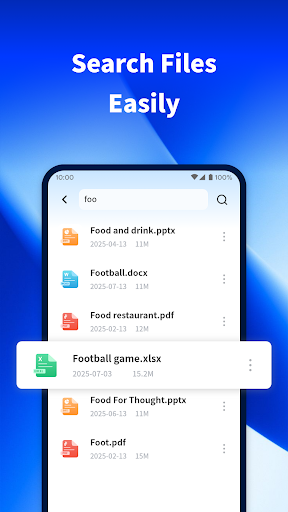
The app stands out with its comprehensive file management system that enables easy searching of documents across your device. Whether you need to quickly locate specific files or organize multiple documents, PDF Viewer Pro streamlines these tasks efficiently. The application's ability to create PDFs from scanned content adds another layer of utility, especially for professionals and students who regularly deal with paper-based materials.
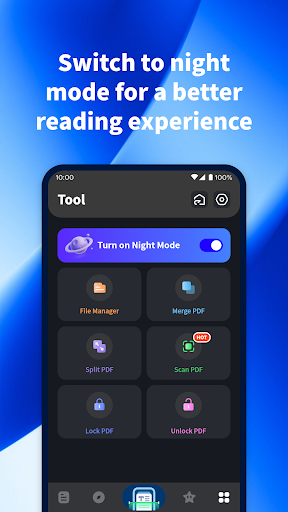
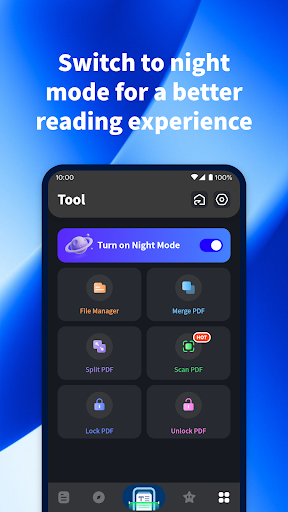
A key scenario where this app shines is during late-night study sessions or work. The specially designed night mode provides a comfortable reading experience by reducing eye strain, while the annotation tools allow for effective document markup and review. These features collectively help users maintain productivity and achieve better results in their academic or professional pursuits.
PDF Viewer Pro offers an impressive array of features that cater to diverse document management needs. One of its most notable capabilities is the integrated document scanner, which allows users to capture physical documents and convert them into high-quality PDF files. This feature implements advanced image processing algorithms to ensure clear and readable digital copies, maintaining the integrity of original documents while adding the convenience of digital storage.
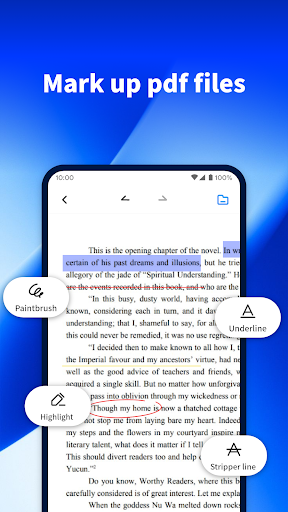
The application's PDF annotation tools represent another significant advantage. Users can highlight text, add comments, draw freehand, and insert various shapes to mark important information. These editing capabilities are implemented through an intuitive interface that makes document markup both efficient and precise. Additionally, the app's powerful search function utilizes indexing technology to enable rapid retrieval of files across different folders and directories.
What truly sets PDF Viewer Pro apart is its thoughtful implementation of reading optimization features. The night mode isn't just a simple color inversion but a carefully calibrated display setting that reduces blue light emission while maintaining text clarity. Furthermore, the app's ability to handle multiple file formats seamlessly demonstrates its technical sophistication. These features collectively create a comprehensive document management solution that addresses both basic and advanced user requirements.
User-friendly interface
Advanced scanning technology
Comprehensive annotation tools
Efficient file management
Thoughtful reading features
Limited cloud integration
No OCR functionality
Premium feature costs
Occasional lag
Large file size

Client for Nextcloud Deck
 4.60
4.60
⏰ Finally a timer app which can run multiple timers simultaneously on your watch
3.90
App Lock with fingerprint, password: Lock apps & hide photos with lock screens
4.60
Font maker keyboard with your own handwriting
4.10
Multilingual translator for text, voice, and image translation!
4.90
Functional QR scanner and barcode reader that requires little storage space.
4.60
The AI assistant that thinks with you - write, code, and solve complex tasks
4.60
Great calculator for Android named one of USA TODAY's "25 Essential Apps".
4.90
A beautiful digital clock with autostart and many other functions
4.70
Scientific calculator for Android - looks and operates like the real thing!
4.90
aCalendar+ makes your day, week and month
4.70
All document reader, all in one file viewer read PDF, DOCX, XLS, PPT, TXT files.
4.60
All in One PDF Reader: Manage, Read and Edit your Documents
4.20
Experience real multitasking on your Android!
4.00
Ultimate Virtual AI Character for immersive Roleplay Chat. Perfect Companion
3.90
Remotely view listen control and record cameras.
3.70
Make your handwriting beautiful, even more than pen on paper.
3.60
Auto-shutoff Alarm with Sunrise, Sunset & Fixed Options.
3.50
Simple and reliable communication between inmates, friends and family
3.20


User Reveiws