

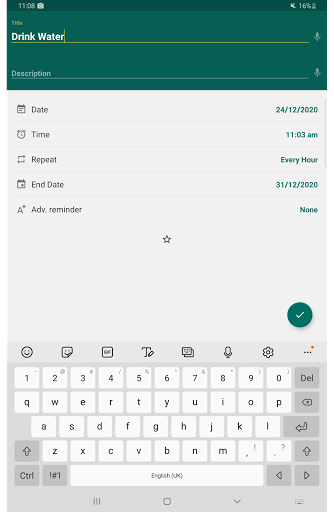
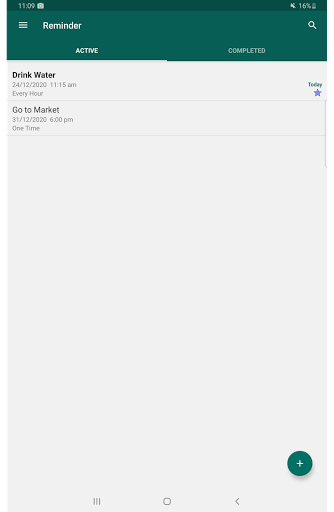
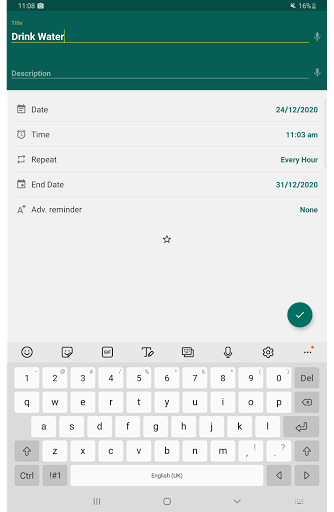
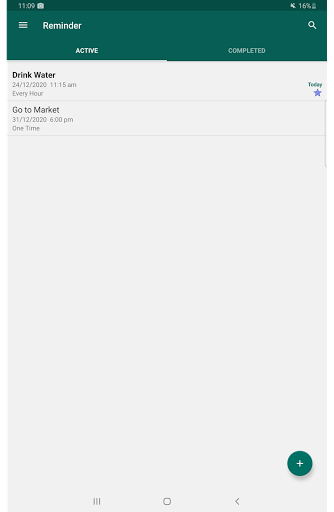
Reminder Pro is a versatile productivity application designed to help users manage their daily tasks and important deadlines effectively. The app allows users to create both one-time and recurring reminders for various activities, from simple errands to critical work deadlines. With its user-friendly interface, Reminder Pro ensures that you never miss an important task or event.
The app stands out with its customizable features such as popup notifications, snooze options, and quiet hours settings. Whether you need a pill reminder, meeting alerts, or bill payment notifications, Reminder Pro covers all bases. Its ability to organize reminders into categories with different colors and settings makes it an essential tool for personal and professional organization.
For individuals seeking to enhance their productivity without the distraction of advertisements, Reminder Pro offers a streamlined experience. By providing multiple viewing options for your reminders and integrating seamlessly with your device's calendar, this app proves invaluable in keeping your life organized and stress-free.
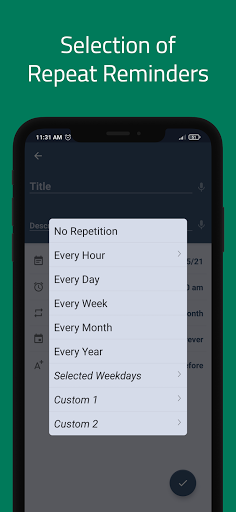
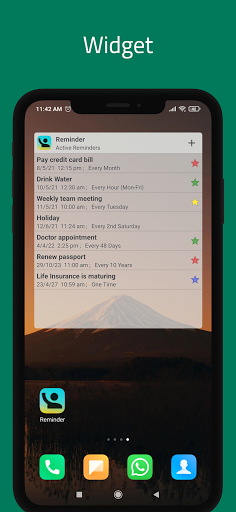
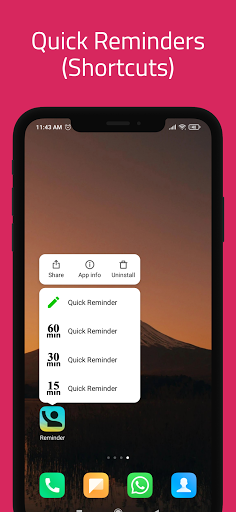
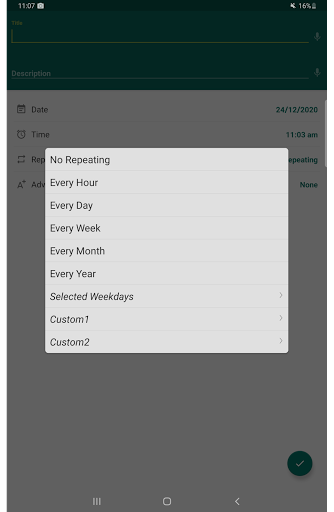
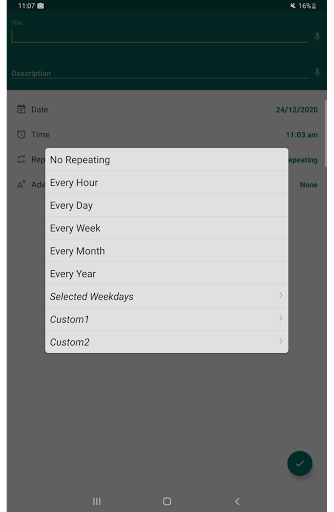
Reminder Pro boasts an array of features that cater to diverse organizational needs. One of its core functionalities is the ability to set custom recurring reminders, which is perfect for routine tasks like taking medication or weekly meetings. Users can also take advantage of the widget feature, allowing quick access and modification of reminders directly from their device's home screen.
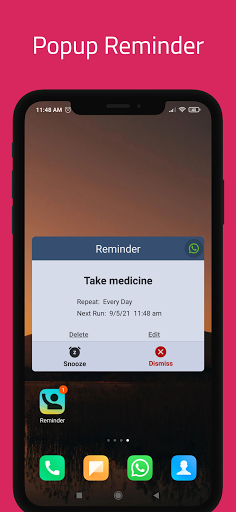
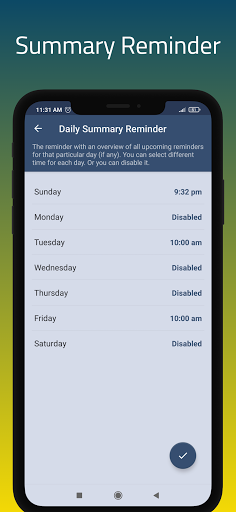
The app provides advanced notification options including popup alerts and a snooze feature for those times when immediate attention isn't possible. Additionally, Reminder Pro supports a daily summary feature, ensuring users start their day with a clear overview of what needs to be accomplished. Quiet hours settings enable users to manage when they receive notifications, preventing disruptions during specified times.
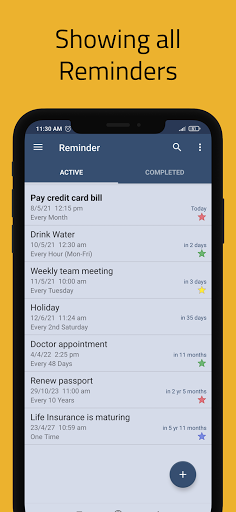
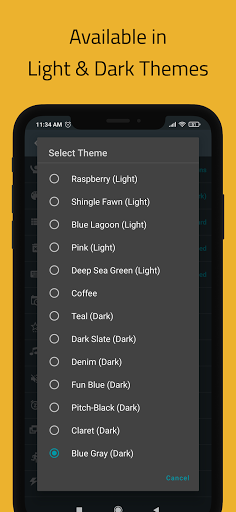
With multiple themes, search functionality, and backup options, Reminder Pro ensures a personalized and secure user experience. The availability of standard, compact, and monthly grouping views allows users to visualize their tasks in a way that best suits their preferences, making it an indispensable tool for managing a busy lifestyle.
User-friendly interface
Customizable reminders
No advertisements
Comprehensive task management
Multiple viewing options
Limited integration with other apps
Advanced features require learning
Occasional notification delays
Interface may feel outdated
Some features are not intuitive

Experience Reading - Night Mode for Documents
 4.40
4.40
Native client for Forgejo and Gitea
5.00
Ads Free App! Editor, Hide File, Copy, Move, Delete and Rename.. all facility av
1.70
Absolutely the best CNC machinist speed and feed calculator around. fswizard.com
4.60
ID.me Authenticator is a simple and free Two Factor Authentication solution
3.50
Subscribe to Webcal & .ics calendars and keep them up-to-date!
4.50
A Pixel Art watchface inspired by other iconic 90s designs for Wear OS devices!
4.40
Lightweight PDF, Word, Excel reader.
4.60
QuickEdit is a fast, stable and full featured text and code editor.
4.20
Great calculator for Android named one of USA TODAY's "25 Essential Apps".
4.90
Mind Map and brainstorm, note taking and idea collection
4.80
aCalendar+ makes your day, week and month
4.70
The Pro Version of Android's tiniest Notepad app. Just 0.3MB but feature-packed!
4.60
Translate text/voice/photos in 150+ languages. Offline & fast translator app.
4.50
Send files, sync SMS, notifications & clipboard across devices via local network
4.40
The ultimate file manager for rooted devices. The original and still the best.
4.00
Mega cloud explorer plugin for Solid Explorer
3.80
Auto-shutoff Alarm with Sunrise, Sunset & Fixed Options.
3.50
The upgraded version of Name Wheel with AI and the power to add your own wheels.
4.4


User Reveiws