
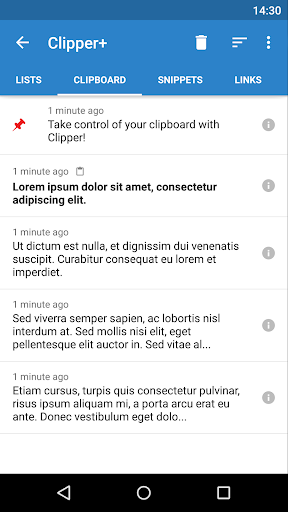
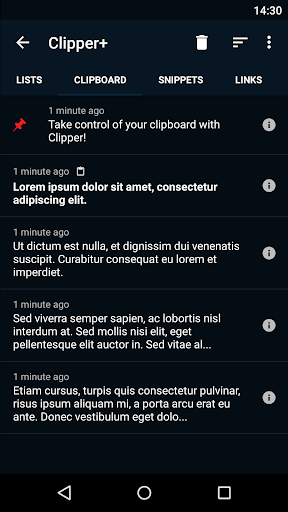
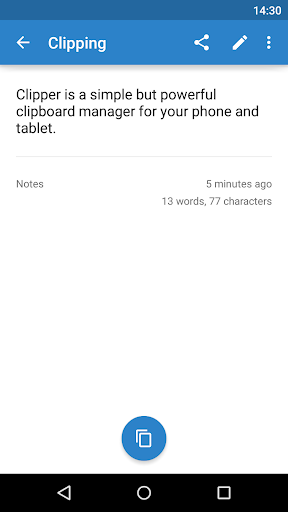

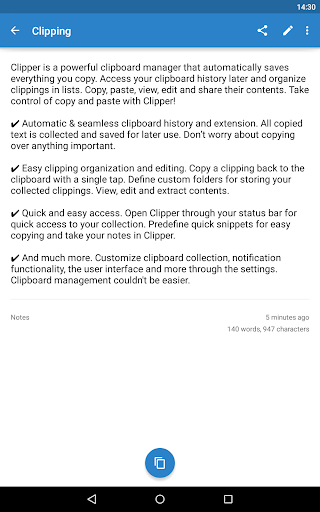
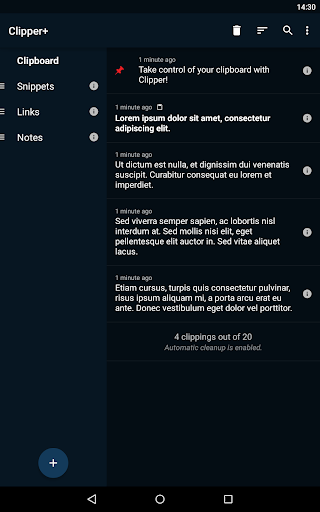
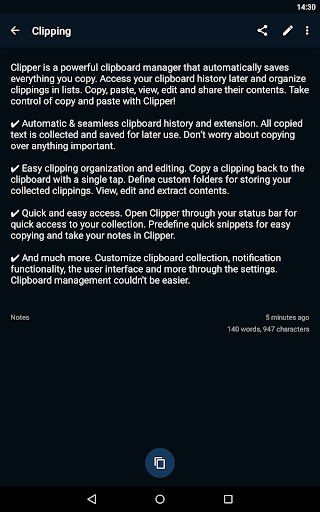
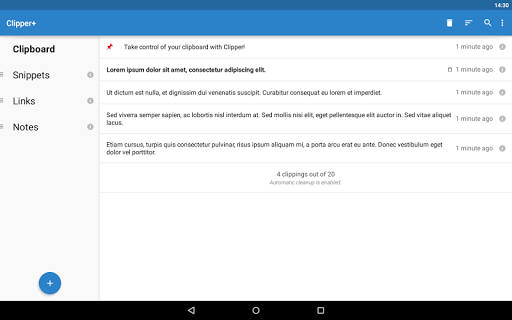
Clipper+: Clipboard Manager is a powerful productivity tool designed to enhance your device's clipboard functionality. This application automatically saves everything you copy, allowing you to access and manage your collected clippings later. With features like unlimited clipping storage, dynamic values for custom snippets, and advanced search capabilities, Clipper+ ensures you never lose important copied content.
The app provides seamless integration with your device's existing clipboard system while offering extended functionalities. Users can organize clippings into custom folders, edit contents directly, and quickly copy items back to the clipboard with a single tap. Its intuitive interface and quick access options through the status bar make it an essential tool for anyone who frequently handles text or needs to store repetitive pieces of information.
Whether you're a student managing research notes, a professional handling multiple documents, or simply someone who wants better control over their copied content, Clipper+ offers a reliable solution. The app's ad-free experience and continuous development support ensure a smooth and distraction-free user experience.
Clipper+ stands out with its comprehensive feature set tailored for efficient clipboard management. The app allows users to store unlimited clippings, eliminating the typical 20-item limit found in standard clipboard functions. This ensures that all your copied content is safely stored and readily accessible when needed.
One of the key innovations is the dynamic values feature, which lets users insert current date and time stamps into their custom snippets. This is particularly useful for professionals who need to keep track of when specific information was copied or modified. Additionally, the powerful search functionality enables users to quickly locate specific clippings among potentially hundreds of saved items.
The app also offers extensive customization options. Users can choose whether to collect each clipping manually or automatically, define quick-access snippets for frequently used text, and organize their clippings into logical folders. These features, combined with the ability to view, edit, and share clipping contents, make Clipper+ an indispensable tool for anyone looking to optimize their workflow and improve productivity.
Unlimited storage
Dynamic content
Powerful search
Custom organization
Ad-free experience
Paid upgrade
Separate install
Learning curve
Storage intensive
No cloud sync

AI Video AI Image Private LLM AI Browser Llama Gemma Ollama Connect LLM Studio
 4.3
4.3
A customizable calendar for your Wear OS watch
4.20
Mega cloud explorer plugin for Solid Explorer
3.80
Send files, sync SMS, notifications & clipboard across devices via local network
4.40
aCalendar+ makes your day, week and month
4.70
CalenGoo is a very flexible and feature-rich calendar app
4.40
PDF scanner & converter for files, photos, lottery, QR codes. One swipe away!
4.50
A Pixel Art watchface inspired by other iconic 90s designs for Wear OS devices!
4.40
AI Chatbot and AI writing assistant powered by ChatGPT.
4.60
Best Tool for the professionals Electrician, Electrical contractors, etc.
4.90
Protect and view your important info on your phone and tablet with eWallet®
4.80
A beautiful digital clock with autostart and many other functions
4.70
Quickly and easily keep track of your work shifts
4.70
Client for Nextcloud Deck
4.60
Subscribe to Webcal & .ics calendars and keep them up-to-date!
4.50
Tally and goal counter for Wear OS & mobile
4.50
Secure your apps with lock screens, use custom themes and different features.
4.40
Unlock AutoNotification
4.00
Code on-the-go with VScode for Android. Edit,debug and collaborate from mobile!!
3.10


User Reveiws