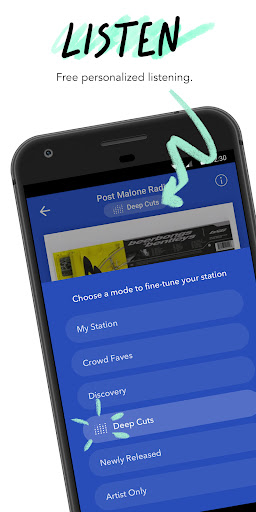

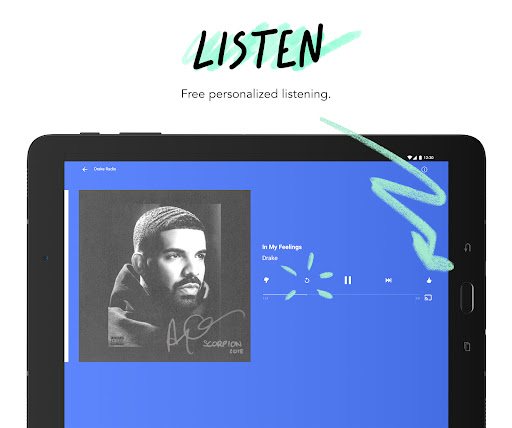
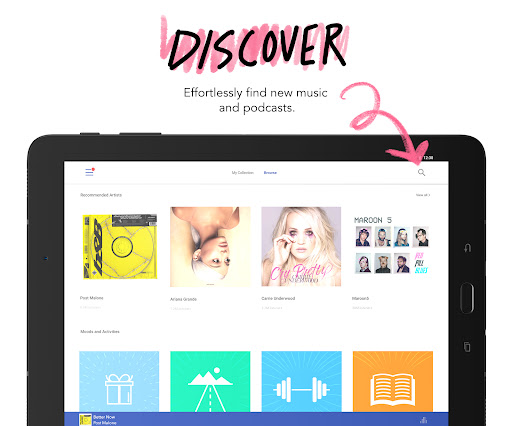

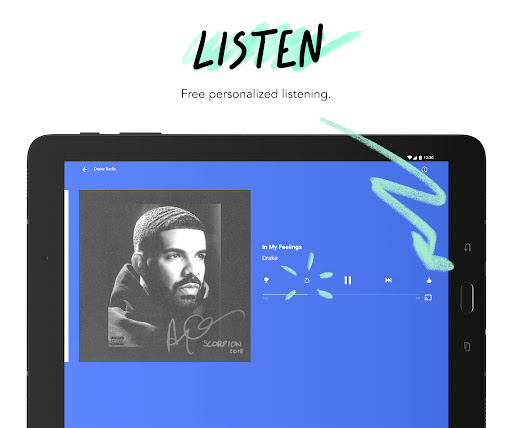
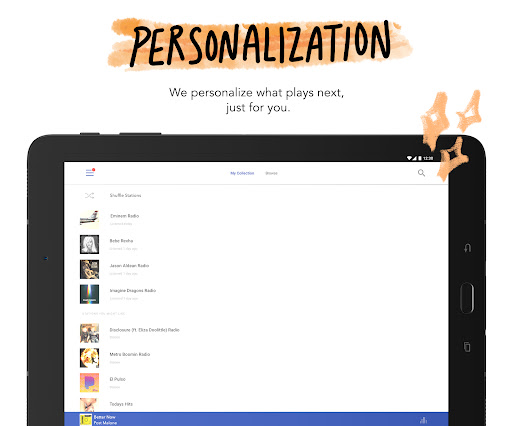

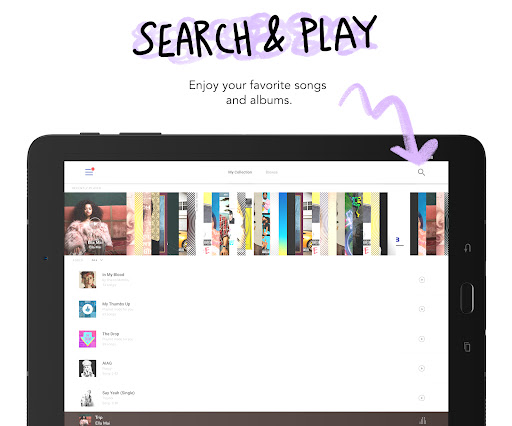

Pandora is a leading music streaming service that offers users a personalized listening experience on Android Wear devices. The app creates custom radio stations based on your favorite songs, artists, or genres while incorporating advanced discovery features. With its innovative Pandora Modes, listeners can customize their station experience by choosing from six distinct listening options.
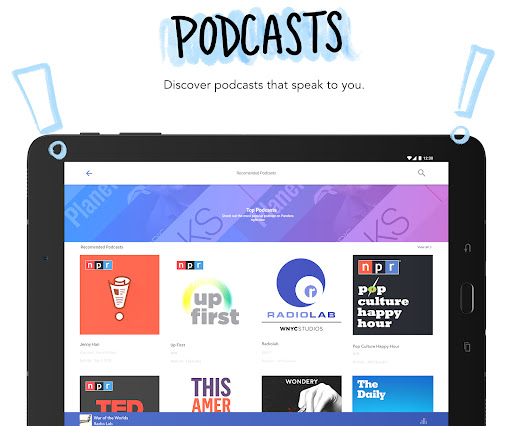
The application extends beyond just music by offering a robust selection of podcasts and SiriusXM content. Users can control playback through voice commands and access their favorite stations directly from their smartwatch. Whether you're working out, commuting, or relaxing at home, Pandora ensures your music follows you everywhere through seamless integration with Android Auto and Wi-Fi streaming.
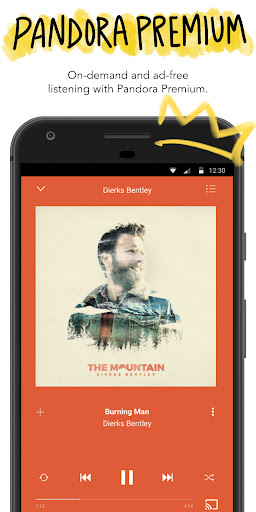
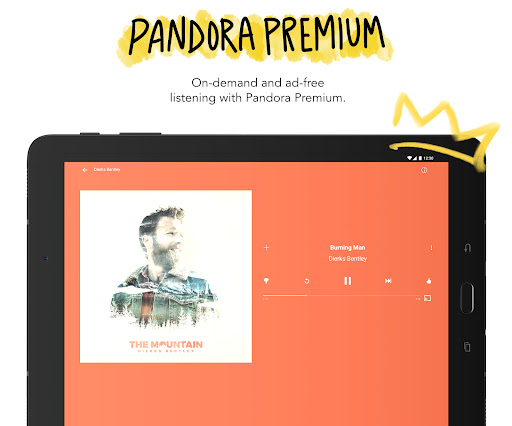
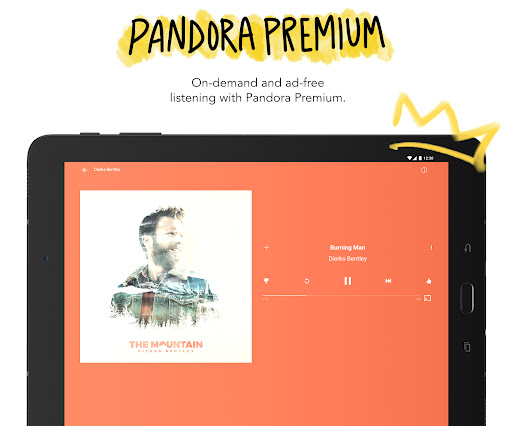
For those seeking an enhanced experience, Pandora Plus and Premium subscriptions provide ad-free listening, offline downloads, and higher-quality audio. This makes Pandora an ideal choice for both casual listeners and dedicated audiophiles who want to stay connected to their favorite artists and discover new music effortlessly.
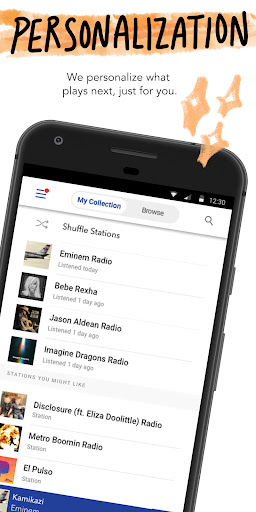
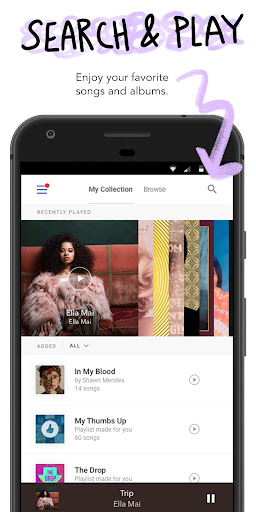
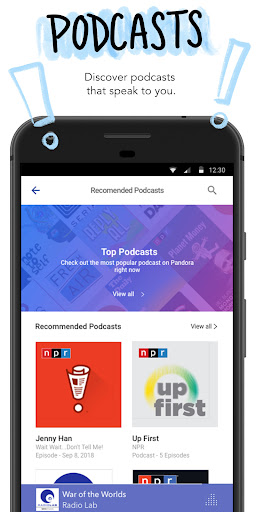
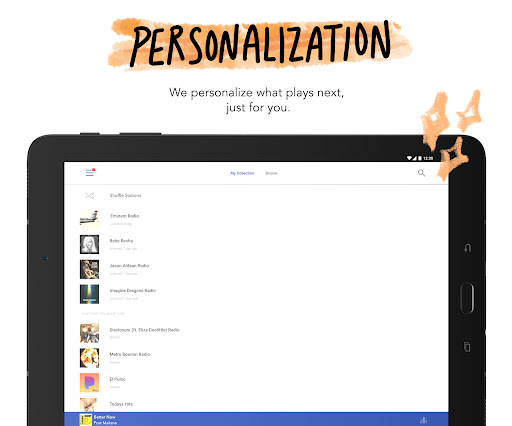
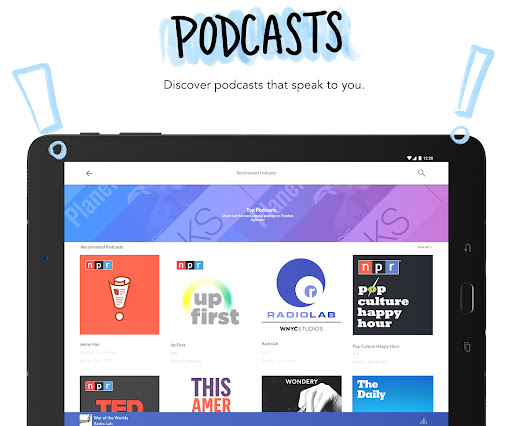
Pandora stands out in the Android Wear category through its sophisticated personalization algorithms and intuitive user interface. The app's station creation feature allows users to build custom playlists from any song, artist, or genre, adapting to individual preferences over time. Its unique Podcasts section provides tailored recommendations, helping users find relevant spoken-word content easily.
One of the key highlights is Pandora Modes, which lets users refine their listening experience by selecting specific types of tracks such as deep cuts, crowd favorites, or newly released songs. Additionally, the app supports voice commands for hands-free operation, making it safer and more convenient during activities like driving. Integration with Wear OS enables users to stream music directly from their smartwatch without needing their phone nearby.
Pandora also offers tiered subscription plans including Pandora Plus and Premium. These paid tiers unlock benefits like unlimited skips, offline listening, and improved audio quality. The inclusion of Android Auto compatibility further enhances usability, ensuring uninterrupted playback whether you're at home, in your car, or on the go.
Personalized music stations
Voice command support
Podcast recommendations
Offline listening option
Android Auto integration
Limited free version
US-only availability
Data usage concerns
Occasional ads
Subscription cost

an Analog Watch Face for winter season with freeze winter background for Wear OS
 4.5
4.5
Rose gold watch face with festive lights & customizable features.
4.60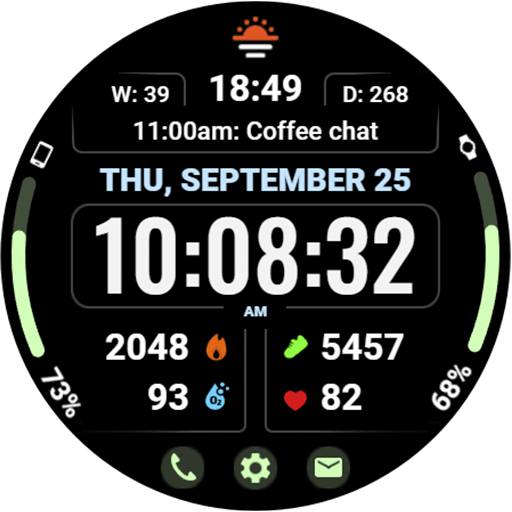
Beautiful, colorful and practical watch face. For Wear OS devices.
5.00
Structured watch face with seven complications and modular UI elements
3.90
Find EV charging stations
4.30
Funny animated watch face for Thanksgiving
4.1
Animated video-game inspired “secret agent” simulation, right on your wrist!
4.20
A white realistic classic analog watch face with many customization options.
4.40
Toyota app currently supports 2010 or newer vehicles (2018 or newer for Hawaii).
4.50
Christmas - Festive - Christmas Village - Winter - Christmas lights
5.00
Hyperlocal rain alerts by MyRadar using patent-pending technology, radar & more
4.80
The most customizable minimal watch face. For Wear OS 5.0, API 34+ and later
4.70
Your second brain for organizing your life: to-do, calendar, reminder.
4.70
Beautiful artistic animated digital watch face, with a customizable layout!
4.40
Embrace the festive spirit with our Christmas Countdown watchface for Wear OS
4.10
Authentic military-tactical design with ZULU time! Realistic and functional!
3.80
Stay in touch with your friends and family using LINE!
3.40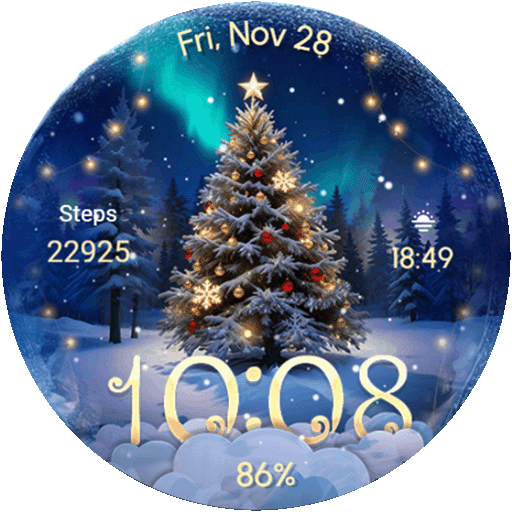
Wear Os Watch Face - Animated Snow Effect & Christmas Lights
4.3
Christmas is near, let's count together the days left until Santa comes
4.1


User Reveiws