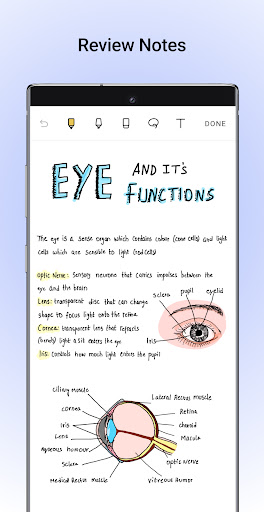
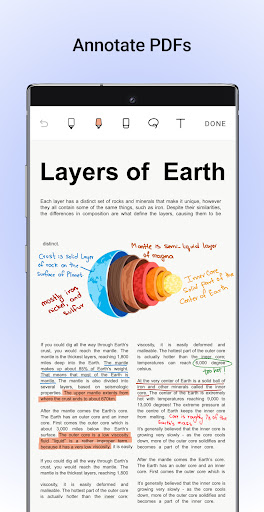

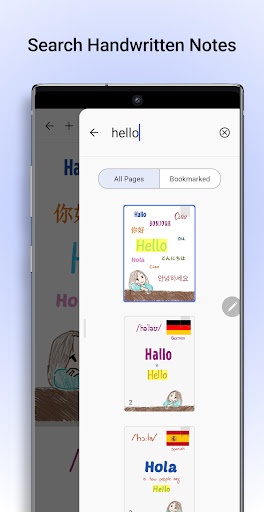

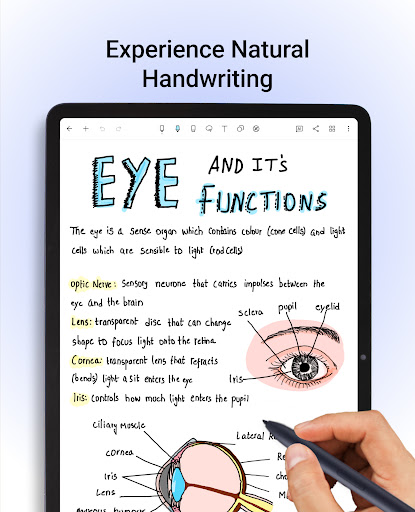

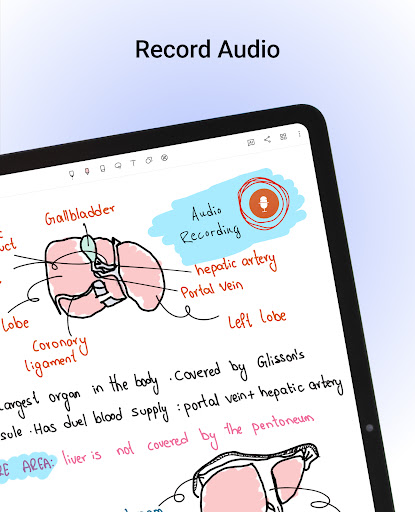
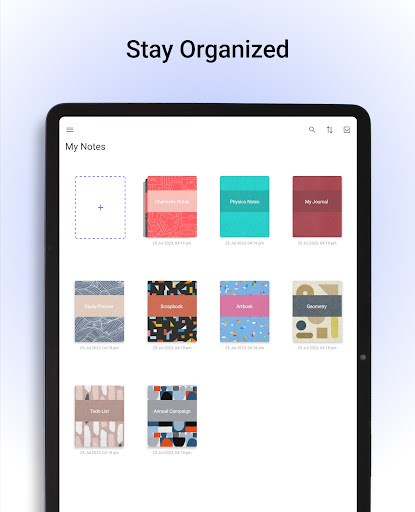
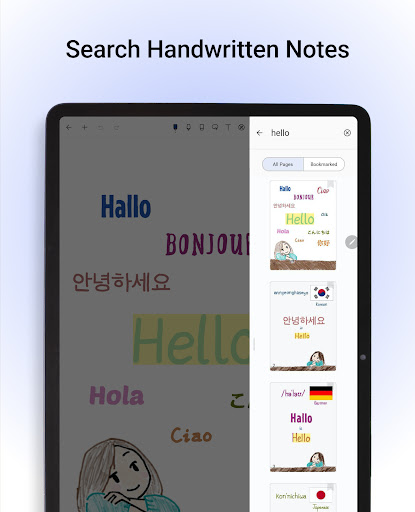
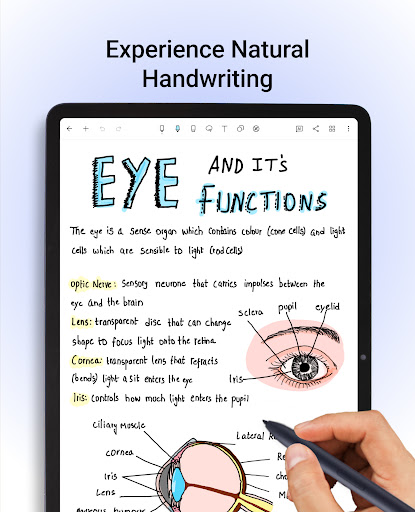
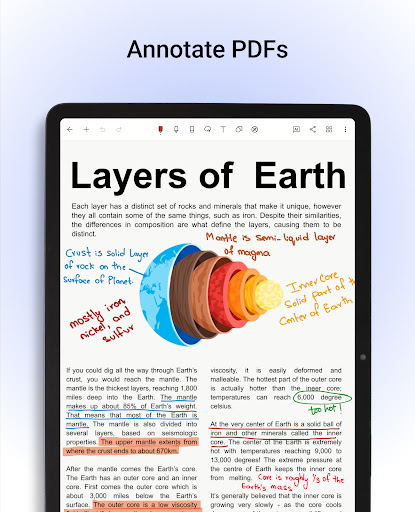

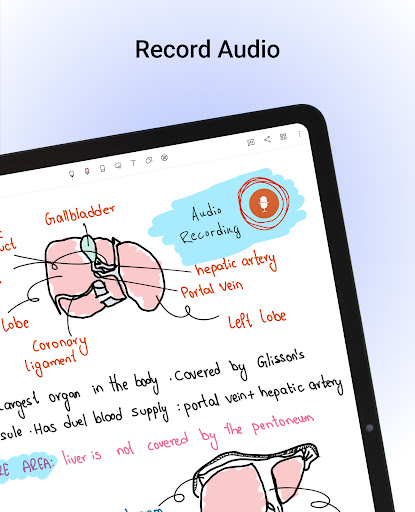

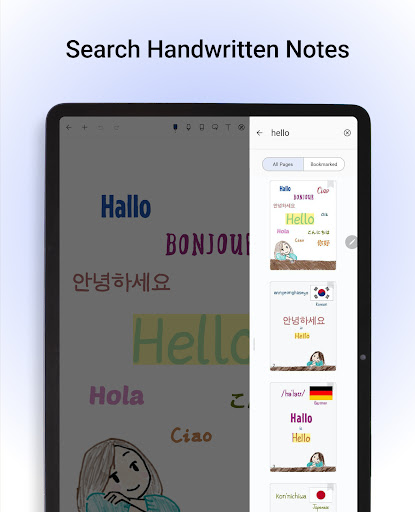
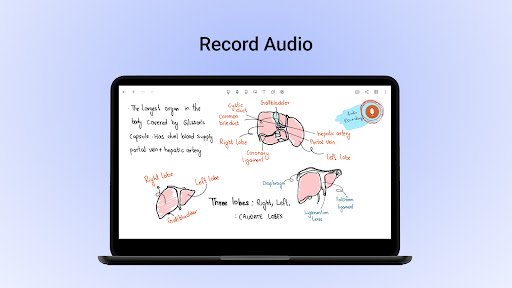
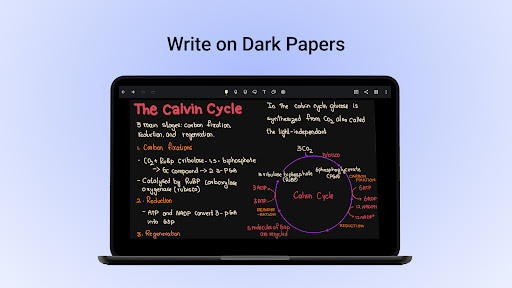
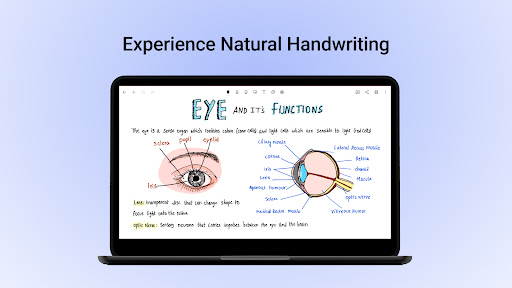
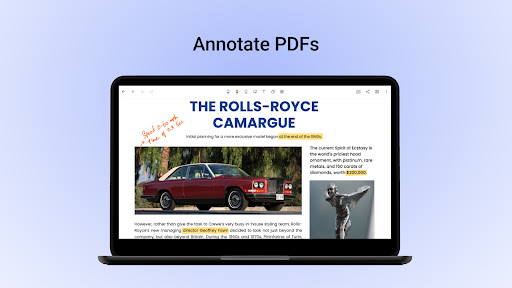
Noteshelf is a comprehensive note-taking app designed for students, teachers, and professionals. It allows users to take beautiful handwritten notes, annotate PDFs, record audio notes, and more. The app offers realistic pens and highlighters for natural handwriting, supports various stylus options, and includes a quick-erase feature for Samsung Galaxy Note devices. With Noteshelf, you can import PDFs or images to markup with convenient formatting tools, search through handwritten notes in 65 languages, and convert them to typed text seamlessly.
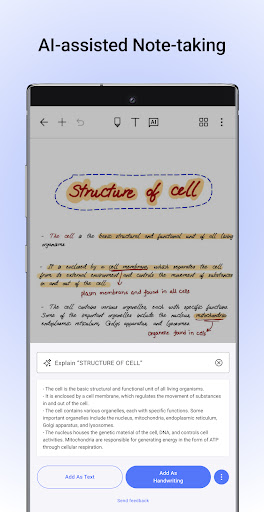
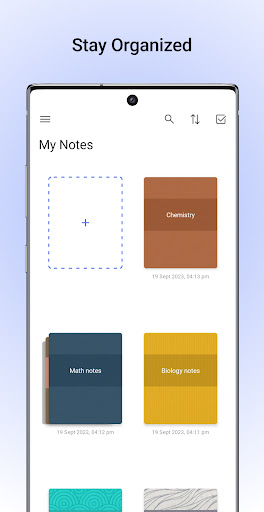
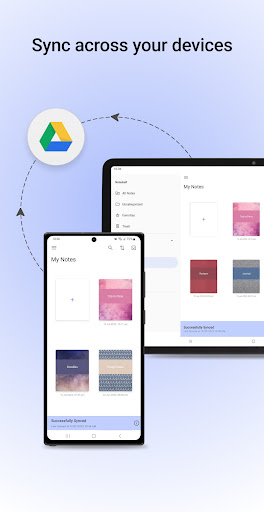
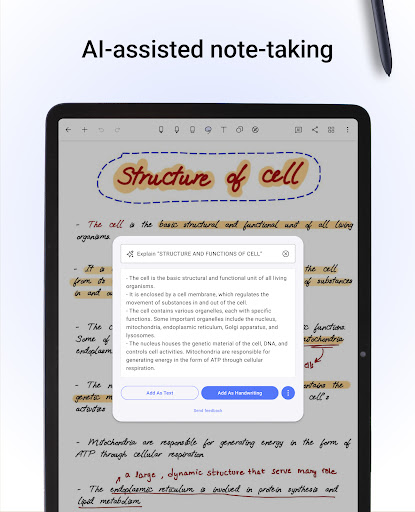
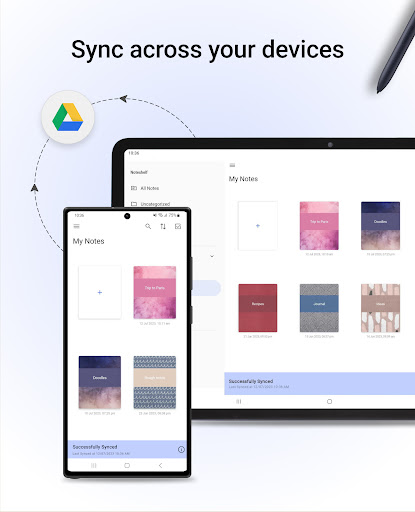
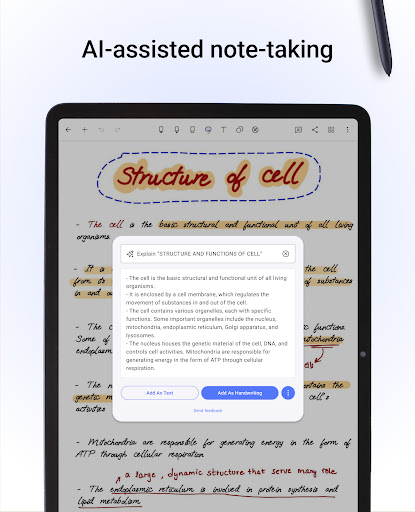
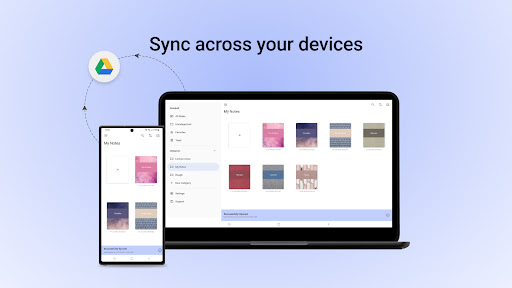
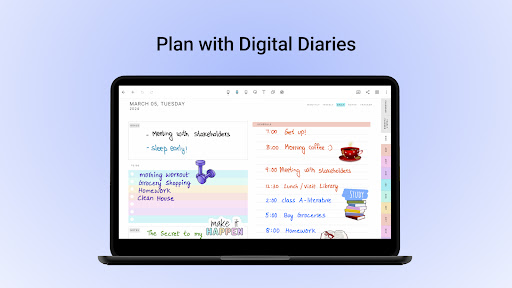
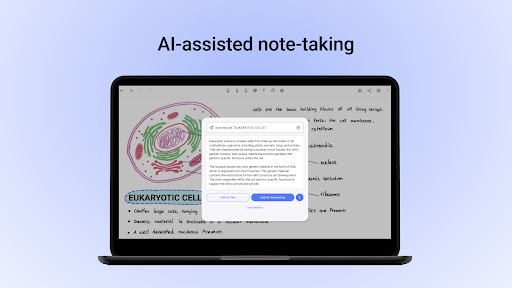
The app provides over 200 templates for different needs, such as student notes, lesson plans, and bullet journaling. Noteshelf AI enhances the experience by generating handwritten notes on any topic, creating study notes, summarizing pages, translating text, and explaining complex terms. Users can personalize their note-taking with lined, dotted, or grid papers, beautifully crafted covers, and various styles and formatting options. Additionally, it helps stay organized by keeping personal and business notes separate, bookmarking important pages, and syncing notes via Google Drive.
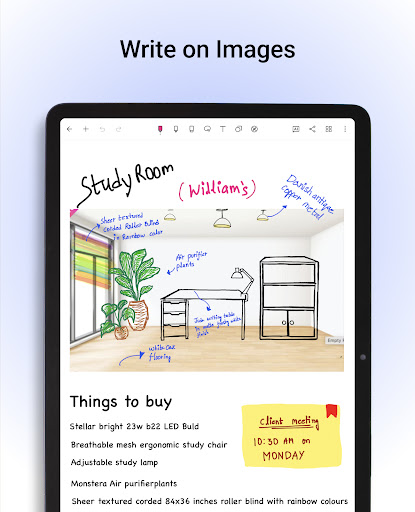
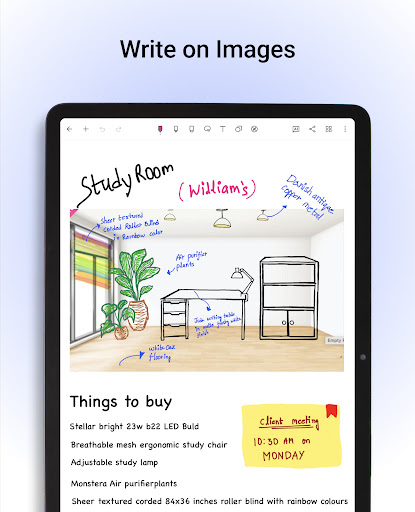
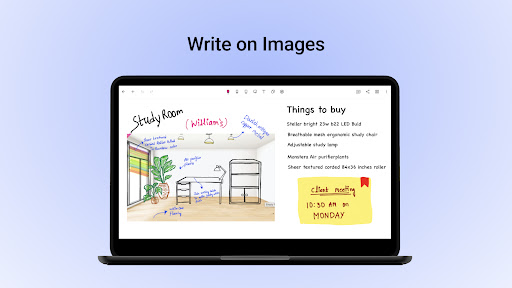
Noteshelf stands out with its range of features tailored for productivity enthusiasts. The app's realistic pens and highlighters provide an exceptional handwriting experience, while support for multiple stylus options ensures flexibility. Annotating PDFs and writing on images is made easy with convenient formatting tools, allowing users to edit school notes, grade papers, fill out forms, and sign documents. The handwriting recognition feature supports 65 languages, enabling users to search through their notes and convert them to typed text effortlessly.
With over 200 templates, Noteshelf caters to diverse needs, from lesson planning to health tracking. The introduction of Noteshelf AI adds intelligence to note-taking, offering capabilities like generating notes, summarizing content, translating text, and explaining complex terms. Personalization options include various paper types, customizable covers, and rich text formatting. The app also facilitates staying organized by categorizing notebooks, bookmarking pages, and syncing notes across devices via Google Drive, ensuring your notes are always accessible.
User-friendly interface
Realistic handwriting tools
Versatile annotation features
Extensive template library
Powerful AI assistant
Limited free features
Requires cloud storage
Occasional sync issues
Premium subscription cost
Learning curve for new users

Automates browsing any website and notifies you of important changes or events
 4.30
4.30
IP Camera Viewer - Android TV : RTSP Surveillance camera viewer for Android TV
4.2
All in One PDF Reader: Manage, Read and Edit your Documents
4.20
Multilingual translator for text, voice, and image translation!
4.90
Secure, open-source, SPICE and SSH Remote Desktop for QEMU KVM virtual machines
4.00
Tally and goal counter for Wear OS & mobile
4.50
A Pixel Art watchface inspired by other iconic 90s designs for Wear OS devices!
4.40
Lightweight PDF, Word, Excel reader.
4.60
Okta MFA
4.70
App lock - lock apps with fingerprint, password, pin or pattern, protect privacy
4.70
To do list widget with a notebook organizer, checklist, simple shopping list
4.60
Pwnagotchi companion app
4.20
Font maker keyboard with your own handwriting
4.10
Activate Two Factor Authentication (2FA or Multi OTP), Password manager and more
4.10
The ultimate file manager for rooted devices. The original and still the best.
4.00
⏰ Finally a timer app which can run multiple timers simultaneously on your watch
3.90
Ultimate Virtual AI Character for immersive Roleplay Chat. Perfect Companion
3.90
Mega cloud explorer plugin for Solid Explorer
3.80
Make your handwriting beautiful, even more than pen on paper.
3.60


User Reveiws