

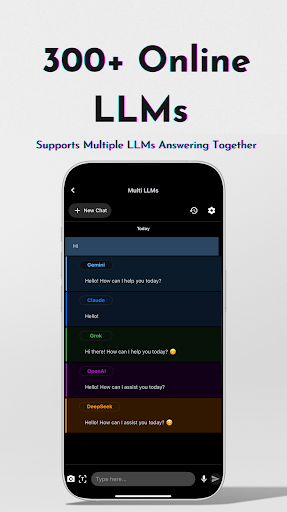

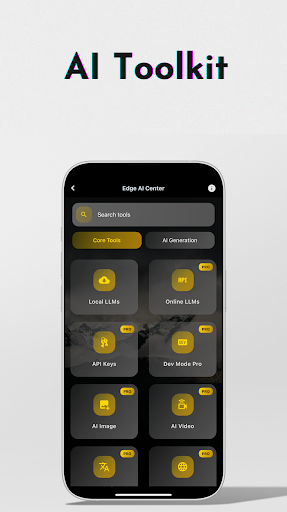
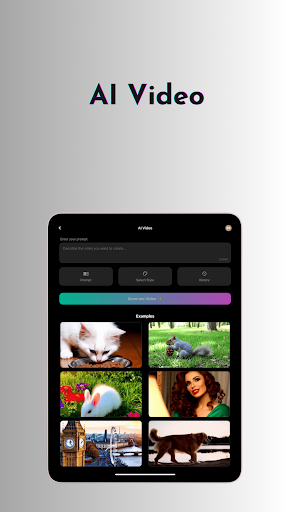

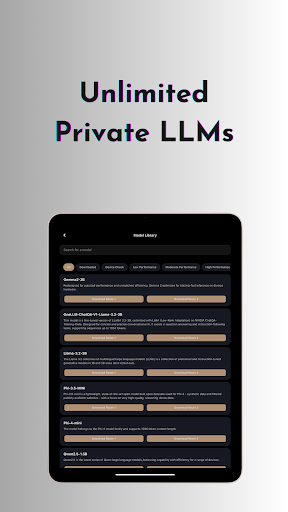
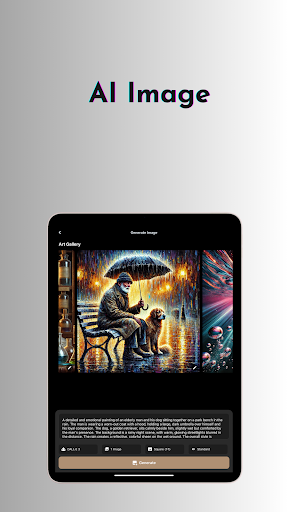
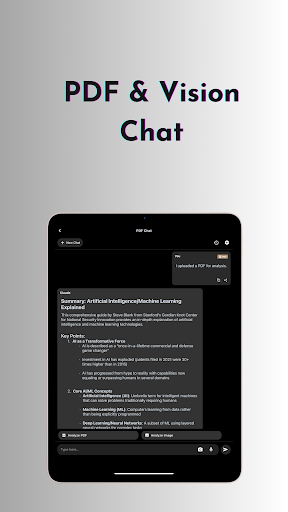
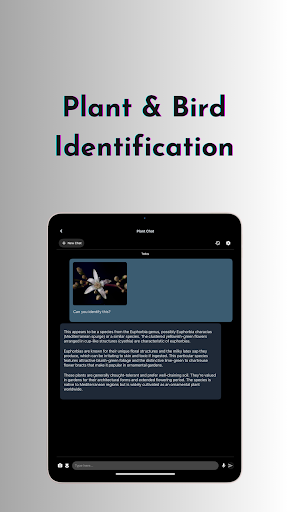
OneLLM Pro is a powerful productivity tool that seamlessly integrates local and cloud AI capabilities, offering users an extensive suite of AI-powered features. Whether you're offline or online, the app provides lightning-fast processing with maximum privacy through local AI models while leveraging cloud power for demanding tasks. With nearly double the on-device AI tools compared to its predecessor, OneLLM Pro covers a wide range of use cases including video generation, image creation, document scanning, and more.
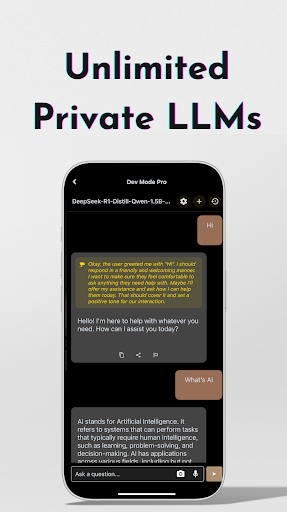
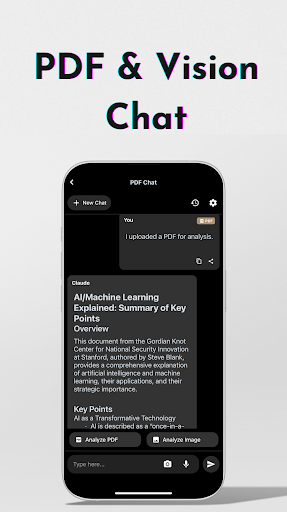
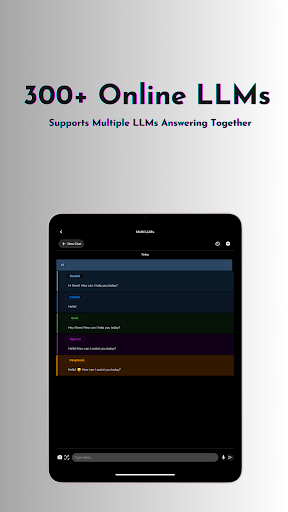
The app's core strength lies in its ability to provide unlimited access to private local LLMs as well as 300+ leading online LLMs. Users can customize unique AI characters, switch between models effortlessly, and enjoy advanced functionalities like AI browser, chat with PDF & image, and multi-LLM simultaneous response mode. Optimized for all devices, from entry-level to flagship, OneLLM Pro delivers exceptional performance wherever you go.
One notable application scenario is its Study Assistant feature, which supports text input, photo capture, or image uploads for seamless learning. This makes it an invaluable tool for students and professionals who need quick access to information and analysis across various formats. The app's comprehensive toolkit, combined with its ad-free experience and robust privacy controls, makes it an essential productivity companion for power users.
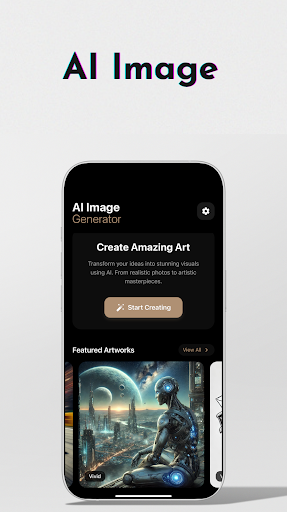
OneLLM Pro stands out with its comprehensive feature set that caters to diverse productivity needs. The app offers AI video generation and image creation powered by Stable Diffusion and DALL·E 3, enabling users to transform ideas into stunning visuals. Its offline OCR document scanning allows for document processing without an internet connection, while Ollama Connect facilitates easy integration with large LLMs running on PCs or servers.
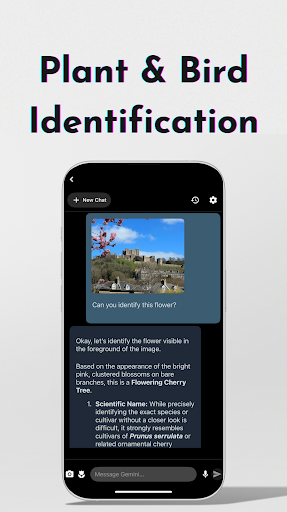
Advanced users will appreciate the LLM Dev Mode, which allows fine-tuning of virtually every parameter with detailed explanations and recommended ranges. The app also includes practical tools like private speech-to-text transcription AI notes, password generator, and plant & birds identification. These features are complemented by smart LLMs matching, which intelligently recommends models optimized for your device's specifications.
What sets OneLLM Pro apart is its hybrid approach to AI processing. Users can choose between private local processing or powerful cloud performance, maintaining control over their data privacy. The app's integration with Hugging Face enables easy model customization, while its optimized performance ensures smooth operation across different devices. This combination of advanced features, flexibility, and optimization makes OneLLM Pro a standout choice in the productivity category.
Extensive AI toolkit
Offline functionality
Cloud integration
Privacy-focused design
Cross-device optimization
Complex for beginners
Resource-intensive
Premium pricing
Limited free features
Steep learning curve

The long-awaited modern gallery app for your Nextcloud server
 4.70
4.70
Ads Free App! Editor, Hide File, Copy, Move, Delete and Rename.. all facility av
1.70
Professional calendar app for Google Calendar, MS Outlook & Exchange
4.20
CalenGoo is a very flexible and feature-rich calendar app
4.40
Stay on top of your to-dos with Google Tasks, part of Google Workspace.
4.60
PDF scanner & converter for files, photos, lottery, QR codes. One swipe away!
4.50
A Pixel Art watchface inspired by other iconic 90s designs for Wear OS devices!
4.40
The ultimate file manager for rooted devices. The original and still the best.
4.00
Seamlessly read, manage, and organize all your PDF files solution in one place
4.40
8 custom complications. Custom Time Fonts. Beautiful color schemes. A++ Design.
5.00
Great calculator for Android named one of USA TODAY's "25 Essential Apps".
4.90
Secure, fast, open-source, Remote Desktop Client for Windows and Linux with SSH
4.60
Functional QR scanner and barcode reader that requires little storage space.
4.60
Planet Free VPN - The best Fast Unlimited and Secure VPN Without Logs
4.50
Tally and goal counter for Wear OS & mobile
4.50
Experience Reading - Night Mode for Documents
4.40
When you Focus, so will your Bean in this cozy focus timer
4.30
⏰ Finally a timer app which can run multiple timers simultaneously on your watch
3.90
Code on-the-go with VScode for Android. Edit,debug and collaborate from mobile!!
3.10


User Reveiws