





Amazon Photos

4.70

Information

Category:

Photography

Price:

Free

Rank:

1

Rating:

4.70

Overview

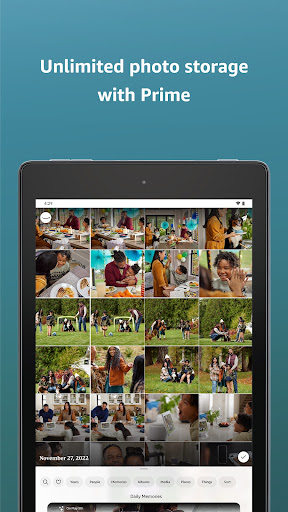
Amazon Photos is a cloud-based photography app that allows users to store, manage, and share their full-resolution photos and videos securely. The app offers 5 GB of free storage for all Amazon customers, while Prime members enjoy unlimited photo storage and additional perks like free print deliveries in the US. With features such as Auto-Save, Alexa voice commands, and private group sharing, Amazon Photos ensures your memories are both safe and easily accessible across multiple devices.

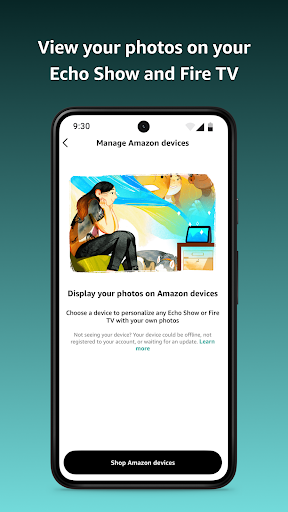
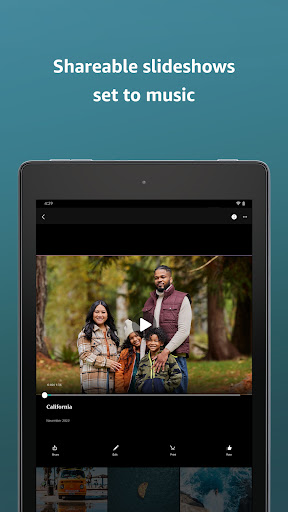
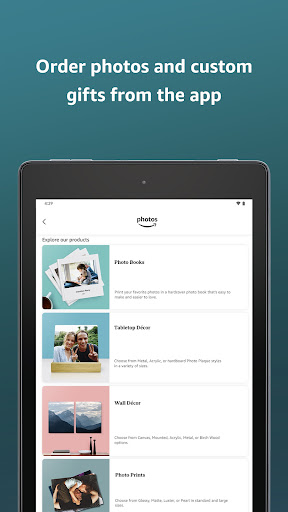
The app also provides unique functionalities like memory reliving through curated slideshows, refined search filtering, and seamless integration with Amazon's ecosystem of devices including Echo Show and Fire TV. Whether you're looking to back up precious moments or create custom photo gifts, Amazon Photos delivers a comprehensive solution for managing your digital memories.

Features

Amazon Photos stands out with its robust feature set tailored for both casual and power users. The app automatically saves photos and videos in full resolution, ensuring no quality is lost during backup. Its seamless integration with Alexa allows users to retrieve specific photos using voice commands like 'Alexa, show my photos of sunsets.' This makes accessing memories effortless and intuitive.

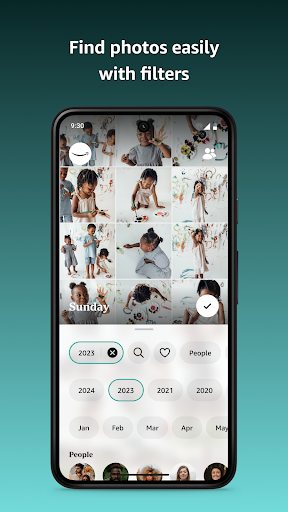
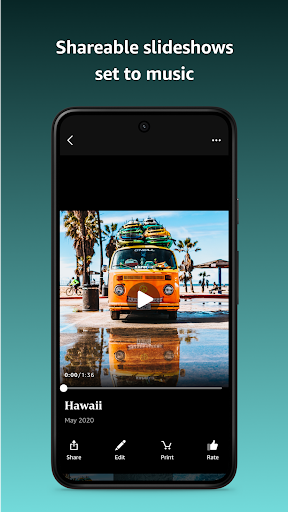
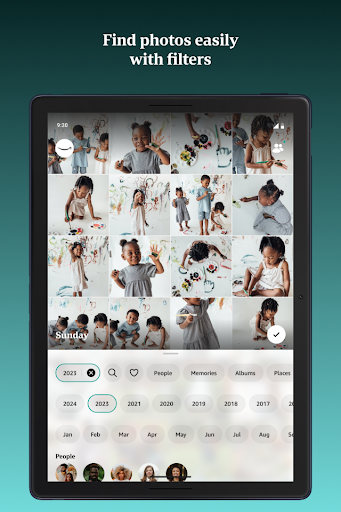
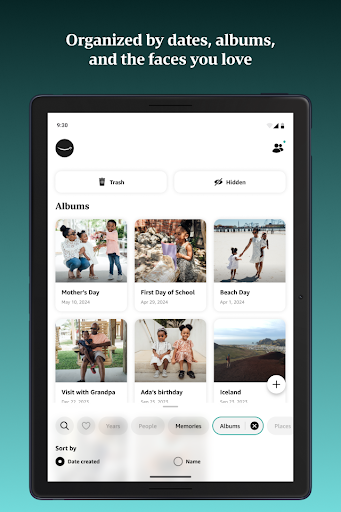
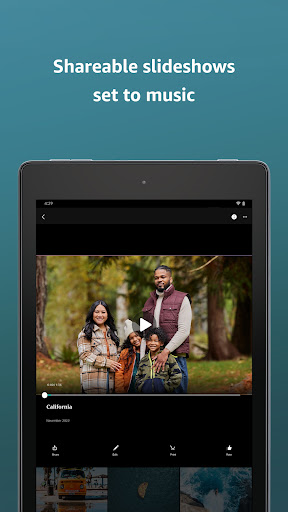
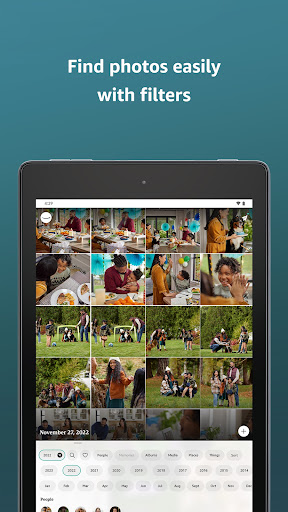
For those who value privacy, Amazon Photos offers private group sharing where users can collaborate on shared albums with friends and family. Advanced search capabilities let you find photos by date or location, while the auto-generated memory slideshows bring past events back to life. Additionally, flexible subscription plans provide options to expand storage beyond the free tier, catering to users with extensive media libraries.

Real-Time Capture & Preview

Real-time capture and preview functionality in photography applications ensures that users can instantly view the images or videos they are capturing allowing for immediate adjustments and improvements before finalizing the shot This feature is crucial as it directly impacts the quality of the content being created by providing users with a live view of their subject matter Amazon Photos although primarily a cloud storage solution offers seamless integration with device cameras to ensure photos and videos are automatically saved in real-time as they are captured This automatic saving feature acts as a safety net preventing any loss of data due to device malfunction or accidental deletion Furthermore while Amazon Photos may not offer traditional real-time preview features within its application it compensates by enabling high-quality full-resolution backups of original files This means that every photo or video stored retains its initial quality without compression or alteration which is essential for preserving the integrity of visual content Additionally through Alexa integration users can request to see specific photos or videos using voice commands such as asking to display sunset pictures or Sicily travel memories This innovative use of voice technology provides an alternative method of accessing and viewing stored media effectively simulating a form of real-time interaction with ones photo library Overall Amazon Photos prioritizes secure and high-quality storage solutions ensuring that users have reliable access to their digital memories without compromising on resolution or detail

AI Beauty & Enhancement Naturalness

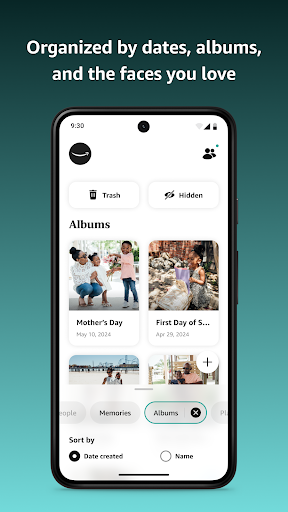
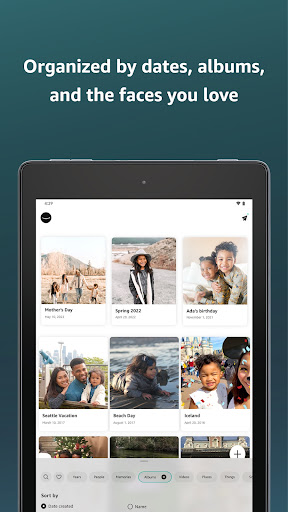
AI beauty and enhancement features in photography apps aim to improve the aesthetic appeal of images while maintaining a natural look These enhancements typically include skin smoothing blemish removal and color correction among other adjustments designed to elevate the overall quality of photographs without making them appear overly edited or artificial Although Amazon Photos does not position itself as an editing-centric app it incorporates AI technologies to enhance user experience particularly in organizing and searching through large collections of photos For instance the app uses machine learning algorithms to categorize images based on content such as recognizing faces landmarks or objects This intelligent organization helps users quickly locate specific photos and relive memories by presenting curated slideshows of past events Moreover Prime members benefit from refined search filtering capabilities powered by AI which allows for more precise queries like finding photos taken at a particular location or during a certain timeframe While Amazon Photos might not focus heavily on direct photo editing enhancements its AI-driven functionalities contribute significantly to managing and enjoying ones photo library in a meaningful way By emphasizing ease of access and personalized content discovery the app ensures that users can effortlessly engage with their stored memories creating a more intuitive and enriching photographic journey

Props

User-friendly interface

Secure cloud storage

Unlimited photo storage for Prime

Voice-activated photo retrieval

Private group sharing

Cons

Limited free storage

Prime benefits region-locked

No native video editing

Subscription costs

Heavy reliance on Amazon ecosystem

Features and Functions

What is this app and what can I use it for?

A cloud storage app for photos and videos with 5 GB free space

How do I download and install this app on my device?

Visit Google Play Store, search Amazon Photos, and tap Install

How do I get started after opening the app for the first time?

Sign in with Amazon account and enable Auto-Save in Settings

What are the main features and capabilities of this app?

Full-res storage, Alexa integration, private sharing, memory slideshows

How can I customize my experience and adjust preferences?

Adjust settings like Auto-Save, slideshow preferences, and notifications

How do I save or bookmark my favorite content for later access?

Use Favorites or create albums to save important photos and videos

How can I share content with friends or on social media?

Share directly via links or post to social media platforms

How do I access detailed information and explore more content?

Search by date, location, or keywords to find specific content

What permissions does this app need and how do I manage them?

Needs storage access and camera permissions managed in Settings

How do I check for updates and keep the app running smoothly?

Enable auto-updates in Google Play Store or check manually
Show more

User Reveiws

{{ comment.reviewer_name }}
{{ comment.review_date_formatted}}
{{ comment.review_content }}
{{ tab.name }}
{{ comment.reviewer_name }}
{{ comment.review_date_formatted}}
{{ comment.review_content }}
No reviews with this rating