Google Gemini

4.50

Information

Category:

Productivity

Price:

Free

Rank:

2

Rating:

4.50

Overview

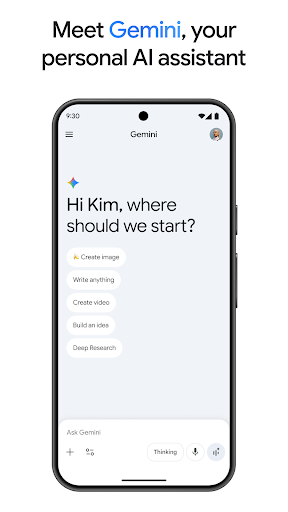
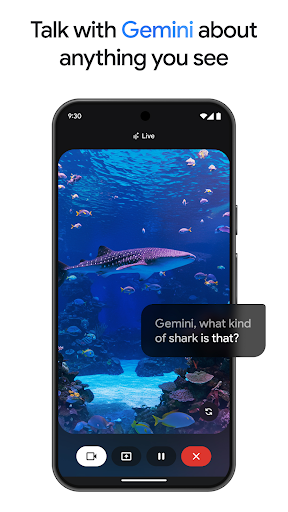
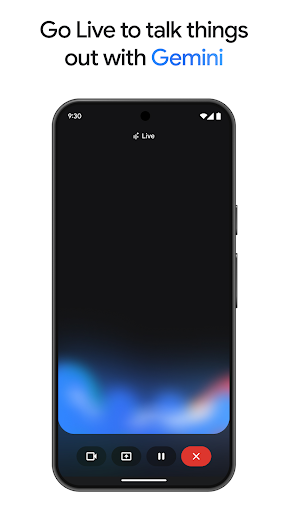
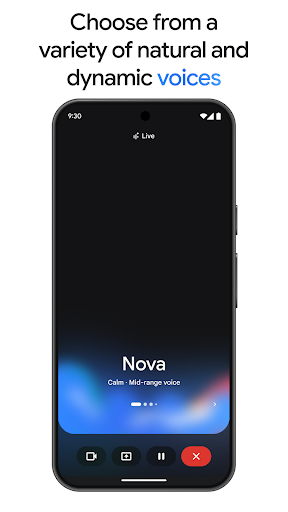
Gemini, developed by Google, is an advanced AI assistant designed to boost both creativity and productivity. This powerful tool provides direct access to Google's premier family of AI models right from your mobile device. Whether you're looking to brainstorm new ideas, simplify complex topics, or rehearse for significant events, Gemini is equipped to assist. One standout feature is Gemini Live, which allows users to share their camera or screen during conversations, facilitating discussions about virtually anything visible to the user.

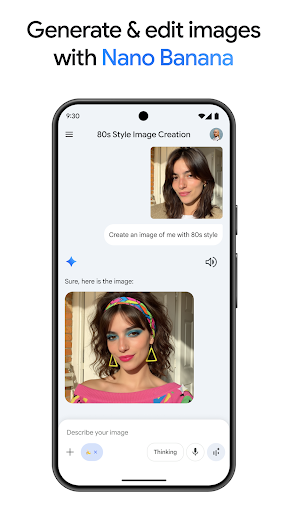
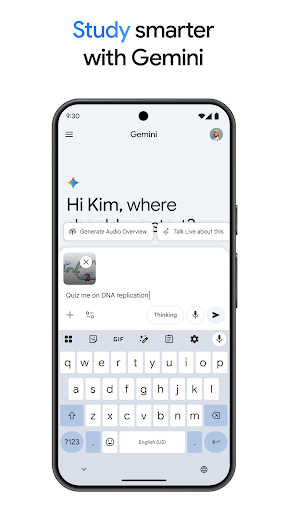
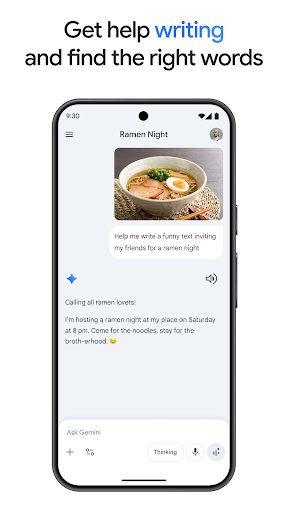
In addition to its conversational capabilities, Gemini offers a suite of creative tools. With Canvas, users can bring their ideas to life, creating apps, games, web pages, infographics, and more. The app also integrates seamlessly with popular Google services like Search, YouTube, Google Maps, and Gmail, enhancing its utility. Furthermore, Gemini supports educational pursuits by helping users study smarter through quiz and flashcard creation, interactive visuals, and real-world examples. Its versatility extends to transforming files into podcasts, editing images based on simple text descriptions, and planning trips efficiently.

Features

Gemini stands out due to its comprehensive feature set tailored to enhance productivity and creativity. A key highlight is Gemini Live, enabling dynamic interactions where users can engage in live conversations while sharing their screens or camera views. This functionality is particularly useful for collaborative projects or when seeking immediate feedback on visual content. Another notable feature is Canvas, which empowers users to prototype various digital creations, including apps, games, and web pages, directly within the app.

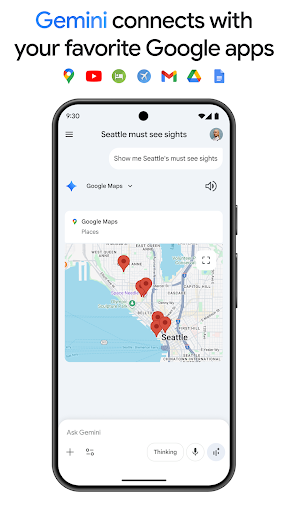
The integration with essential Google applications such as Search, YouTube, Google Maps, and Gmail further enriches the user experience. These connections allow for seamless transitions between tasks and platforms, streamlining workflows. Additionally, Gemini aids in academic endeavors by offering tools for creating quizzes, flashcards, and interactive visuals, making learning more engaging. For those interested in multimedia content, Gemini can convert documents into podcasts and edit images using minimal input, demonstrating its adaptability across different media types.

Core task management

Task management is a fundamental aspect of productivity applications, enabling users to organize, prioritize, and track their tasks efficiently. In the context of Google Gemini, core task management goes beyond simple to-do lists by integrating advanced AI capabilities that supercharge productivity. The application allows users to create complex projects, set deadlines, and establish dependencies between tasks. With its industry-leading 1M token context window, Gemini can process extensive amounts of information, making it adept at handling large-scale projects with numerous interconnected tasks. This feature proves invaluable for professionals managing multifaceted projects requiring meticulous planning and execution. Moreover, the app's integration with popular Google services like Gmail and Google Calendar ensures seamless synchronization of tasks across different platforms. Users benefit from real-time updates and notifications, ensuring they never miss important deadlines. The AI assistant can also analyze task patterns and provide intelligent suggestions for optimizing workflows. For instance, it might recommend breaking down large tasks into smaller manageable components or suggest optimal times for tackling specific activities based on historical data. Additionally, the Pro plan offers enhanced features such as Deep Research on 3 Pro, which allows for comprehensive analysis of complex topics related to tasks. This capability enables users to gain deeper insights into their projects, facilitating more informed decision-making. Overall, Google Gemini's approach to task management transforms how individuals and teams handle their workloads, providing a sophisticated yet user-friendly solution that adapts to various professional needs.

Cross-device synchronization reliability

In today's fast-paced digital environment, reliable cross-device synchronization is crucial for maintaining productivity across multiple platforms. Google Gemini excels in this area by offering robust synchronization capabilities that ensure users can access their data and continue working seamlessly regardless of the device they are using. The application leverages Google's extensive infrastructure to provide real-time updates across smartphones, tablets, and desktop computers. This means that any changes made to tasks, notes, or projects on one device are instantly reflected on all others linked to the same account. Such synchronization reliability is particularly beneficial for professionals who frequently switch between devices throughout their workday. Furthermore, Gemini's integration with essential Google services like Google Drive and Gmail enhances its synchronization capabilities. Users can effortlessly share files and collaborate with colleagues without worrying about version control issues or data inconsistencies. The app's advanced AI algorithms also play a significant role in maintaining synchronization integrity. They continuously monitor data exchanges between devices, detecting and resolving potential conflicts before they impact user experience. For example, if a user accidentally deletes an important task on one device, the system can quickly restore it from another device's backup. Additionally, the Ultra plan offers exclusive features that further enhance synchronization reliability. These include early access to new AI innovations and Agent Mode, which provides even more sophisticated cross-device coordination capabilities. With these advanced features, users can enjoy unparalleled peace of mind knowing that their work is always up-to-date and accessible wherever they go. Google Gemini's commitment to reliable cross-device synchronization makes it an indispensable tool for modern professionals seeking to maximize their productivity across various devices.

Props

Advanced AI capabilities

Seamless Google integration

Versatile creative tools

Enhanced productivity features

Dynamic live interaction

Cons

Premium features require subscription

Complexity may overwhelm beginners

Limited offline functionality

Privacy concerns with data sharing

High system requirements

Features and Functions

What is this app and what can I use it for?

Gemini is an AI assistant for boosting creativity and productivity.

How do I download and install this app on my device?

Download Gemini from Google Play Store on your Android device.

How do I get started after opening the app for the first time?

Open Gemini, grant necessary permissions, and explore its features.

What are the main features and capabilities of this app?

Main features include live conversations, creative tools, and Google app integration.

How can I customize my experience and adjust preferences?

Customize settings in the app preferences to adjust your experience.

How do I save or bookmark my favorite content for later access?

Save favorites by bookmarking content within the app interface.

How can I share content with friends or on social media?

Share content via integrated social media options or direct links.

How do I access detailed information and explore more content?

Access detailed info through the appu2019s comprehensive search function.

What permissions does this app need and how do I manage them?

Manage permissions in device settings under app management.

How do I check for updates and keep the app running smoothly?

Check for updates in the Google Play Store app under My apps.
Show more

User Reveiws

{{ comment.reviewer_name }}
{{ comment.review_date_formatted}}
{{ comment.review_content }}
{{ tab.name }}
{{ comment.reviewer_name }}
{{ comment.review_date_formatted}}
{{ comment.review_content }}
No reviews with this rating