
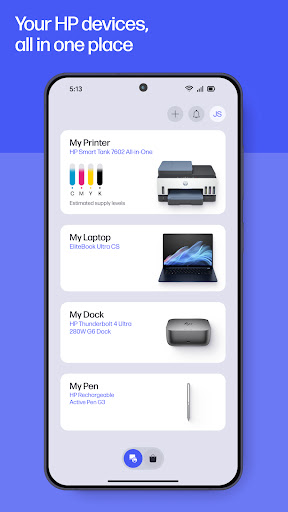
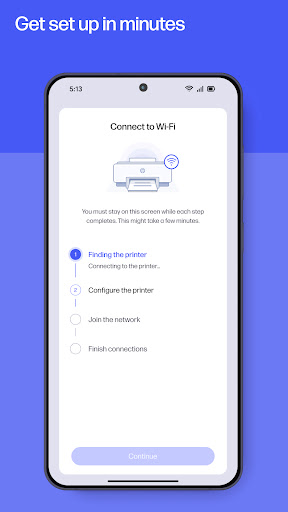
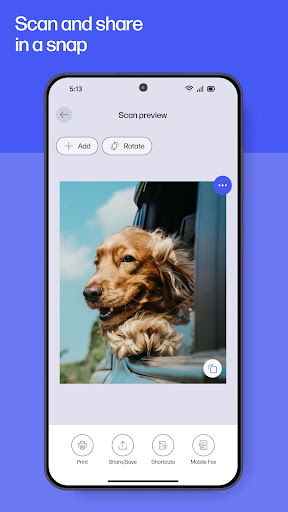
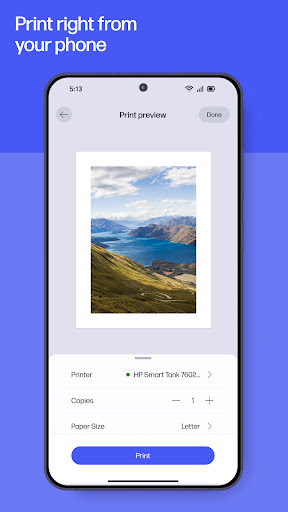
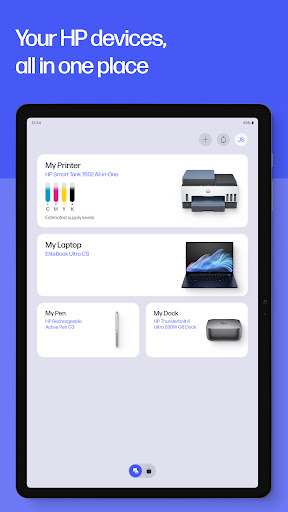
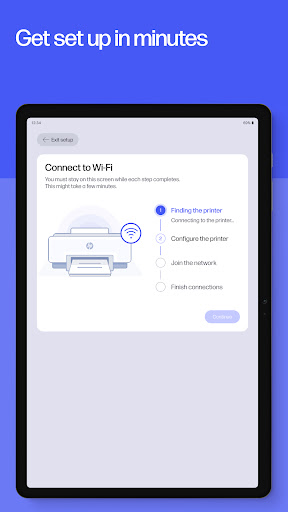
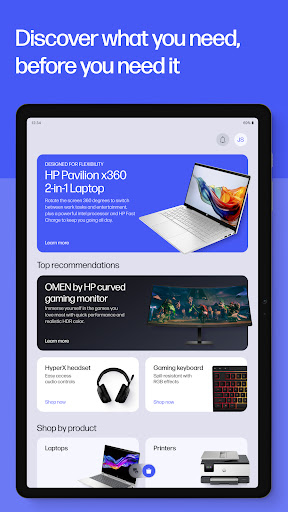
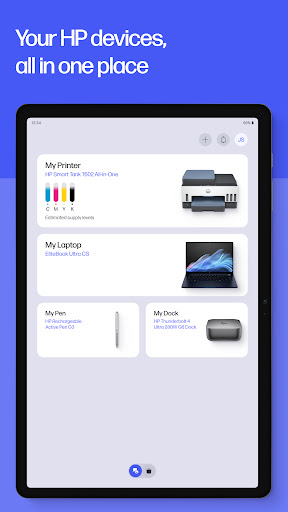
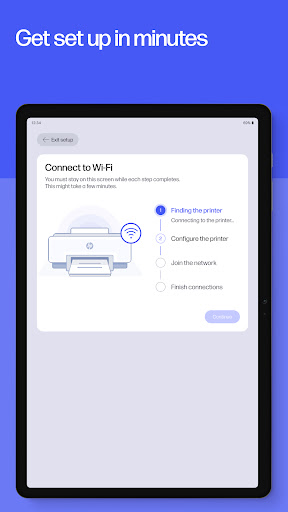

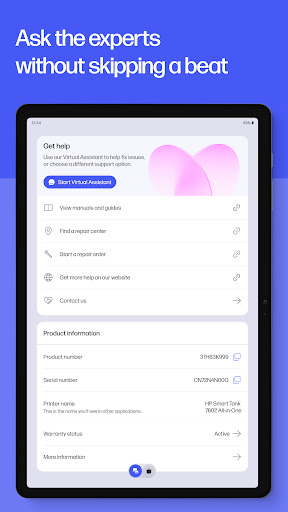
The HP app is a comprehensive productivity tool designed to streamline device management for HP users. This all-in-one solution allows you to set up new printers, personalize settings, and handle printing and scanning tasks with ease. The application provides guided setup processes, making device initialization quick and hassle-free while enabling users to monitor essential aspects like ink levels.
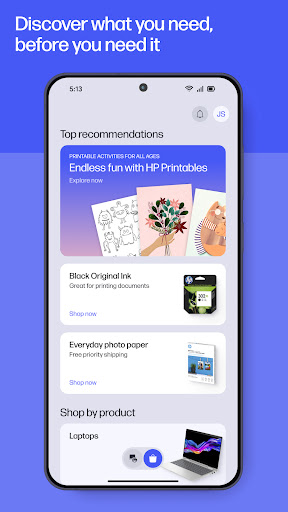
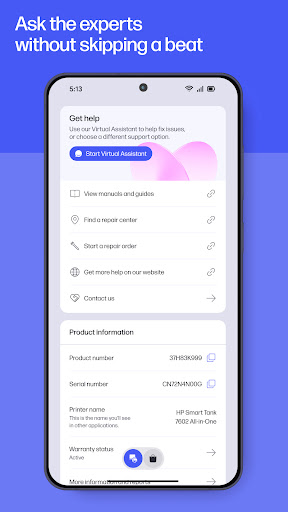
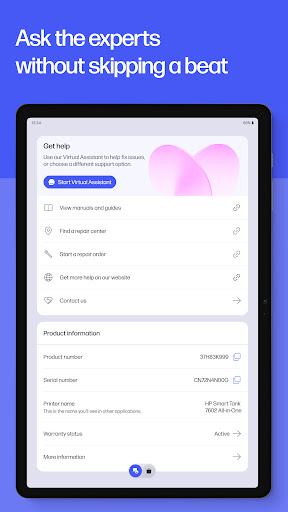
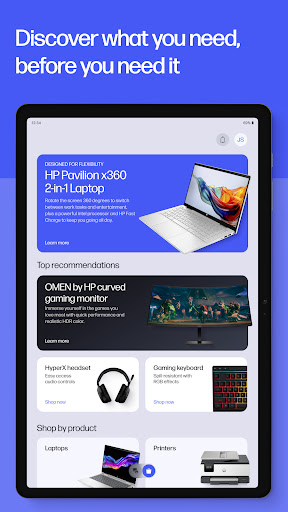
Beyond basic setup, the HP app empowers users to maximize their device's potential. It offers tailored recommendations, customizable settings, and introduces users to a suite of HP products that align with their needs. Whether at home or in the office, users can print documents, scan receipts, and even send faxes directly from their mobile devices. The app also features instant support options including live chat and phone assistance, ensuring help is readily available when needed.
The HP app stands out with its diverse feature set tailored for enhanced productivity. One of its key strengths is the Easy Setup functionality, which simplifies the process of initializing new HP devices through guided instructions. Once set up, users can effortlessly manage their printers and computers, checking ink levels and performing routine maintenance without technical hurdles.
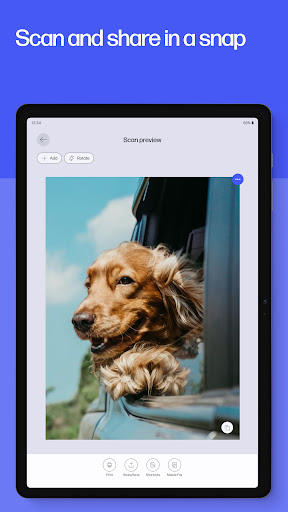
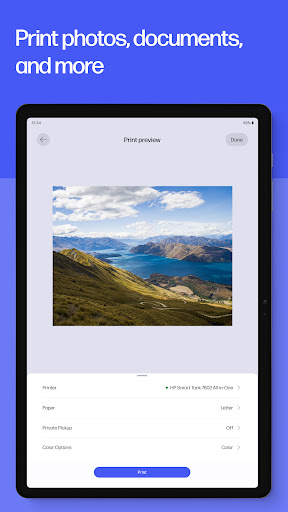
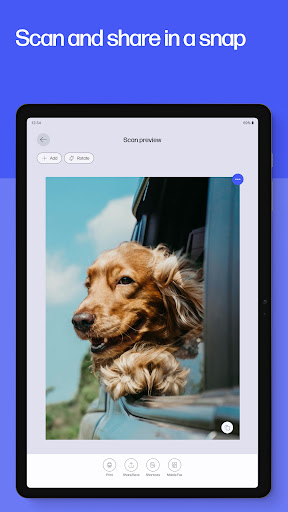
Productivity is further amplified with versatile printing and scanning capabilities. Users can print high-quality photos, scan documents for digital storage, and even send faxes directly from the app. Additional features include Print Shortcuts for frequently used tasks, HP Printables for creative projects, and Print Supplies notifications to ensure uninterrupted printing. These innovations collectively contribute to a seamless user experience, allowing individuals to focus on their work without being hindered by device management complexities.
User-friendly interface
Comprehensive device management
Versatile printing options
Instant support availability
Regular feature updates
Limited to HP devices
Internet connection required
HP account necessary
English language limitations
Potential future charges

Secure, fast, open-source, VNC and SSH Remote Desktop for Windows, Linux and Mac
 4.70
4.70
When you Focus, so will your Bean in this cozy focus timer
4.30
Native client for Forgejo and Gitea
5.00
A simple, portable logger for POTA, SOTA, Field Day, and more
4.4
Pwnagotchi companion app
4.20
Simple and reliable communication between inmates, friends and family
3.20
ID.me Authenticator is a simple and free Two Factor Authentication solution
3.50
A Pixel Art watchface inspired by other iconic 90s designs for Wear OS devices!
4.40
Share files & memories safely. Keep your photos and videos secure.
4.40
Best Tool for the professionals Electrician, Electrical contractors, etc.
4.90
We're working to become the best machining app on the market! www.cncdirt.com
4.80
The AI assistant that thinks with you - write, code, and solve complex tasks
4.60
Calendar 2023 widget for Android. Appointment scheduler, planner, and reminder
4.60
Professional calendar app for Google Calendar, MS Outlook & Exchange
4.20
Easily read and manage all your PDF files
4.10
⏰ Finally a timer app which can run multiple timers simultaneously on your watch
3.90
Access your phone's notifications, calls, apps, photos & texts on your PC
3.90
Ads Free App! Editor, Hide File, Copy, Move, Delete and Rename.. all facility av
1.70
Create study competitions, track your hours, and stay consistent with friends
4.4


User Reveiws