
QuickEdit Text Editor Pro

4.20

Information

Category:

Productivity

Price:

$ 2.79

Rank:

10

Rating:

4.20

Overview

QuickEdit Text Editor Pro is a premium text editing solution designed for both casual users and programming professionals. This productivity app combines the functionality of a standard text editor with advanced code editing capabilities, making it suitable for various tasks from note-taking to software development.

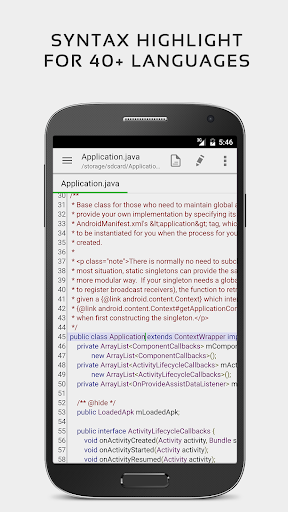
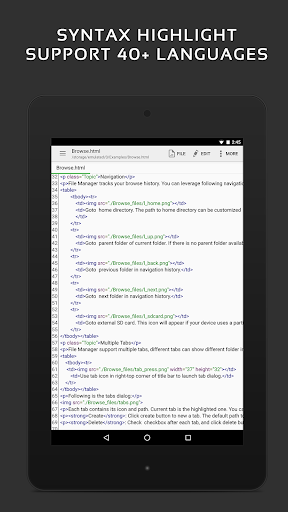
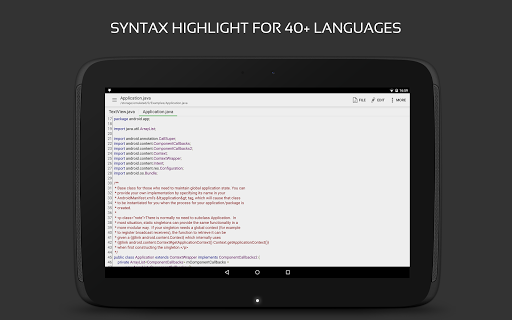
The application stands out with its support for 170+ programming languages, complete with syntax highlighting and online compilation features. Its high-performance design ensures smooth operation even with large files, while offering precise editing tools that include line numbering, indentation control, and unlimited undo/redo functions. The app's intuitive interface and customizable display options make it equally suitable for both phones and tablets.

Whether you're a developer needing to edit code on the go or a professional requiring reliable document editing, QuickEdit provides an efficient solution. The app's ability to handle multiple file formats and integrate with cloud services like Google Drive and Dropbox makes it an indispensable tool for mobile productivity.

Features

QuickEdit Text Editor Pro distinguishes itself through its comprehensive feature set tailored for productivity enthusiasts. The app's enhanced notepad functionality goes beyond basic text editing, offering sophisticated tools for code development and document management.

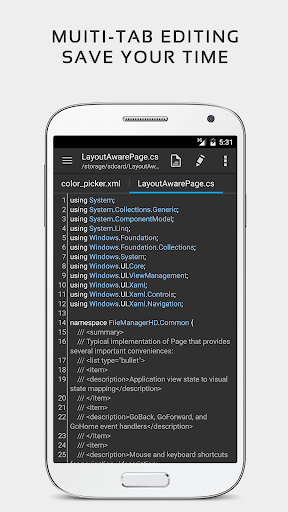
One of the app's key strengths is its robust code editing capability, supporting syntax highlighting for over 170 programming languages. The integrated online compiler can process more than 30 common languages, enabling developers to test their code directly within the app. Advanced navigation features allow users to efficiently manage multiple open tabs and precisely target specific lines in large documents.

The editor's performance optimization ensures responsive handling of extensive files while maintaining accuracy in every edit. Useful features like hex color input, automatic charset detection, and preview modes for HTML/CSS/Markdown files demonstrate the app's attention to detail. With support for root access and integration with various cloud storage services, QuickEdit delivers a complete package for mobile-based productivity and development work.

Core task management

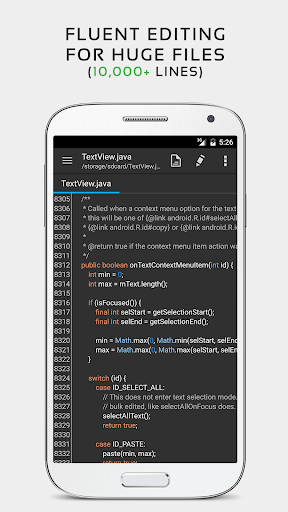
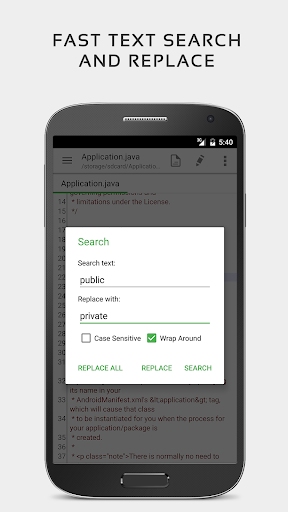
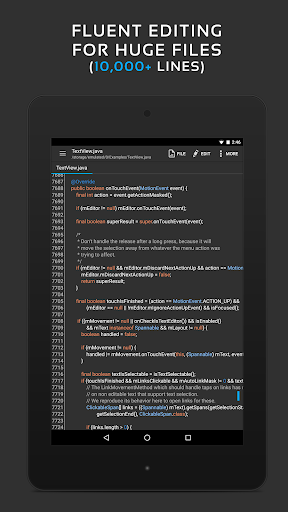
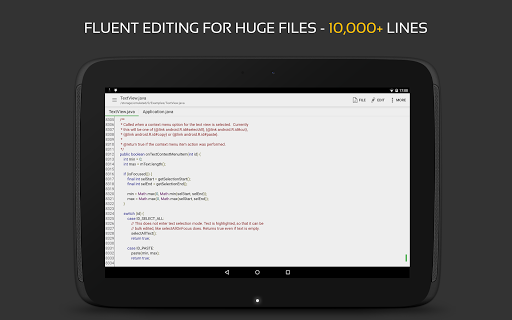
Task management in a text editor context refers to the application's ability to handle various editing tasks efficiently and accurately. QuickEdit Text Editor Pro excels in this area by offering a comprehensive suite of features designed to enhance productivity and streamline workflows for both general users and professionals. The app supports syntax highlighting for over 170 languages, making it an invaluable tool for developers who need to work with multiple programming languages. Its online compiler feature allows users to compile and run code in more than 30 common languages directly within the editor, eliminating the need to switch between different applications. This capability significantly boosts efficiency as users can write, test, and debug their code seamlessly. Additionally, QuickEdit handles large text files with ease, supporting documents with more than 10,000 lines without any lag. The editor provides essential functions such as undo and redo changes without limit, display or modification of line indentations, and quick search and replace options. These features ensure that users can manage complex editing tasks effortlessly. Furthermore, the app facilitates easy navigation between multiple open tabs, which is particularly useful when working on large projects involving several files. Physical keyboard support including key combinations enhances the editing experience for power users who prefer using external keyboards. Smooth scrolling in both vertical and horizontal directions ensures that users can navigate through lengthy documents comfortably. Direct targeting of specific line numbers and fast selecting and editing abilities further augment the overall task management capabilities of QuickEdit Text Editor Pro. By integrating these advanced functionalities, QuickEdit empowers users to perform a wide range of text editing tasks with precision and speed, ultimately improving their productivity and workflow efficiency.

Cross-device synchronization reliability

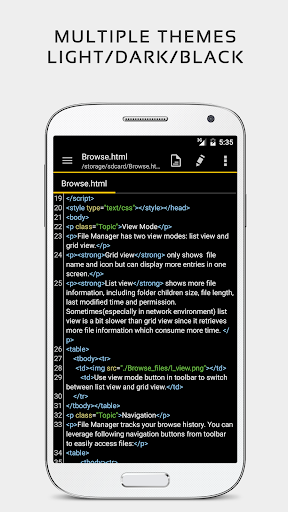
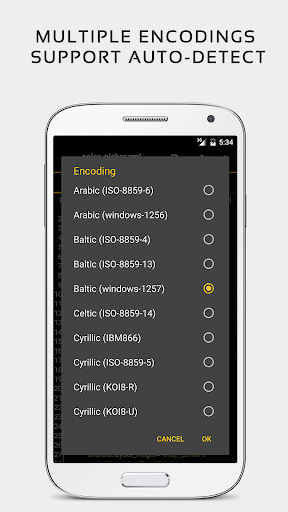
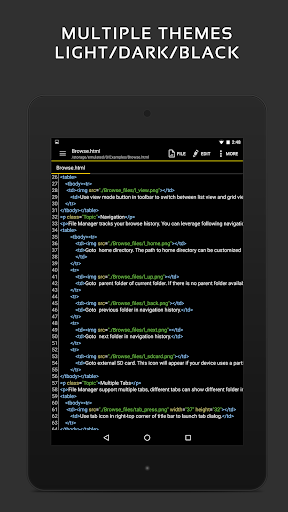
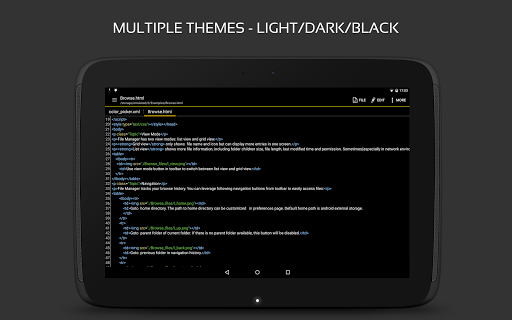
Cross-device synchronization reliability is crucial for users who rely on consistent access to their documents across multiple devices. QuickEdit Text Editor Pro addresses this need by providing robust mechanisms to ensure data consistency and availability wherever users choose to work. One of the standout features of QuickEdit is its ability to access files from various cloud storage services like FTP, Google Drive, Dropbox, and OneDrive. This integration allows users to open, edit, and save files directly from their preferred cloud platforms, ensuring that the latest version of a document is always available regardless of the device being used. The app also maintains a collection of recently opened or added files, enabling quick access to frequently used documents without the hassle of navigating through complex folder structures. For users working on rooted devices, QuickEdit offers the unique ability to edit system files, adding another layer of flexibility and control over device management tasks. Another aspect contributing to synchronization reliability is the app's automatic detection of charset and encoding, which prevents data corruption when transferring files between different systems. Moreover, QuickEdit supports both light and dark themes, allowing users to maintain visual consistency across devices based on their preferences or environmental conditions. The app's optimization for use on both phones and tablets ensures a uniform experience, adapting seamlessly to varying screen sizes and input methods. With its ad-free version, QuickEdit eliminates distractions, providing a focused environment for productive work sessions. Overall, QuickEdit Text Editor Pro delivers reliable cross-device synchronization through its extensive cloud service integrations, efficient file management capabilities, and adaptive user interface design. These features collectively ensure that users can depend on QuickEdit to keep their documents synchronized and accessible, enhancing their ability to work flexibly and efficiently across different devices.

Props

Extensive language support

High-performance editing

Advanced coding features

Cloud integration

Professional-grade tools

Cons

Premium price point

Complex for beginners

Feature overload

No free version

Root required for system files

Features and Functions

What is this app and what can I use it for?

A powerful text/code editor for Android devices

How do I download and install this app on my device?

Search QuickEdit Pro on Google Play and install from there

How do I get started after opening the app for the first time?

Launch app, select file type, begin editing

What are the main features and capabilities of this app?

Syntax highlight, online compile, cloud support

How can I customize my experience and adjust preferences?

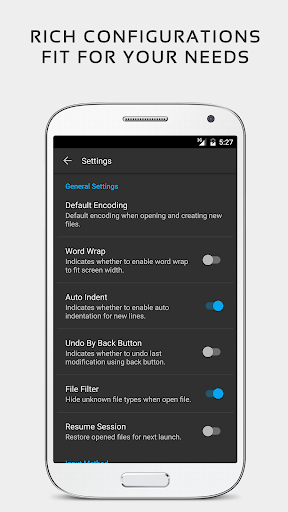
Adjust themes, fonts, encoding in settings

How do I save or bookmark my favorite content for later access?

Use star icon to bookmark important files

How can I share content with friends or on social media?

Tap share button to send code snippets

How do I access detailed information and explore more content?

Use file explorer for detailed navigation

What permissions does this app need and how do I manage them?

Needs storage, network permissions for full function

How do I check for updates and keep the app running smoothly?

Enable auto-update in Google Play settings
Show more

User Reveiws

{{ comment.reviewer_name }}
{{ comment.review_date_formatted}}
{{ comment.review_content }}
{{ tab.name }}
{{ comment.reviewer_name }}
{{ comment.review_date_formatted}}
{{ comment.review_content }}
No reviews with this rating













