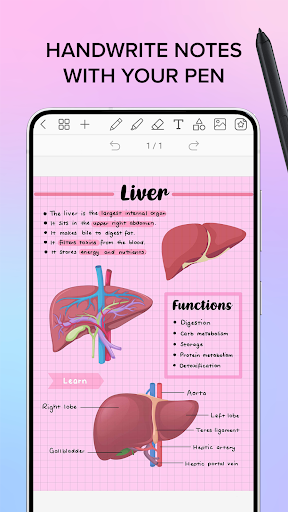
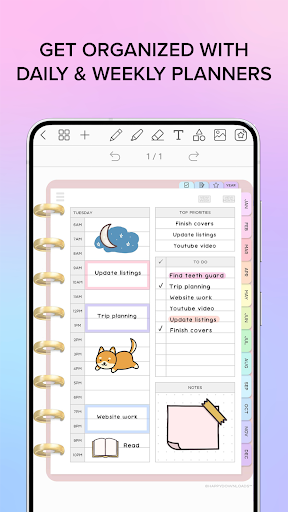

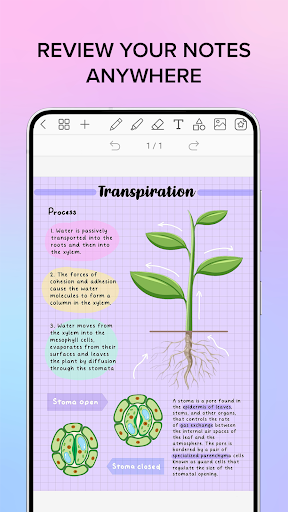
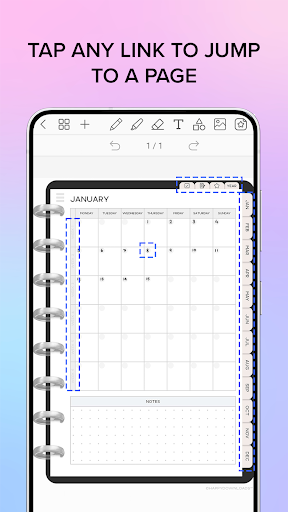
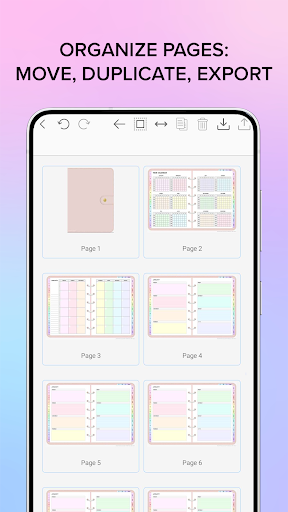
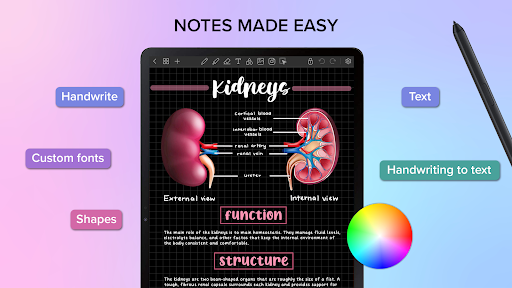
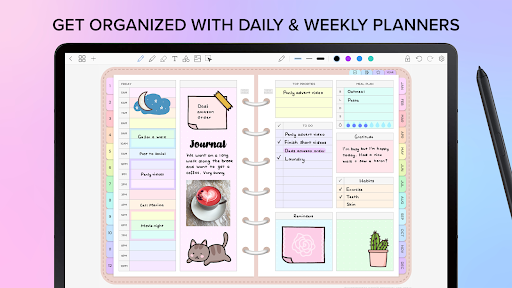
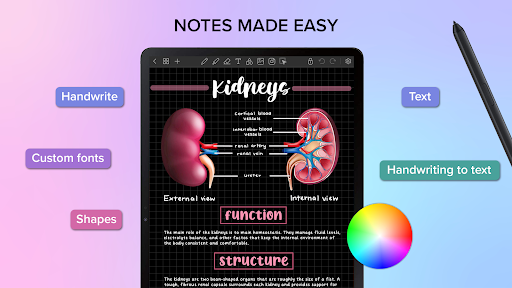
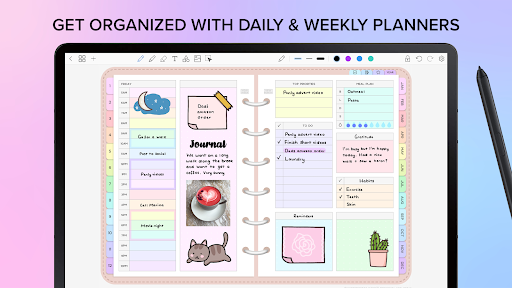
Penly is a comprehensive digital planner, journal, and note-taking app designed to enhance productivity and creativity. With its intuitive interface, users can smoothly handwrite notes, utilize text and image tools, and create sticker collections. The app includes four digital planners with hyperlinked pages, undated and reusable templates, and various styles to suit different preferences.
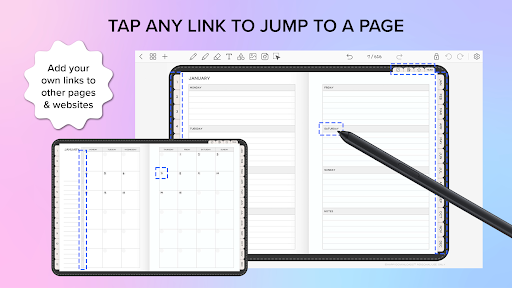
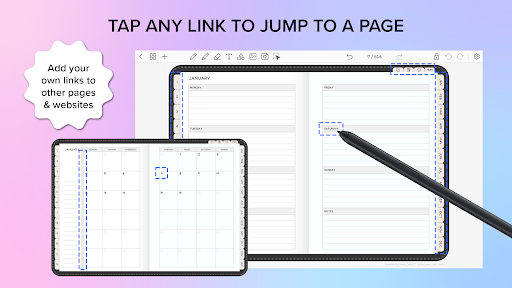
One of Penly's standout features is the ability to import any PDF file, navigate using existing hyperlinks, and export files in editable formats. Users can also create custom hyperlinks within documents, turning objects into clickable links to other pages or websites. This functionality makes organizing and accessing information seamless and efficient.
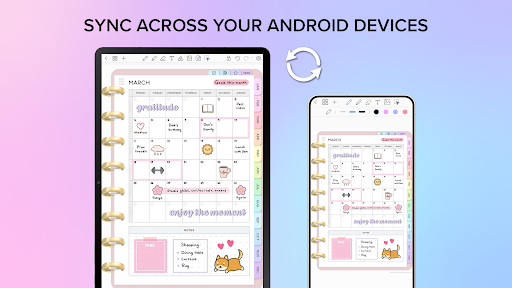
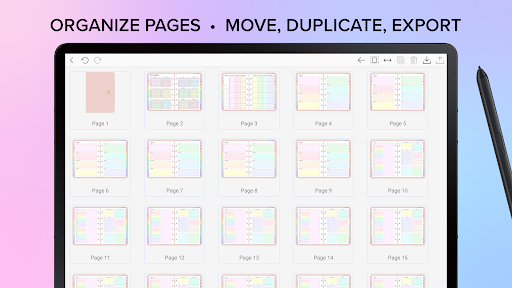
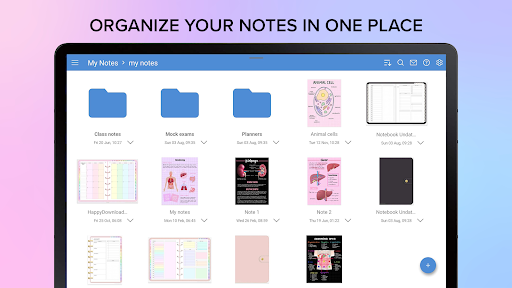
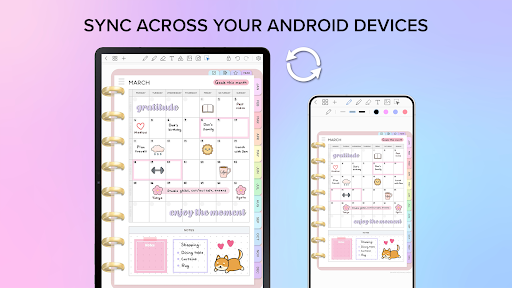
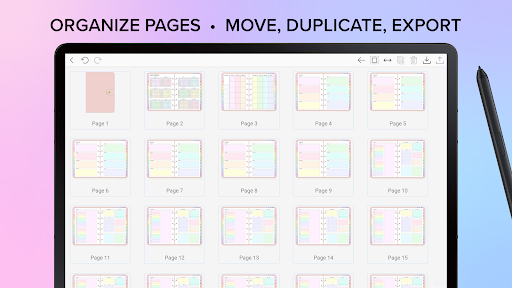
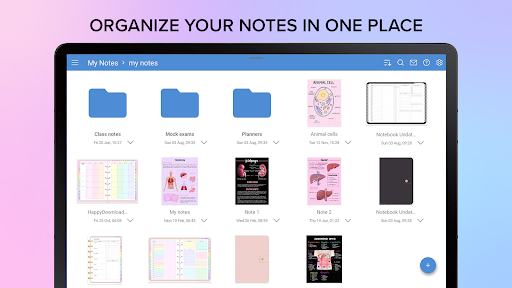
The app offers robust organizational tools, allowing users to manage notes and documents with ease. It supports syncing between Android devices via Google Drive, ensuring that your data is always up-to-date across all devices. Penly is available in English and provides a one-time payment option for full access, along with a 7-day refund policy for customer satisfaction.
Penly boasts an array of features tailored to boost productivity. Its smooth handwriting recognition and smart eraser allow for natural note-taking, while tools for text, images, and shapes provide versatility in content creation. Users can transform, group, and lock objects, as well as undo and redo actions, offering precision and control over their work.
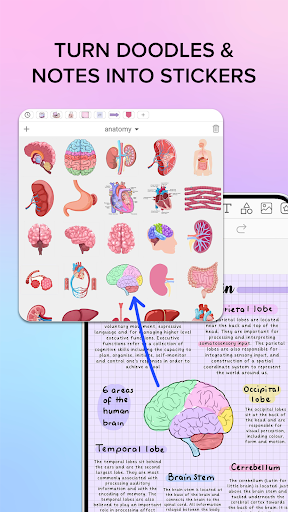
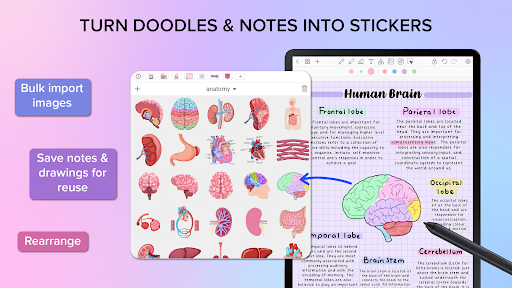
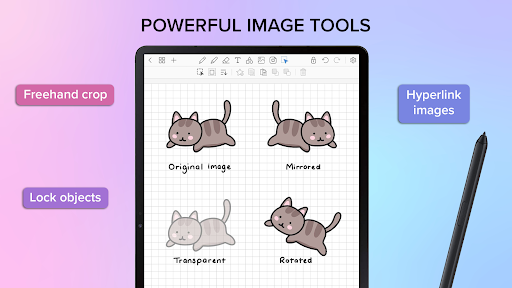
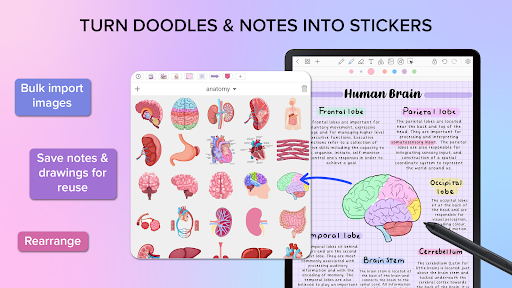
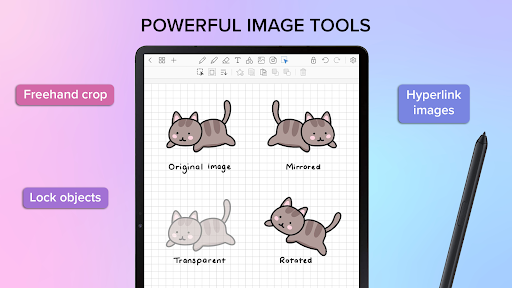
A unique aspect of Penly is its sticker and image tools. The collections tool helps organize stickers, enabling bulk imports and quick reuse. Items can be edited, rearranged, and favorited for easy access. Additionally, Penly allows mirroring, flipping, cropping, and adjusting image opacity, enhancing creative possibilities.
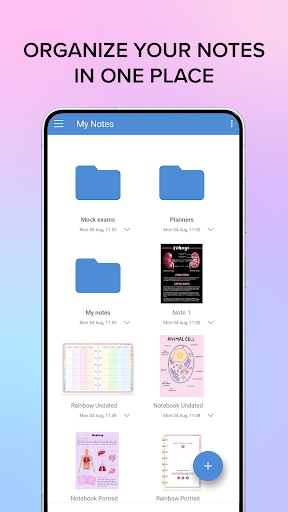
Syncing capabilities ensure that users can access their documents from multiple Android devices. By linking Google Drive, Penly syncs data manually or automatically when the app is opened or closed. This feature, combined with folder and sub-folder management, ensures that users can efficiently organize and retrieve their notes and documents anytime, anywhere.
User-friendly interface
Versatile content tools
Customizable planners
Efficient syncing
Comprehensive support
Limited language support
No iOS version
Premium cost
Learning curve
Occasional bugs

When you Focus, so will your Bean in this cozy focus timer
 4.30
4.30
Create study competitions, track your hours, and stay consistent with friends
4.5
All in one sketching tool. Technical and General drawing. Online Maps support.
3.70
Direct Chat without saving contacts & Dual WA Account on Single Device
4.70
Pwnagotchi companion app
4.20
Multilingual translator for text, voice, and image translation!
4.90
To do list widget with a notebook organizer, checklist, simple shopping list
4.60
Experience and share your SolidWorks designs on your Android® phone and tablet.
2.50
This small app MUST BE INSTALLED after purchase, else license won't work
4.40
Protect and view your important info on your phone and tablet with eWallet®
4.80
Use powerful, industry-leading AI tools to generate visual charts from any data
4.80
Secure, fast, open-source, VNC and SSH Remote Desktop for Windows, Linux and Mac
4.70
Secure, fast, open-source, Remote Desktop Client for Windows and Linux with SSH
4.60
PDF scanner & converter for files, photos, lottery, QR codes. One swipe away!
4.50
Subscribe to Webcal & .ics calendars and keep them up-to-date!
4.50
Access, manage and transfer files on Android, PC, Mac, NAS and cloud storages.
4.30 4.20
4.20
All in One PDF Reader: Manage, Read and Edit your Documents
4.20
Ads Free App! Editor, Hide File, Copy, Move, Delete and Rename.. all facility av
1.70


User Reveiws