



Picsart AI Photo Editor, Video

4.10

Information

Category:

Photography

Price:

Free

Rank:

3

Rating:

4.10

Overview

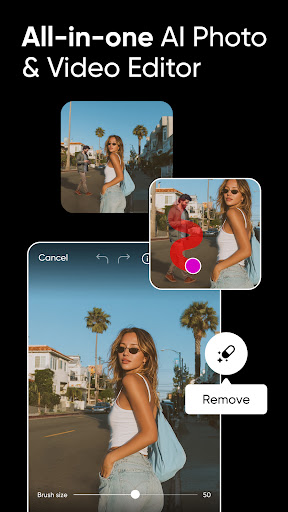
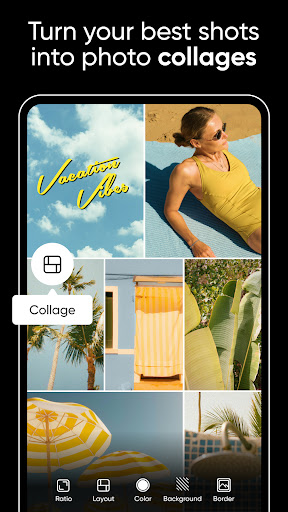
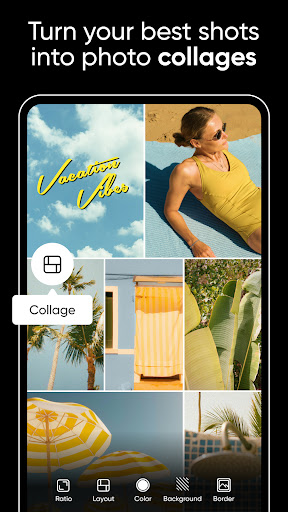
Picsart AI Photo Editor, Video is a comprehensive design studio that combines professional-grade tools with artificial intelligence to empower users in creating stunning visuals. The app offers an extensive suite of features including photo and video editing, background removal, AI enhancements, and graphic design capabilities.

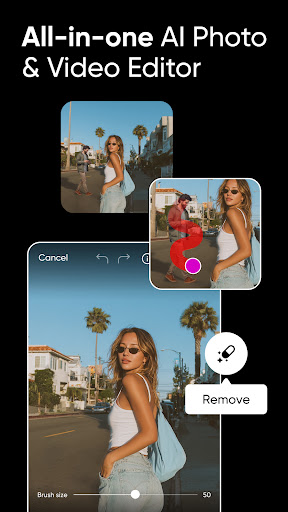
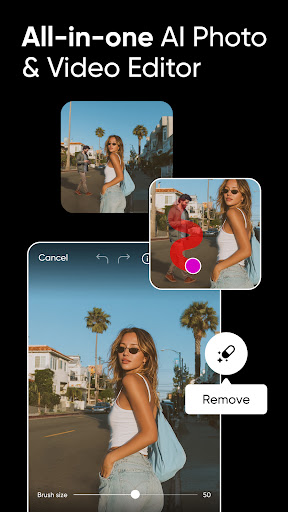
With customizable templates, users can quickly produce high-quality business materials such as logos and social media content. The intuitive interface allows for seamless integration of AI-driven tools like object removal and style filters, making it accessible for both amateur designers and professionals alike.

Whether you're looking to enhance your personal projects or elevate your brand's visual identity, Picsart provides the resources to transform ideas into polished designs efficiently.

Features

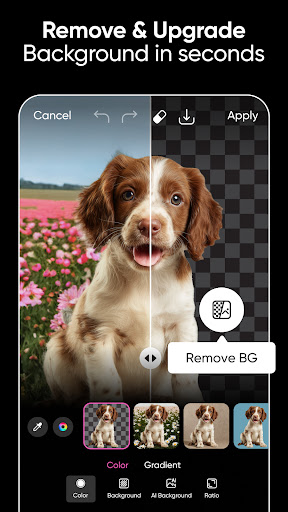
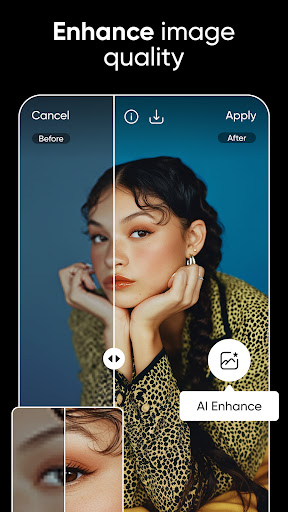
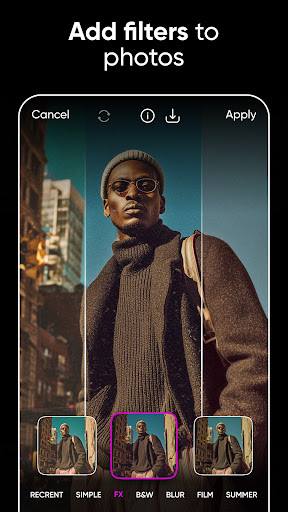
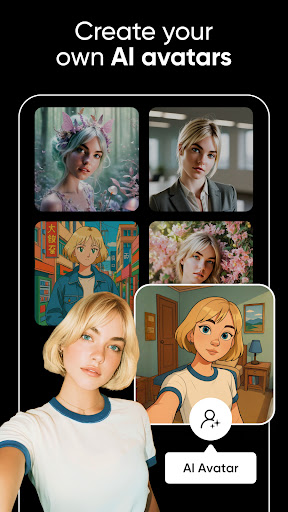
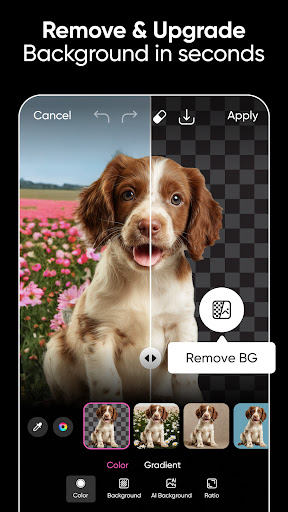
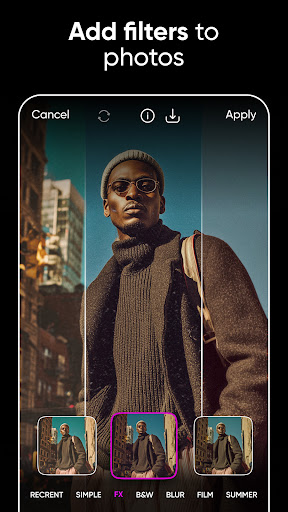
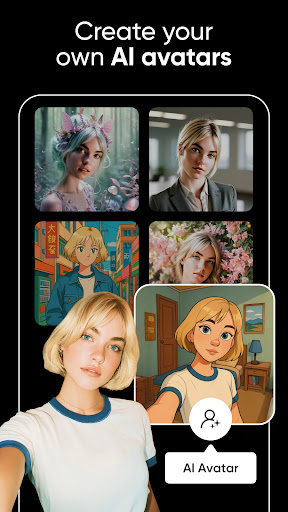
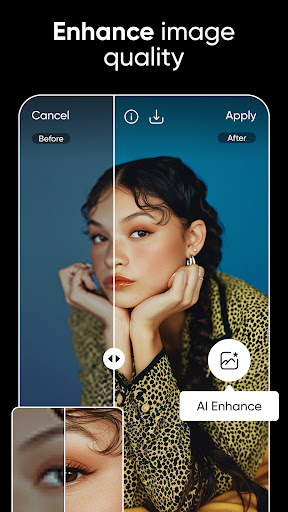
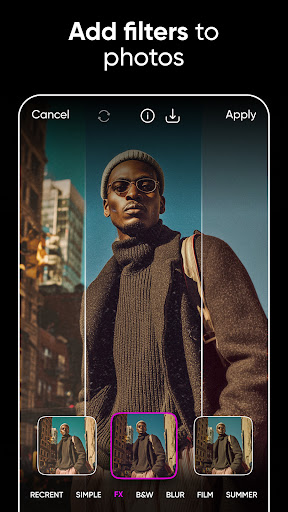
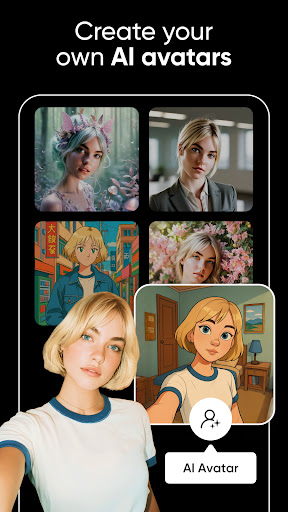
The app stands out with its powerful AI functionalities that simplify complex design tasks. Users can leverage AI to enhance image quality, apply artistic filters, and even generate custom avatars. The Background Remover tool enables creators to produce professional product images by easily switching scenes.

Picsart also includes a robust video editor that supports music integration and filter application, ideal for crafting engaging social media content. Additionally, the sticker maker and text editor provide creative freedom, allowing users to personalize their work with unique elements and typography.

For those seeking advanced options, Picsart Pro offers expanded AI tools, increased storage, and team collaboration features, catering to small businesses and dedicated creatives who require premium solutions.

Real-Time Capture & Preview

Real-time capture and preview functionality is essential for any photography application as it allows users to see exactly what the camera is capturing before taking a shot. This feature ensures that users can make necessary adjustments to their composition, lighting, and focus in real time, leading to better quality photos. Picsart AI Photo Editor offers an advanced real-time capture and preview system that leverages AI technology to enhance the user experience. The app provides users with instant feedback on their shots, suggesting improvements through AI-powered recommendations. For instance, it might suggest adjusting the exposure or highlight areas that could benefit from a different angle. This immediate guidance helps both amateur and professional photographers refine their skills and capture the perfect moment with precision. Furthermore, the app's real-time filters and effects enable users to visualize how their final image will look even before capturing it. This not only saves time during post-processing but also empowers users to experiment with creative ideas without the fear of wasting shots. By integrating these sophisticated tools into its platform, Picsart ensures that every photo taken is optimized for maximum impact. Users can trust that their captured images will closely match their creative vision thanks to this robust real-time capture and preview capability.

AI Beauty & Enhancement Naturalness

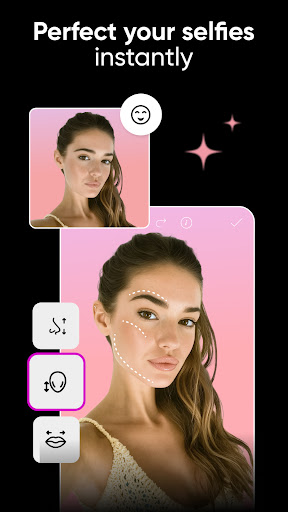
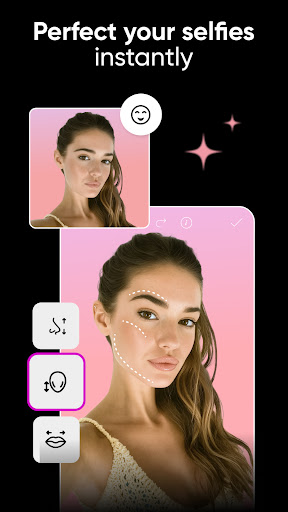
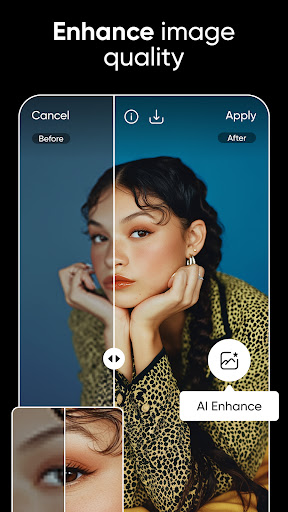
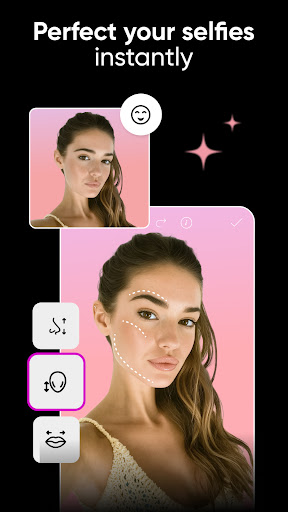
The AI beauty and enhancement features within a photography app play a crucial role in elevating the aesthetic appeal of images while maintaining their natural appearance. These tools are designed to subtly improve various aspects of a photograph such as skin tone, texture, and overall clarity without making the edits appear artificial or over-processed. In Picsart AI Photo Editor, the AI beauty and enhancement functionalities utilize cutting-edge algorithms to deliver stunning yet authentic results. The app intelligently identifies facial features and applies enhancements that complement the subject's natural beauty. For example, it can smooth out imperfections on the skin while preserving important details like freckles or moles that contribute to individual character. Additionally, Picsart offers a range of customizable options allowing users to control the intensity of each enhancement ensuring that the final output aligns with their personal preferences. Beyond basic retouching, the app includes specialized tools like AI Replace which enables users to perform complex edits such as changing hair color or swapping faces seamlessly. These capabilities empower creators to push the boundaries of their artistic expression while still retaining the genuineness of their subjects. Moreover, Picsartu2019s commitment to delivering high-quality enhancements extends to its AI Enhance tool which transforms low-quality images into sharp, vibrant masterpieces. By prioritizing naturalness in all its AI-driven enhancements, Picsart ensures that users can achieve professional-grade results regardless of their skill level. This dedication to authenticity sets Picsart apart in the realm of digital photography providing users with the confidence to share their enhanced images knowing they remain true to life.

Props

User-friendly interface

Extensive template library

Powerful AI tools

Versatile editing options

Active creative community

Cons

Some features are premium-only

Occasional subscription prompts

Advanced tools may overwhelm beginners

In-app purchases can add up

Free version has limitations

Features and Functions

What is this app and what can I use it for?

Picsart is an AI-powered design app for photo and video editing with professional templates and creative tools.

How do I download and install this app on my device?

Visit Google Play Store, search for Picsart, tap Install, and open after download completion.

How do I get started after opening the app for the first time?

Follow the onboarding tutorial, select a template, and start editing photos or videos using guided tools.

What are the main features and capabilities of this app?

Key features include AI enhancements, background removal, video editing, stickers, and text customization.

How can I customize my experience and adjust preferences?

Adjust settings via the Preferences menu, customize tools, and save frequently used styles for convenience.

How do I save or bookmark my favorite content for later access?

Use the Save or Bookmark feature to store edited content locally or in the cloud for future access.

How can I share content with friends or on social media?

Tap Share, choose recipients or platforms, and post directly to social media or send via messaging apps.

How do I access detailed information and explore more content?

Access detailed guides within the Help section, explore tutorials, and join the Picsart creative community.

What permissions does this app need and how do I manage them?

The app requires camera and storage permissions; manage these in device settings under App Permissions.

How do I check for updates and keep the app running smoothly?

Enable automatic updates in Google Play Store settings or manually check for updates in the app's page.
Show more

User Reveiws

{{ comment.reviewer_name }}
{{ comment.review_date_formatted}}
{{ comment.review_content }}
{{ tab.name }}
{{ comment.reviewer_name }}
{{ comment.review_date_formatted}}
{{ comment.review_content }}
No reviews with this rating