
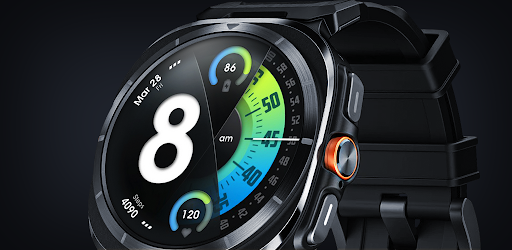
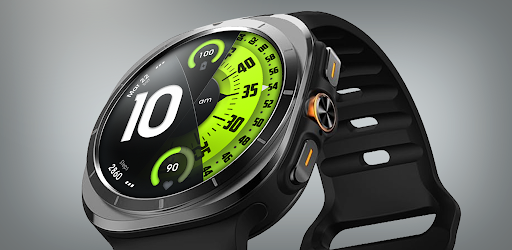

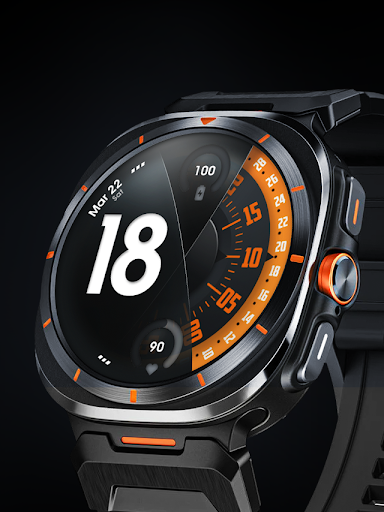
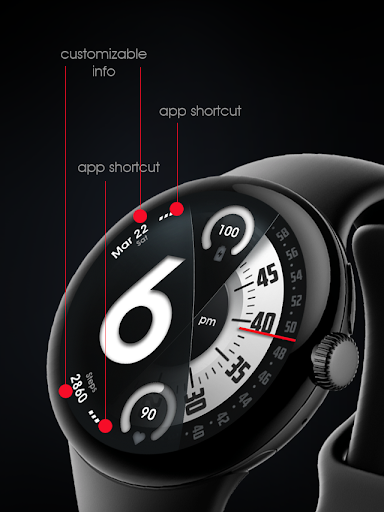
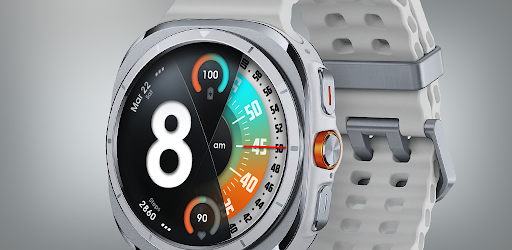
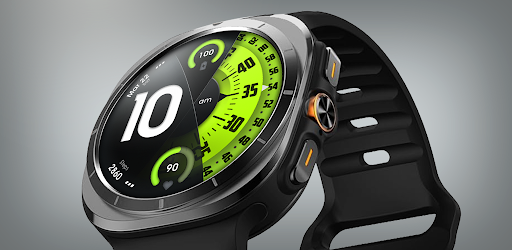
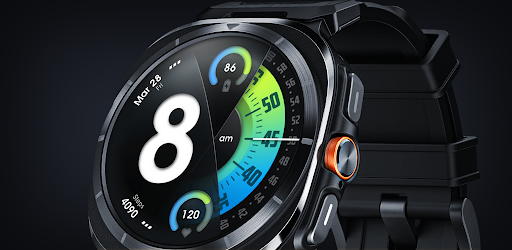
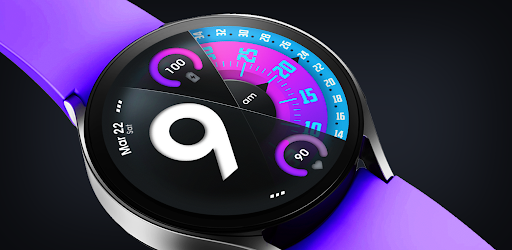
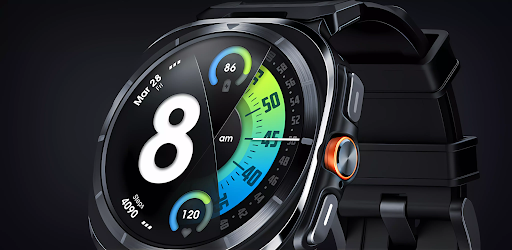


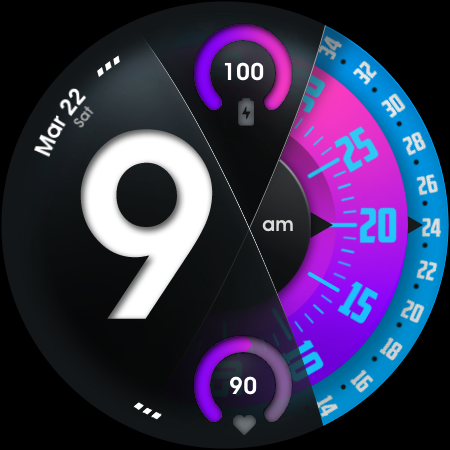
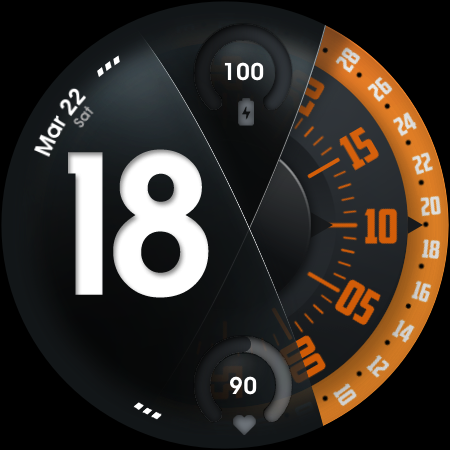
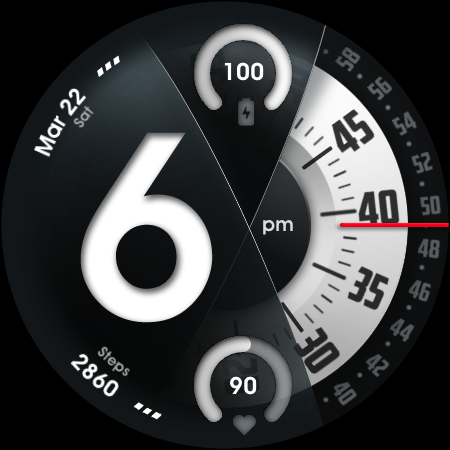
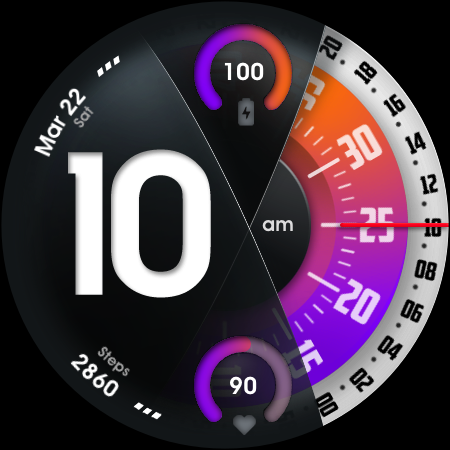
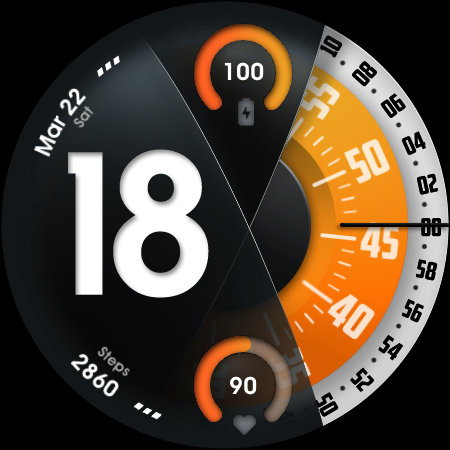
UsA Florencia Neo is a redesigned watch face for Wear OS devices, offering a unique blend of digital and analog styles. This innovative timepiece stands out with its distinctive design aesthetic that combines digital hours with classic analog minute and second hands. The watch face is compatible with Wear OS 4 or newer, including Galaxy Watch 4/5/6/7/8 Series, Pixel Watch series, and other Wear OS 4+ devices.
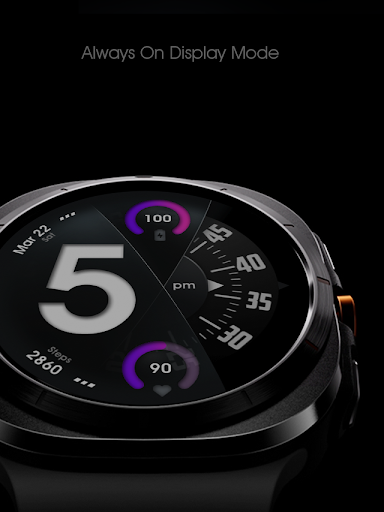
Designed for users seeking both style and functionality, this watch face provides essential features like battery information, heart rate monitoring, and multiple customization options. Its special Always On Display (AOD) mode offers a low-power display even when idle, making it practical for everyday use while maintaining an elegant appearance.
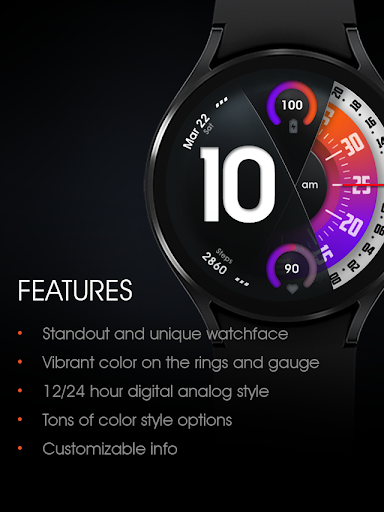
UsA Florencia Neo boasts an impressive array of features designed to enhance user experience. It supports both 12-hour and 24-hour digital-analog styles, allowing users to choose their preferred time format. The inclusion of battery and heart rate gauges ensures that users stay informed about their device's status and personal health metrics at a glance.
Customization is key with this watch face, offering many color style combinations, customizable second blade styles, and line index indicators. Additionally, it includes two custom info complications and app shortcuts, providing quick access to frequently used functions. The specially designed AOD mode not only looks great but also conserves battery life by displaying essential information in a low-power state.
These features collectively deliver a personalized and efficient user experience, setting UsA Florencia Neo apart from traditional watch faces. Whether you're tracking your fitness goals or simply appreciating fine design, this watch face caters to diverse needs and preferences.
Unique design aesthetic
Customizable features
Heart rate monitoring
Battery information display
Always On Display mode
Requires Wear OS 4+
Higher battery consumption
Limited to compatible devices
No data storage for heart rate
Installation process may vary

Christmas Theme Watch Face for Wear Os
 5.00
5.00
Animated Watch Face and Customizable with 24 Backgrounds. Perfect for Christmas!
3.90
Elegant animated Christmas tree with multiple customization options
4.20
Wear Os Watch Face - Animated Snow Effect & Magic Spark - 6 Scenes
4.10
Find EV charging stations
4.30
Funny animated watch face for Thanksgiving
4.3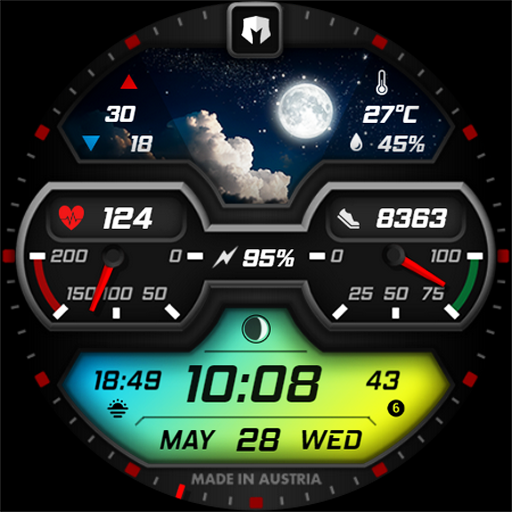
Stylish, Energizing and Modern Watch Face crafted by Dominus Mathias.
4.50
Connect, create, and collaborate with Gmail, part of Google Workspace.
4.10
Fitbit is dedicated to helping people lead healthier, more active lives.
4.10
Walking app for weight loss: walk & step tracker, pedometer, indoor treadmill
4.60
Rose gold watch face with festive lights & customizable features.
4.60
Monitor health with the stress test and pulse checker in the heart rate app.
4.60
Fast and smart typing with Emojis, GIFs, and more
4.50
Digital watch face with big numbers and many customization for Wear OS devices
4.40
Structured watch face with seven complications and modular UI elements
3.90
Stay in touch with your friends and family using LINE!
3.40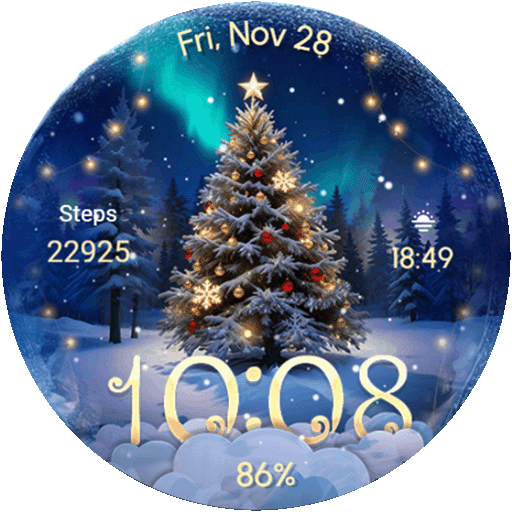
Wear Os Watch Face - Animated Snow Effect & Christmas Lights
4.3
A Wintery Snow Globe on Your Wrist; now celebrating Christmas!
4.4
Sleek, highly customizable watch face inspired by Galaxy Watch Circle Dashboard.
4.3


User Reveiws