
AI Chatbot - Nova

3.90

Information

Category:

Productivity

Price:

Free

Rank:

11

Rating:

3.90

Overview

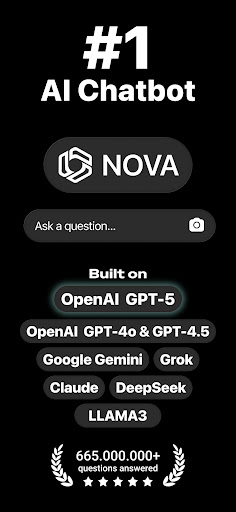
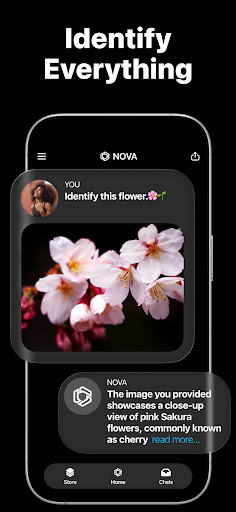
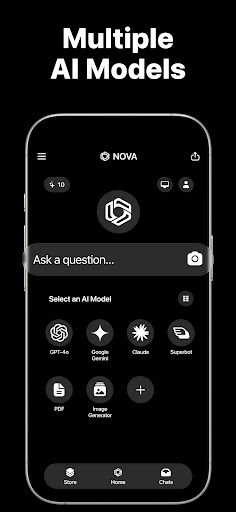
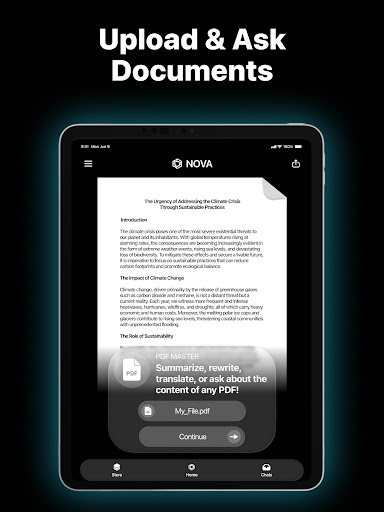
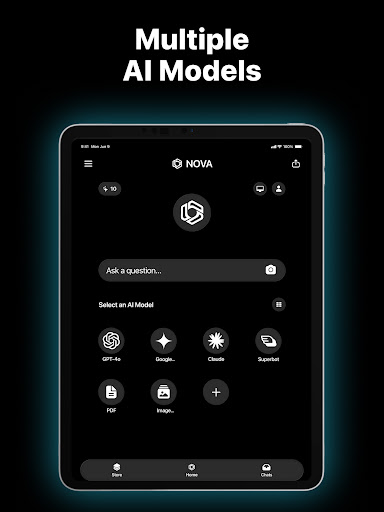
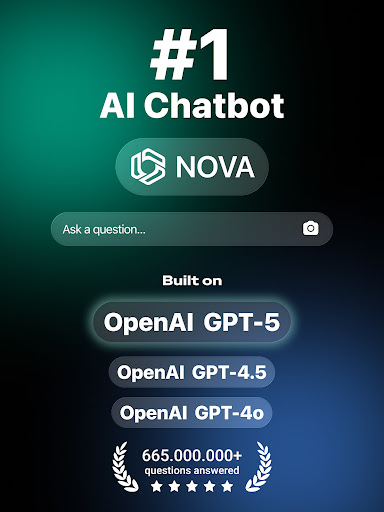
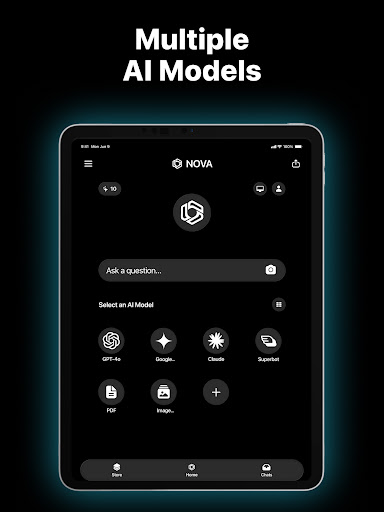
Nova AI Chatbot is a cutting-edge personal assistant designed to enhance productivity through advanced conversational AI. Built on technologies like GPT-5, GPT-4o, Google Gemini, and Claude, this app delivers human-like interactions while supporting over 140 languages. Its cross-platform compatibility ensures seamless use across iPhone, iPad, Apple Watch, and web interfaces.

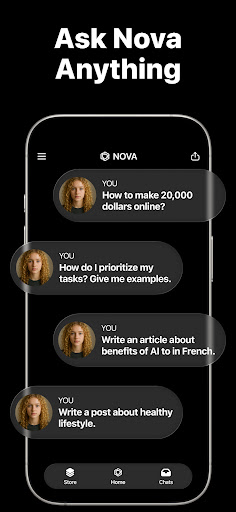
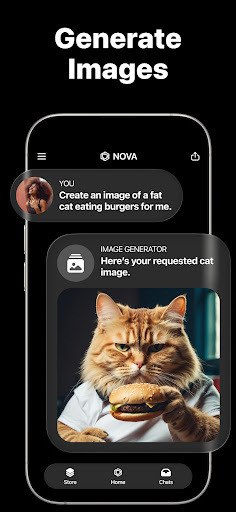
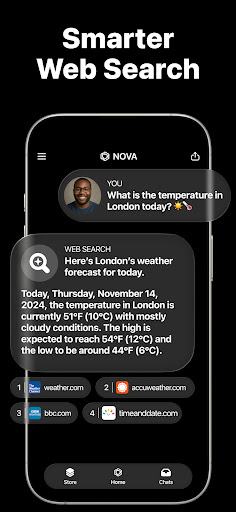
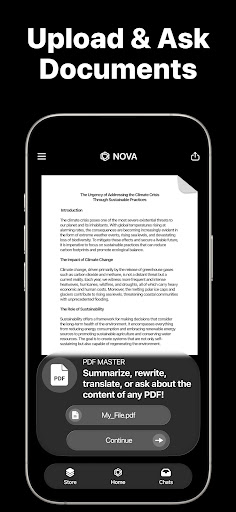
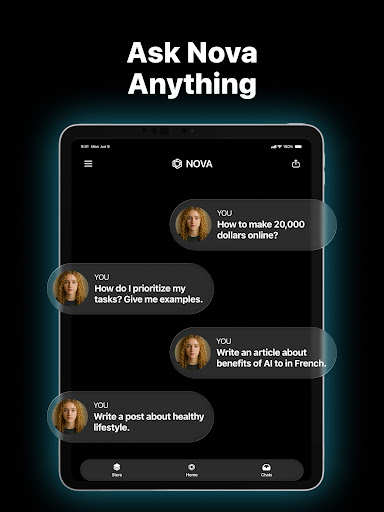
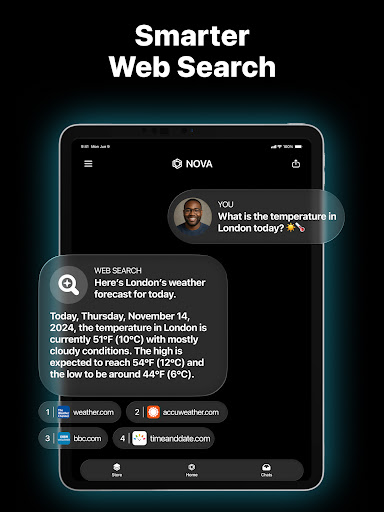
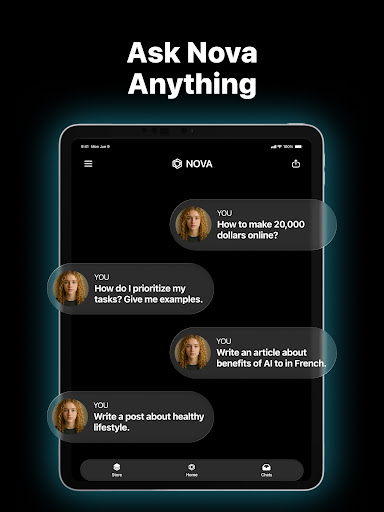
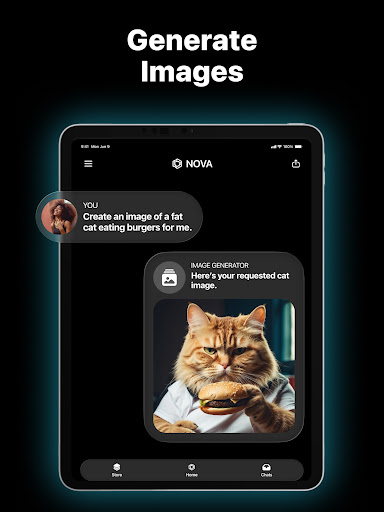
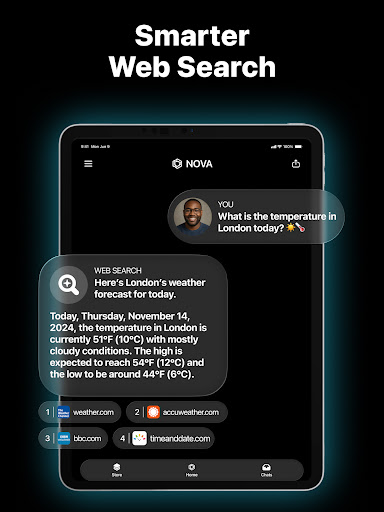
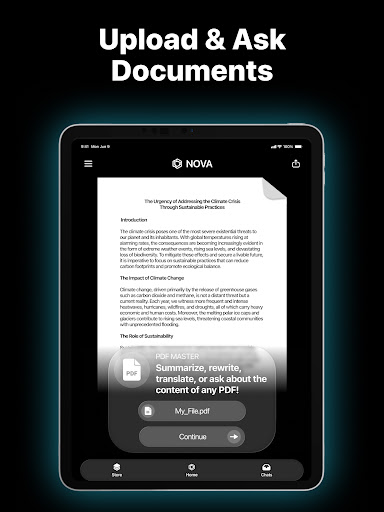
The app's core strength lies in its versatility. Nova can handle unlimited questions, maintain chat history, and provide real-time information retrieval using DeepSeek technology. Whether you need help with writing projects, proofreading documents, or simply want an engaging chat partner, Nova adapts to various productivity needs. Users benefit from its ability to generate creative content, analyze written work, and offer professional-grade suggestions.

Features

Nova stands out with its industry-first features developed across multiple AI models. The app integrates ChatGPT5 for internet-based answers and utilizes GPT-4o for enhanced context-aware responses. Its multi-language support spans 140+ languages, making it ideal for global users seeking productivity solutions without language barriers.

Unique capabilities include the AI copywriter function for marketing materials and sales pitches, alongside a meticulous proofreading tool that ensures grammatical accuracy. The app remembers full chat histories, enabling continuous productivity sessions. These features collectively create a comprehensive productivity tool that adapts to various professional and personal needs while maintaining high performance standards.

Core task management

Task management in productivity applications refers to the ability to organize, prioritize, and track tasks efficiently, ensuring that users can manage their workload effectively. For Nova AI Chatbot, core task management is deeply integrated into its functionality, allowing users to not only create tasks but also assign priorities, set deadlines, and categorize them based on different projects or responsibilities. The app leverages advanced AI models like GPT-5, GPT-4o, and Google Gemini to provide intelligent suggestions for task organization, ensuring that users never miss an important deadline. Additionally, Nova's AI remembers full chat history, which means it can reference past conversations to remind users of pending tasks or suggest new ones based on previous interactions. This creates a seamless experience where task management feels intuitive and personalized. Users benefit from this feature by experiencing reduced stress from disorganization, improved time management, and enhanced productivity. With cross-platform support including iPhone, iPad, Apple Watch, and web, Nova ensures that task updates are synchronized across all devices in real-time, providing a consistent experience no matter where the user accesses their tasks. Moreover, the multi-language support covering over 140 languages makes it accessible to a global audience, breaking language barriers in task management. Overall, Nova AI Chatbot transforms traditional task management into a dynamic, AI-driven process that adapts to individual workflows, making it easier than ever to stay on top of professional and personal responsibilities.

Cross-device synchronization reliability

Cross-device synchronization reliability is crucial for productivity tools as it ensures that data remains consistent and up-to-date across all user devices, preventing information loss and enhancing accessibility. In Nova AI Chatbot, this feature is implemented with cutting-edge technology that guarantees real-time updates between devices such as iPhone, iPad, Apple Watch, and web platforms. When a user adds or modifies a task on one device, the change is instantly reflected on all other linked devices, thanks to the robust architecture built on AI models like GPT-5, GPT-4o, and Claude. This synchronization process is powered by secure cloud infrastructure, ensuring that data integrity is maintained without compromising speed or reliability. Furthermore, Nova employs advanced conflict resolution algorithms to handle scenarios where simultaneous edits occur on different devices, ensuring that the most accurate version of the data is preserved. For users, this translates into peace of mind knowing that their tasks, notes, and chat histories are always available, regardless of the device they choose to use at any given moment. The reliability of this feature is further enhanced by the appu2019s offline capabilities, which allow users to continue working even without an internet connection, with changes automatically syncing once connectivity is restored. This level of synchronization reliability not only boosts productivity but also fosters trust in the application, as users can depend on it to keep their information safe and accessible. By offering a seamless cross-device experience, Nova AI Chatbot empowers users to transition effortlessly between their devices while maintaining complete control over their tasks and communications, thereby elevating the overall efficiency of their daily routines.

Props

Advanced AI technology

Cross-platform support

Multi-language capability

Unlimited Q&A sessions

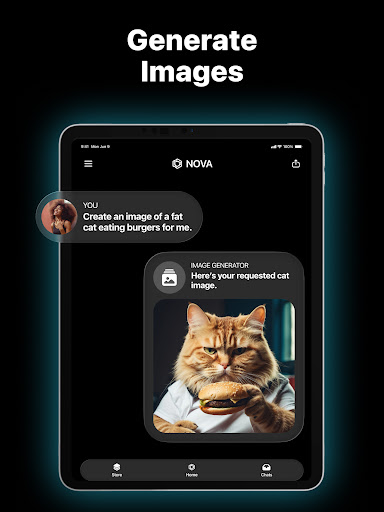
Creative content generation

Cons

Premium subscription required

Internet connection needed

Occasional response delays

Limited offline functionality

Privacy concerns possible

Features and Functions

What is this app and what can I use it for?

Nova is an AI chatbot assistant for productivity tasks

How do I download and install this app on my device?

Download Nova from Google Play Store

How do I get started after opening the app for the first time?

Follow the setup wizard for initial configuration

What are the main features and capabilities of this app?

Includes writing assistance and proofreading tools

How can I customize my experience and adjust preferences?

Adjust preferences in the settings menu

How do I save or bookmark my favorite content for later access?

Bookmark content via the save option

How can I share content with friends or on social media?

Use share button for social media posting

How do I access detailed information and explore more content?

Explore detailed info through extended menus

What permissions does this app need and how do I manage them?

Manage permissions in device settings

How do I check for updates and keep the app running smoothly?

Check updates in settings or app store
Show more

User Reveiws

{{ comment.reviewer_name }}
{{ comment.review_date_formatted}}
{{ comment.review_content }}
{{ tab.name }}
{{ comment.reviewer_name }}
{{ comment.review_date_formatted}}
{{ comment.review_content }}
No reviews with this rating