

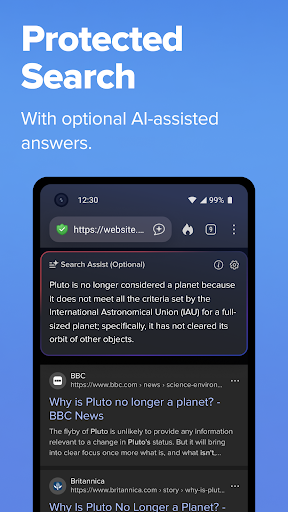
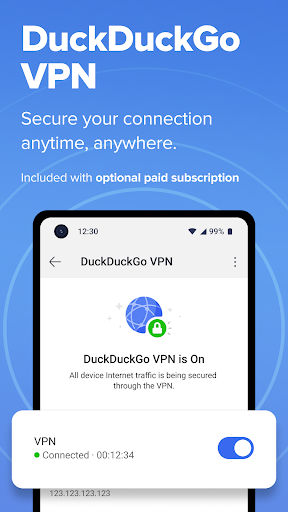
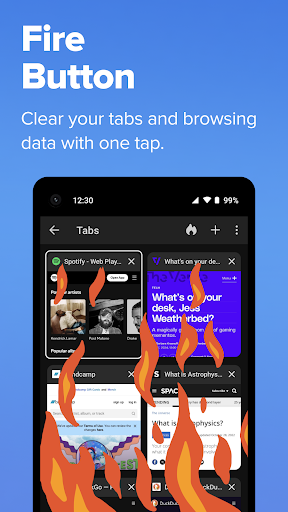
DuckDuckGo is a privacy-focused search engine and browsing application designed to protect users' personal information while they search and browse the internet. Unlike other browsers, DuckDuckGo ensures that your searches are never tracked, offering a private alternative to mainstream search engines like Google. The app comes with built-in protections such as ad tracker blocking, cookie blocking, and optional AI features that do not exploit user data for training purposes.
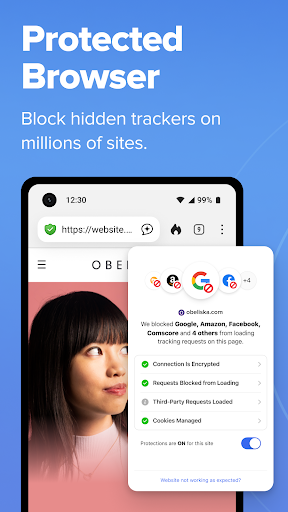
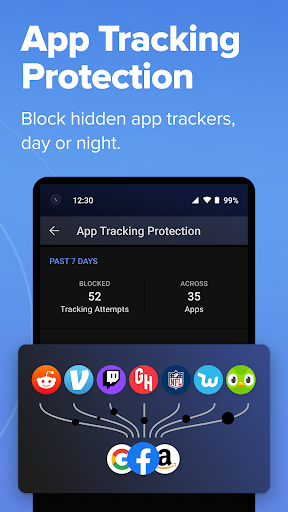
One of the standout features of DuckDuckGo is its ability to block third-party trackers before they load, providing an enhanced layer of security that surpasses what most popular browsers offer by default. Additionally, it provides tools like Email Protection, YouTube video viewing without targeted ads, and App Tracking Protection, which blocks hidden trackers in other apps. These features collectively ensure that your online activities remain private and secure.
The app is particularly useful for individuals who prioritize their digital privacy and want to browse the web without being constantly monitored or tracked. Whether you're looking up sensitive information or simply prefer not to be bombarded with personalized ads, DuckDuckGo offers a seamless and secure browsing experience that empowers users to take control of their personal information.
DuckDuckGo stands out due to its robust set of features tailored towards safeguarding user privacy. One of its core functionalities is the built-in search engine, which operates similarly to Google but without tracking user searches. This ensures that your search history remains confidential. Furthermore, the app includes 3rd-Party Tracker Loading Protection, which blocks most trackers before they load, significantly enhancing privacy compared to other browsers.
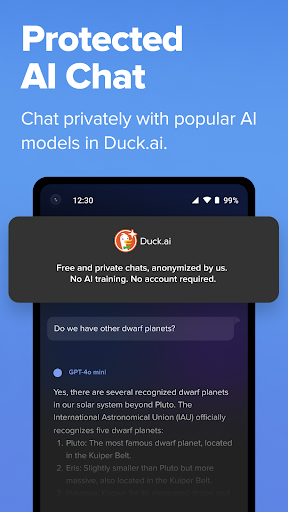
In addition to these protections, DuckDuckGo offers unique features like Duck.ai, allowing users to chat privately with third-party AI models without their conversations being used to train AI systems. Another notable feature is Email Protection, which lets users block email trackers and hide their real email addresses using @duck.com aliases. For video consumption, Duck Player enables watching YouTube videos without targeted ads, ensuring a distraction-free and private viewing experience.
Other significant features include automatic HTTPS enforcement to shield data from network snoopers, App Tracking Protection to block hidden trackers in other apps, and options for secure syncing and backing up of bookmarks and passwords. With these comprehensive tools, DuckDuckGo not only protects users' privacy during web searches but also extends protection across various aspects of digital life, making it an indispensable tool for privacy-conscious individuals.
Privacy-focused
No tracking
Ad-free
Secure browsing
Comprehensive protection
Limited advanced features
Fewer search results
No native support
Basic UI
Paid subscription

Total remote control for your Android device, PC and cloud services (IFTTT)!
 4.20
4.20
Send files, sync SMS, notifications & clipboard across devices via local network
4.40
A simple, portable logger for POTA, SOTA, Field Day, and more
4.5
Make your handwriting beautiful, even more than pen on paper.
3.60
⏰ Finally a timer app which can run multiple timers simultaneously on your watch
3.90
PDF scanner & converter for files, photos, lottery, QR codes. One swipe away!
4.50
A Pixel Art watchface inspired by other iconic 90s designs for Wear OS devices!
4.40
Share files & memories safely. Keep your photos and videos secure.
4.40
Daily processing of PDF documents.
4.40
Scientific calculator for Android - looks and operates like the real thing!
4.90
Understand anything with a personalized AI research assistant
4.80
Secure, fast, open-source, VNC and SSH Remote Desktop for Windows, Linux and Mac
4.70
The long-awaited modern gallery app for your Nextcloud server
4.70
aCalendar+ makes your day, week and month
4.70
A simple Whisper AI keyboard for reliable speech transcription and rewording
4.60
Cloud storage, automatic phone backup, and more.
4.10
Find and delete junk files & block unwanted notifications & manage files
3.70
ID.me Authenticator is a simple and free Two Factor Authentication solution
3.50
IP Camera Viewer - Android TV : RTSP Surveillance camera viewer for Android TV
4.3


User Reveiws