

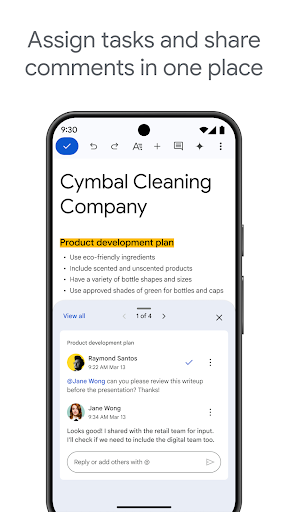
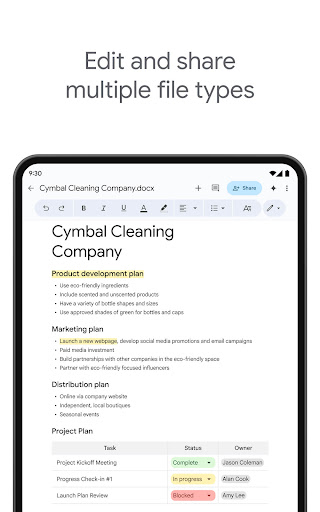
Google Docs is a powerful productivity app that allows users to create, edit, and collaborate on documents directly from their Android devices. The app supports real-time collaboration, enabling teams to work together seamlessly by sharing documents, editing content, leaving comments, and assigning action items without missing a beat.
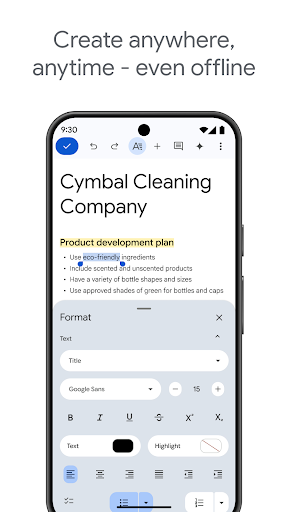
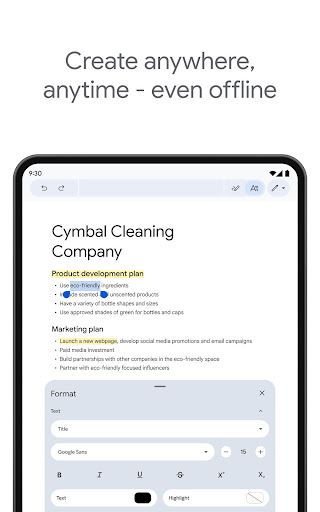
In addition to its collaborative features, Google Docs offers offline mode functionality, ensuring users can capture ideas and complete tasks even without an internet connection. It also provides easy-to-use templates to help save time and add professional polish to documents. With support for multiple file types, including Microsoft Word files, Docs ensures frictionless collaboration across different platforms and offers seamless file conversion and export options.
One of the standout features of Google Docs is its real-time collaboration capability. Users can share documents with team members and make live edits, leave comments, and assign tasks, all within the app. This makes it ideal for remote teams or group projects where constant communication is key.
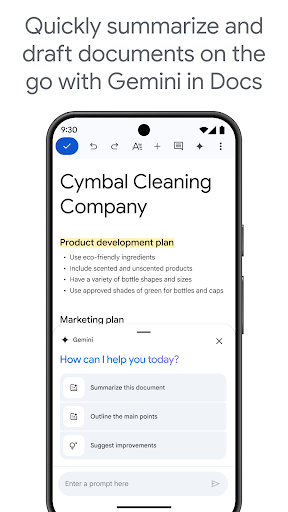
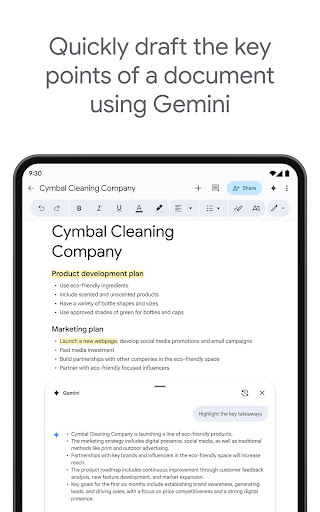
Another notable feature is its offline mode, which lets users create and edit documents on the go, even without an internet connection. Once online, changes automatically sync. Additionally, Google Workspace paid subscribers gain access to advanced AI-powered features like Gemini in Docs, which helps draft and edit content quickly, improve writing with smart suggestions, and even create custom images to enhance documents.
User-friendly interface
Real-time collaboration
Offline editing
AI-powered tools
Cross-platform compatibility
Limited advanced formatting
Fewer templates than competitors
Requires Google account
Occasional sync issues
Paid features only for subscribers

The long-awaited modern gallery app for your Nextcloud server
 4.70
4.70
Simple and reliable communication between inmates, friends and family
3.20
The AI assistant that thinks with you - write, code, and solve complex tasks
4.60
A simple Whisper AI keyboard for reliable speech transcription and rewording
4.60
The ultimate file manager for rooted devices. The original and still the best.
4.00
Intelligent AI Assistant
4.10
Simple notepad & memo. Take notes, to-do list, shopping list with reminders.
4.80
Set up, print, and get support—in one place
4.20
Put a lock on your cloud: Take the security of your data into your own hands
3.70
Client for Nextcloud Deck
4.60
Secure, fast, open-source, Remote Desktop Client for Windows and Linux with SSH
4.60
All document reader, all in one file viewer read PDF, DOCX, XLS, PPT, TXT files.
4.60
Fill, sign & send docs, forms, agreements & contracts via electronic signature.
4.50
PDF scanner & converter for files, photos, lottery, QR codes. One swipe away!
4.50
Send files, sync SMS, notifications & clipboard across devices via local network
4.40
CalenGoo is a very flexible and feature-rich calendar app
4.40
This small app MUST BE INSTALLED after purchase, else license won't work
4.40
Total remote control for your Android device, PC and cloud services (IFTTT)!
4.20
Find and delete junk files & block unwanted notifications & manage files
3.70


User Reveiws