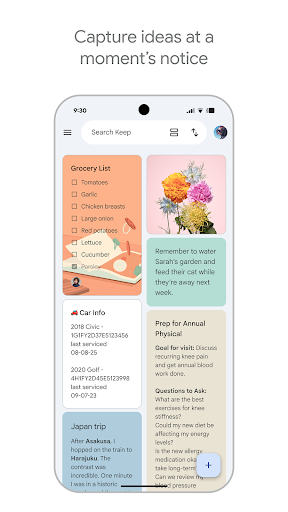
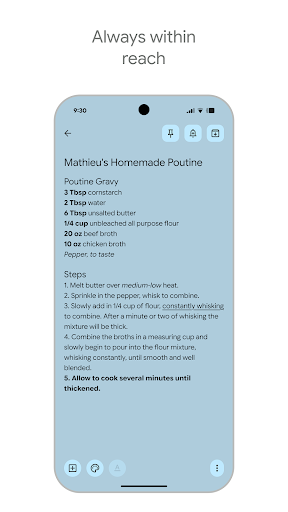

Google Keep is a versatile note-taking application designed specifically for Android Wear and other devices. It allows users to quickly capture thoughts, manage to-do lists, and stay organized through various methods such as text notes, voice memos, and photos. The app's integration with Wear OS enables seamless access to notes directly from your smartwatch, making it an essential tool for productivity on the go.
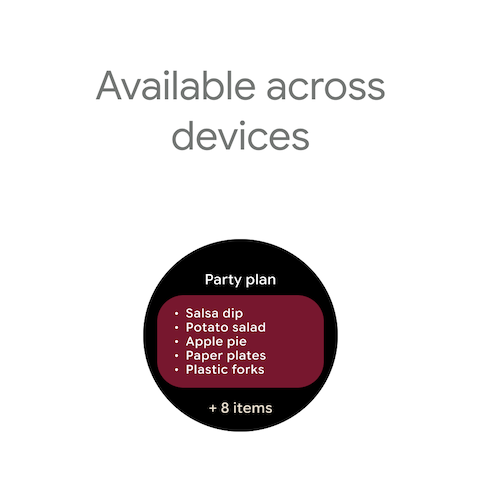
One of Google Keep's standout features is its ability to sync across multiple devices including smartphones, tablets, computers, and Wear OS devices. This ensures that all your important information is always accessible no matter where you are. Additionally, advanced security measures protect your data, giving you peace of mind while using the app.
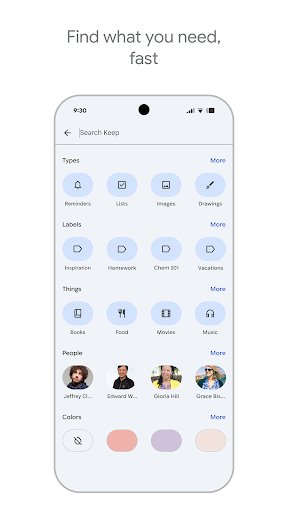
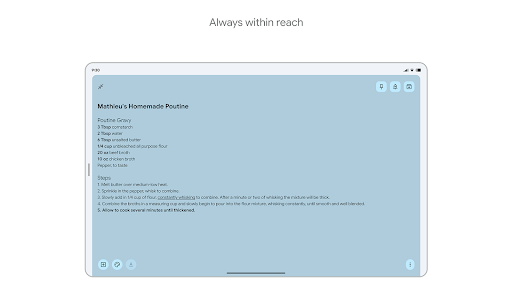
Google Keep offers a comprehensive set of features tailored to enhance productivity and organization. Users can jot down quick notes, snap photos, or record voice memos, ensuring they never miss an idea. The app also supports widgets on phones and tablets, allowing for easy access and quick note-taking.
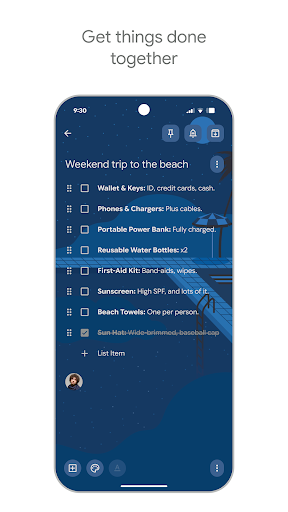
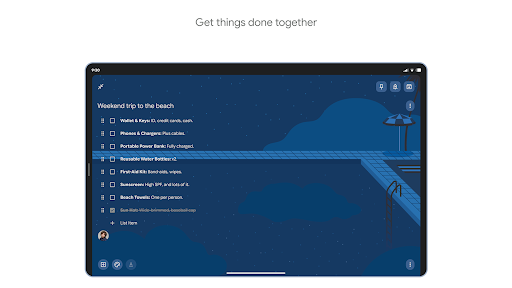
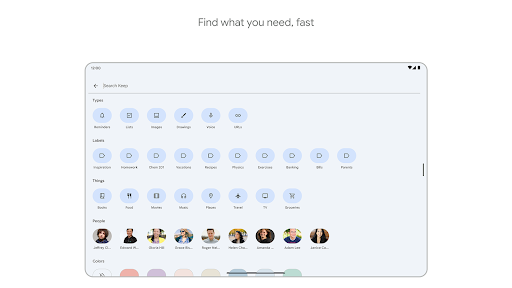
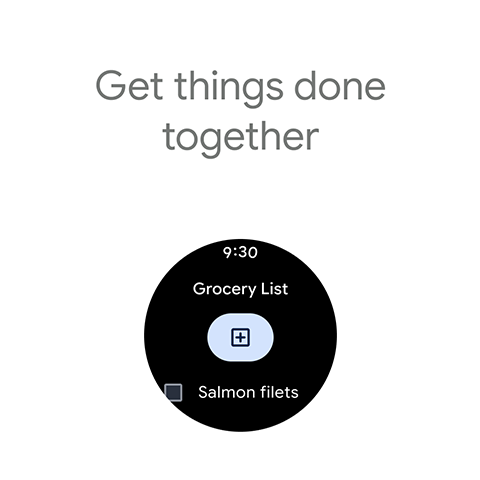
Collaboration is made simple with Google Keep, as users can share their notes with friends and family. Whether managing a grocery list or planning a trip, shared notes facilitate teamwork and coordination. Furthermore, the app provides tools like color-coding and labeling to help organize notes efficiently, while reminders ensure timely follow-ups on tasks.
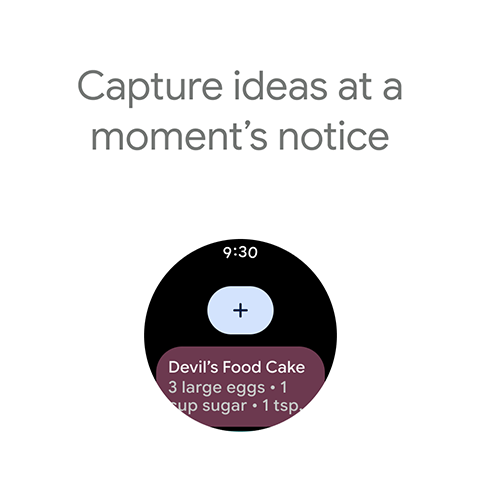
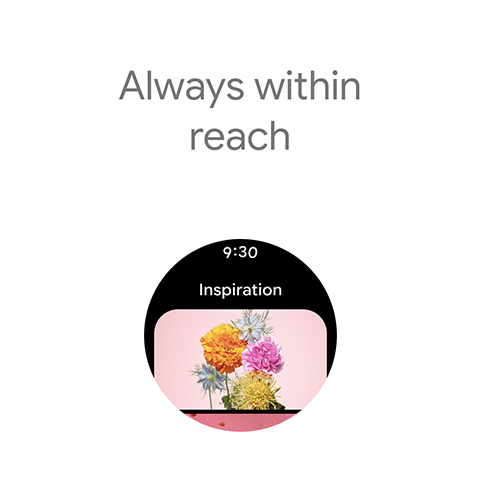
For those using Wear OS, Google Keep extends its functionality by offering tiles and complications that allow instant access to notes right from the watch face. This makes it incredibly convenient to view and create notes without needing to pull out your phone, truly embodying the spirit of wearable technology.
User-friendly interface
Seamless cross-device syncing
Voice memo capability
Advanced security features
Efficient collaboration tools
Limited offline functionality
No advanced formatting options
Basic drawing tools only
Occasional sync delays
Interface could be more customizable

Christmas and New Year - Themed Watchface
 4.0
4.0
A full-featured Amazon Alexa voice assistant that can show you things.
3.70
Analog watch face with 8 complications and expedition styling
4.0
Deck out your Wear OS Watch face with a beautifully decorated pine wreath!
4.50
3 Complications. All shadow on/off. 30 Themes color palette...
4.3
sleep, alarm, snoring, stress, healing, focus, sound therapy, circadian rhythm
4.10
Bold weather Digital watchface with forecast & optional animated background
4.40
Retro digital watch face with customizable colors and a unique lighting effect
4.60
Hybrid watch face for Wear OS with customizable complications by Matteo Dini MD
4.70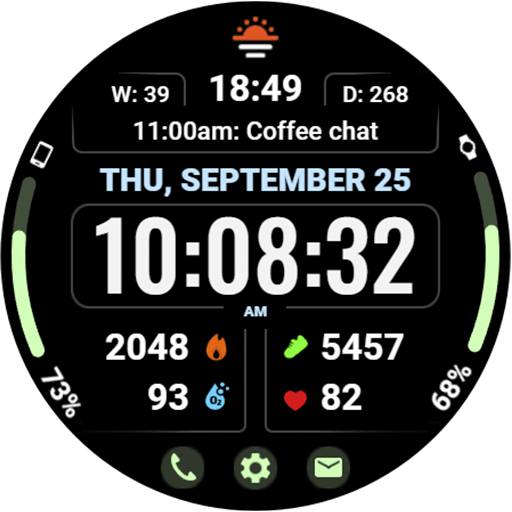
Beautiful, colorful and practical watch face. For Wear OS devices.
5.00
Hyperlocal rain alerts by MyRadar using patent-pending technology, radar & more
4.80
Easy Voice Recorder is your everyday companion to record important moments.
4.70
Be an elegant and classy secret agent, with this carefully detailed watch face
4.70
MyNISSAN® lets you remotely control your car from your phone.*
4.50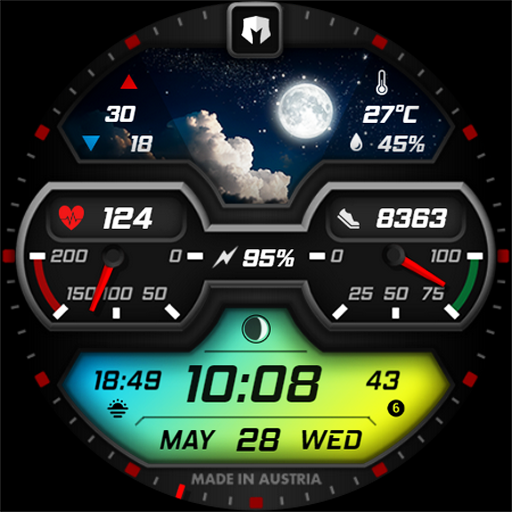
Stylish, Energizing and Modern Watch Face crafted by Dominus Mathias.
4.50
A white realistic classic analog watch face with many customization options.
4.40
Elegant animated Christmas tree with multiple customization options
4.20
Contemporary digital watch face with five complications
4.5
Artistic Digital Watchface
4.4


User Reveiws