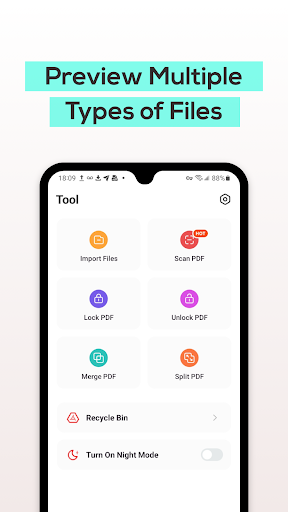
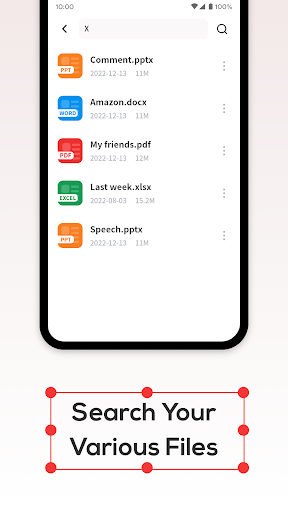
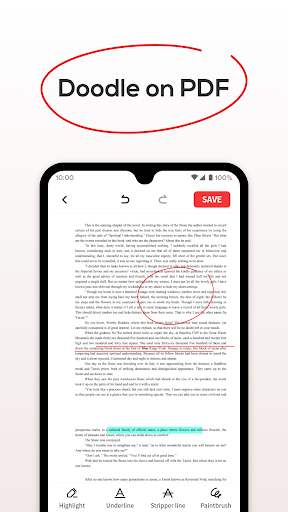

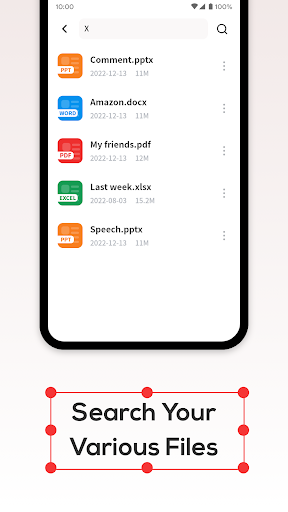
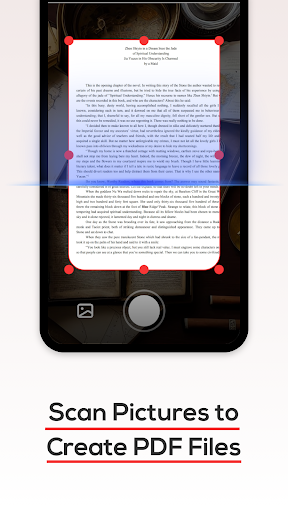
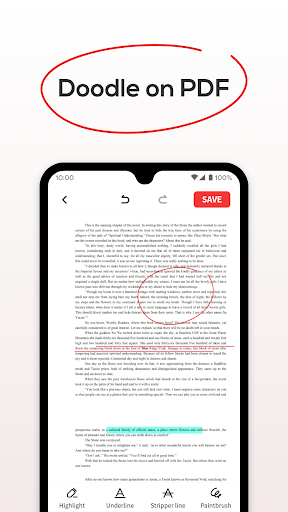
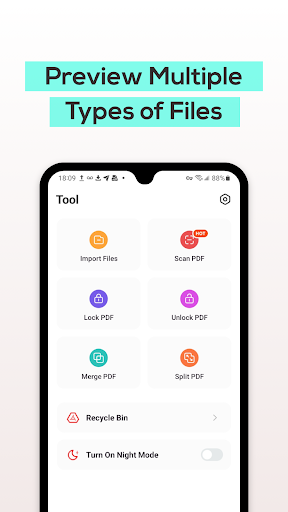
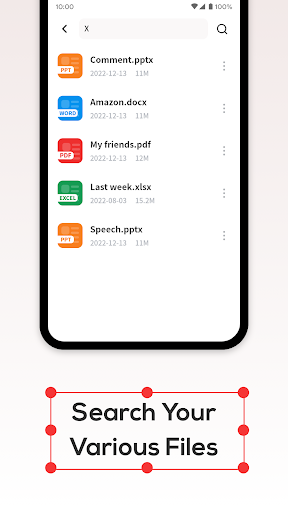
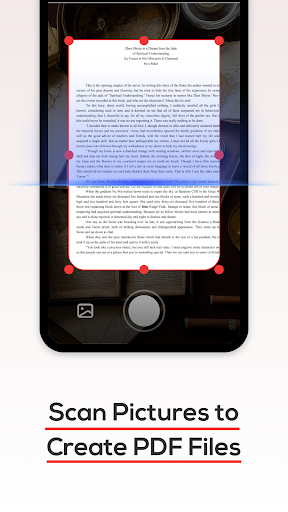
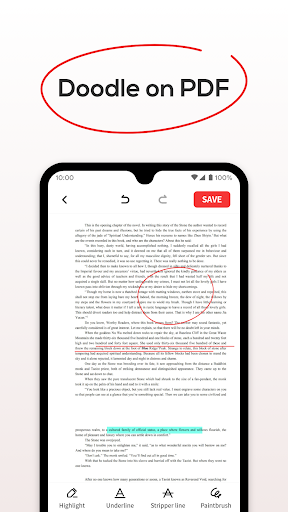
PDF File Reader is a productivity-focused application designed to help users efficiently manage and process PDF files on their mobile devices. With its robust feature set, the app allows for quick viewing of PDF documents while supporting basic editing functions such as highlighting and underlining text. Additionally, it provides essential capabilities like easy file search and a recycle bin system that temporarily stores deleted files for seven days before permanent removal.
The app's intuitive interface ensures seamless navigation, making document management straightforward for users of all technical backgrounds. Whether you need to review important work documents or organize personal files, PDF File Reader offers a reliable solution that simplifies these tasks significantly.
One of the standout features of PDF File Reader is its ability to perform simple yet effective operations on PDF files. Users can open their documents and apply formatting changes such as highlights and underlines, which are crucial for note-taking and emphasis. The inclusion of a powerful search function means that finding specific files is quick and hassle-free.
Another notable aspect is the integrated Recycle Bin, which adds an extra layer of security when managing your documents. Instead of permanently deleting files, users have the option to move them to the Recycle Bin where they will be stored temporarily. This feature not only prevents accidental data loss but also gives users peace of mind knowing their files can be recovered if needed.
User-friendly interface
Quick file processing
Effective search functionality
Recycle Bin for safe deletion
Basic editing tools available
Limited advanced editing options
No cloud integration mentioned
Recycle Bin duration fixed at seven days
Interface may feel basic to some
Specific file formats only supported

When you Focus, so will your Bean in this cozy focus timer
 4.30
4.30
Direct Chat without saving contacts & Dual WA Account on Single Device
4.70
A simple, portable logger for POTA, SOTA, Field Day, and more
4.4
Device's storage information in a simple and clear graphical form (infographics)
4.10
Cloud storage, automatic phone backup, and more.
4.10
Subscribe to Webcal & .ics calendars and keep them up-to-date!
4.50
To do list widget with a notebook organizer, checklist, simple shopping list
4.60
Quickly and easily keep track of your work shifts
4.70
Secure your apps with lock screens, use custom themes and different features.
4.40
Mind Map and brainstorm, note taking and idea collection
4.80
The Pro Version of Android's tiniest Notepad app. Just 0.3MB but feature-packed!
4.60 4.20
4.20
Font maker keyboard with your own handwriting
4.10
Secure, open-source, SPICE and SSH Remote Desktop for QEMU KVM virtual machines
4.00
The ultimate file manager for rooted devices. The original and still the best.
4.00
⏰ Finally a timer app which can run multiple timers simultaneously on your watch
3.90
Find and delete junk files & block unwanted notifications & manage files
3.70
Make your handwriting beautiful, even more than pen on paper.
3.60
A comprehensive suite of tools designed specifically for Lactation Consultants
4.3


User Reveiws