
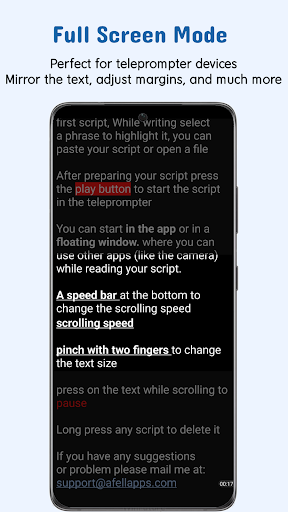

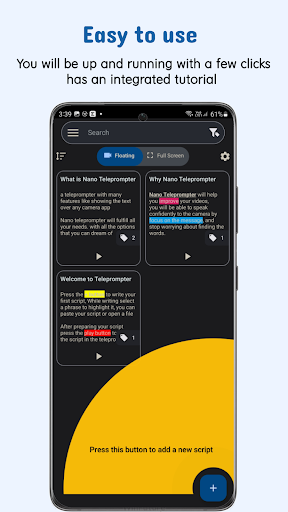
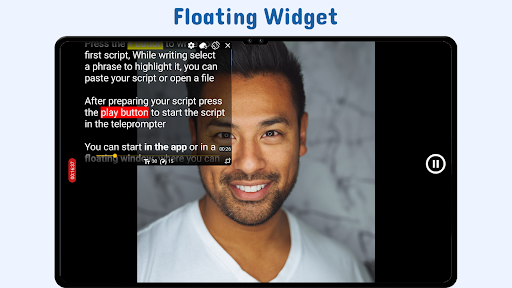
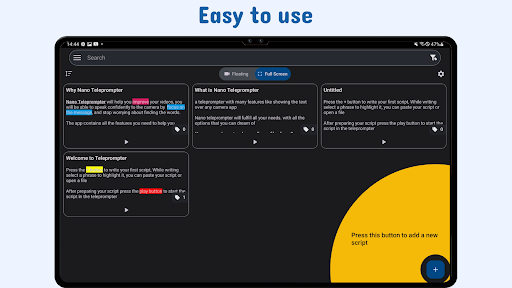

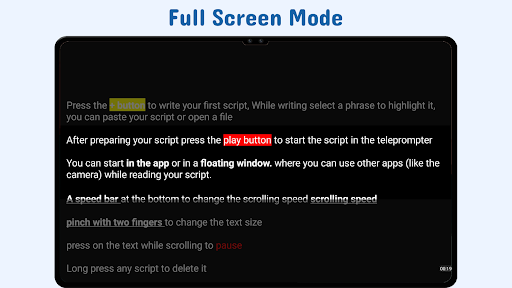
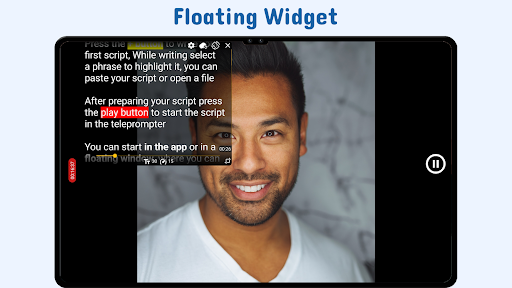
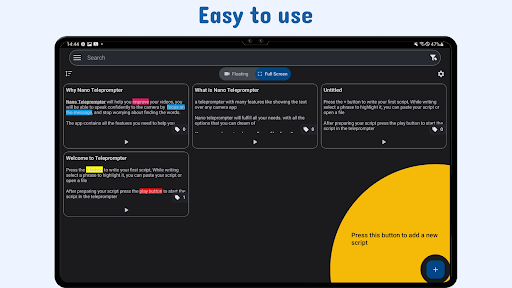
Nano Teleprompter is a versatile productivity tool designed to streamline the process of script reading for video recording, live streaming, and public speaking. The app's standout feature is its floating teleprompter widget that can be freely resized and positioned on-screen while using any camera app in both landscape and portrait modes. This ensures uninterrupted recording sessions with easy readability.
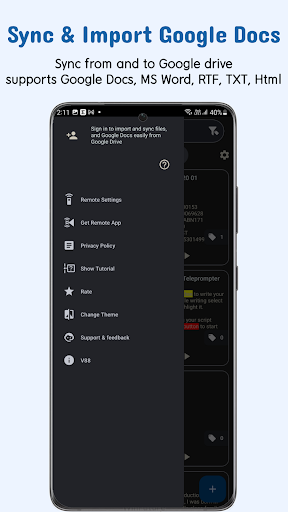
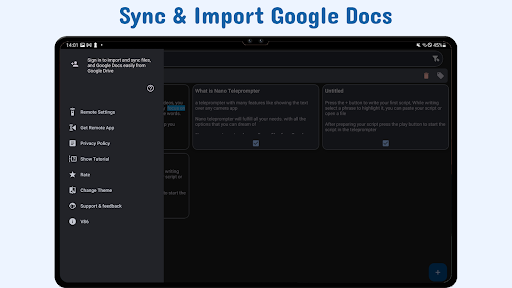
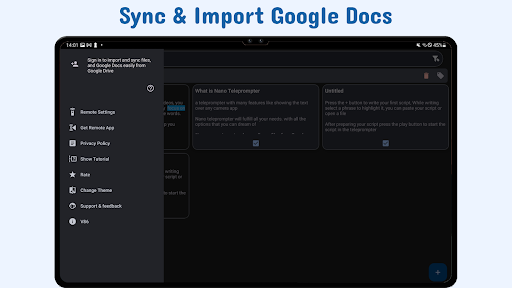
With seamless Google Drive integration, users can create, edit, and manage scripts directly from their cloud storage. Real-time syncing allows automatic updates to scripts within the app as changes are made externally. Additionally, Nano Teleprompter supports multiple file formats including Google Docs, MS Word, RTF, TXT, and HTML, making it adaptable to various workflows.
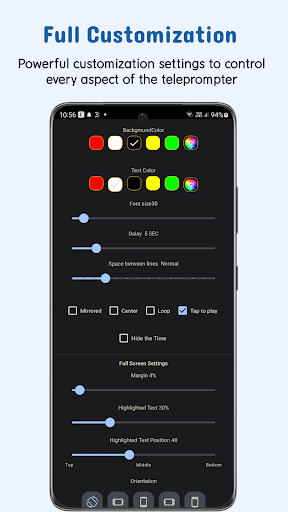
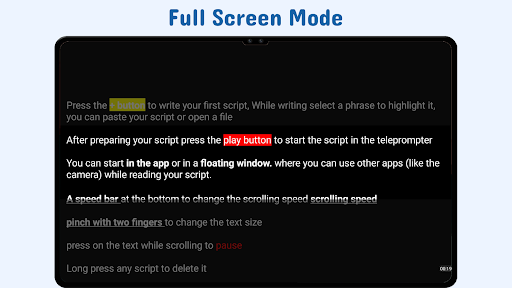
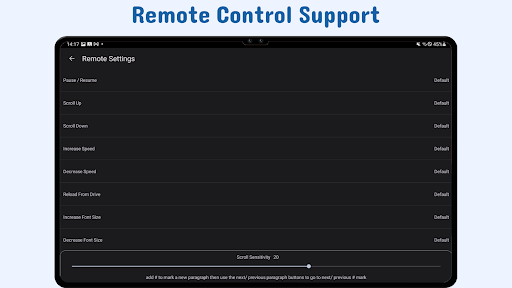
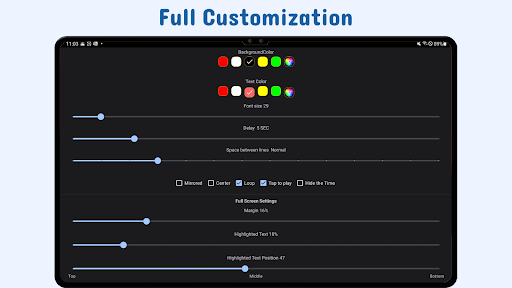
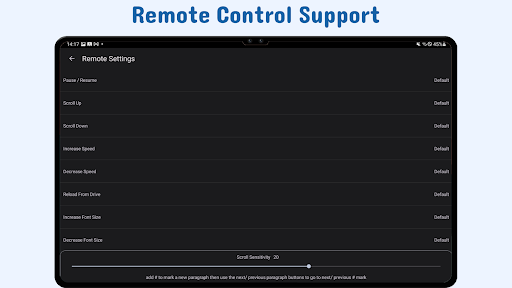
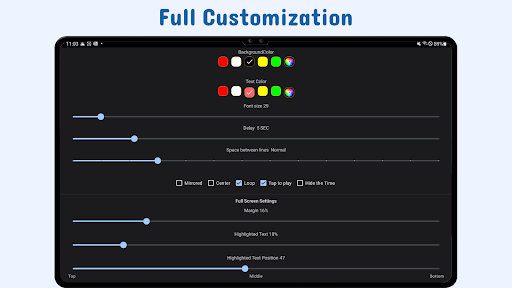
The app also offers customization options for text size, color, background opacity, margins, and line spacing, ensuring optimal visibility and comfort during use. Gesture controls and remote support further enhance user experience by providing hands-free operation and intuitive navigation through scripts.
Nano Teleprompter stands out with its comprehensive set of features tailored for efficient script management and presentation. One key aspect is the real-time Google Drive sync, which allows users to work on their scripts in Google Drive while the app automatically updates with the latest changes. This eliminates the need for manual imports or constant file transfers.
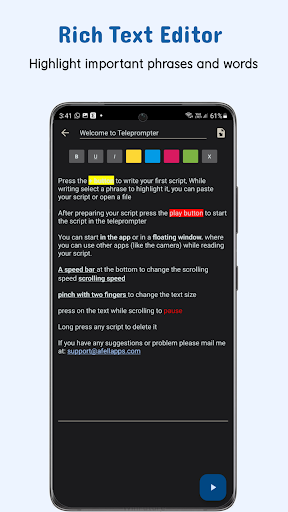
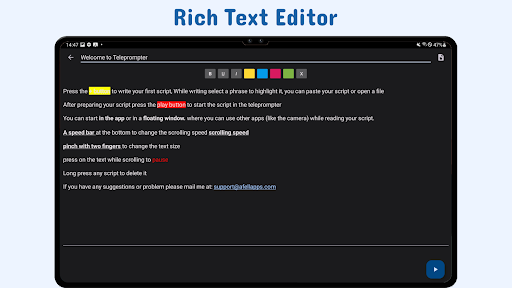
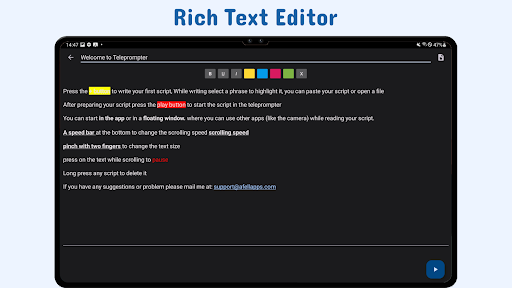
The app provides extensive customization capabilities, enabling users to adjust text properties such as size, color, and highlighting for emphasis. Background settings like opacity, margins, and line spacing can also be modified to suit individual preferences. These adjustments ensure maximum readability under different lighting conditions and distances.
Additional functionalities include gesture-based controls for zooming and resizing the teleprompter widget, adjustable scroll delay for synchronization with speech pace, and remote control support for hands-free operation. Users can open text files directly from their device's file explorer or share text from other apps, facilitating quick access to scripts. Furthermore, cross-device syncing via Google Drive keeps all devices updated with the latest content.
User-friendly interface
Real-time cloud syncing
Flexible camera compatibility
Customizable display options
Remote control support
Limited offline functionality
Premium features require subscription
Occasional sync delays
Interface may feel cluttered
Learning curve for new users

Secure, fast, open-source, VNC and SSH Remote Desktop for Windows, Linux and Mac
 4.70
4.70
Client for Nextcloud Deck
4.60
Mega cloud explorer plugin for Solid Explorer
3.80
We're working to become the best machining app on the market! www.cncdirt.com
4.80
⏰ Finally a timer app which can run multiple timers simultaneously on your watch
3.90
CalenGoo is a very flexible and feature-rich calendar app
4.40
Create and edit presentations with Google Slides, part of Google Workspace.
4.00
Best Tool for the professionals Electrician, Electrical contractors, etc.
4.90
Quickly and easily keep track of your work shifts
4.70
Use powerful, industry-leading AI tools to generate visual charts from any data
4.80
Understand anything with a personalized AI research assistant
4.80
A beautiful digital clock with autostart and many other functions
4.70
Functional QR scanner and barcode reader that requires little storage space.
4.60
A simple Whisper AI keyboard for reliable speech transcription and rewording
4.60
Automates browsing any website and notifies you of important changes or events
4.30 4.20
4.20
Intelligent AI Assistant
4.10
* block pre-roll ads, pop-up and forced redirect ads * Samsung certification app
4.00
The ultimate file manager for rooted devices. The original and still the best.
4.00


User Reveiws