
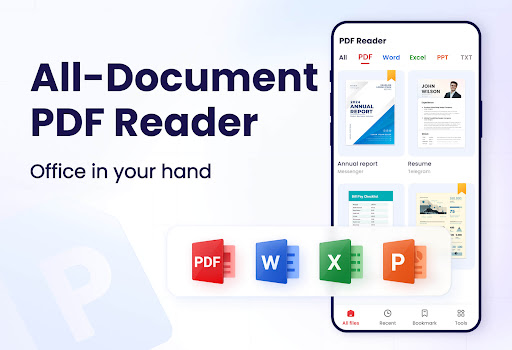
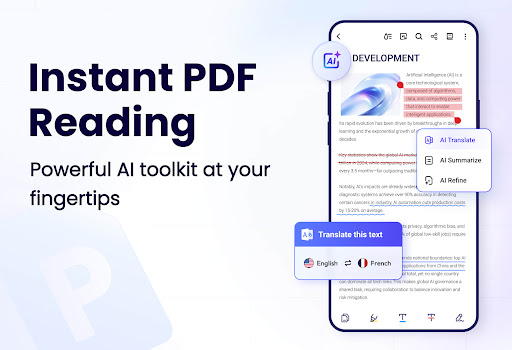
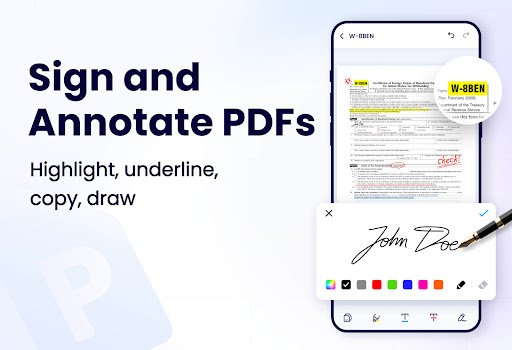


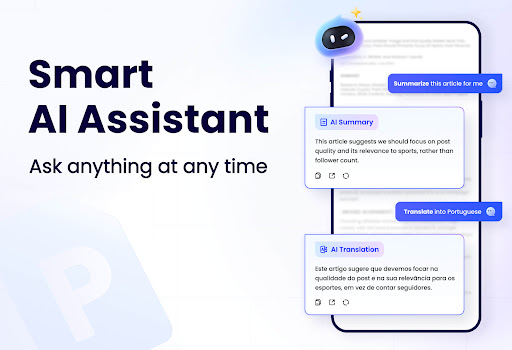
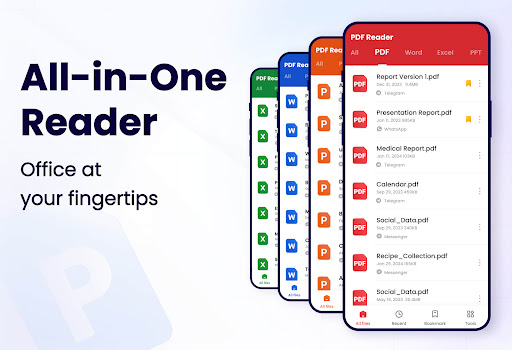
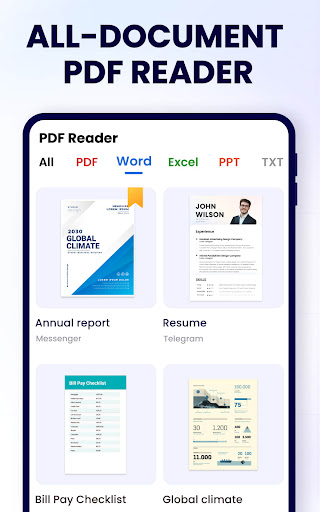
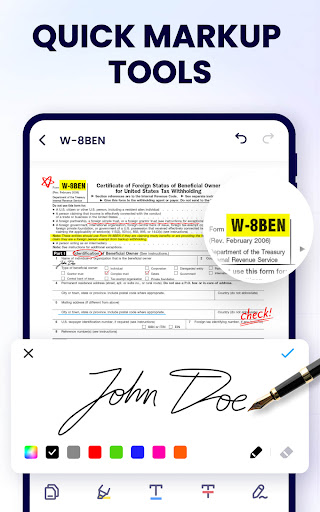

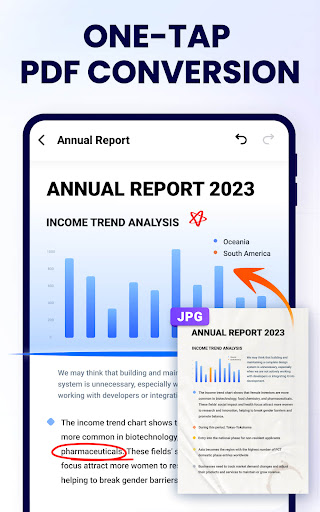
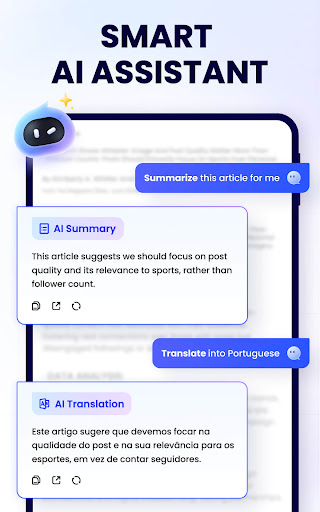
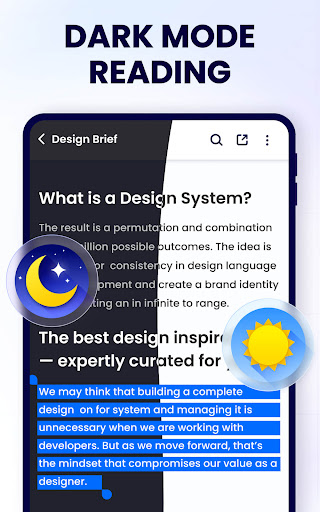
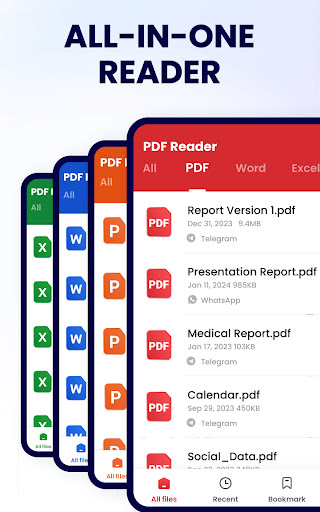
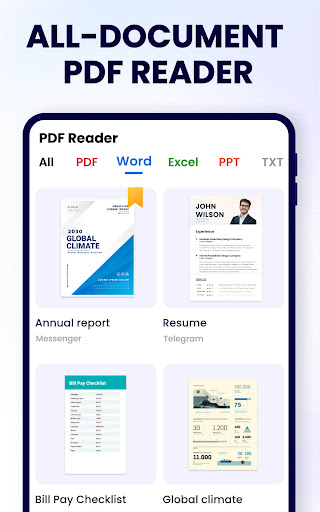
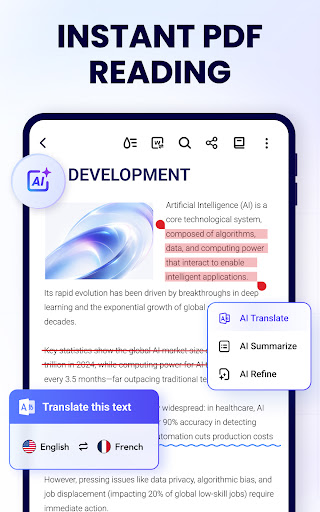
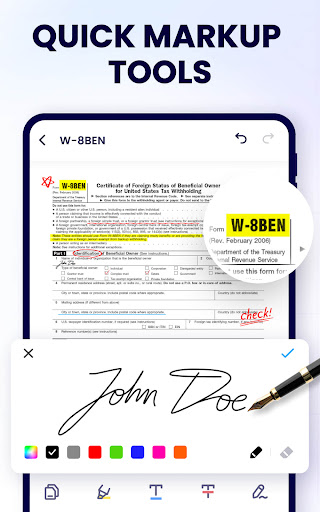
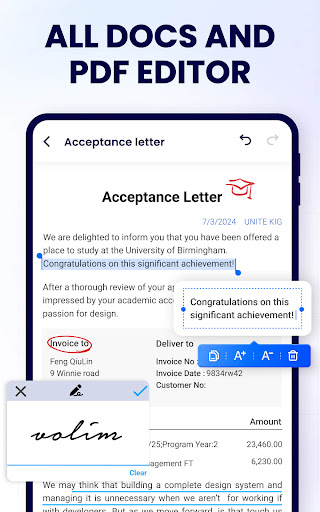
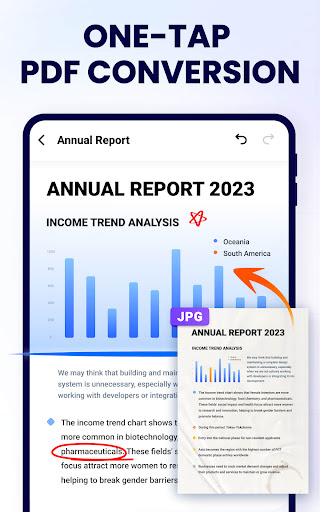
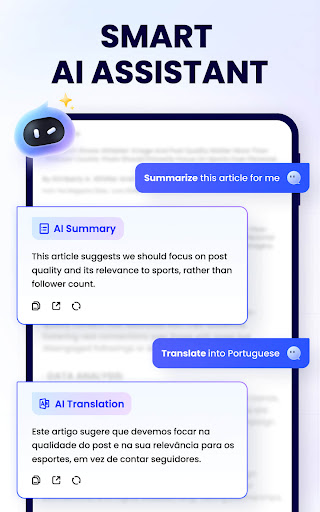
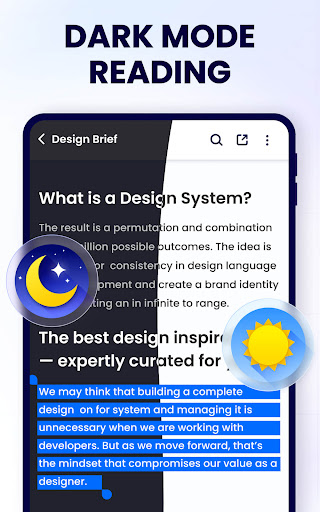
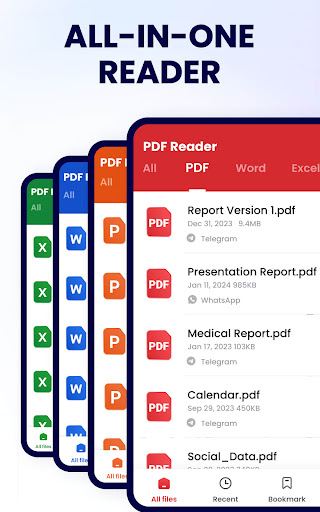
PDF Reader - PDF Viewer is a comprehensive productivity tool designed for Android users who need to manage, edit, and view PDF documents efficiently. This free app, A+ Read, offers an all-in-one solution for handling PDF files with features such as reading, editing, merging, splitting, and securing documents with passwords.
The app stands out with its user-friendly interface that supports various viewing modes including page by page, continuous scrolling, horizontal, vertical, and full screen. It also allows users to zoom in and out, jump to specific pages, and annotate documents with highlights, underlines, and doodles. With additional capabilities like bookmarking pages, searching texts, and sharing documents via social media, it ensures a seamless experience for both work and study needs.
Whether you're a student or a professional, this app provides essential tools that enhance productivity. Its lightweight design and efficient functionality make it an ideal choice for anyone looking to streamline their document management process on mobile devices.
PDF Reader - PDF Viewer boasts an impressive array of features tailored for productivity enthusiasts. One of its key strengths is the ability to auto-search and display all PDF files on your device, making document retrieval quick and effortless. The app's viewer supports multiple modes including single-page, continuous scroll, and full-screen options, catering to different reading preferences.
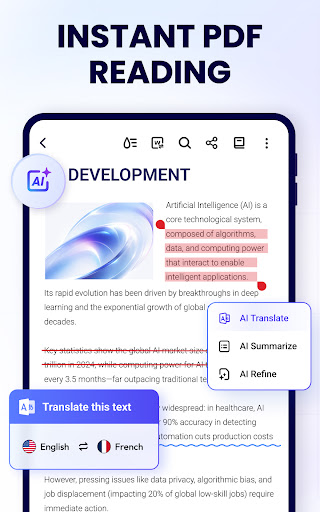
Editing capabilities are equally robust, allowing users to annotate documents with highlights, underlines, and strikethroughs. You can also doodle freely on PDFs and copy text for use elsewhere. The app excels in document management by offering functions to merge and split files, set passwords, and organize recently opened documents for easy access.
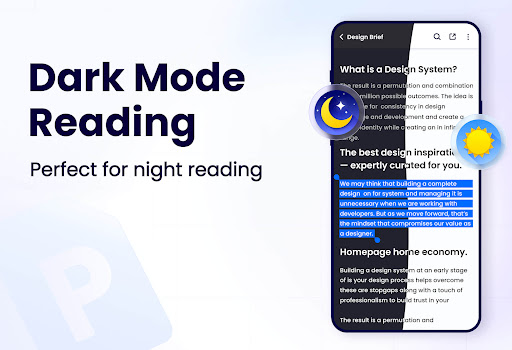
Additional noteworthy features include dark mode support, PDF compression, form filling, e-signature addition, and conversion between various formats like Word, Excel, JPG, and PNG. These functionalities ensure that users have a versatile tool that adapts to diverse document handling requirements while maintaining ease of use and efficiency.
User-friendly interface
Comprehensive editing tools
Secure document management
Lightweight application size
Versatile file format support
Limited advanced features
Occasional performance lags
Ads in free version
Complex UI for beginners
Inconsistent rendering

A Revolutionary All-in-One Artificial Intelligence Tools
 3.80
3.80
Auto-shutoff Alarm with Sunrise, Sunset & Fixed Options.
3.50
Automates browsing any website and notifies you of important changes or events
4.30
Stay on top of your to-dos with Google Tasks, part of Google Workspace.
4.60
Activate Two Factor Authentication (2FA or Multi OTP), Password manager and more
4.10
Multilingual translator for text, voice, and image translation!
4.90
Translate text/voice/photos in 150+ languages. Offline & fast translator app.
4.50
A Pixel Art watchface inspired by other iconic 90s designs for Wear OS devices!
4.40
Simple notepad & memo. Take notes, to-do list, shopping list with reminders.
4.80
A beautiful digital clock with autostart and many other functions
4.70
PDF scanner & converter for files, photos, lottery, QR codes. One swipe away!
4.50
CalenGoo is a very flexible and feature-rich calendar app
4.40
Font maker keyboard with your own handwriting
4.10
Experience real multitasking on your Android!
4.00
Wake up & get tasks done! Add alarms & reminders on the Clock Launcher.
4.00
Smart PDF reader & editor to view, organize and manage PDF documents easily.
3.70
Find and delete junk files & block unwanted notifications & manage files
3.70
Experience and share your SolidWorks designs on your Android® phone and tablet.
2.50
Ads Free App! Editor, Hide File, Copy, Move, Delete and Rename.. all facility av
1.70


User Reveiws