
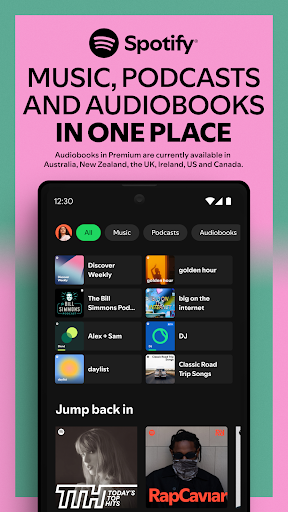

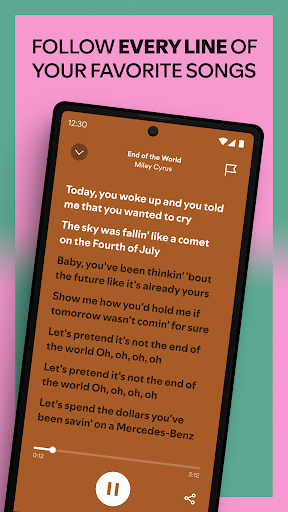
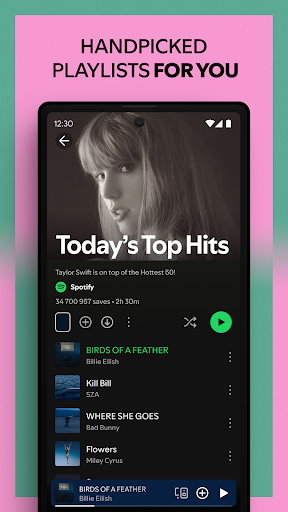
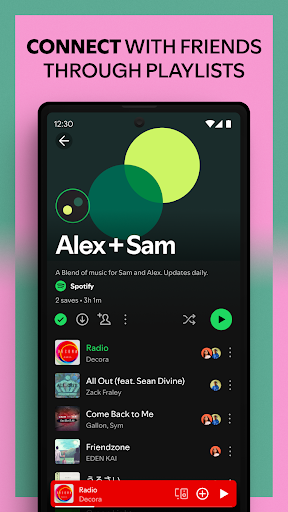
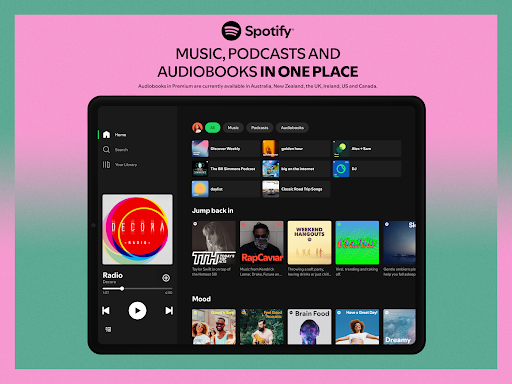
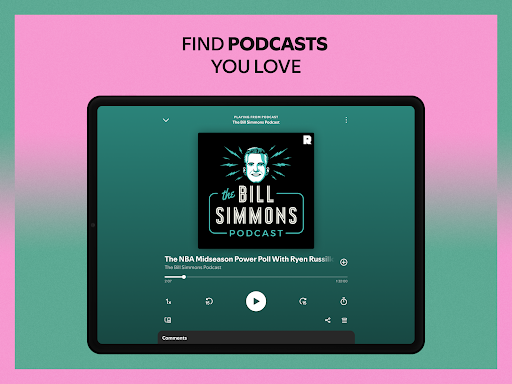
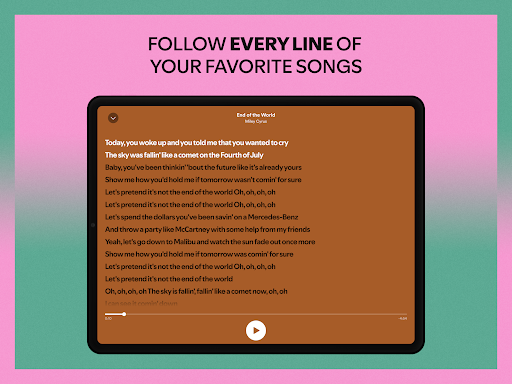
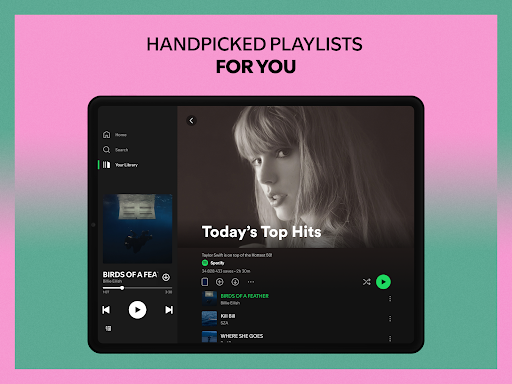

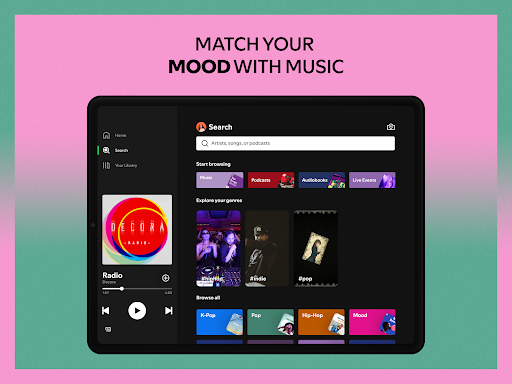

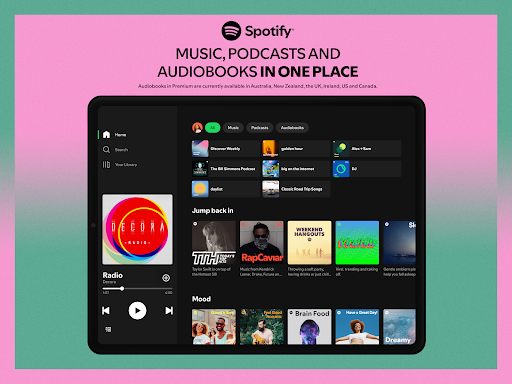
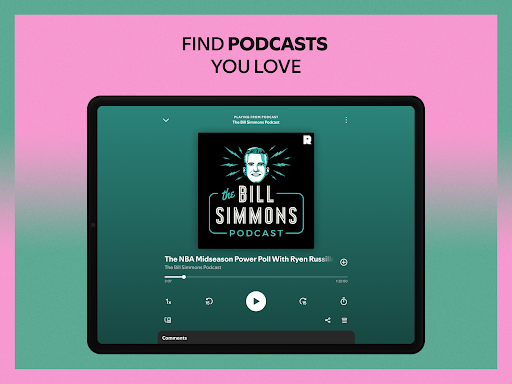
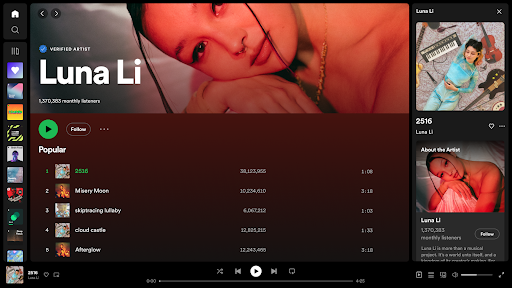
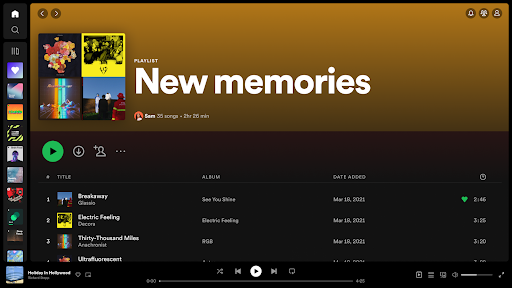


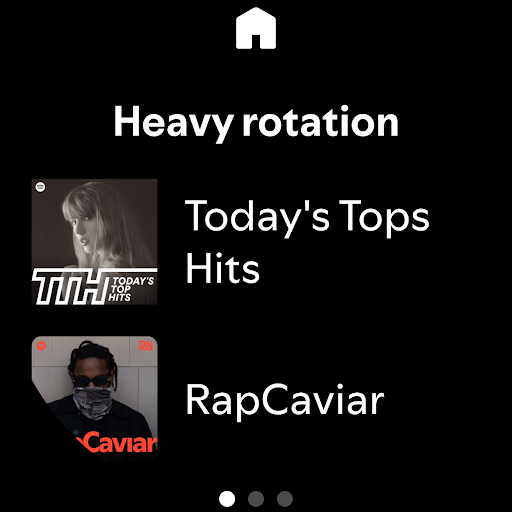

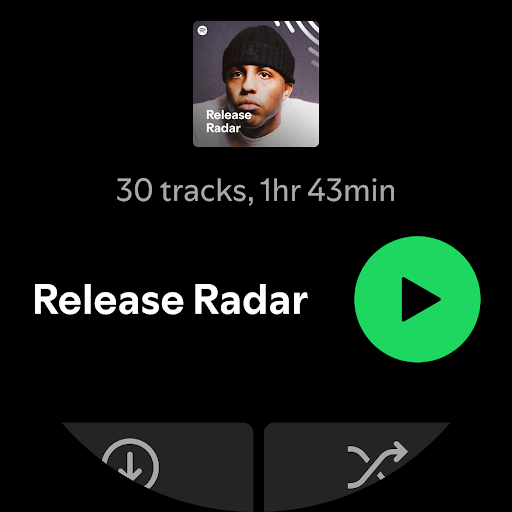
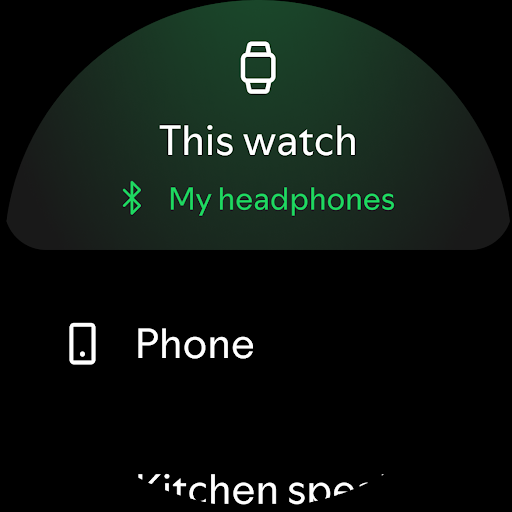
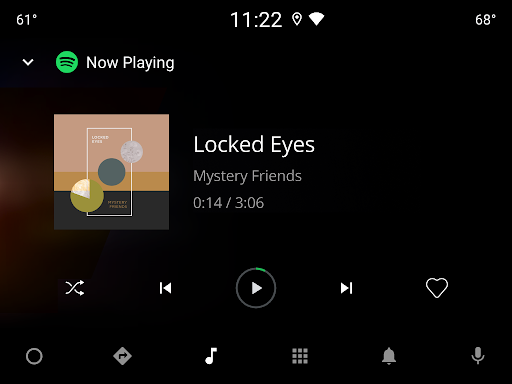
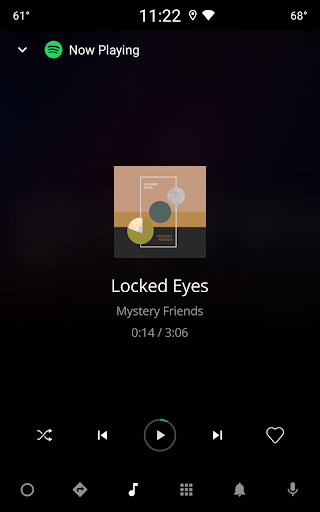
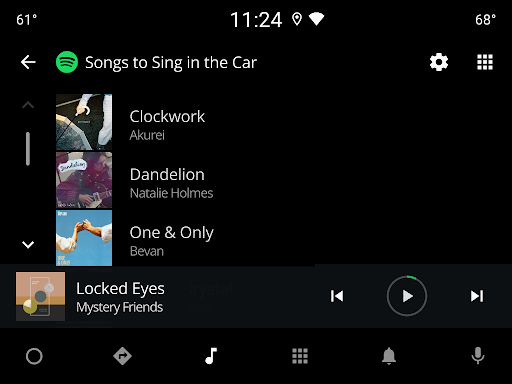
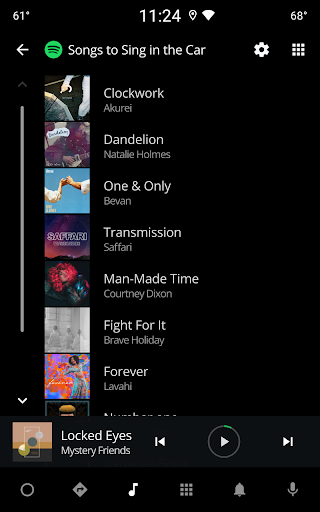
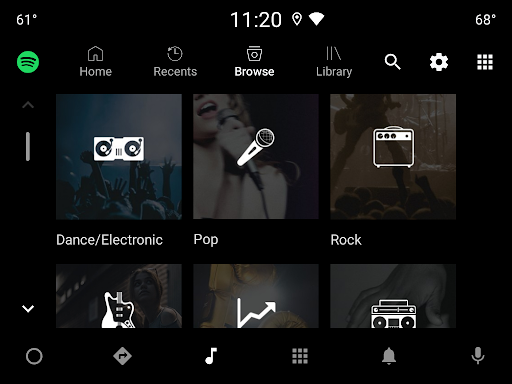
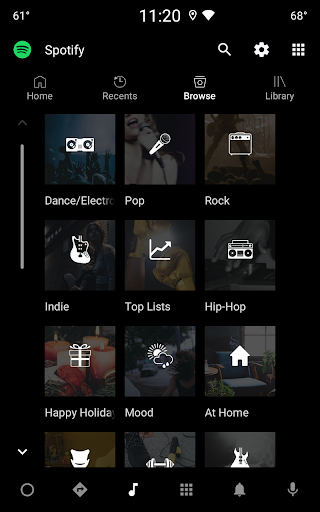
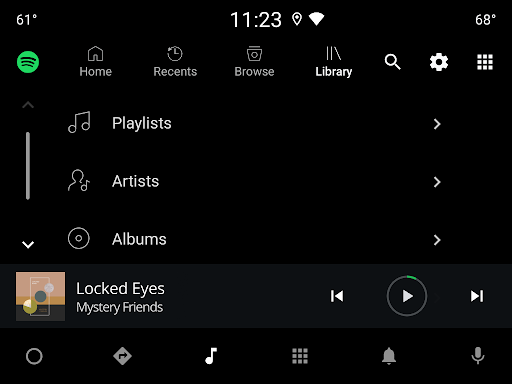
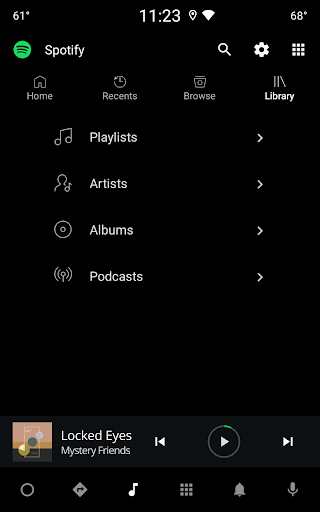
Spotify is a leading music and podcast streaming application that offers users access to millions of songs, albums, and original podcasts for free. Available on Android Wear, it allows you to enjoy your favorite music and audiobooks directly from your wearable device.
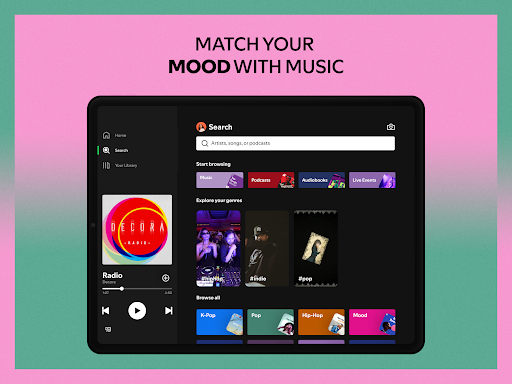
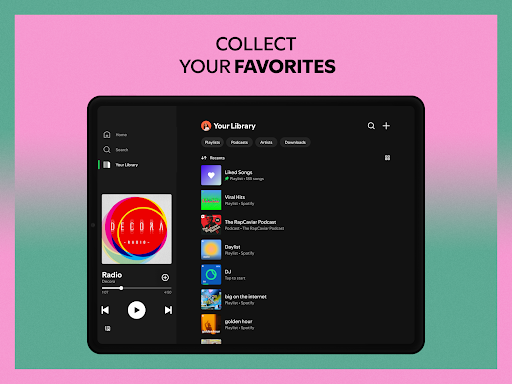
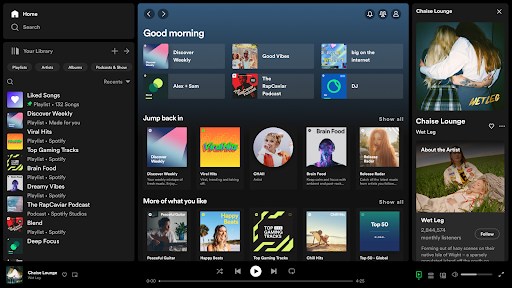
The app stands out with its vast library of over 80 million tracks and 4 million podcast episodes, including newly added audiobook titles. Whether you're looking for curated playlists, specific artists, or discovering new music, Spotify provides an immersive experience tailored to individual preferences.
With features like offline listening through Spotify Premium, seamless integration across devices, and personalized daily mixes, Spotify is perfect for those who want their music on-the-go without interruptions. Its compatibility with Android Wear ensures you can control playback and access content effortlessly from your wrist.
Spotify boasts an impressive array of features designed to enhance user experience. One standout feature is the ability to stream high-quality audio across all devices, ensuring every note sounds crisp and clear.
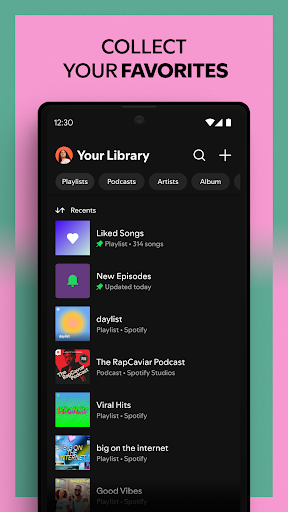
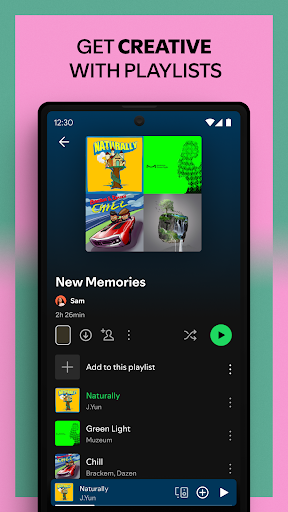
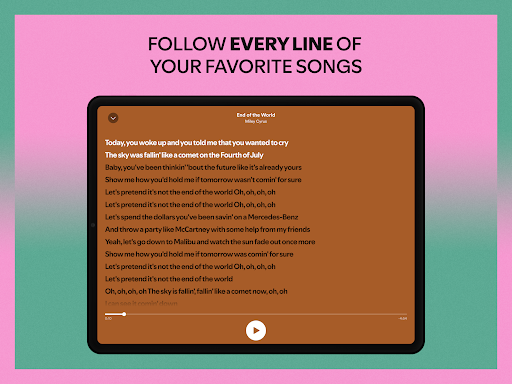
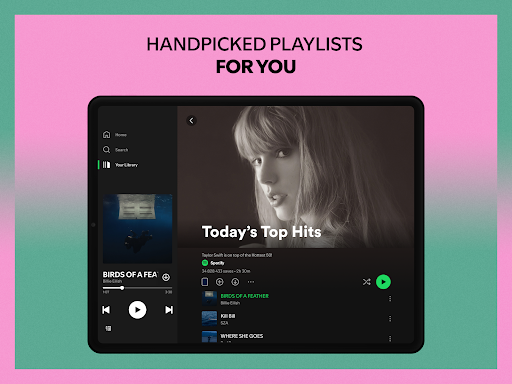
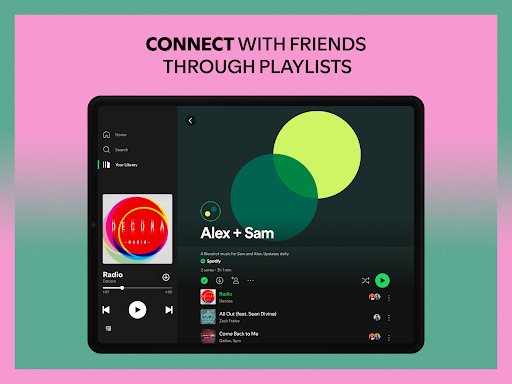
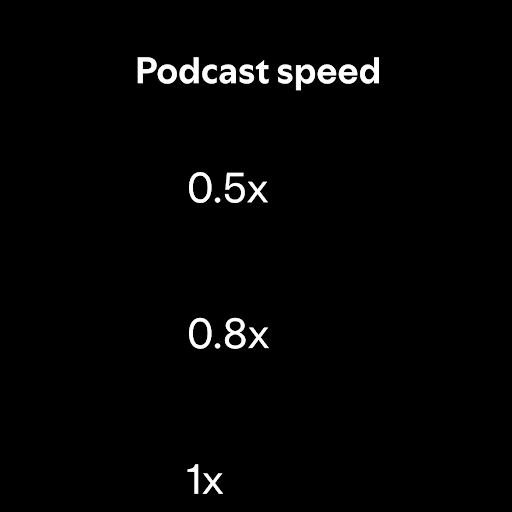
Users can create and share custom playlists, search for songs by lyrics, and explore top tracks from various genres and regions. The app also supports advanced functionalities such as bookmarking individual podcasts into playlists and subscribing to favorite shows to never miss an episode.
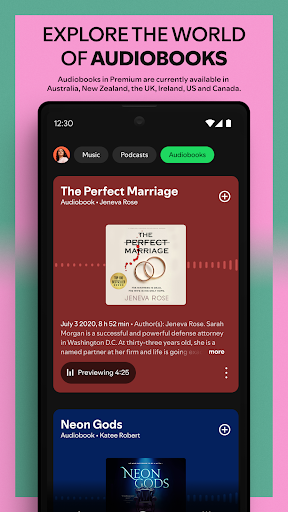
For audiobook enthusiasts, Spotify offers over 300,000 titles, currently available in select regions. With options like Wear OS support, listeners can enjoy their favorite content without needing their phone nearby, making it ideal for workouts or commutes.
User-friendly interface
Extensive music library
Personalized playlists
Offline listening
Cross-device syncing
Ad-supported free version
Limited audiobook regions
Premium subscription cost
Occasional connectivity issues
Privacy concerns with tracking

"PER27 Galaxy Digital" is a digital Wear OS watch face designed by PERSONA
 4.10
4.10
Gym Log & Workout Tracker | Fitness Journal, Training & Weight Lifting Planner
4.90
Walking app for weight loss: walk & step tracker, pedometer, indoor treadmill
4.60
Deck out your Wear OS Watch face with a beautifully decorated pine wreath!
4.50
Contemporary digital watch face with five complications
4.4
The #1 source of faces for your smartwatch!
4.00
Period, ovulation & pregnancy tracker. Fertility insights & menstrual calendar.
4.90
Hybrid watch face for Wear OS with customizable complications by Matteo Dini MD
4.70
Back up your contacts & access them anywhere
4.30
Your second brain for organizing your life: to-do, calendar, reminder.
4.70
Highly customizable hybrid watch face for Wear OS, perfect for everyday use.
4.60
Rose gold watch face with festive lights & customizable features.
4.60
Nutrition, Macro tracker: Food, fitness & healthy diet tracking for weight loss
4.60
Gym & home workout plans with strength training, exercise tracking, HIIT & more.
4.60
Real-time results, stats, schedules and player profiles for all leagues
4.60
Current temperature, weather hourly, weather radar by the weather forecast app
4.40
Christmas watch face. For Wear OS devices.
4.30
Watch face for Wear OS.
4.20
Your local weather forecast, storm tracker, radar maps & live weather news
3.40


User Reveiws