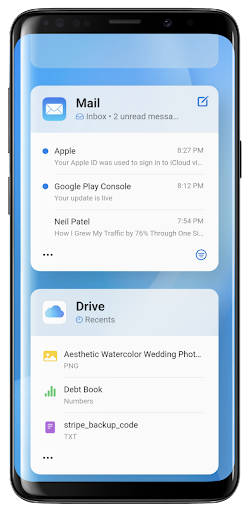
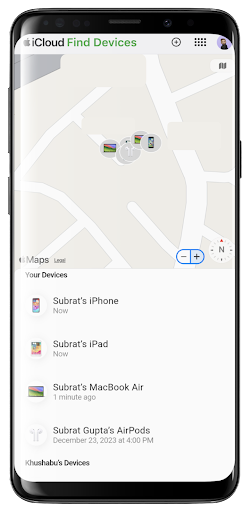
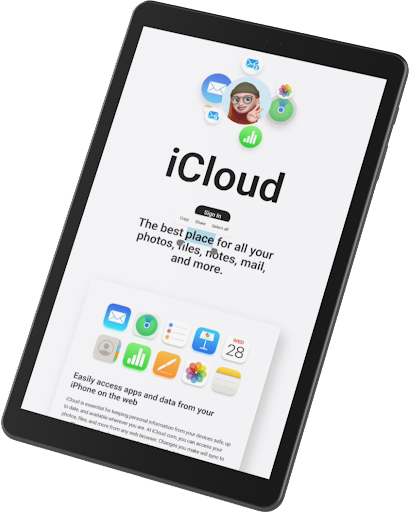
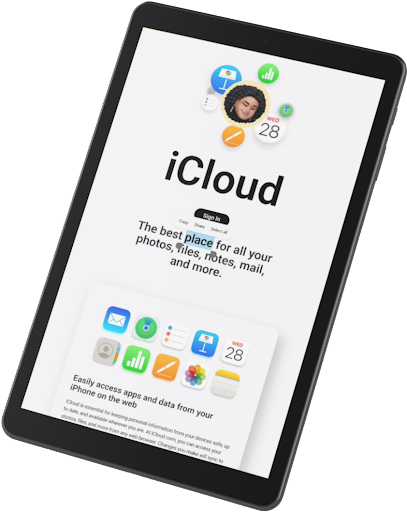
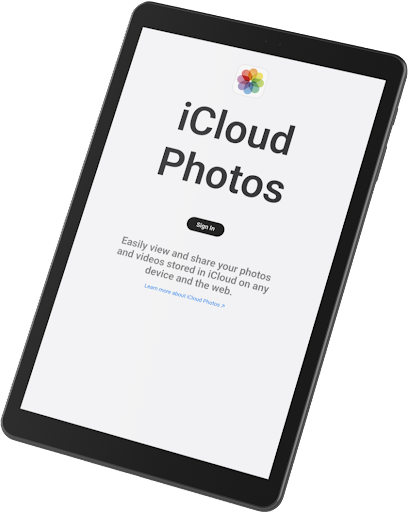
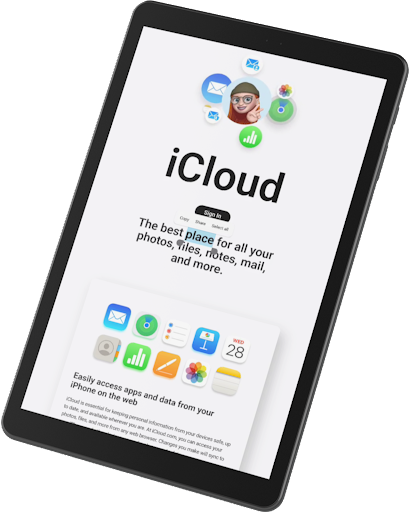
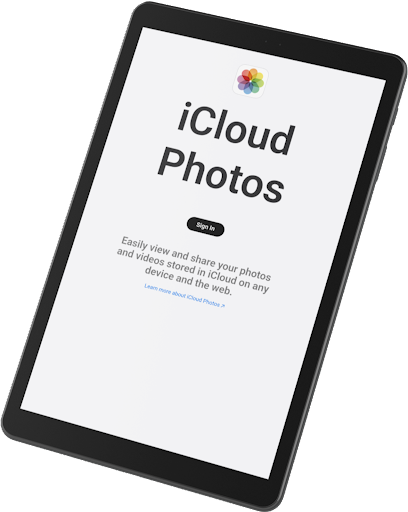
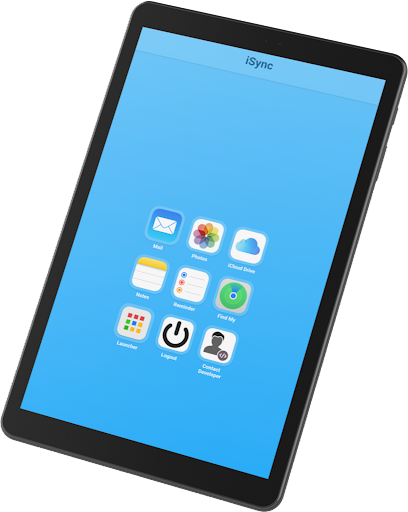

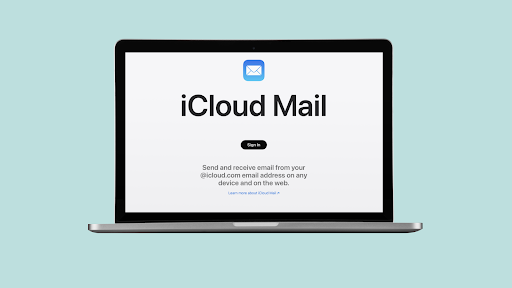
iSync Premium is a productivity-focused application that bridges the gap between Android and Apple ecosystems. It enables users to access their iCloud account and all its applications directly from an Android device, ensuring seamless integration across platforms.
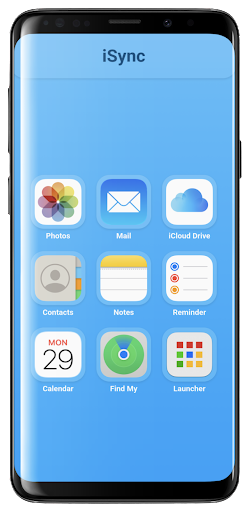
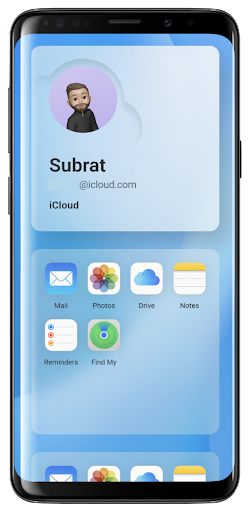
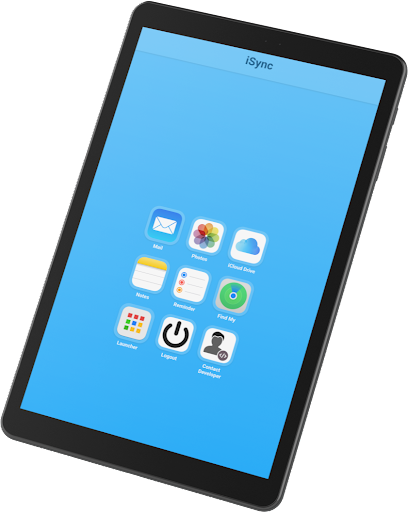
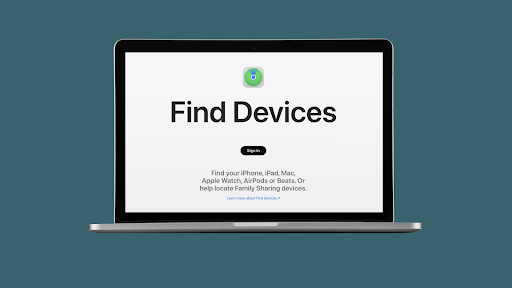
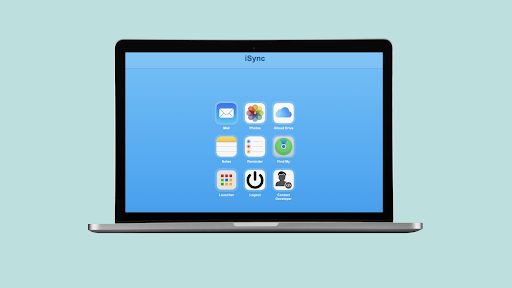
Key features include access to iCloud Mail, Photos, iCloud Drive, Notes, Reminders, and Find My service. These functionalities allow users to stay connected, organized, and secure while managing their digital life across devices. Whether you need to send emails, view photos, or locate a lost device, iSync Premium provides a user-friendly interface for these tasks.
The app's value lies in its ability to consolidate essential iCloud services into one accessible platform on Android. This makes it particularly useful for individuals who operate within both Android and Apple ecosystems, offering them a centralized solution for managing their iCloud data securely and efficiently.
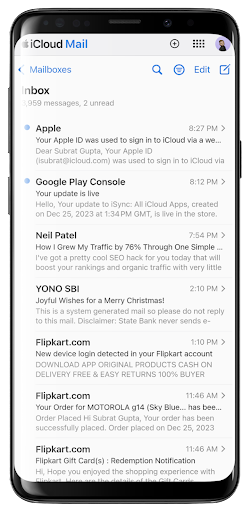
iSync Premium stands out with its comprehensive suite of features designed to enhance productivity. The app offers direct access to iCloud Mail, allowing users to send, receive, and manage emails without switching devices. This seamless integration extends to iCloud Photos, enabling users to carry their memories wherever they go.
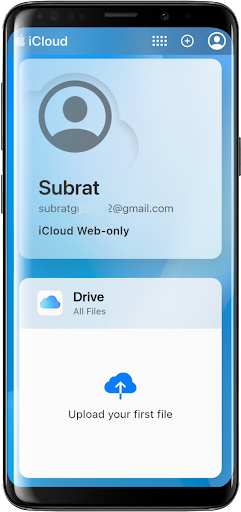
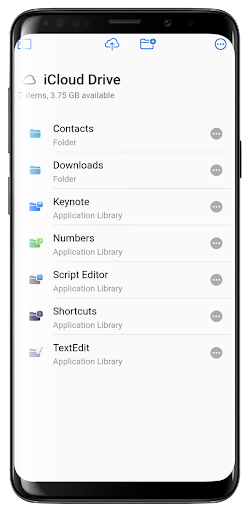
Another notable feature is the iCloud Drive access, which ensures that files and documents are always within reach. Users can also manage their iCloud Notes and Reminders, helping them stay organized and efficient. The inclusion of Apple's Find My service adds an extra layer of security by assisting users in locating lost devices easily.
What sets iSync Premium apart is its dedication to user experience and privacy. With a user-friendly interface and robust security measures, the app ensures that personal data remains protected while providing intuitive access to essential iCloud services.
User-friendly interface
Comprehensive iCloud access
Enhanced productivity tools
Robust security features
Seamless cross-platform integration
Limited to Android users
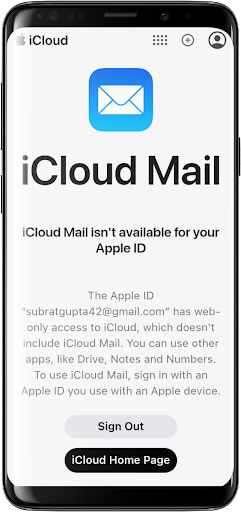
Requires iCloud account
Premium features may cost extra
Occasional sync delays
Dependent on internet connectivity

Protect and view your important info on your phone and tablet with eWallet®
 4.80
4.80
Customizable calendar widget for seamless event sync, planning & scheduling.
4.00
App lock - lock apps with fingerprint, password, pin or pattern, protect privacy
4.70
Font maker keyboard with your own handwriting
4.10
Enjoy classic gameplay with customizable features and retro-style graphics.
4.30
Code on-the-go with VScode for Android. Edit,debug and collaborate from mobile!!
3.10
* block pre-roll ads, pop-up and forced redirect ads * Samsung certification app
4.00
To do list widget with a notebook organizer, checklist, simple shopping list
4.60
A Pixel Art watchface inspired by other iconic 90s designs for Wear OS devices!
4.40
8 custom complications. Custom Time Fonts. Beautiful color schemes. A++ Design.
5.00
Scientific calculator for Android - looks and operates like the real thing!
4.90
aCalendar+ makes your day, week and month
4.70
A beautiful digital clock with autostart and many other functions
4.70
CalenGoo is a very flexible and feature-rich calendar app
4.40
Automates browsing any website and notifies you of important changes or events
4.30
A customizable calendar for your Wear OS watch
4.20
Ultimate Virtual AI Character for immersive Roleplay Chat. Perfect Companion
3.90
A Revolutionary All-in-One Artificial Intelligence Tools
3.80
Simple and reliable communication between inmates, friends and family
3.20


User Reveiws